1. Introduction
Welcome to the user manual for your new EZON Heart Rate Monitor and Chest Strap. This device is designed to provide accurate, real-time heart rate monitoring, calorie tracking, and essential timekeeping functions for your fitness activities. Its robust design and waterproof capabilities make it suitable for various indoor and outdoor sports. Please read this manual thoroughly to ensure proper use and maintenance of your device.
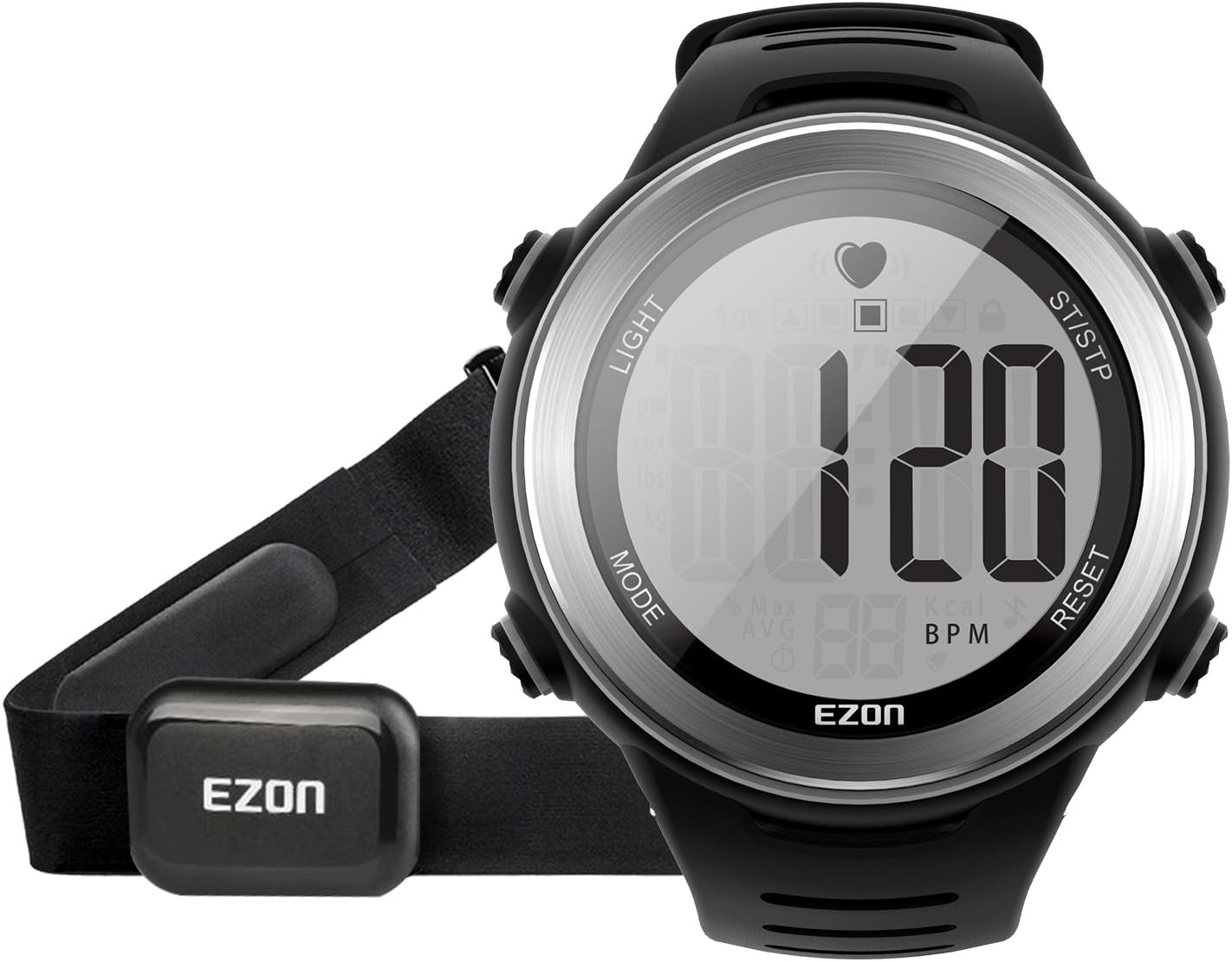
Image: The EZON Heart Rate Monitor watch with its accompanying chest strap, showcasing the main components of the product.
2. Package Contents
Verify that all items are present in your package:
- 1 x EZON Heart Rate Monitor Watch
- 1 x EZON Heart Rate Chest Strap (with transmitter)
- 1 x User Manual (this document)
- 1 x Quick Start Guide

Image: An exploded view showing the packing box, user manual, heart rate watch, and chest strap, as they are typically found in the product package.
3. Key Features
The EZON Heart Rate Monitor and Chest Strap offers a range of features to enhance your fitness tracking:
- Continuous Heart Rate Monitoring: Provides precise, real-time heart rate data for effective workout guidance.
- Heart Rate Target Zones with Alarms: Set manual heart rate zones with audio and visual alerts to maintain optimal exercise intensity.
- Accurate Calorie Tracking: Personalized calculations based on your data provide a precise representation of energy expenditure.
- 5ATM/50M/164FT Water Resistance: Suitable for various indoor/outdoor sports and daily activities like showering and washing. Note: Not suitable for diving.
- Easy-to-Read Display: Large, clear LCD display with bold numbers and backlight for excellent readability in all conditions, including bright sunlight.
- User-Friendly Design: Full watch functionality including Stopwatch and Alarm. Comfortable fabric strap with coded heart rate transmission to minimize interference.
- Replaceable Battery: Features a built-in CR2032 button cell that can be easily replaced.
- Phone-Free Operation: Enjoy your sports without cell phone interference.

Image: A graphic illustrating the main features: Heart Rate Monitor, Heart Rate Zone Alarm, Calories Burned, Hourly Chime, Backlight, Waterproof, Chronograph, and Alarm, alongside images of the watch and chest strap.
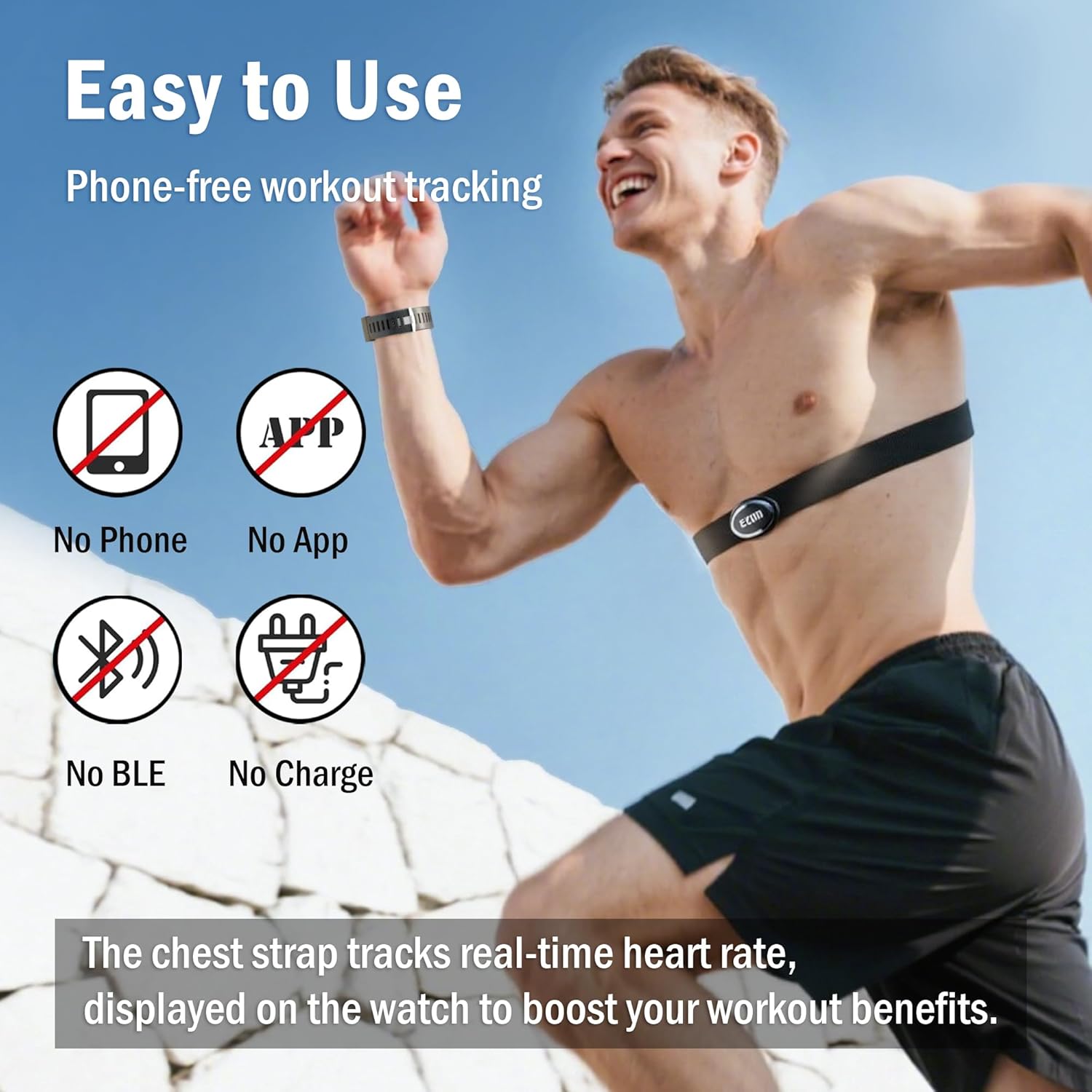
Image: A visual representation of the watch's ease of use, highlighting "No Phone", "No App", "No BLE", and "No Charge" for a phone-free workout experience.
4. Setup Guide
4.1 Installing the Chest Strap
- Moisten Electrodes: Before wearing, moisten the two electrode areas on the back of the chest strap with water or electrode gel to ensure good conductivity.
- Position the Strap: Place the chest strap directly against your skin, just below your pectoral muscles. The EZON logo on the transmitter should be facing upwards and centered on your chest.
- Adjust Fit: Adjust the strap length to ensure a snug but comfortable fit. It should not be too tight to restrict breathing, nor too loose to slip during activity.
4.2 Initial Watch Setup
Upon first use or after battery replacement, you may need to set the time and personal data.
- Power On: Press any button to activate the watch.
- Set Time/Date: Refer to the Quick Start Guide for specific button presses to enter time/date setting mode. Use the 'MODE' and 'RESET' buttons to adjust values and 'ST/STP' to confirm.
- Enter Personal Data: For accurate calorie and heart rate zone calculations, input your personal information such as age, weight, and gender. This is crucial for the watch's algorithms.
5. Operating Instructions
5.1 Basic Watch Functions
- Time Display: The default screen displays the current time.
- Backlight: Press the 'LIGHT' button to illuminate the display for better visibility in low light conditions.
- Stopwatch: Press the 'MODE' button to cycle to the stopwatch mode. Use 'ST/STP' to start/stop and 'RESET' to clear.
- Alarm: Set daily alarms through the alarm setting mode (refer to Quick Start Guide for navigation).
- Hourly Chime: Activate or deactivate the hourly chime feature as desired.
5.2 Heart Rate Monitoring
Once the chest strap is properly worn and moistened, the watch will automatically detect your heart rate.
- Activate Monitoring: Ensure the chest strap is worn correctly. The watch should display your current heart rate in Beats Per Minute (BPM).
- Real-time Tracking: Your heart rate will update continuously, providing immediate feedback on your exertion level.
- Coded Transmission: The chest strap uses coded transmission to reduce interference from other heart rate monitors, ensuring accurate readings.

Image: A person cycling, with an overlay showing the watch displaying heart rate and a graphic representation of heart rate fluctuations, emphasizing real-time tracking and coded transmission.
5.3 Heart Rate Zone Alarm
To optimize your workout and stay within safe limits, set your target heart rate zones.
- Setting Zones: Navigate to the heart rate zone setting mode. You can define upper and lower limits for your desired training intensity (e.g., Warm-up, Fat Burn, Cardio, Strength, Limit).
- Alarms: If your heart rate goes above or below your set target zone, the watch will emit an audible beep and/or visual alert to notify you.

Image: A chart illustrating different heart rate training zones (Warm-up, Fat Burn, Cardio, Strength, Limit) with corresponding percentage of max heart rate, intensity, and recommended time, along with watch displays for each zone.
5.4 Calorie Tracking
The watch estimates calories burned based on your heart rate data and personal information.
- View Calories: In the appropriate mode, the watch will display your estimated calories burned during your activity.
- Accuracy: Ensure your personal data (age, weight, gender) is accurately entered for the most precise calorie expenditure calculations.
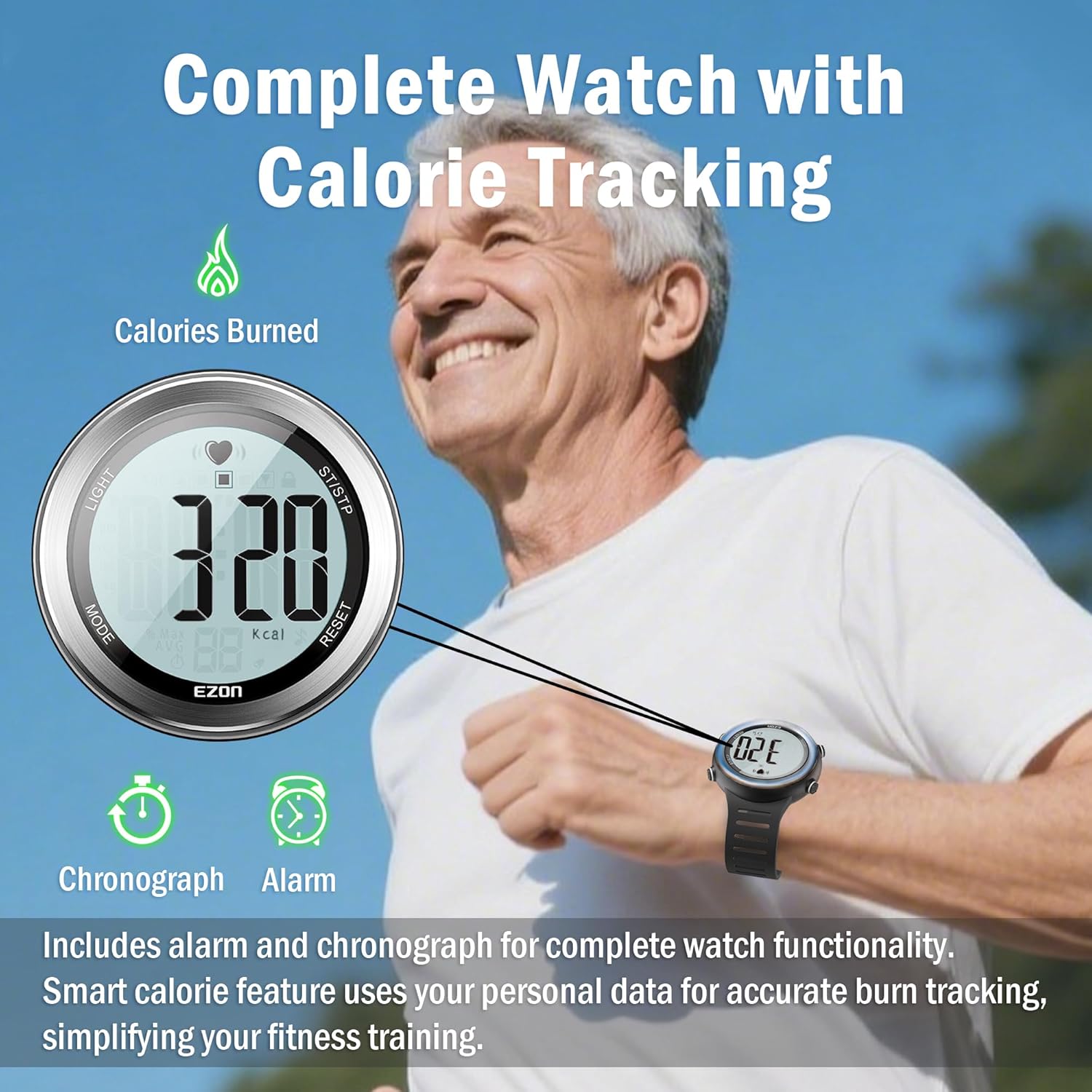
Image: A person exercising with the watch on their wrist, showing the watch display indicating "320 kcal" for calories burned, along with icons for Chronograph and Alarm functions.
6. Maintenance
6.1 Cleaning
- Watch: Wipe the watch case and strap with a soft, damp cloth. Avoid harsh chemicals or abrasive cleaners.
- Chest Strap: After each use, rinse the chest strap electrodes and strap with clean water to remove sweat and salt buildup. Hang to air dry. Do not machine wash or tumble dry.
6.2 Battery Replacement
The watch and chest strap use a standard CR2032 button cell battery. When the display dims or heart rate readings become inconsistent, it's time to replace the battery.
- Open Battery Compartment: Use a small coin or screwdriver to carefully open the battery cover on the back of the device (watch or chest strap transmitter).
- Remove Old Battery: Gently remove the old CR2032 battery.
- Insert New Battery: Insert a new CR2032 battery with the positive (+) side facing up.
- Close Compartment: Securely close the battery cover, ensuring the O-ring seal is properly seated to maintain water resistance.
6.3 Water Resistance Guidelines
The device is rated 5ATM (50 meters / 164 feet) water resistant. This means it is suitable for:
- Daily use, hand washing, rain, and showering.
- Surface swimming (e.g., in a pool).
Important:
- Do not press any buttons underwater.
- Not suitable for diving, snorkeling, or high-pressure water activities.
- Avoid exposing the watch to hot water or steam, as this can compromise the seals.

Image: Hands under running water with the EZON watch on the wrist, illustrating its 5ATM water resistance for daily use, but noting it's not for swimming.
7. Troubleshooting
| Problem | Possible Cause | Solution |
|---|---|---|
| No Heart Rate Reading |
|
|
| Inconsistent HR Readings |
|
|
| Display is Dim/Blank |
|
|
| Buttons Not Responding |
|
|
8. Specifications
| Attribute | Detail |
|---|---|
| Brand | EZON |
| Model Name | Heart Rate Monitor |
| Part Number | T007A11 |
| Material | Rubber, Stainless Steel |
| Color | Bright Silver |
| Item Weight | 3.84 ounces |
| Water Resistance | 5ATM / 50M / 164FT |
| Battery Type | CR2032 (Replaceable) |
| Sensor Type | Wearable |
| UPC | 765828807865 |
9. Warranty and Support
EZON products are manufactured with high-quality standards. Specific warranty details are typically provided with your purchase documentation. Please retain your proof of purchase for any warranty claims.
For technical support, troubleshooting assistance beyond this manual, or warranty inquiries, please contact EZON customer service through the retailer where you purchased the product or visit the official EZON brand store online.
Online Support: Visit the EZON Store on Amazon


