
Introduction
This manual provides comprehensive instructions for the Vvikizy 4400W Smart Thermostat, Model Vvikizygiqsf2x6yg-11. It covers installation, operation, maintenance, and troubleshooting to ensure optimal performance and longevity of your device. This thermostat is designed for precise temperature control in various environments, offering multiple control methods for user convenience.

Image: Front view of the Vvikizy 4400W Smart Thermostat. The device is a sleek, black, rectangular unit with a smooth surface, designed for wall mounting.
Key Features:
- Multifunctional Design: Supports remote control, smart timing, touch control, and programmed period control.
- Remote Control: Compatible with Tuya APP and smart voice devices for convenient remote operation.
- Clear Display: Equipped with an LCD display for clear and intuitive dual temperature value readings.
- Wide Working Range: Temperature setting range of 5-60℃ and display range of 0-50℃.
- Versatile Application: Suitable for use in hotels, villas, apartments, office buildings, hospitals, schools, shopping malls, stadiums, and warehouses.
Setup
Proper installation is crucial for the safe and efficient operation of your thermostat. It is recommended that installation be performed by a qualified electrician.
Package Contents:
- 1 x Temperature Controller (Thermostat)
- 1 x User Manual (This document)
- 2 x Screws

Image: Two gold-colored mounting screws. These screws are used to secure the thermostat to the wall.
Installation Steps:
- Power Off: Before beginning any electrical work, ensure that the main power supply to the area where the thermostat will be installed is turned off at the circuit breaker.
- Mounting Location: Choose a suitable location on an interior wall, away from direct sunlight, drafts, or heat sources that could affect temperature readings.
- Wiring:
- Carefully remove the front panel of the thermostat to access the wiring terminals.
- Connect the electrical wires from your heating system to the corresponding terminals on the thermostat. Refer to the wiring diagram on the back of the thermostat for correct connections.
- Ensure all connections are secure and properly insulated.
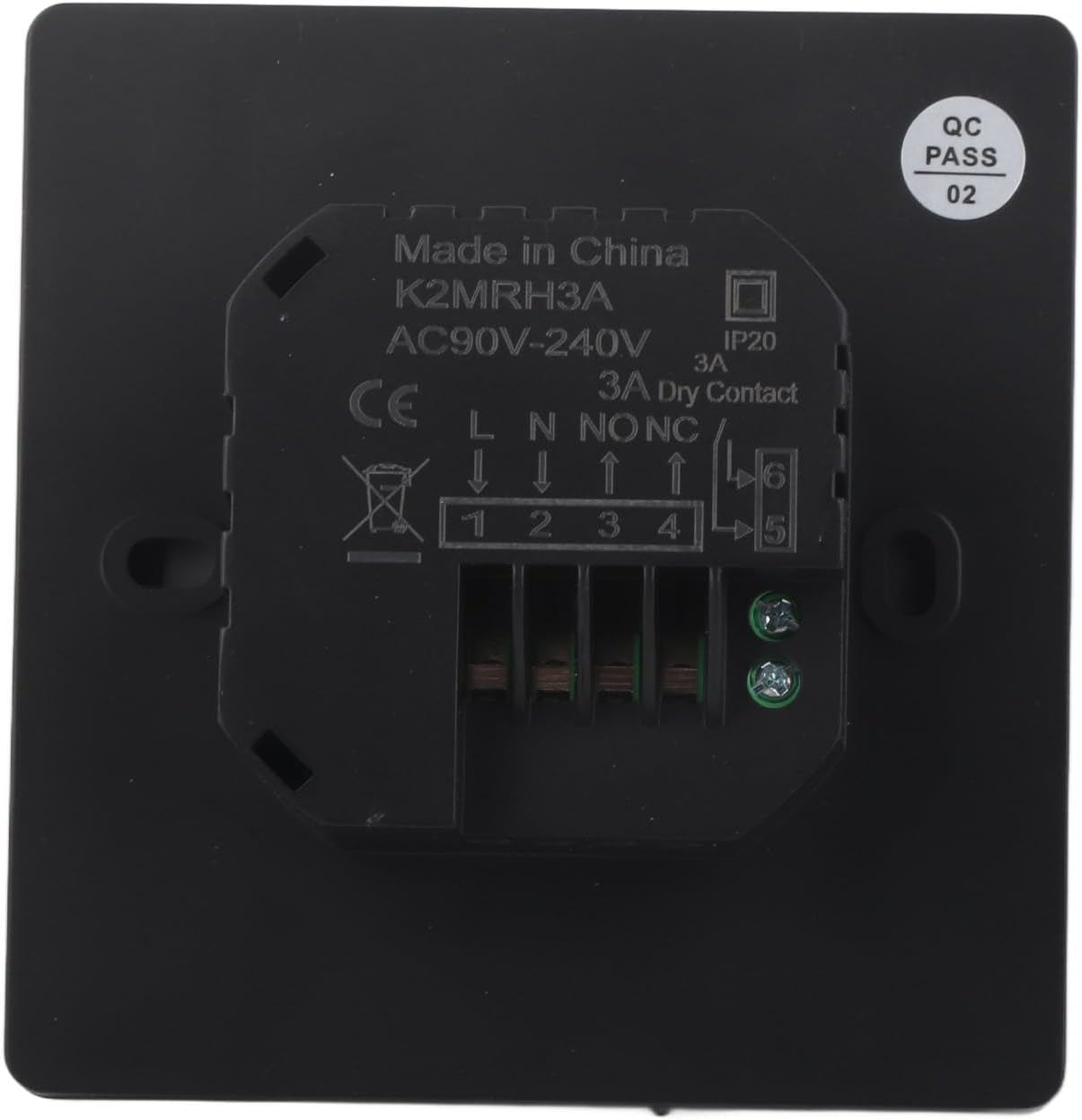
Image: Close-up view of the thermostat's wiring terminals. Labels for L (Live), N (Neutral), NO (Normally Open), NC (Normally Closed), and COM (Common) are visible, along with terminal numbers 1-6.

Image: Rear view of the thermostat showing the integrated wiring module. The module has clearly marked terminals for electrical connections, indicating its design for secure and organized wiring.
- Mounting: Secure the thermostat base to the wall using the provided screws.
- Reassemble: Carefully reattach the front panel of the thermostat.
- Power On: Restore power to the circuit at the breaker. The thermostat display should illuminate.
Operating Instructions
The Vvikizy Smart Thermostat offers multiple ways to control your heating system.
1. Touch Control:
The thermostat features an intuitive LCD touch screen for direct control. The display shows current and set temperatures. Use the touch interface to adjust settings, change modes, and program schedules.
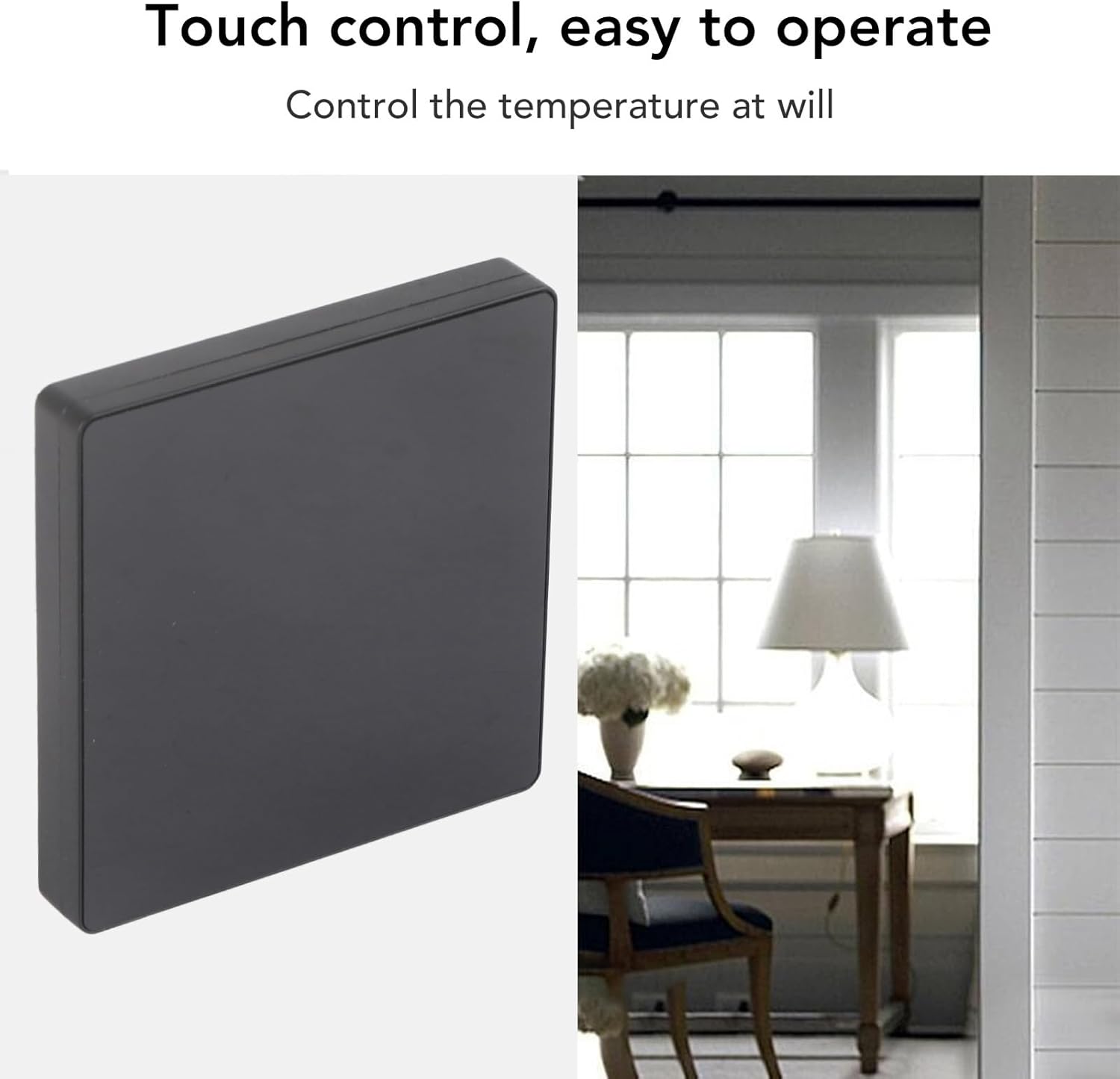
Image: The Vvikizy Smart Thermostat displaying its touch control interface. The screen shows temperature readings and control icons, indicating ease of operation.
2. Remote Control (Tuya APP):
Download the Tuya Smart application on your smartphone or tablet. Follow the in-app instructions to connect your thermostat to your home Wi-Fi network. Once connected, you can control the thermostat remotely from anywhere with an internet connection, including adjusting temperature, setting schedules, and monitoring usage.
3. Intelligent Timing & Programming Period Control:
Utilize the Tuya APP or the thermostat's touch screen to set up intelligent timing and programmable schedules. This allows you to define specific temperature settings for different times of the day and days of the week, optimizing energy usage and comfort.
4. Smart Voice Device Control:
The thermostat is compatible with various smart voice assistants. Once integrated with your preferred voice assistant (e.g., Amazon Alexa, Google Assistant), you can control the thermostat using voice commands.
Maintenance
The Vvikizy Smart Thermostat requires minimal maintenance to ensure continued performance.
- Cleaning: Periodically wipe the screen and exterior of the thermostat with a soft, dry cloth. Avoid using abrasive cleaners, solvents, or chemical sprays, as these can damage the display or casing.
- Sensor Clearance: Ensure that the thermostat's temperature sensor (typically a small opening on the device) is not obstructed by dust or debris, which could affect temperature accuracy.
- Software Updates: If using the Tuya APP, regularly check for and install any available software or firmware updates for the thermostat to ensure optimal functionality and security.
Troubleshooting
If you encounter issues with your Vvikizy Smart Thermostat, refer to the following common troubleshooting steps:
- No Power/Blank Display:
- Check the circuit breaker to ensure power is supplied to the thermostat.
- Verify that the wiring connections at the back of the thermostat are secure.
- Incorrect Temperature Reading:
- Ensure the thermostat is not exposed to direct sunlight, drafts, or heat sources.
- Clean any dust or debris from the thermostat's sensor opening.
- Heating System Not Responding:
- Confirm the thermostat is set to the correct mode (e.g., Heat).
- Check the set temperature to ensure it is above the current room temperature.
- Verify wiring connections to the heating system.
- App Connectivity Issues:
- Ensure your Wi-Fi network is active and the signal strength is adequate at the thermostat's location.
- Restart your Wi-Fi router and the thermostat.
- Check for updates to the Tuya Smart APP.
- Resetting the Thermostat: If issues persist, consult the full user manual (if provided separately) or contact support for instructions on how to perform a factory reset.
Specifications
| Feature | Specification |
|---|---|
| Item Type | Temperature Controller |
| Temperature Sensor | NTC |
| Temperature Accuracy | ±1℃ |
| Display | LCD Display |
| Working Environment | -5-50℃ |
| Power Consumption | <1W (Typical) |
| Temperature Setting Range | 5-60℃ |
| Display Range | 0-50℃ |
| Maximum Load | 3A |
| Maximum Power | 4400W |
| Control Methods | Remote Control, Intelligent Timing, Touch Control, Programming Period Control |
| Backlight | Yes |
| Package Dimensions | 4.33 x 3.94 x 2.76 inches |
| Item Weight | 7.5 ounces |
| Manufacturer | Vvikizy |
| Model Number | Vvikizygiqsf2x6yg-11 |
Warranty Information
For detailed warranty information regarding your Vvikizy 4400W Smart Thermostat, please refer to the product packaging, the official Vvikizy website, or contact your point of purchase. Warranty terms and conditions may vary by region and retailer.
Support
If you require further assistance, technical support, or have questions not covered in this manual, please contact:
- Your retailer or the online store where the product was purchased.
- The official Vvikizy customer support channels (refer to the product packaging or brand website for contact details).