
Introduction
This manual provides essential instructions for the safe and efficient use of your PowerHOOD 19V AC/DC Adapter. Please read this manual thoroughly before using the product and retain it for future reference.
The PowerHOOD 19V AC/DC Adapter is designed to provide reliable power to compatible MSI Gaming Monitors and other electronic devices requiring 19V DC input.
Safety Information
Your PowerHOOD adapter incorporates multiple safety features to protect your devices and ensure safe operation:
- Overcharge Protection: Prevents damage from excessive charging.
- Short Circuit Protection: Guards against electrical shorts.
- Overcurrent Protection: Protects against excessive current flow.
- Temperature Protection: Prevents overheating during operation.
- Overvoltage Protection: Shields devices from voltage spikes.
- Overload Protection: Prevents damage from drawing too much power.
Important Safety Precautions:
- Use the adapter only with compatible devices as specified in this manual.
- Do not expose the adapter to water, moisture, or extreme temperatures.
- Avoid dropping or subjecting the adapter to severe impact.
- Do not attempt to disassemble or repair the adapter. Contact qualified personnel for service.
- Ensure proper ventilation around the adapter during use.

Product Components
The package includes:
- 1 x PowerHOOD 19V AC/DC Adapter (Model PH-18210000D)
- 2 x USB Cable (Note: USB cables are typically for data transfer or charging low-power devices, not for powering the monitor itself. Their inclusion might be for other purposes or a generic package inclusion.)

Specifications
| Feature | Detail |
|---|---|
| Input Voltage | 100-240V AC, 50-60Hz (Worldwide Use) |
| Output Voltage | 19V DC |
| Output Current | 2.58 Amps |
| Wattage | 65 Watts |
| Connector Type | Barrel |
| Model Number | PH-18210000D |
| Compatible P/N | ADS-65HI-19A-1, 19050E, ADS65HI19A119050E |
| Item Weight | 8 ounces |

Compatibility
This adapter is compatible with the following MSI 27" Gaming Monitor models:
- MSI G271CQP E2 (3CC3)
- MSI G273CQ (3CD0)
- MSI G274QRFW (3CC2)
- MSI Optix G271CQR (3CC3)
- MSI Optix G271CQP (3CC3)
- MSI MAG 274QRFW (3CC2)
It is also compatible with devices requiring the following part numbers:
- ADS-65HI-19A-1
- 19050E
- ADS65HI19A119050E

Setup Instructions
- Verify Compatibility: Before connecting, ensure your device requires a 19V DC input and has a compatible barrel connector. Refer to your device's original power adapter or specifications.
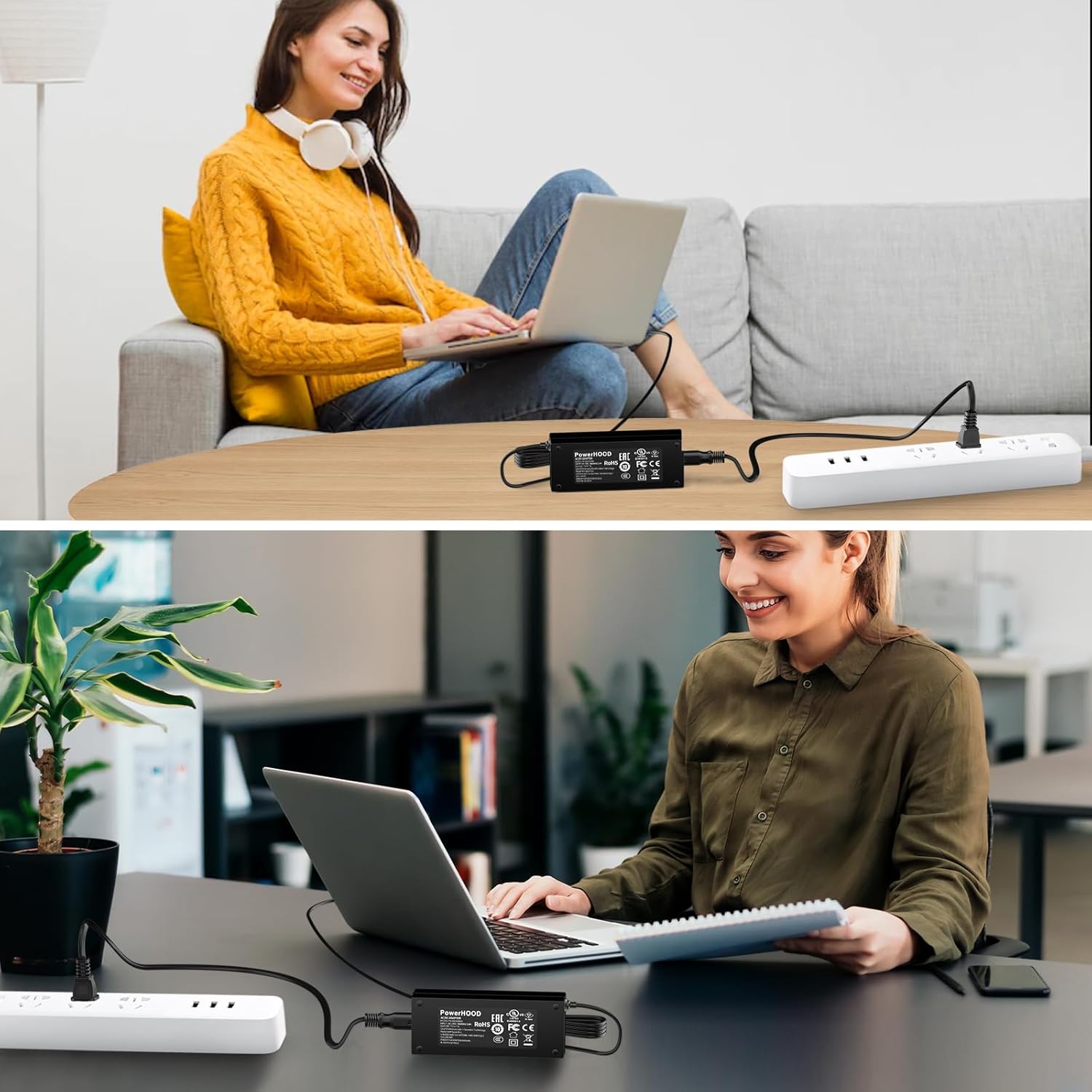
- Connect to Device: Insert the barrel connector of the PowerHOOD adapter firmly into the DC input port of your MSI Gaming Monitor or other compatible device.
- Connect to Power Outlet: Plug the AC power cord of the adapter into a standard electrical wall outlet (100-240V AC).
- Power On: Once connected, your device should receive power. Turn on your device as usual.
Operating Instructions
The PowerHOOD 19V AC/DC Adapter operates automatically once connected to a power source and a compatible device. It provides a stable 19V DC output to power your device.
- Ensure all connections are secure before powering on your device.
- The adapter is designed for continuous operation within its specified limits.
- Disconnect the adapter from the power outlet when not in use for extended periods.

Maintenance
- Cleaning: Disconnect the adapter from power before cleaning. Use a soft, dry cloth to wipe the exterior. Do not use liquid cleaners or solvents.
- Storage: Store the adapter in a cool, dry place away from direct sunlight and extreme temperatures when not in use.
- Cable Care: Avoid bending or kinking the power cord excessively. Do not place heavy objects on the cord.
Troubleshooting
- Device not powering on:
- - Ensure the adapter's barrel connector is fully inserted into the device's power port.
- - Verify the AC power cord is securely plugged into both the adapter and a working wall outlet.
- - Check if the wall outlet is functional by plugging in another device.
- - Confirm that the adapter's specifications (19V DC output) match your device's power requirements.
- Adapter feels warm during use:
- - It is normal for power adapters to generate some heat during operation. Ensure there is adequate ventilation around the adapter and it is not covered.
- - If the adapter becomes excessively hot to touch, disconnect it immediately and cease use. This may indicate an issue or an incompatible device.
- Intermittent power to device:
- - Check all cable connections for looseness or damage.
- - Inspect the power cord and barrel connector for any visible signs of wear or damage.
Warranty and Support
For warranty information or technical support, please refer to the retailer or manufacturer's official website. As a product from a small business brand, PowerHOOD is committed to customer satisfaction.
For further assistance, you may contact the seller directly through the platform where the purchase was made.