
1. Introduction
Thank you for choosing the Dirkoercy SWM7812 7-Inch Bluetooth Single DIN Car Radio. This manual provides detailed instructions for the installation, operation, and maintenance of your new car audio system. Please read this manual thoroughly before use to ensure proper functionality and to maximize your listening experience.
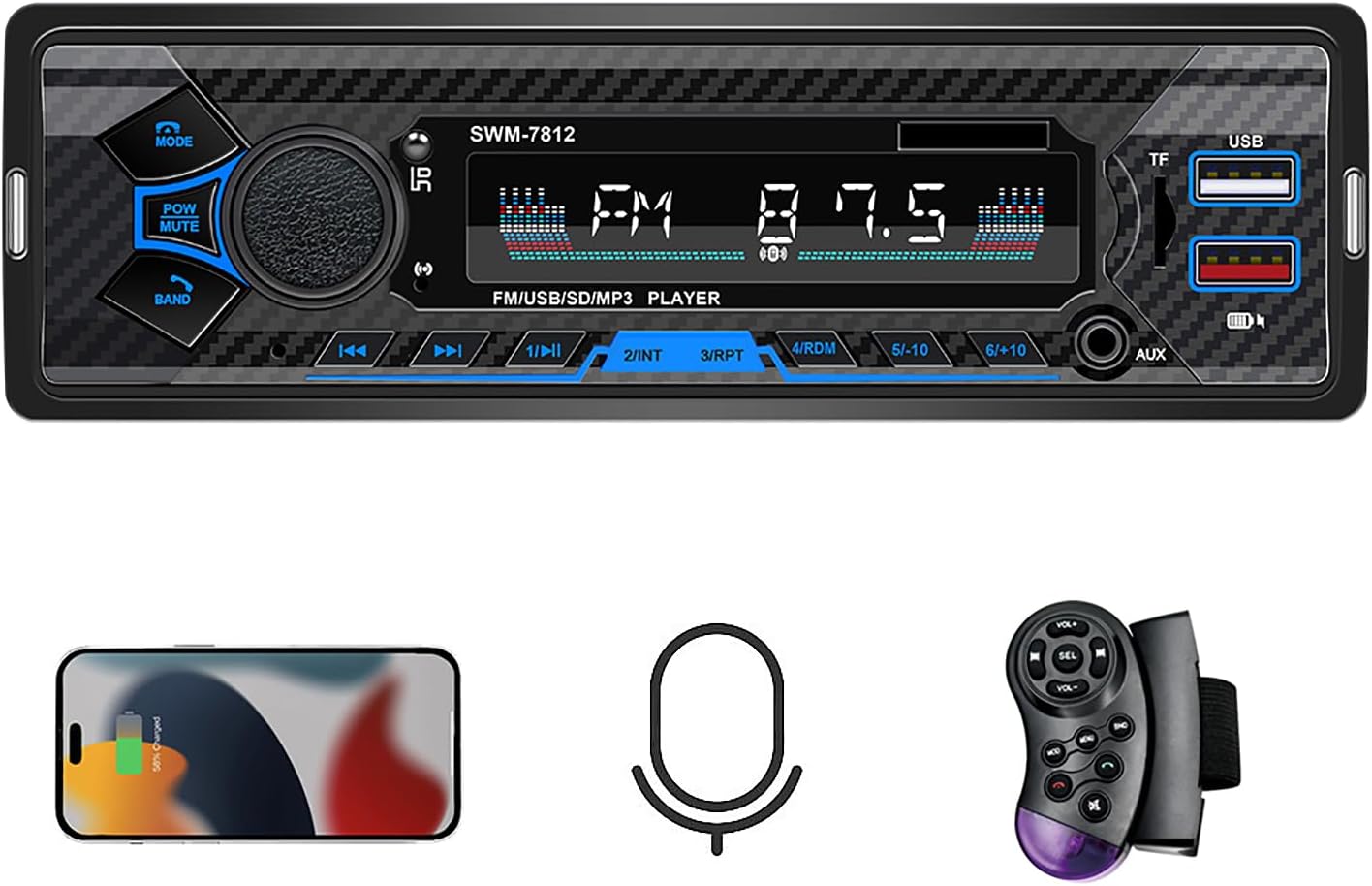
The SWM7812 is designed to offer a comprehensive in-car entertainment solution, featuring Bluetooth 5.0 for seamless connectivity, multiple playback options, FM radio, and convenient controls for a safer driving experience.
2. What's in the Box
Upon opening the package, please verify that all the following items are included:
- Car Radio (SWM7812 Unit)
- Steering Wheel Controls
- Wiring Harness
- User Manual
- Removal Tools
3. Setup and Installation
Before beginning installation, ensure your vehicle's battery is disconnected to prevent electrical shorts. Professional installation is recommended.
3.1 Product Dimensions
The SWM7812 is a single DIN unit. Verify that your vehicle's dashboard opening is compatible with the dimensions shown in Figure 3.1.
3.2 Wiring Connections
Refer to the wiring diagram provided in Figure 3.1 and the included wiring harness. Ensure all connections are secure and correctly matched to your vehicle's wiring. Key connections include:
- Power/Ground: Connect the main power and ground wires.
- Speaker Outputs: Connect to your vehicle's speakers (Left/Right Channel Output).
- Antenna Socket: Connect your car's FM antenna.
- ISO Plug Power Socket: For standard ISO connections.
- Subwoofer Output: Connect an active subwoofer if desired.
After all connections are made, carefully slide the unit into the dashboard opening until it clicks into place. Reconnect the vehicle's battery.
4. Operating Instructions
4.1 Basic Controls
The front panel features intuitive controls for easy operation:
- MODE Button: Switches between different audio sources (FM, Bluetooth, USB, TF Card, AUX).
- POW/MUTE Button: Power on/off (long press), Mute/Unmute (short press).
- BAND Button: Selects FM bands (FM1, FM2, FM3).
- Volume Knob: Rotates to adjust volume. Press to activate Voice Assistant (see 4.3).
- Previous/Next Buttons: Skips tracks or tunes radio frequencies.
- Play/Pause Button: Controls playback.
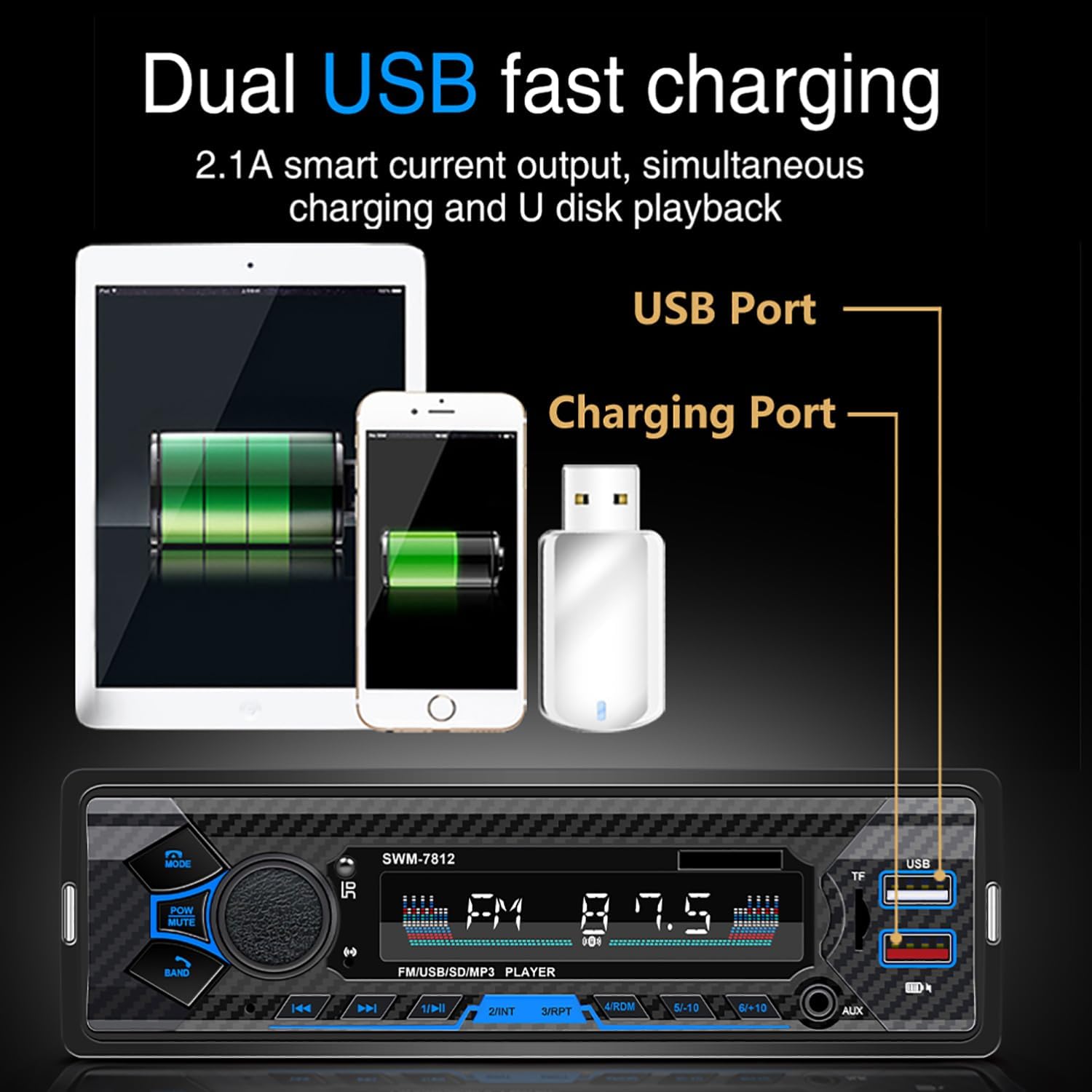
- USB Port: For USB drive playback and charging.
- TF Card Slot: For TF card playback.
- AUX Input: For external audio devices.
4.2 Bluetooth Operation

The unit features built-in Bluetooth 5.0 for stable and fast connections.
- Pairing: Turn on the car radio. Enable Bluetooth on your mobile device and search for available devices. Select "SWM7812" to pair. Once connected, the Bluetooth icon on the display will illuminate.
- Hands-Free Calling: When a call comes in, press the volume knob (or the answer button on the steering wheel control) to answer. Press again to end the call.
- Audio Streaming: Play music from your paired device directly through the car radio. Use the previous/next buttons on the radio or steering wheel control to change tracks.
4.3 Voice Assistant Integration
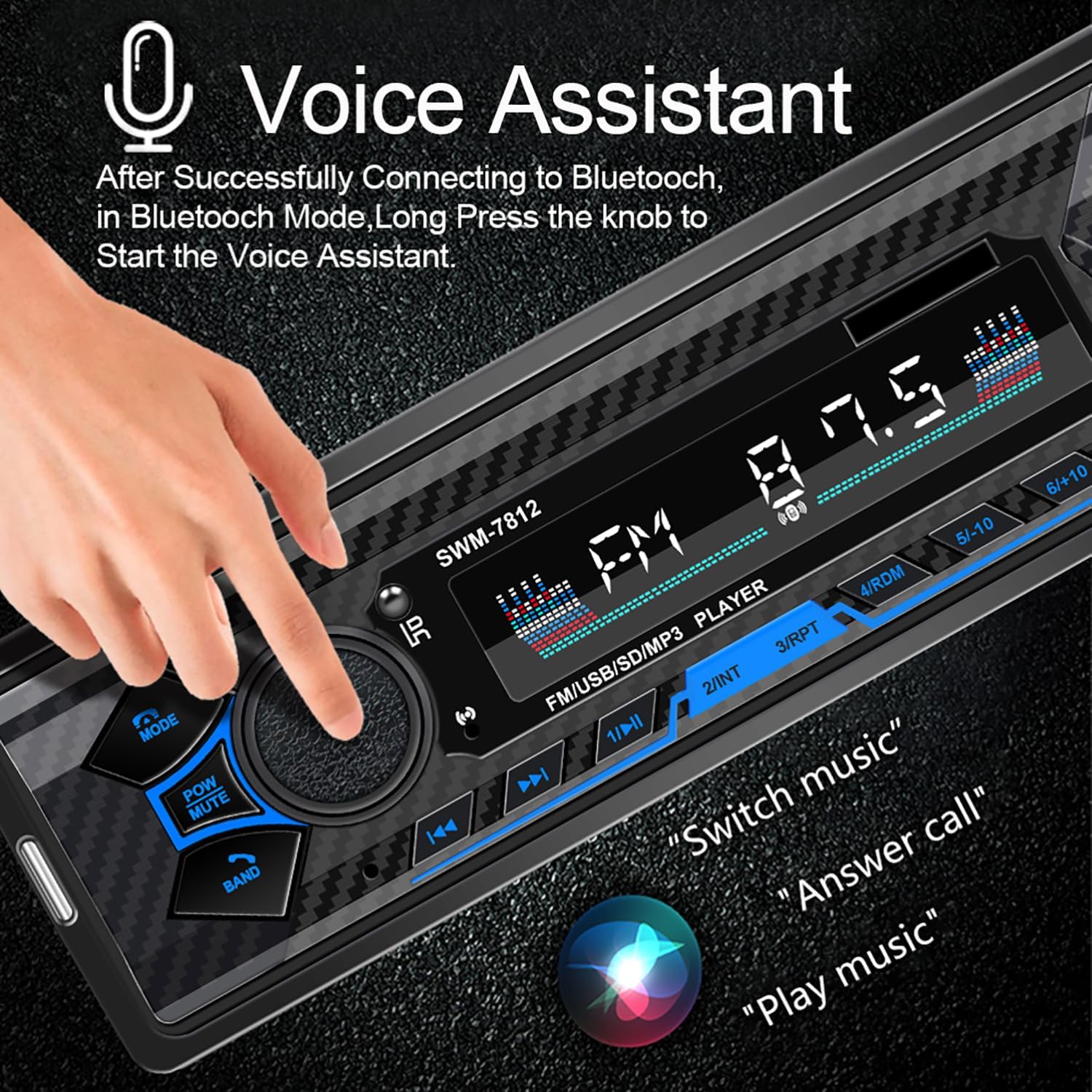
After successfully connecting to Bluetooth, long press the volume knob to activate your phone's voice assistant (Siri or Google Voice Assistant). This allows for hands-free control of music, calls, and navigation.
4.4 Music Playback Modes

The SWM7812 supports multiple audio input options:
- Bluetooth Connection: Stream audio wirelessly from your smartphone or other Bluetooth-enabled devices.
- AUX Input: Connect external audio players via the 3.5mm AUX jack on the front panel.
- USB Playback: Insert a USB flash drive into the USB port for direct music playback.
- TF Card Playback: Insert a TF (microSD) card into the TF card slot for music playback.
Press the MODE button to cycle through these playback options.
4.5 FM Radio Tuner
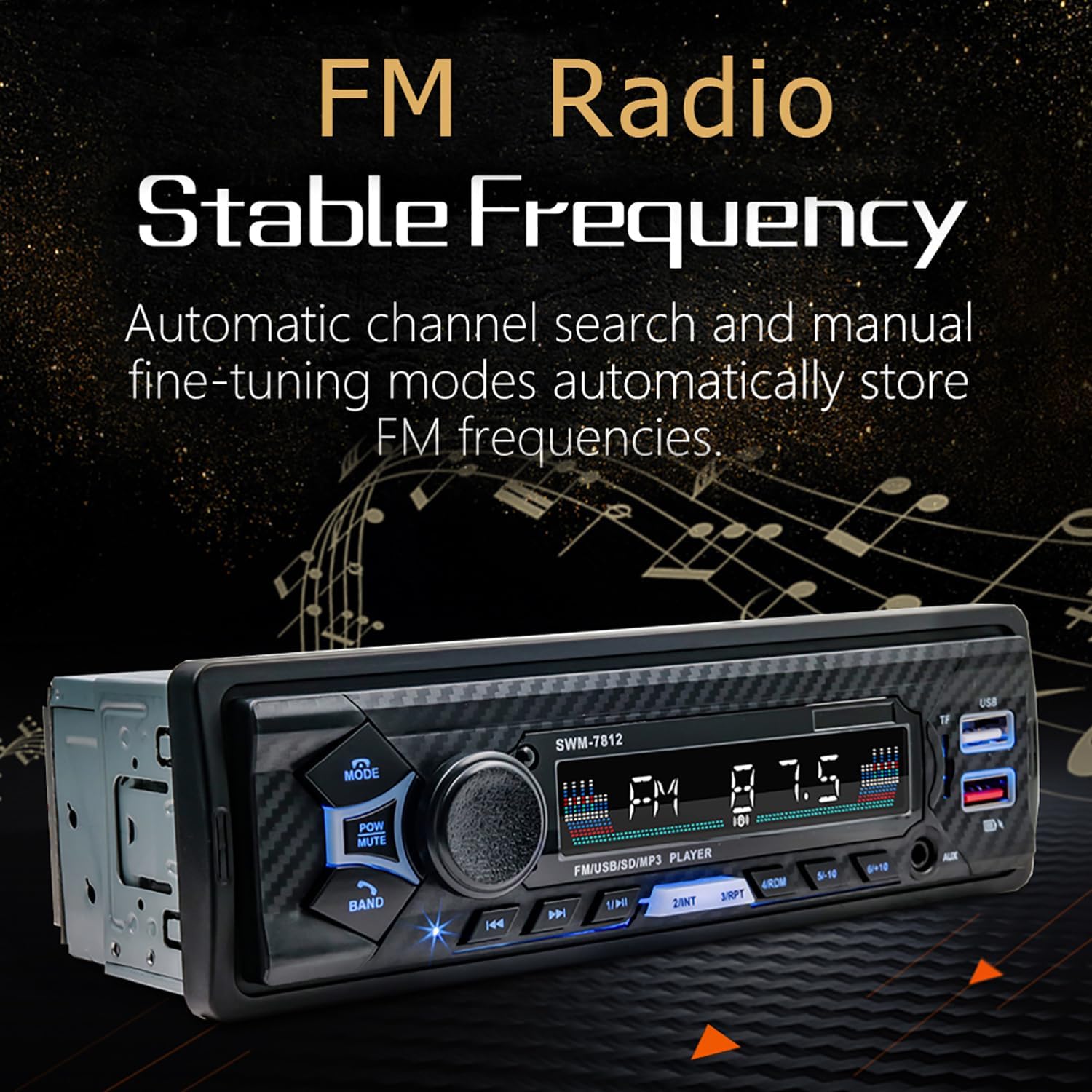
The built-in FM tuner allows you to listen to your favorite radio stations.
- Automatic Search: Long press the previous/next buttons to automatically search for and store available FM channels (87.5-108MHz).
- Manual Tuning: Short press the previous/next buttons for fine-tuning.
- Band Selection: Press the BAND button to switch between FM1, FM2, and FM3 bands.
4.6 Dual USB Ports with Fast Charging
The unit is equipped with two USB ports. One port is dedicated for 2.1A fast charging of your mobile devices, while the other supports both charging and USB disk playback.
4.7 Steering Wheel Control
Use the included steering wheel controller to manage calls, switch songs, and adjust volume without taking your hands off the wheel, enhancing driving safety.
4.8 Customizable Sound Settings (EQ)
Access the sound settings to personalize your audio experience. This includes equalizer presets and the ability to connect an external active subwoofer for richer bass.
5. Features Overview

The Dirkoercy SWM7812 is packed with features designed for convenience and high-quality audio:
- Built-in Bluetooth 5.0: Seamlessly connect with most Bluetooth devices for hands-free calls and wireless music streaming.
- Voice Assistant Integration: Quickly access Siri and Google Voice Assistants with the dedicated button for hands-free control.
- Versatile Music Playback: Play your favorite music through USB, TF Card, AUX, or Bluetooth, catering to all your audio preferences.
- FM Radio Tuner: Automatically search and tune into FM channels ranging from 87.5 to 108MHz for a variety of listening options.
- Dual USB Ports: Charge your devices quickly with dual USB ports featuring 2.1A fast charging capability.
- Steering Wheel Control: Use the free steering wheel controller to answer calls, switch songs, and adjust volume without taking your hands off the wheel.
- Customizable Sound Settings: Personalize your audio experience with adjustable sound effect settings to match your music preferences.
- 7" Single Din Design: Fits into most vehicles with a single din slot, making installation easy and hassle-free.
- High-Quality Car Audio: Enjoy clear sound and rich audio experience, enhancing your driving enjoyment.
- Hands-Free Calling: Make and receive calls without distractions, ensuring a safer driving experience with built-in Bluetooth calling features.
6. Maintenance
To ensure the longevity and optimal performance of your car radio, follow these maintenance guidelines:
- Cleaning: Use a soft, dry cloth to wipe the front panel. For stubborn dirt, slightly dampen the cloth with water. Avoid using harsh chemicals or abrasive cleaners.
- Temperature: Avoid exposing the unit to extreme temperatures, direct sunlight for prolonged periods, or high humidity.
- Connections: Periodically check all wiring connections to ensure they are secure and free from corrosion.
- Software Updates: Check the manufacturer's website for any available firmware updates to ensure the best performance and compatibility.
7. Troubleshooting
If you encounter any issues with your car radio, refer to the following common problems and solutions:
| Problem | Possible Cause | Solution |
|---|---|---|
| No power | Incorrect wiring; Blown fuse; Vehicle battery issue. | Check power and ground connections. Inspect vehicle's fuse box and the unit's fuse. Ensure battery is charged. |
| No sound | Speaker wires disconnected; Volume too low; Mute function active; Incorrect audio source. | Check speaker connections. Increase volume. Press POW/MUTE button to unmute. Select correct audio source (FM, BT, USB, AUX). |
| Bluetooth not connecting | Bluetooth not enabled on device; Unit not in pairing mode; Interference. | Ensure Bluetooth is on and visible on your phone. Restart both devices. Move closer to the unit. Clear previous pairings. |
| USB/TF card not playing | Unsupported file format; Corrupted media; Incorrectly inserted. | Ensure media contains supported audio formats (MP3/WMA/WAV/FLAC). Reinsert media. Try a different USB/TF card. |
| Poor FM reception | Antenna not connected; Weak signal area; Interference. | Check antenna connection. Try tuning to a stronger station. Move to an area with better signal. |
If the problem persists after trying these solutions, please contact customer support for further assistance.
8. Specifications
| Feature | Specification |
|---|---|
| Brand | Dirkoercy |
| Model Number | SWM7812 |
| Product Dimensions | 2.36 x 7 x 2.28 inches |
| Item Weight | 15.7 ounces |
| Wattage | 60 watts |
| Connectivity Technology | TF Card Slot, Bluetooth, Auxiliary, USB, FM Radio |
| Bluetooth Version | 5.0 |
| USB Ports | Dual (one 2.1A fast charging, one for U disk playback/charging) |
| Compatible Devices | MP3 Players, Smartphone |
| Audio Output Mode | Stereo |
| Surround Sound Channel Configuration | 4 |
| Video Encoding | MP3/WMA/WAV/FLAC |
| Color | Black+Blue |
9. Warranty and Support
This product comes with a standard manufacturer's warranty. Please refer to the warranty card included in your package for specific terms and conditions. For technical support, troubleshooting assistance, or warranty claims, please contact Dirkoercy customer service through the retailer where you purchased the product or visit the official Dirkoercy website.
Please retain your proof of purchase for warranty purposes.