
1. Product Overview
This PowerHOOD AC/DC Power Adapter Charger is designed to provide reliable power to your JMGO N1S Mini Triple Laser Projector and other compatible electronic devices. It features advanced safety protections and a wide input voltage range for global use.
Compatible Models: JMGO N1S Mini Triple Laser Projector models J61-7K2, J70-6A1, J61-7K0, J61-7K1, J61-7K3, J61-7K4, J61-7K5, J61-7K6, J61-7K7, J61-7K8, J61-7K9, J61-7KA, J61-7KB, J61-7KC, J61-7KD, J61-7KE, J61-7KF, J61-7KG, J61-7KH, J61-7KJ, J61-7KK, J61-7KL, J61-7KM, J61-7KN, J61-7KP, J61-7KQ, J70-6A2, J70-6A3, J70-6A4, J70-6A5, J70-6A6, J70-6A7, J70-6A8, J70-6A9, J70-6AA, J70-6AB, J70-6AC, J70-6AD, J70-6AE, J70-6AF, SHENZHEN JINGQUANHUA NSA100EC-24041700 Class 2 Switching Power Supply.

Image 1: The PowerHOOD AC/DC Power Adapter Charger, showing its compact design and labeling.
2. Setup Instructions
- Verify Compatibility: Ensure your device's power requirements match the adapter's output specifications (24V, 4.17A). Refer to your device's manual for exact power needs.
- Connect to Device: Plug the DC output connector of the power adapter into the power input port of your JMGO N1S Mini Triple Laser Projector or other compatible device.
- Connect to Power Outlet: Insert the AC input plug of the power adapter into a standard AC 100-240V, 50/60Hz wall outlet.
- Power On: Once connected, your device should receive power. Observe any indicator lights on your device to confirm power reception.
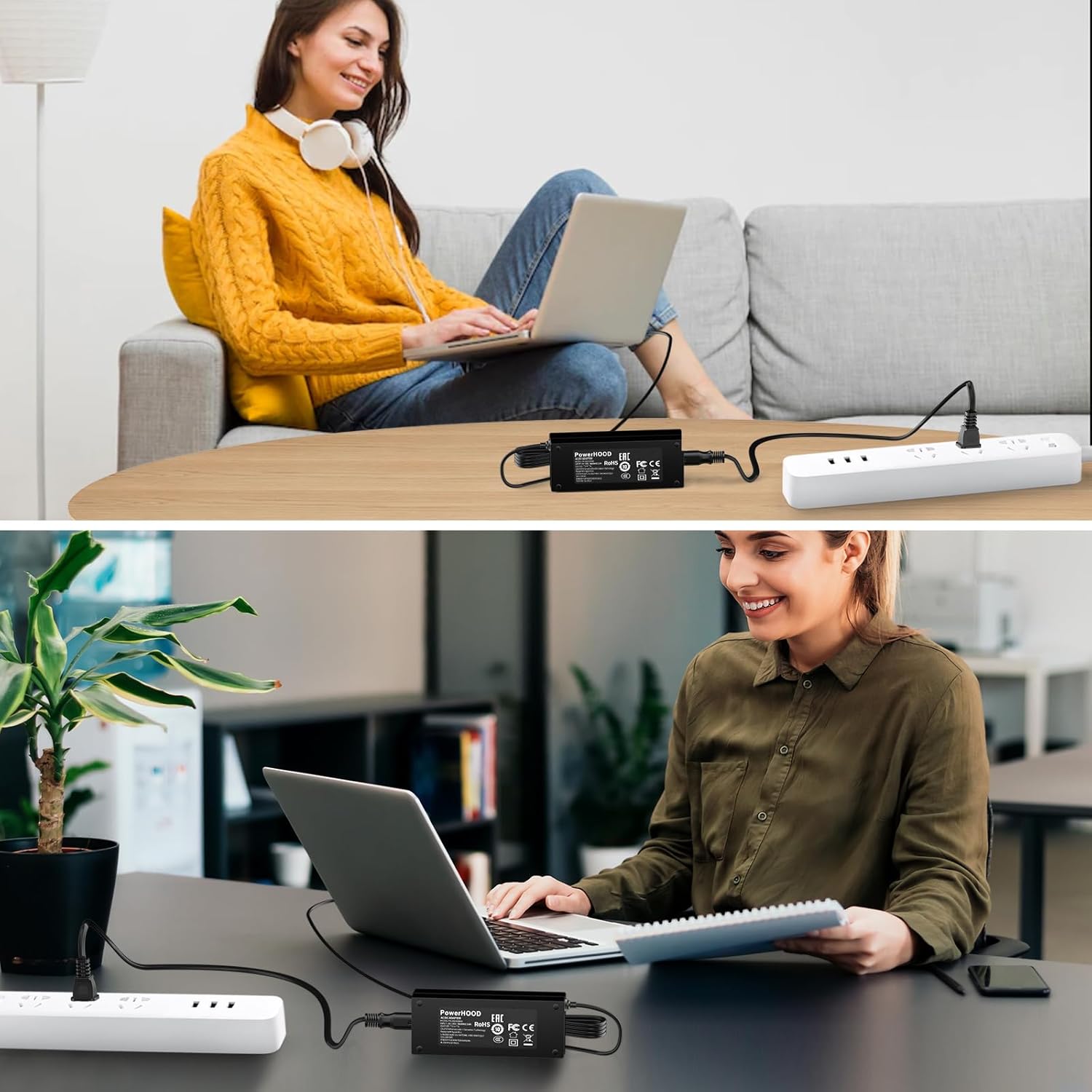
Image 2: Example of the power adapter in use, connected to a device and a power strip.
3. Operating Instructions
The PowerHOOD AC/DC Power Adapter operates automatically once connected. It is designed for continuous use within its specified voltage and current limits. The adapter incorporates advanced safety features to protect your devices.
- Automatic Operation: The adapter will supply power to your device as soon as it is plugged into a live electrical outlet and connected to the device.
- Safety Features: This adapter includes built-in protections against overcharging, overheating, overvoltage, short circuits, overcurrent, and overload. These features ensure safe and efficient power delivery.
- Indoor Use Only: This power adapter is designed for indoor use in dry environments. Avoid exposure to moisture or extreme temperatures.

Image 3: Visual representation of the adapter's multiple safety protections, including overcharge, short circuit, overcurrent, temperature, overvoltage, and overload protection.
4. Maintenance
- Cleaning: Disconnect the adapter from the power outlet and your device before cleaning. Use a soft, dry cloth to wipe the surface. Do not use liquid cleaners or abrasive materials.
- Storage: When not in use, store the adapter in a cool, dry place away from direct sunlight and extreme temperatures. Avoid wrapping the cord too tightly around the adapter.
- Inspection: Periodically inspect the power cord and adapter housing for any signs of damage, such as cuts, fraying, or cracks. If damage is found, discontinue use immediately.
5. Troubleshooting
| Problem | Possible Cause | Solution |
|---|---|---|
| Device not powering on. |
|
|
| Adapter feels unusually hot. |
|
|
| Intermittent power supply. |
|
|
6. Specifications
| Brand | PowerHOOD |
| Model Number | PH-18210000D |
| Input Voltage | AC 100-240V, 50/60Hz |
| Output Voltage/Current | 24V, 4.17A (NSA100EC-24041700) |
| Connector Type | 2-Pin |
| Special Features | Short Circuit Protection, Overcharging Protection, Overheating Protection, Overvoltage Protection, Overcurrent Protection, Overload Protection |
| Color | Black |
| Item Weight | Approximately 2 Pounds |
| Included Components | 1 x AC-DC Power Adapter |

Image 4: The power adapter shown with different international plug standards (Europe, American, Britain, Australia), indicating its universal compatibility.

Image 5: An illustrative diagram highlighting the smart chip technology integrated within the power adapter for enhanced performance and safety.
7. Warranty and Support
PowerHOOD offers a 14-day money-back guarantee and a 30-day exchange service for this product. If you encounter any issues or have questions regarding the AC/DC Power Adapter Charger, please contact PowerHOOD customer support.
Customer support inquiries will typically receive a response within 24 hours.
For further assistance, please refer to the contact information provided with your purchase or visit the official PowerHOOD store on Amazon: PowerHOOD Store.