
Jxrev J53
Jxrev J53 Wireless Earbuds User Manual
Model: J53
Introduction
Thank you for choosing the Jxrev J53 Wireless Earbuds. These earbuds are designed to provide a high-quality audio experience with features such as Bluetooth 5.4 connectivity, 13mm dynamic drivers for rich bass, ENC noise cancellation for clear calls, and a portable charging case with an LED power display. This manual will guide you through the proper use and care of your new earbuds.

Image: The Jxrev J53 Wireless Earbuds, showcasing both grey and white color options within their respective charging cases, featuring LED power displays.
Setup
1. Initial Charging
Before first use, fully charge the earbuds and the charging case. Place the earbuds into the charging case. Connect the charging case to a USB power source using the provided cable. The LED display on the case will indicate the charging status. A full charge typically takes about 1 hour for the earbuds.
2. Bluetooth Pairing
- Ensure the earbuds are charged.
- Open the lid of the charging case. The earbuds will automatically enter pairing mode, and their indicator lights will flash.
- On your device (smartphone, tablet, computer), enable Bluetooth.
- Search for available Bluetooth devices and select "J53" from the list.
- Once connected, the earbud indicator lights will turn off or flash slowly, and your device will confirm the connection.
The earbuds feature advanced Bluetooth 5.4 technology, allowing for quick and stable connections. After the initial pairing, the earbuds will automatically reconnect to your last paired device when you open the charging case lid.

Image: An illustration highlighting the advanced Bluetooth 5.4 technology of the Jxrev J53 earbuds, demonstrating seamless connection to various devices like smartphones, tablets, and laptops.
Operating Instructions
The Jxrev J53 earbuds feature sensitive touch controls for easy management of music and calls.
Touch Control Functions:
- Play/Pause: Single tap on either earbud.
- Next Track: Double tap the right earbud.
- Previous Track: Double tap the left earbud.
- Volume Up: Triple tap the right earbud.
- Volume Down: Triple tap the left earbud.
- Answer/End Call: Single tap on either earbud during an incoming call or active call.
- Reject Call: Press and hold either earbud for 2 seconds during an incoming call.
- Activate Voice Assistant: Press and hold either earbud for 3 seconds.
The earbuds can be used together for stereo sound or individually (mono mode). To use one earbud, simply take one out of the case; it will automatically connect if already paired.

Image: A visual representation of the CVC8.0 noise cancelling feature and smart touch control, showing sound waves being suppressed around an earbud worn by a person.
Maintenance
Cleaning
- Regularly clean the earbuds and charging case with a soft, dry, lint-free cloth.
- Do not use abrasive cleaners, alcohol, or chemical solvents.
- Gently clean the charging contacts on both the earbuds and the case to ensure proper charging.
Storage
- Store the earbuds in their charging case when not in use to protect them and keep them charged.
- Avoid storing in extreme temperatures (hot or cold) or in highly humid environments.
Battery Care
- To prolong battery life, avoid fully discharging the earbuds and case frequently.
- Charge the device regularly, even if not used for extended periods.
Troubleshooting
| Problem | Possible Cause | Solution |
|---|---|---|
| Earbuds not pairing | Earbuds not in pairing mode; Bluetooth off on device; already connected to another device. | Ensure earbuds are in case, open lid to activate pairing. Turn device Bluetooth off/on. Forget "J53" on other devices. |
| No sound from one earbud | Low battery; earbud not connected; mono mode active. | Charge both earbuds. Re-pair both earbuds. Ensure both earbuds are out of the case. |
| Charging issues | Dirty charging contacts; faulty cable/charger. | Clean charging contacts on earbuds and case. Try a different USB cable and power adapter. |
| Touch controls not responding | Incorrect touch gesture; temporary software glitch. | Refer to the 'Operating Instructions' for correct gestures. Place earbuds back in case, close lid, then take them out again to reset. |
Specifications
- Model Name: J53
- Connectivity: Wireless (Bluetooth 5.4)
- Control Type: Touch Control
- Audio Driver Size: 13 mm Dynamic Driver
- Noise Control: ENC Noise Cancellation (for calls)
- Water Resistance: IP7 Waterproof
- Single Earbud Weight: Approximately 3g
- Earbud Playtime: Up to 8 hours on a single charge
- Total Playtime (with case): Up to 40 hours
- Earbud Charging Time: Approximately 1 hour
- Compatible Devices: Bluetooth-enabled devices (iOS, Android, etc.)
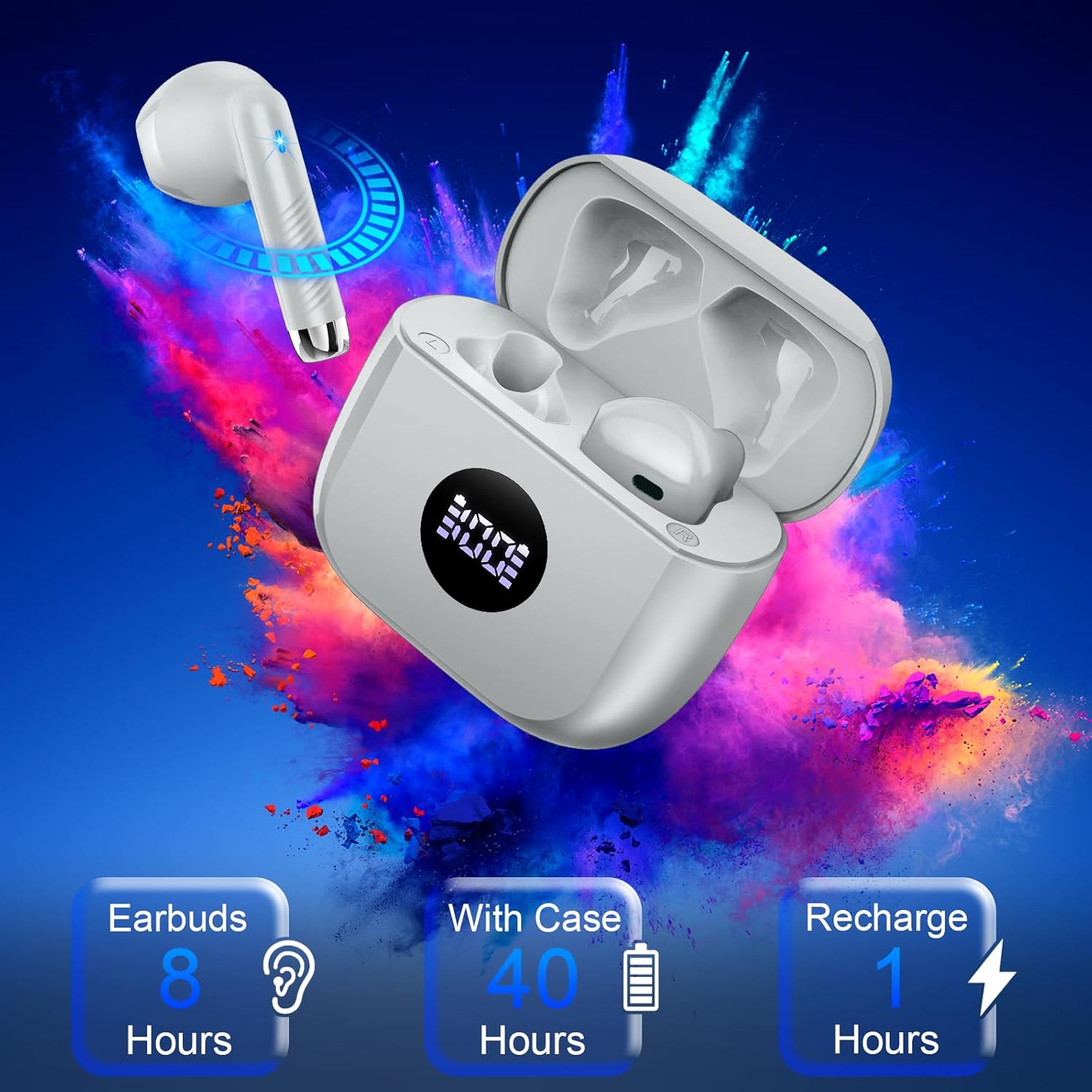
Image: A visual summary of the Jxrev J53 earbuds' battery performance, indicating 8 hours of playtime for earbuds, 40 hours total with the charging case, and 1 hour for a full recharge.

Image: A detailed cross-section view illustrating the 13mm dynamic driver, emphasizing its role in producing deep bass audio.
Warranty Information
Specific warranty details are not provided within this manual. Please refer to the product packaging, the manufacturer's official website, or your point of purchase for information regarding warranty coverage and terms.
Support
For further assistance, technical support, or inquiries not covered in this manual, please contact Jxrev customer service through the contact information provided on the product packaging or the official Jxrev website.
Related Documents - J53
 |
OCC T18 True Wireless Sports Earbuds User Manual Comprehensive user manual for OCC T18 True Wireless Sports Earbuds, detailing setup, Bluetooth connection, functions, charging, device compatibility, and safety precautions. |
 |
ROVIIS R2 Wireless Earbuds User Manual User manual for ROVIIS R2 Wireless Earbuds, covering product overview, wearing instructions, touch controls, pairing, charging, specifications, and troubleshooting. |
 |
Noise Aura Buds User Manual: Features, Specifications, and Operation Comprehensive user manual for Noise Aura Buds, covering package contents, detailed specifications, power and pairing instructions, reset procedures, charging guidance, touch controls, warranty information, and safety precautions. |
 |
Noise Buds VS102 User Manual Comprehensive user manual for Noise Buds VS102 wireless earbuds, detailing package contents, technical specifications, power and pairing instructions, reset procedures, charging information, control functions, warranty details, and important safety guidelines. |
 |
LWZCAM Stereo Headphones User Manual and Warranty Information Comprehensive user manual and warranty details for LWZCAM Stereo Headphones (EJ-A4), covering usage instructions, specifications, precautions, and customer support for wired, in-ear headphones. |
 |
Kurdene S8 Pro Wireless Earbuds: User Guide and Setup Comprehensive guide to setting up, pairing, and using Kurdene S8 Pro wireless Bluetooth earbuds. Learn about controls, power management, and troubleshooting. |
Ask a question about this manual
Ask about setup, troubleshooting, compatibility, parts, safety, or missing instructions. Manuals+ will review the question and use this page’s manual context to help answer it.