
1. Introduction
Thank you for choosing the ZOACHII Bluetooth 5.4 Car Aux Adapter. This device is designed to seamlessly integrate wireless music streaming and hands-free calling into your car, home stereo, or other audio systems equipped with an AUX input and USB power source. Featuring the latest Bluetooth v5.4 chipset, it ensures a stable, high-fidelity audio experience and convenient connectivity.

Image: The ZOACHII Bluetooth 5.4 Car Aux Adapter, featuring a compact design with a braided cable and 3.5mm audio jack.
2. Product Features
- High-Fidelity Stereo: Equipped with Bluetooth v5.4 chipset for stable connection up to 15 meters, delivering clear and enjoyable sound for music and calls.
- Hands-Free Calling: Built-in microphones enable direct phone calls through your car's speakers, enhancing road safety.
- Easy to Use: Simple plug-and-play operation via aux jack and USB port. No battery recharging needed; automatically connects to your phone upon car start.
- Multi-Device Pairing: Remembers up to five devices and supports simultaneous connection of two devices for easy switching.
- Durable and Portable Design: Constructed with zinc alloy connectors and an 80cm premium braided audio cable for durability and a clutter-free setup.

Image: Diagram illustrating the benefits of Bluetooth 5.4 technology, including increased transmission speed, stability rate, and coverage.

Image: Close-up of the adapter's braided cable, highlighting its flexible and durable design with a stated 3000+ bend lifespan.
3. Package Contents
The ZOACHII Bluetooth 5.4 Car Aux Adapter package typically includes:
- 1 x ZOACHII Bluetooth 5.4 Car Aux Adapter (Model: BT300)
- 1 x User Manual (this document)
Note: Additional accessories may vary. Please check your product packaging for a complete list.
4. Setup Instructions
- Power On: Plug the USB end of the ZOACHII Bluetooth adapter into a USB port in your car or home stereo system. The device will power on automatically.
- Connect to Audio System: Plug the 3.5mm audio jack into the AUX input port of your car stereo or home audio system.
- Enable Bluetooth: On your mobile device (smartphone, tablet, etc.), go to your Bluetooth settings and ensure Bluetooth is enabled.
- Pairing: Search for available Bluetooth devices. You should see "ZOACHII BT300" in the list. Tap on it to connect. Once connected, the device will automatically re-connect to your phone when you start your car.

Image: The ZOACHII adapter connected to a car's USB port for power and the AUX input for audio, ready to upgrade the car's audio system to wireless.
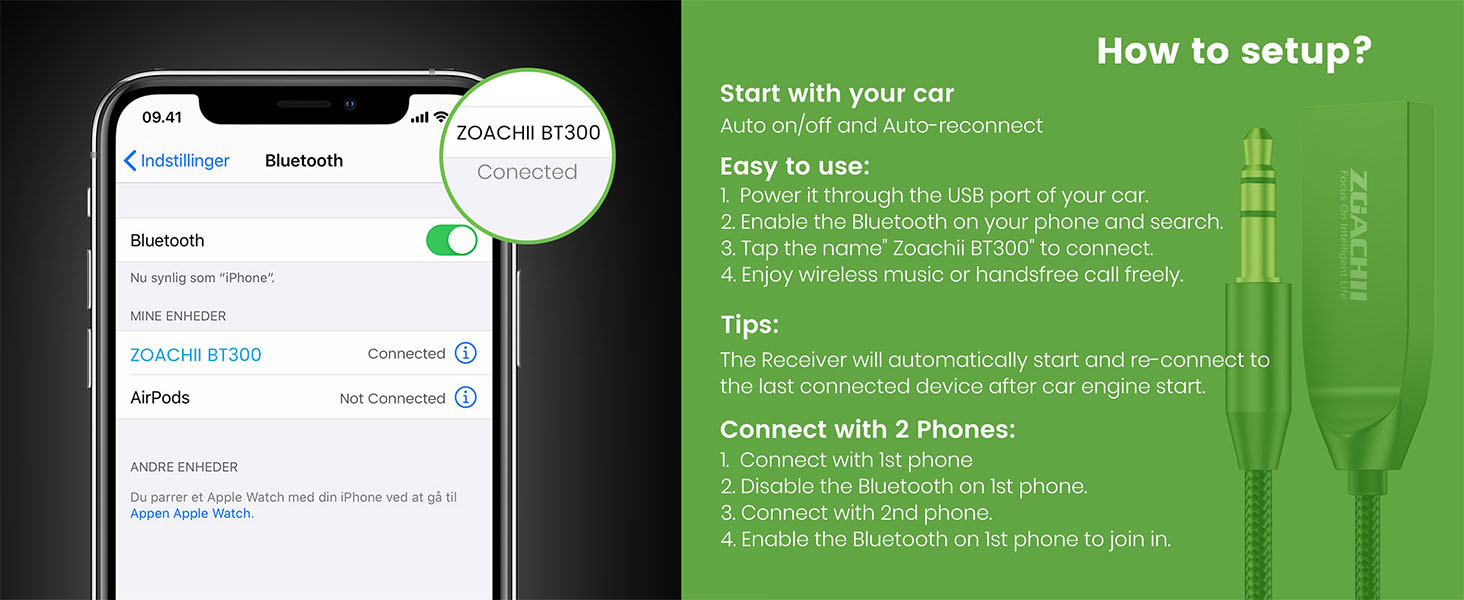
Image: A screenshot of an iPhone's Bluetooth settings, indicating "ZOACHII BT300" as a connected device, demonstrating the pairing process.
Video: An official product video demonstrating the setup process of the ZOACHII Bluetooth 5.4 Car Aux Adapter, including plugging it into the car's USB and AUX ports and connecting a smartphone via Bluetooth.
5. Operating Instructions
5.1 Wireless Music Streaming
Once successfully paired, you can stream audio from your mobile device directly to your car or home stereo system. Simply play music, podcasts, or any audio content on your phone, and it will be transmitted wirelessly through the adapter.
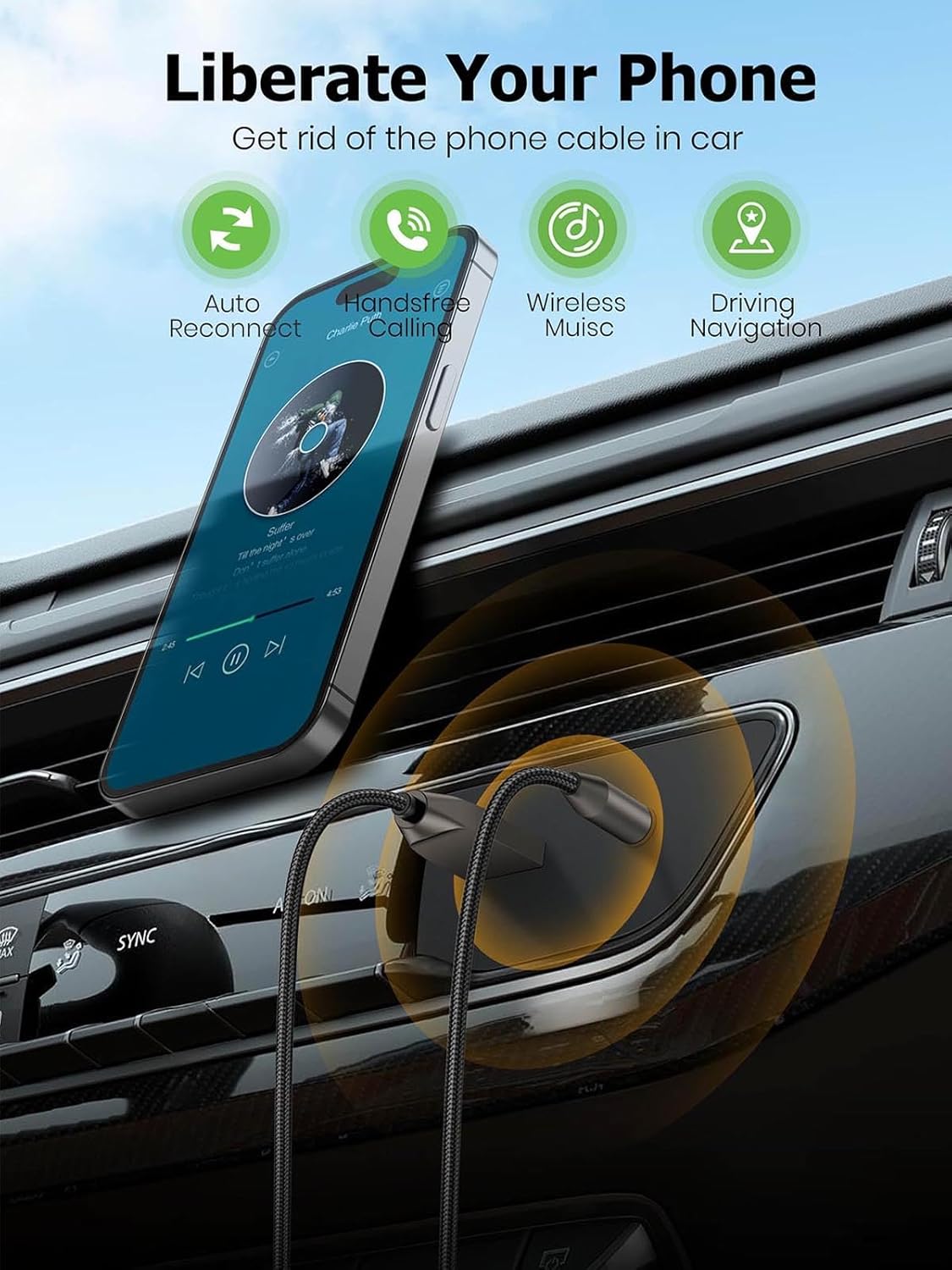
Image: A smartphone mounted in a car, wirelessly streaming music through the ZOACHII adapter, illustrating how the device liberates the phone from cables.

Image: The adapter connected to a home stereo system via AUX and a power strip via USB, demonstrating its versatility for home audio use.
5.2 Hands-Free Calling
The built-in microphone allows you to make and receive calls safely while driving. When a call comes in, the audio will automatically switch from music to the call through your car's speakers. Speak normally, and your voice will be picked up by the adapter's microphone.
5.3 Multi-Device Connectivity
The adapter can remember up to five paired devices. To connect two phones simultaneously:
- Connect the first phone to the adapter.
- Temporarily disable Bluetooth on the first phone.
- Connect the second phone to the adapter.
- Re-enable Bluetooth on the first phone. Both phones should now be connected, allowing you to switch between them for audio playback.
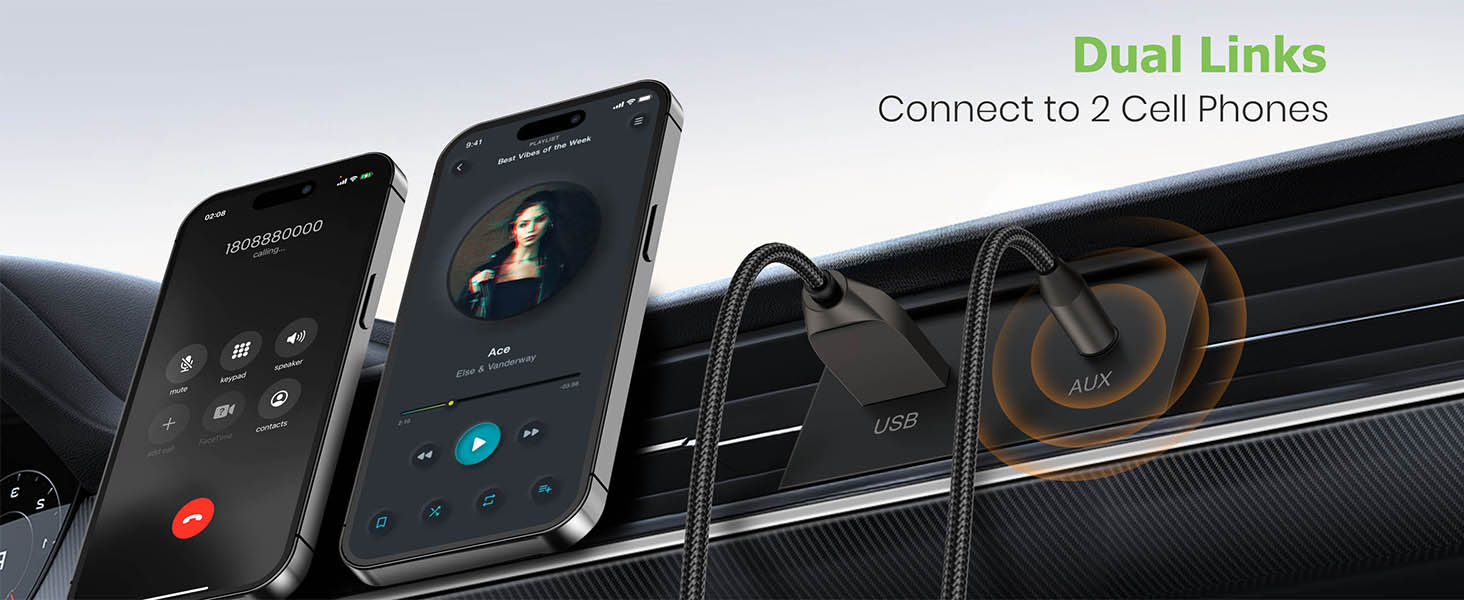
Image: Two smartphones connected simultaneously to the ZOACHII adapter, demonstrating its dual-link capability for shared music or call management.
6. Troubleshooting
If you encounter issues with your ZOACHII Bluetooth Aux Adapter, please refer to the following common solutions:
| Problem | Possible Solution |
|---|---|
| Device not powering on. | Ensure the USB connector is securely plugged into a working USB port. Try a different USB port or power source. |
| Cannot find "ZOACHII BT300" in Bluetooth settings. | Make sure the adapter is powered on. Turn off and on your phone's Bluetooth. Restart both the adapter (by unplugging and replugging) and your phone. Ensure no other device is currently paired with the adapter. |
| No audio or poor audio quality (static, muffled sound). | Verify the 3.5mm AUX jack is fully inserted into the audio system's AUX port. Check the volume levels on both your phone and the audio system. Ensure the audio system is set to the correct AUX input. Disconnect and reconnect the adapter. Some users report sensitivity to electrical changes in the car; try to minimize other electrical loads if experiencing intermittent issues. |
| Bluetooth connection drops frequently. | Ensure your phone is within the 15-meter effective range. Minimize physical obstructions between the phone and the adapter. Check for interference from other wireless devices. Try re-pairing the device. |
| Cannot connect a second phone. | Follow the multi-device pairing instructions carefully (Section 5.3). Ensure Bluetooth on the first phone is temporarily disabled before connecting the second. |
7. Specifications
| Feature | Detail |
|---|---|
| Model Number | BT300 |
| Bluetooth Version | 5.4 |
| Product Dimensions (L x W x H) | 1.3 x 0.27 x 0.19 inches |
| Item Weight | 0.705 ounces |
| Connector Type | Auxiliary (3.5mm) |
| Power Source | USB |
| Compatible Devices | All Bluetooth-enabled smartphones, tablets, laptops; Car home stereo audio or amplifiers with AUX input. |
| Specific Uses | Phone navigation, Hands-free calling, Wireless music streaming |
| Color | GREY |
| Manufacturer | ZOACHII |
| Country of Origin | China |
8. Warranty and Support
ZOACHII is committed to providing high-quality products and excellent customer service. Your ZOACHII Bluetooth 5.4 Car Aux Adapter comes with the following support:
- 24 Hours Online Customer Service: For immediate assistance with any questions or issues.
- 90 Days Groundless Refund for Issues: If you encounter any problems within 90 days of purchase, you are eligible for a refund.
- 2 Years No Worries Service: Extended service coverage for two years from the date of purchase.
- Lifetime Technical Support: Comprehensive technical assistance for the lifespan of your product.
For support, please contact ZOACHII customer service through the platform where you purchased the product or visit the official ZOACHII website.
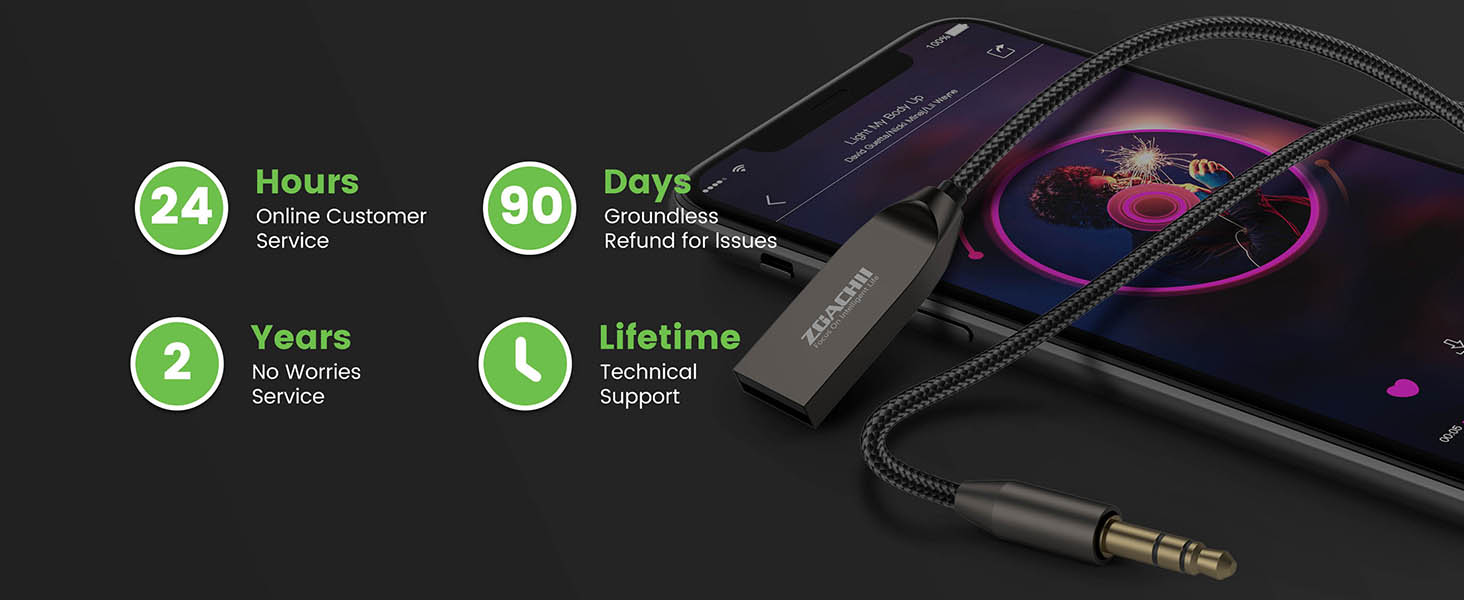
Image: Visual representation of ZOACHII's customer support commitments, including 24-hour online service, 90-day refund, 2-year service, and lifetime technical support.