This user manual provides comprehensive instructions for the Govee Permanent Outdoor Lights 2 set, which includes 100ft permanent outdoor lights (H705E), 96ft outdoor string lights (H7038), and 4.9×6.6ft curtain lights (H70B3). This versatile lighting system is designed to enhance your outdoor spaces with customizable and vibrant illumination for various occasions, from daily ambiance to holiday decorations.
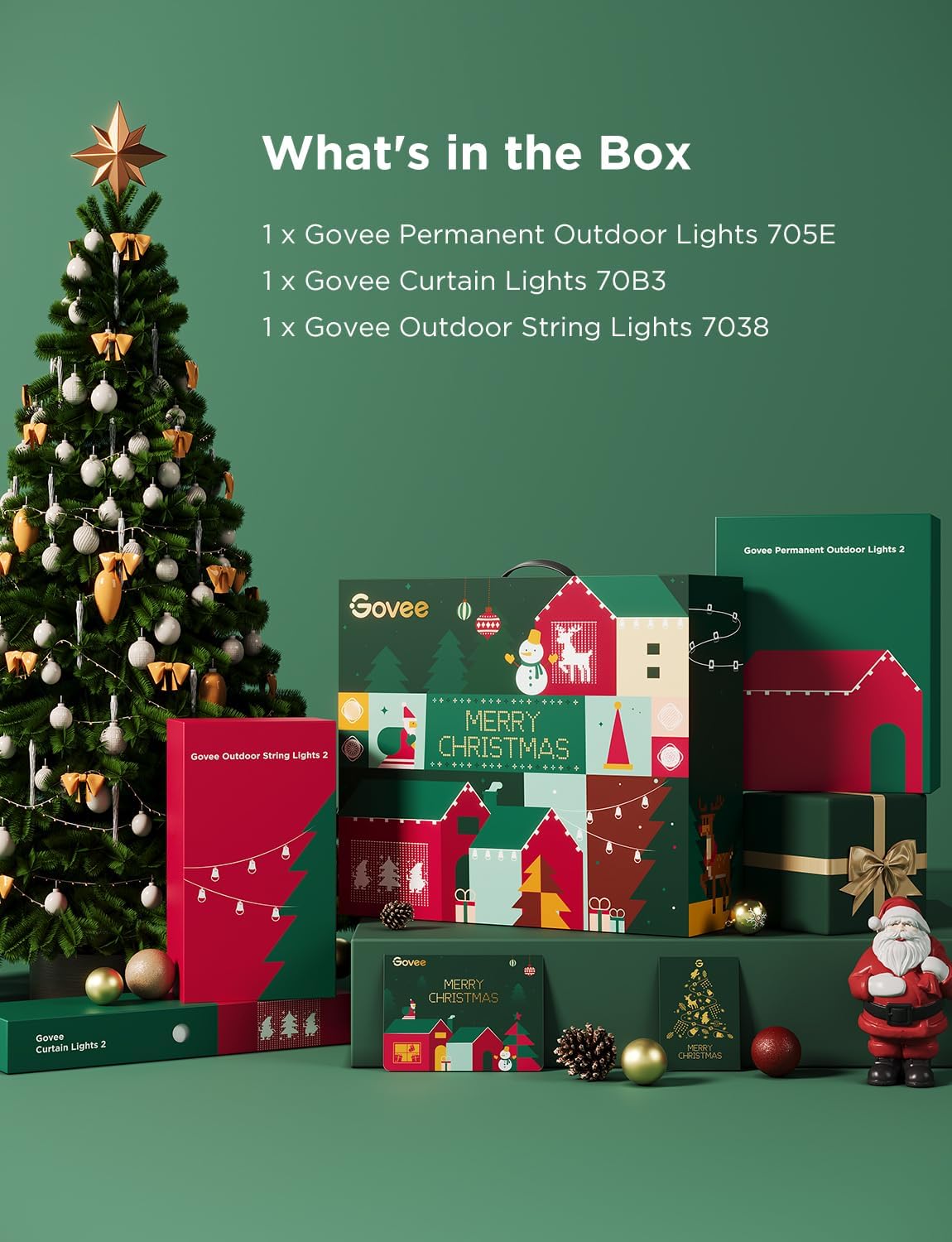
What's in the Box
Image: The complete Govee Permanent Outdoor Lights 2 set, including the packaging for the permanent lights, string lights, and curtain lights, along with the individual light components.
1x Govee Permanent Outdoor Lights H705E
1x Govee Smart Outdoor String Lights H7038
1x Govee Curtain Lights H70B3
Key Features
Outdoor Light Show
This comprehensive Govee outdoor lights set allows you to create stunning light displays. It includes 100ft permanent outdoor lights (H705E), 96ft outdoor string lights (H7038), and 4.9×6.6ft curtain lights (H70B3), enabling diverse ambient and festive setups.
Image: A house and patio area beautifully lit with Govee outdoor lights, creating an enchanting and romantic atmosphere.
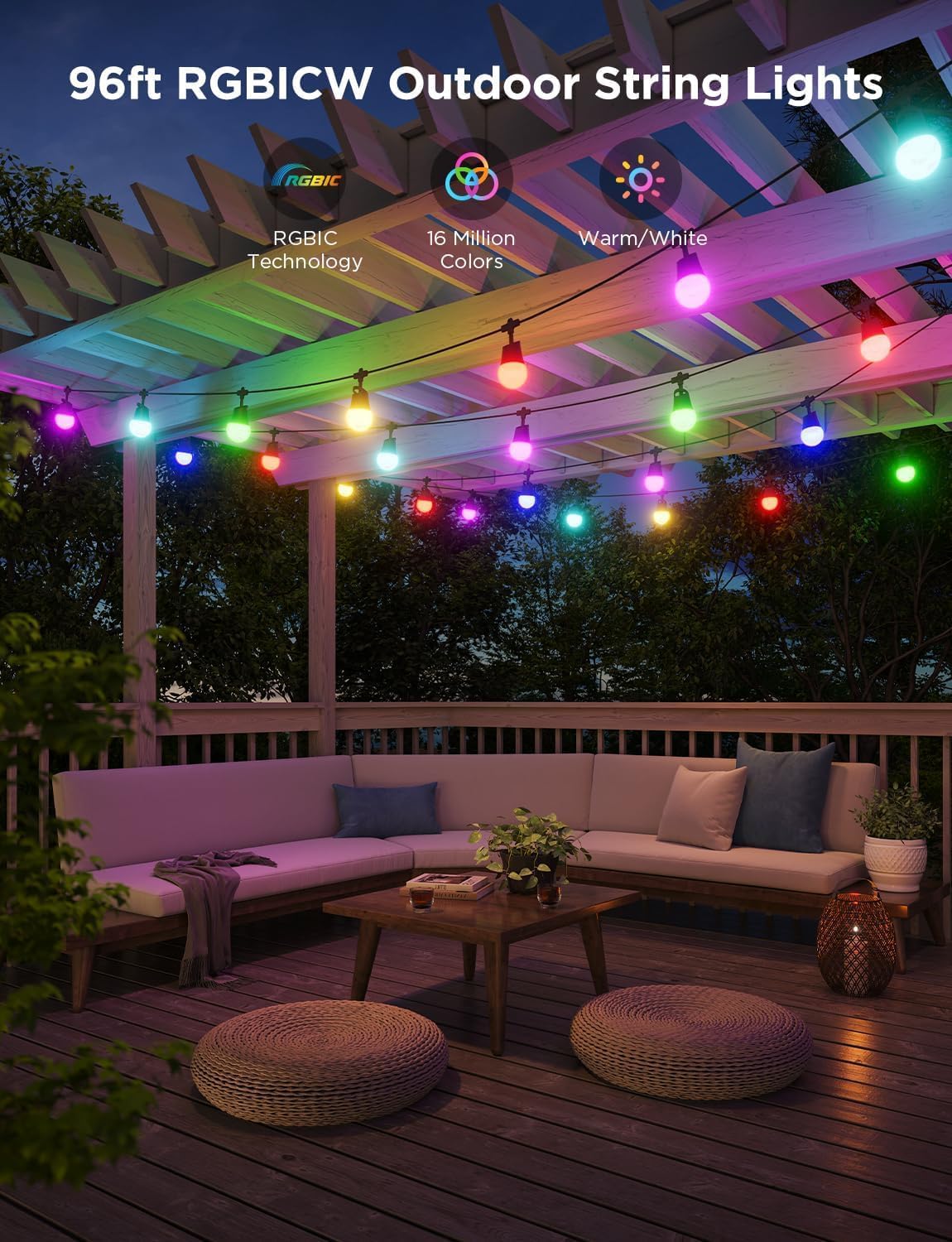
Image: A cozy outdoor patio area at dusk, illuminated by the 96ft RGBICW outdoor string lights strung across a wooden pergola, providing colorful ambient lighting.
Smart Control & One-Tap Light Show
Manage your lighting effortlessly using voice commands via Alexa or Google Assistant, or through the Govee Home App. The app allows you to adjust brightness, set timers, choose animation effects, and utilize group control for a synchronized light show with a single tap, thanks to the Dreamview feature.
Image: A smartphone screen displaying the Govee Home App interface, showcasing options for controlling permanent lights, including color, scene, music, DIY, and various holiday-themed lighting presets for Christmas and New Year.
Image: Two houses adorned with Govee outdoor lights, demonstrating a synchronized light show with vibrant colors and patterns, highlighting the "One-tap Light Show" feature.
Sync with Music
These RGBIC smart lights are equipped to detect music and audio, allowing the lighting effects to synchronize with the sound. This feature creates dynamic and immersive light shows that dance to your music, offering a wide range of music modes for unique entertainment.
AIGC Light Show
Leverage AI-generated lighting effects by uploading images or interacting with the Govee AI Lighting Bot. This innovative feature enables group control and helps craft stunning scenes for various occasions, including new year parties, holiday decor, and daily use.
Image: A hand holding a smartphone showing the Govee AI Lighting Bot chat interface, with a house in the background illuminated by AI-generated lighting effects, demonstrating personalization through a single command.
Image: Govee curtain lights installed on a wall, displaying a vibrant, visualized pixel pattern, indicating the capability for custom designs and animations.
Year-Round Reliability & IP65 Waterproof Rating
Designed for durability, Govee lights boast an IP65 waterproof rating, making them suitable for patio decor and any outdoor event. They are built to perform reliably in temperatures ranging from -4°F to 140°F for over 25,000 hours. Note: The IP44 adapters are not designed to be immersed in water.
Image: A close-up view of Govee lights, including permanent lights and string lights, with visible water droplets, illustrating their enhanced durability and IP65 water resistance.
Setup Guide
1. Unpacking and Inspection
Carefully remove all components from the packaging.
Verify that all items listed in the "What's in the Box" section are present and undamaged.
Familiarize yourself with the different light types: permanent lights (H705E), string lights (H7038), and curtain lights (H70B3).
2. Planning Your Installation
Determine the desired placement for each type of light. Consider power source accessibility for the IP44 adapters.
For permanent lights, plan the routing along eaves or desired architectural lines.
For string lights, identify areas like patios, pergolas, or fences.
For curtain lights, choose a flat vertical surface like a wall or window for optimal display.
Image: An overview of the Govee Permanent Outdoor Lights 2 components, including the permanent lights, string lights, and curtain lights, along with their respective packaging, illustrating the complete set.
3. Installation Steps
Permanent Lights (H705E): These lights are designed for permanent installation. Follow the included specific instructions for mounting them securely to your desired surface. Ensure proper spacing and alignment for optimal light distribution.
String Lights (H7038): Hang the string lights using appropriate hooks or clips. Ensure they are securely fastened and that the power adapter is connected to a suitable outdoor power outlet.
Curtain Lights (H70B3): Mount the curtain lights to a vertical surface. Ensure the top bar is level and securely attached, allowing the light strands to hang freely.
Power Connection: Connect all light sets to their respective IP44 rated power adapters. Plug the adapters into suitable outdoor-rated power outlets.
Video: An official Govee video demonstrating the installation process, showcasing the hassle-free setup and year-round reliability of the permanent outdoor lights, along with various lighting effects for different occasions like Halloween and Christmas. This video highlights the IP67 waterproof rating and the versatility of the lighting system.
4. App Download and Pairing
Download the Govee Home App from your device's app store (iOS App Store or Google Play Store).
Open the app and create an account or log in.
Follow the in-app instructions to add your Govee Permanent Outdoor Lights 2 set. This typically involves enabling Bluetooth and Wi-Fi on your device and selecting the lights from the discovery list.
Operating Instructions
1. Govee Home App Control
Power On/Off: Use the main power toggle in the app to turn the lights on or off.
Brightness Adjustment: Slide the brightness control to adjust the intensity of the lights.
Color Selection: Choose from a wide spectrum of colors using the color wheel or preset color options.
Scene Modes: Explore various pre-programmed scene modes designed for different moods and occasions (e.g., festive, natural, dynamic).
Music Mode: Activate music mode to synchronize light effects with audio detected by your device's microphone or the light's built-in microphone.
DIY Mode: Create and customize your own unique lighting effects and patterns.
Timer Function: Set schedules for the lights to turn on or off automatically.
Group Control: If you have multiple Govee devices, group them together for synchronized control.
2. Voice Control (Alexa/Google Assistant)
Ensure your Govee lights are linked to your Alexa or Google Assistant account via the Govee Home App.
Use voice commands such as:
"Alexa, turn on the Govee lights."
"Hey Google, set Govee lights to blue."
"Alexa, dim the Govee lights to 50%."
Maintenance
Cleaning: Periodically wipe the light surfaces with a soft, damp cloth to remove dust and debris. Do not use harsh chemicals or abrasive cleaners.
Inspection: Regularly inspect the cables and connections for any signs of wear, damage, or loose connections.
Storage: If storing the lights for an extended period, ensure they are clean and dry. Store them in a cool, dry place away from direct sunlight.
Water Resistance: While the lights are IP65 waterproof, ensure the power adapters (IP44) are protected from direct water immersion.
Troubleshooting
Problem
Possible Cause
Solution
Lights do not turn on.
No power, loose connection, faulty adapter.
Check power outlet, ensure all connections are secure, try a different outlet. Verify adapter is working.
Ensure Bluetooth and Wi-Fi are enabled. Restart the app and lights. Follow in-app pairing instructions carefully.
Lights are flickering or displaying incorrect colors.
Loose connection, power fluctuation, software issue.
Check all physical connections. Restart the lights and the app. Update firmware if available.
Voice control not working.
Not linked to voice assistant, incorrect commands, network issue.
Verify Govee account is linked in Alexa/Google Home app. Use precise commands. Check internet connection.
Specifications
Attribute
Value
Brand
Govee
Model Numbers
H705E, H7038, H70B3
Color
Multicolor
Indoor/Outdoor Usage
Outdoor
Light Source Type
LED
Power Source
AC/DC
Water Resistance Level
IP65 (Lights), IP44 (Adapters)
Controller Type
Amazon Alexa, App Control, Voice Control
Connectivity Protocol
Bluetooth, Wi-Fi
Material
Plastic
Item Weight
18.16 pounds
UPC
810088349621
Warranty and Support
For detailed warranty information and customer support, please refer to the official Govee website or contact Govee customer service directly. You can also find the official User Manual PDF for further reference: Govee Permanent Outdoor Lights User Manual (PDF).
Ask a question about this manual
Ask about setup, troubleshooting, compatibility, parts, safety, or missing instructions. Manuals+ will review the question and use this page’s manual context to help answer it.