
Introduction
The Edillas Kids Analog Watch, Model ED-8203L, is designed for children aged 4 to 15 years. This multifunctional digital watch features an alarm clock, stopwatch, calendar, colorful LED lights, and is waterproof up to 30 meters. Its design focuses on ease of use to help children learn and manage time effectively.
This manual provides detailed instructions to ensure proper setup, operation, and care of your watch.
Product Overview
The Edillas Kids Watch combines durability with child-friendly features. It includes an imported movement for accurate timekeeping, a soft TPU strap for comfort, and a highly transparent resin glass for wear resistance.
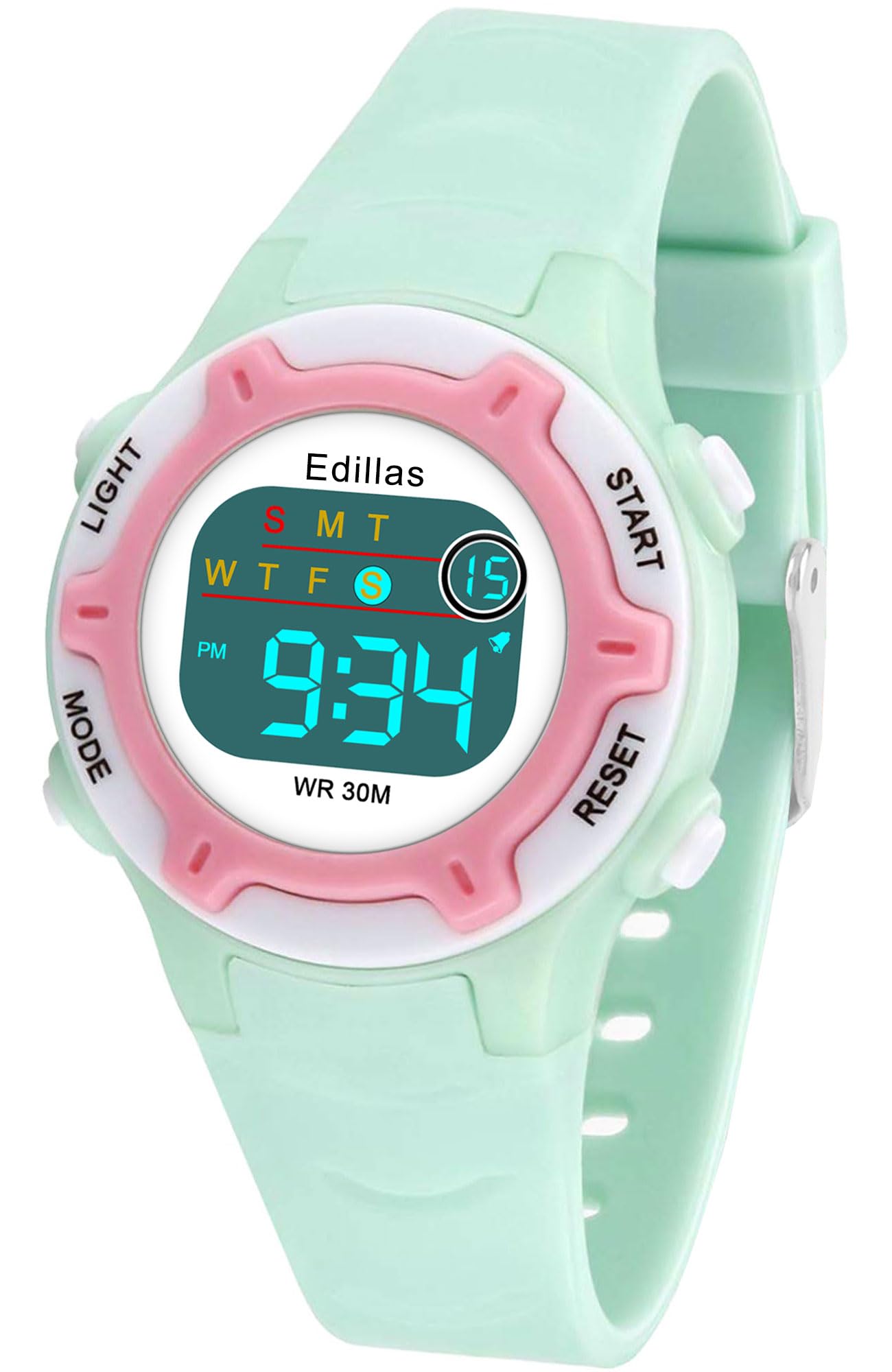
Image: The Edillas Kids Watch displaying both its normal time mode and the illuminated EL light display mode, highlighting the watch face and buttons.
Setup
Initial Activation
Your watch comes with a pre-installed battery. No initial activation is typically required. If the display is blank, ensure no protective film is covering the screen or buttons.
Setting Time and Date
- Press the MODE button repeatedly until the time display starts flashing.
- Use the START button to adjust the hour.
- Press the RESET button to move to the minute setting.
- Use the START button to adjust the minutes.
- Continue pressing RESET to cycle through setting the month, day, and year, adjusting each with the START button.
- Press MODE to exit the setting mode and save your changes.
12H/24H Format Switch
While in time setting mode, pressing the LIGHT button may toggle between 12-hour (AM/PM) and 24-hour formats. Refer to the display to confirm the selected format.
Operating Instructions
Basic Time Display
The watch defaults to displaying the current time (hour, minute, second) and day of the week.
Using the Light Function
Press the LIGHT button (typically located on the top left) to illuminate the watch face. The watch supports both monochrome and seven-color flashing light modes. Repeated presses may cycle through different light colors or modes.
Alarm Clock
- Press the MODE button until the alarm setting screen appears (often indicated by 'AL' or a bell icon).
- Use START to adjust the alarm hour.
- Press RESET to move to the minute setting.
- Use START to adjust the alarm minutes.
- Press MODE to exit.
- To turn the alarm on/off, typically press START and RESET simultaneously, or a dedicated button combination while on the alarm screen.
Stopwatch Function
- Press the MODE button until the stopwatch screen appears (often indicated by 'ST' or 'STOP').
- Press START to begin timing.
- Press START again to pause timing.
- Press RESET to clear the stopwatch to zero.
- Press MODE to return to the time display.
Calendar Display
The watch automatically displays the date. In normal time mode, the date (month and day) is typically shown alongside the time.
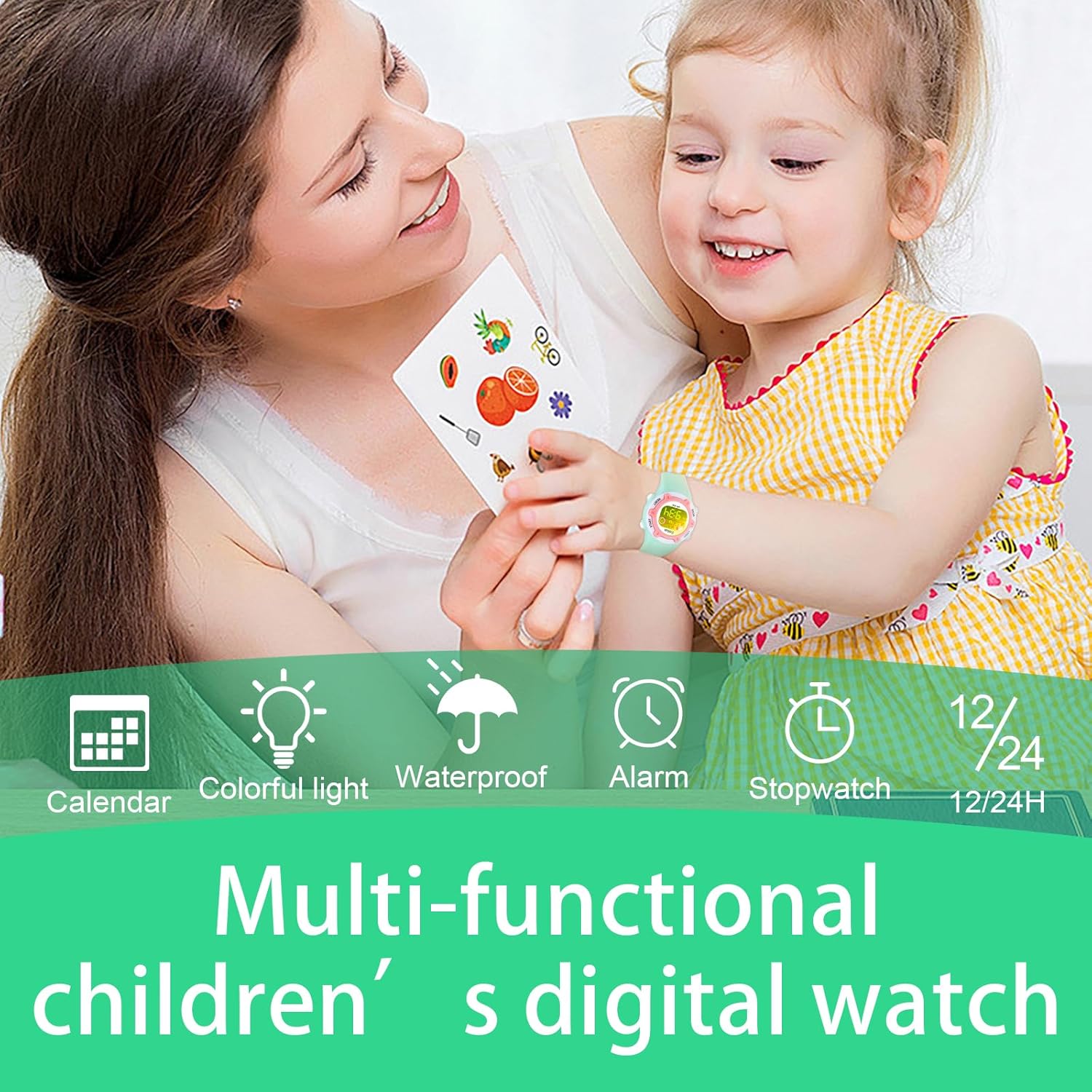
Image: Visual representation of the watch's multi-functional capabilities, including calendar, colorful light, waterproofing, alarm, stopwatch, and 12/24-hour display options.
Water Resistance
The Edillas Kids Watch is rated 30M/3ATM waterproof, suitable for daily activities such as hand washing, rain, splashing, sweating, and cold showers. It is important to NOT press any buttons while the watch is submerged in water, as this can compromise the water seal and lead to damage.

Image: A child enjoying water activities, illustrating the 30-meter water resistance of the Edillas watch, with icons indicating suitability for swimming, hand washing, splashing, and rain exposure.
Maintenance
Cleaning
If the watch becomes dirty, it can be rinsed directly with cold water. Avoid using harsh chemicals or abrasive materials that could damage the watch's acrylic case or TPU strap. Dry thoroughly with a soft cloth after rinsing.
Battery Information
The watch uses a Japan imported battery with a life expectancy of up to 2 years. If the battery stops working within this period, please refer to the Warranty and Support section for replacement options.
Strap and Case Care
The soft TPU strap is designed for durability and comfort. Avoid prolonged exposure to direct sunlight or extreme temperatures to maintain its flexibility. The acrylic case is sturdy but can be scratched; a protective film is often applied during manufacturing and can be removed.

Image: Detailed view of the watch's internal movement, stainless steel buckle, resin strap material, and the highly transparent resin glass, highlighting the quality components.
Troubleshooting
Watch Not Working / Blank Display
If the watch display is blank or not functioning, the battery may be depleted. Please contact customer service for assistance as per the warranty policy.
Water Damage
If water enters the watch, it is likely due to buttons being pressed underwater or prolonged exposure beyond the 30M/3ATM rating. Immediately dry the watch and contact customer support. Water damage due to improper use may not be covered under warranty.
Inaccurate Time
If the time is inaccurate, reset the time as described in the 'Setting Time and Date' section. If the issue persists, it may indicate a movement problem, and you should contact customer service.
Specifications
| Feature | Detail |
|---|---|
| Model Number | ED-8203L |
| Recommended Age | 4 to 15 years old |
| Water Resistance | 30M / 3ATM |
| Dial Diameter | 3.2 CM / 1.26 IN |
| Dial Thickness | 0.78 CM / 0.31 IN |
| Strap Width | 1.5 CM / 0.59 IN |
| Strap Length | 21 CM / 8.26 IN |
| Minimum Wrist Circumference | 14 CM / 5.5 IN |
| Maximum Wrist Circumference | 19 CM / 7.48 IN |
| Watch Weight | 18.14 g / 0.04 lbs |
| Case Material | Acrylic |
| Strap Material | Soft TPU |
| Back Material | Stainless Steel |
| Movement | Japan Imported |
| Battery Type | 1 C battery (included) |

Image: A diagram illustrating the key dimensions of the Edillas Kids Watch, including dial diameter, strap width, case thickness, and overall weight.
Warranty and Support
Edillas is committed to providing high-quality products and customer satisfaction. If the product battery or movement stops working during use, we offer a replacement watch. Each order includes dedicated customer service to provide timely and satisfactory solutions for any issues you may encounter.
For support or warranty claims, please contact Edillas customer service through the retailer where the watch was purchased, providing your order details and a description of the issue.


