
MaximalPower Wireless Doorbell Chime B02 (Model 2152) Instruction Manual
Model: 2152
1. Product Overview
The MaximalPower Wireless Doorbell Chime system provides a convenient and reliable notification solution for homes, classrooms, offices, and other environments. It consists of a battery-free push button transmitter and a plug-in receiver, offering adjustable volume, multiple chimes, and an LED indicator.
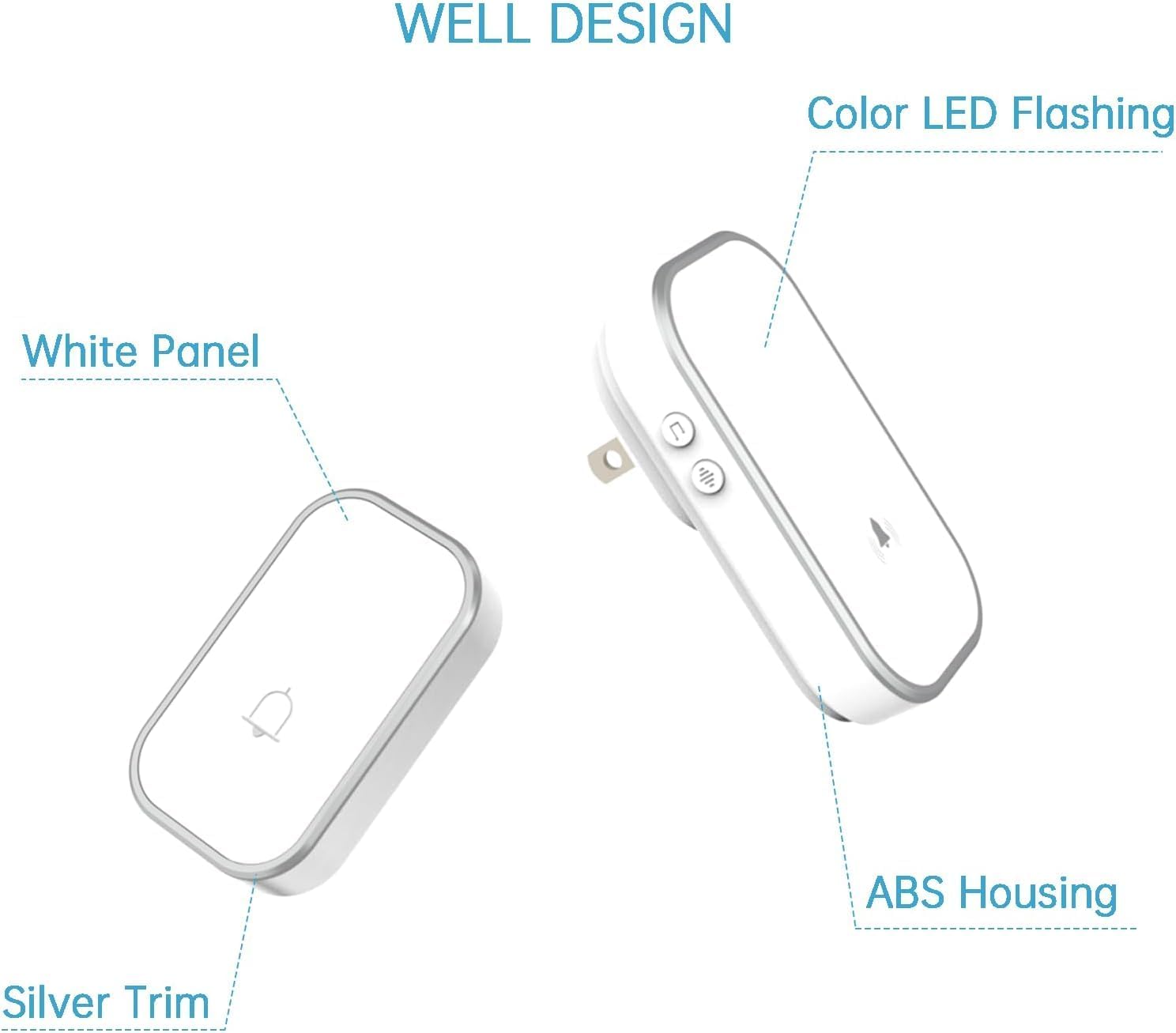
The MaximalPower Wireless Doorbell Chime system includes a push button transmitter and a plug-in receiver.
2. Package Contents
Verify that all components are present in the package:
- 1x Plug-in Receiver
- 1x Push Button Transmitter
- 1x Double-Sided Adhesive Tape
3. Setup and Installation
3.1 Installing the Push Button Transmitter
- Clean the desired mounting surface for the push button. Ensure the surface is smooth and dry.
- Remove the protective backing from one side of the double-sided adhesive tape.
- Apply the tape firmly to the back of the push button transmitter.
- Remove the remaining protective backing from the tape.
- Press the push button firmly onto the cleaned surface at your desired location (e.g., beside the door). Hold for a few seconds to ensure adhesion.

The push button transmitter is designed for outdoor use with IPX4 waterproof rating, operating in temperatures from -4°F to 140°F.
3.2 Installing the Plug-in Receiver
Plug the receiver into any standard electrical outlet in your home. The receiver will power on and be ready for operation.

The plug-in receiver features a colorful LED indicator, 8 volume levels, 38 ringtones, and a wireless range of up to 1000 feet.
4. Operating Instructions
4.1 Adjusting Volume
The receiver has 8 adjustable volume levels, ranging from 0 dB (mute) to 110 dB. Press the volume button on the receiver to cycle through the available volume settings.
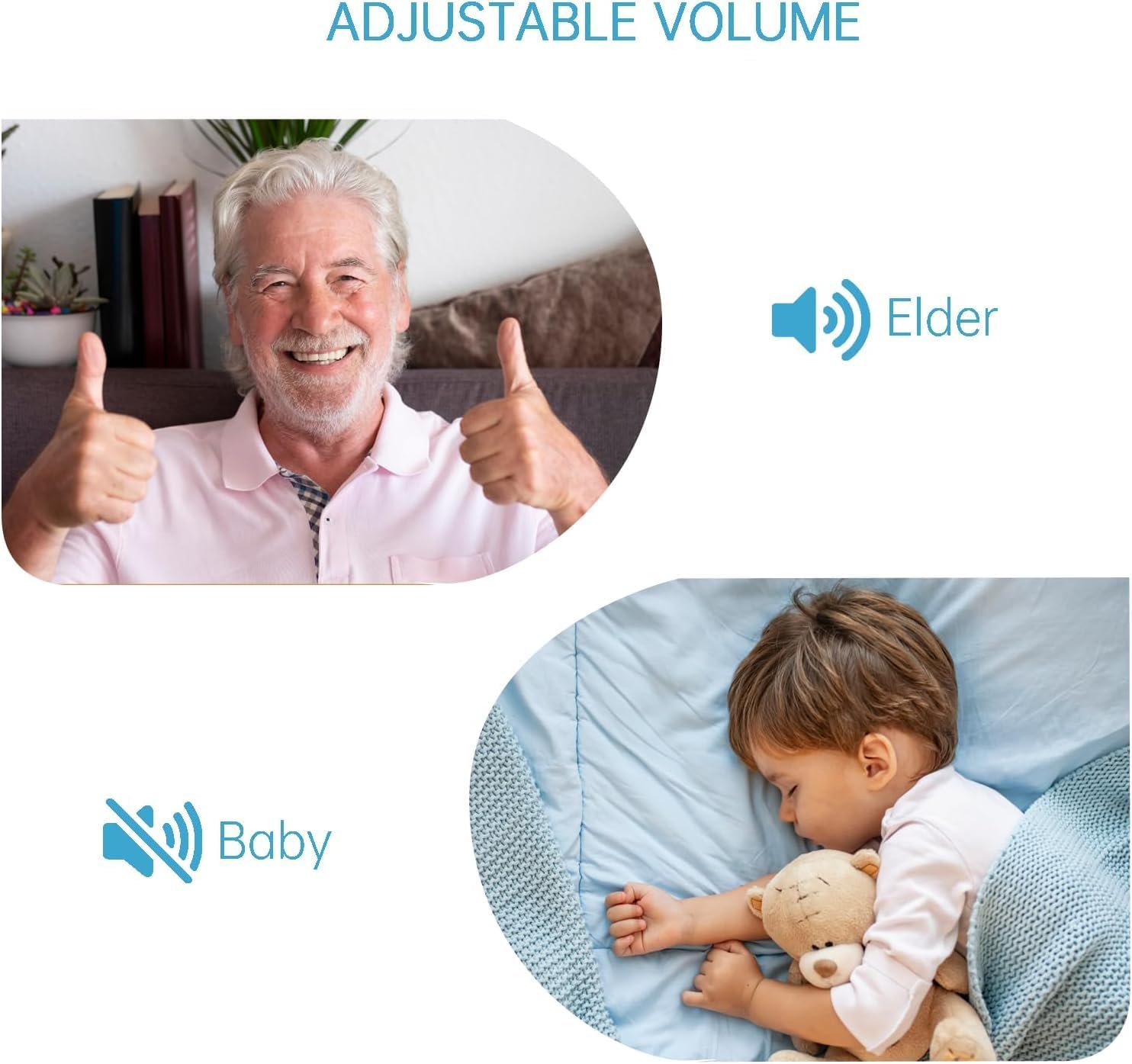
Volume levels can be adjusted from 0 dB to 110 dB to accommodate various environments, from quiet settings for sleeping children to louder alerts for the hearing impaired.
4.2 Changing Chimes
The receiver offers 38 different chimes. Press the chime selection button on the receiver to cycle through the available melodies. Once you hear a desired chime, stop pressing the button; the receiver will save this selection.
4.3 LED Flash Indicator
The receiver includes a colorful LED light that flashes when the push button is pressed. This visual notification is beneficial for individuals with hearing impairments or when the audio chime may not be heard.
4.4 Expanding the System
The doorbell system is expandable. Additional receivers or push buttons can be purchased and paired with your existing system. Each new component can be freely paired one-on-one, and specialized ringtones can be set for different areas or entrances.
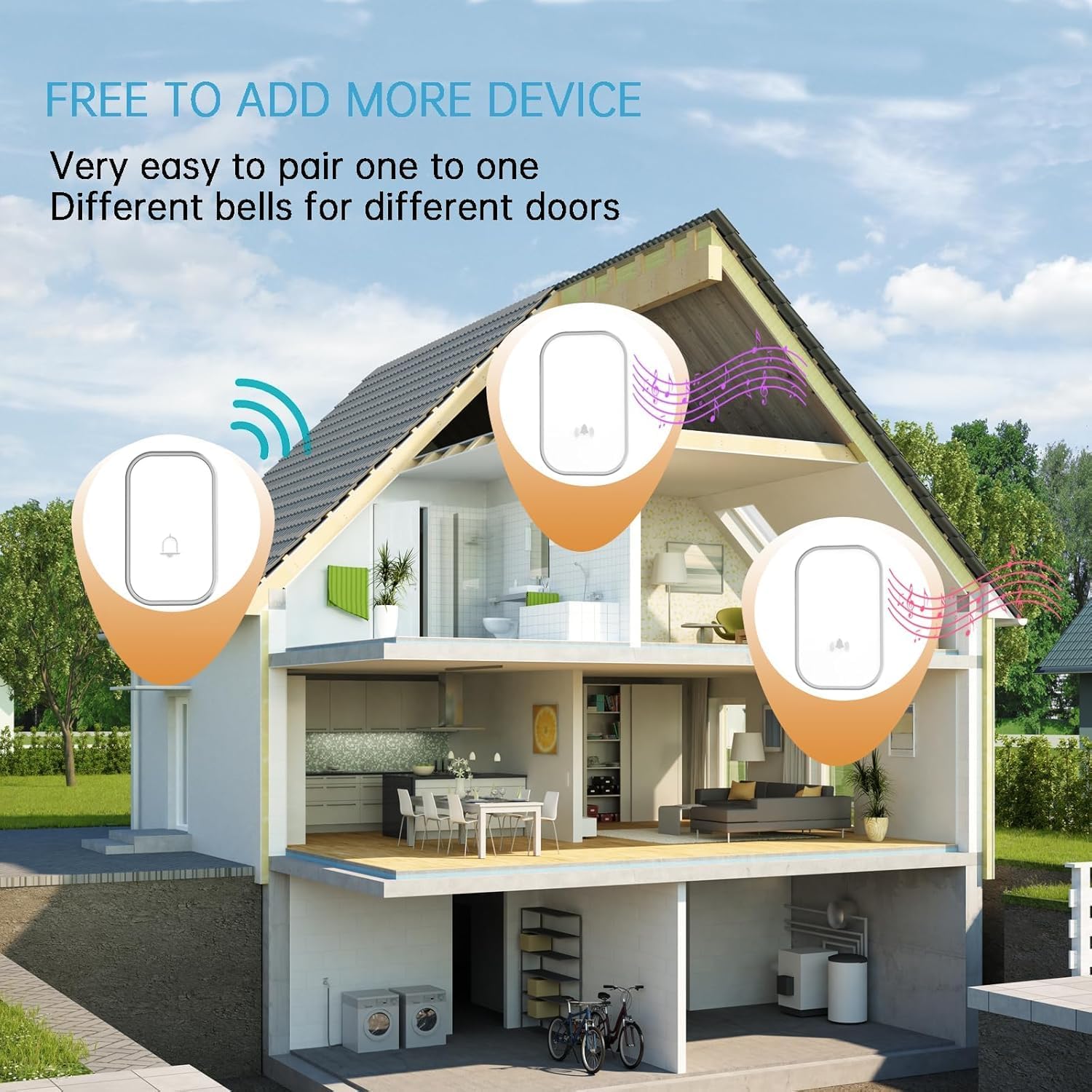
The system is expandable, allowing for the addition of multiple receivers or push buttons. Each receiver can be paired individually and assigned specialized ringtones for different areas.
5. Features
- Wireless Range: Up to 1000 feet (300 meters) in open areas, utilizing an FM signal scheme.
- Chimes & Volume: 38 selectable chimes and 8 volume levels (0 dB to 110 dB).
- LED Indicator: Colorful LED flash on the receiver for visual alerts.
- Weather Resistance: Push button is IPX4 waterproof, operating in temperatures from -4°F to 140°F (-20°C to 60°C).
- Expandable System: Supports multiple receivers and push buttons with individual pairing and ringtone settings.
- No Battery Required (Push Button): The push button operates without batteries.
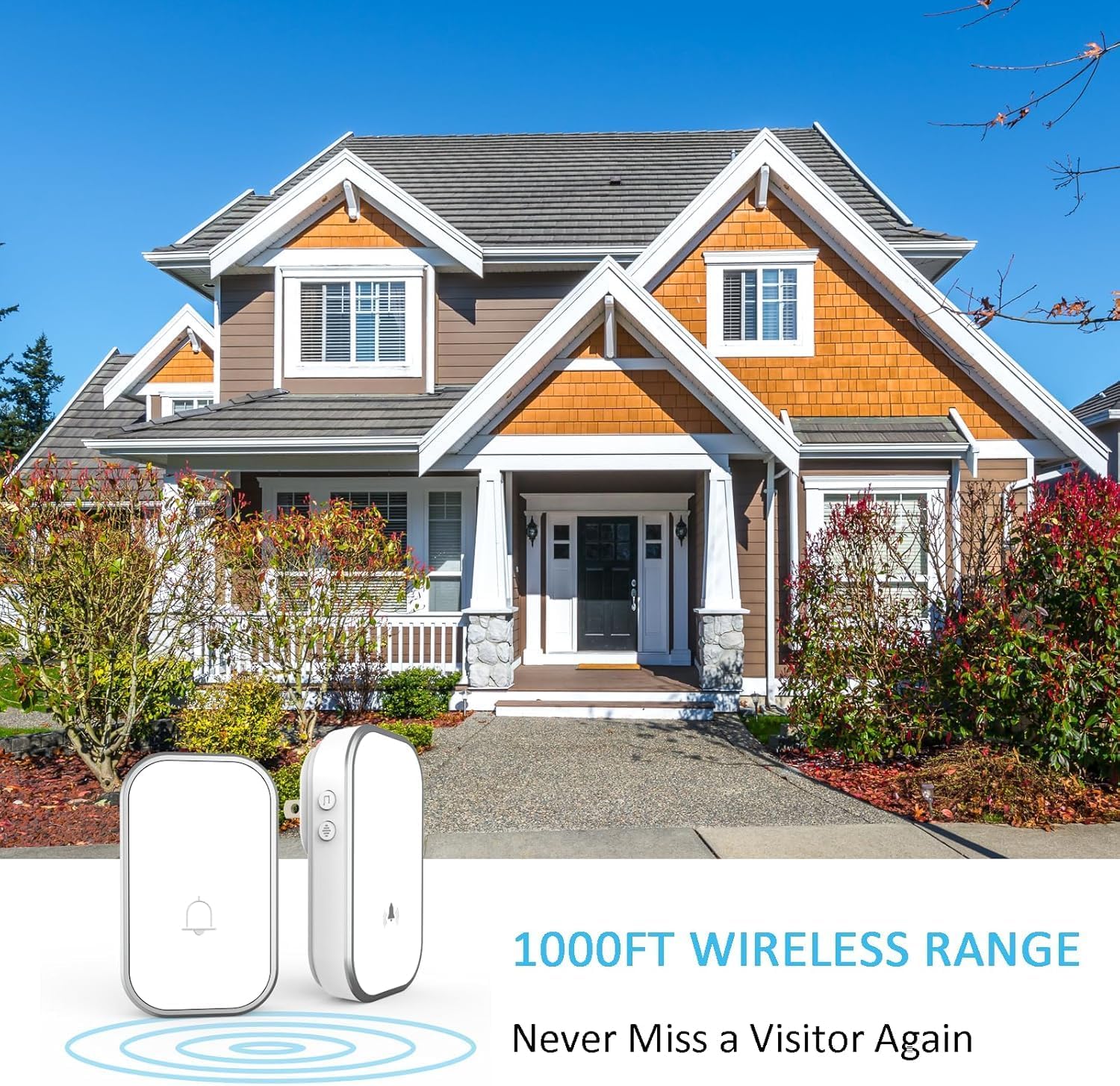
The doorbell system provides a wireless range of up to 1000 feet in open spaces, suitable for large homes and properties.
6. Maintenance
- Clean the doorbell components with a soft, dry cloth. Do not use abrasive cleaners or solvents.
- Ensure the push button's mounting surface remains secure. Reapply adhesive tape if necessary.
- Keep the receiver plugged into a stable power source.
7. Troubleshooting
- No Sound from Receiver:
- Check if the receiver is properly plugged into a working outlet.
- Ensure the volume is not set to 0 dB (mute).
- Verify that the push button and receiver are paired. If not, refer to the pairing instructions (usually involves pressing a button on the receiver and then the push button).
- Short Wireless Range:
- Obstructions like thick walls, metal structures, or large electrical appliances can reduce range. Try relocating the receiver or push button.
- Ensure there are no strong interference sources nearby.
- Push Button Not Responding:
- Confirm the push button is securely mounted and not damaged.
- Re-pair the push button with the receiver.
8. Specifications
- Manufacturer: MaximalPower
- Item Model Number: 2152
- Item Weight: 4.5 ounces
- Product Dimensions: 3.5 x 2.18 x 1 inches
- Wireless Range: Up to 1000ft (300m)
- Chime Options: 38 melodies
- Volume Levels: 8 levels (0 dB to 110 dB)
- Waterproof Rating (Transmitter): IPX4
- Operating Temperature: -4°F to 140°F (-20°C to 60°C)
- Batteries Required: No (for push button)
9. Warranty and Support
This product includes a manufacturer's warranty. Please refer to the documentation included in your product packaging for specific warranty terms, conditions, and contact information for customer support. Damage resulting from improper use, force majeure, or normal aging/abrasion may not be covered under warranty.