
TTROARDS TT19
TTROARDS TT19 Drone User Manual
Model: TT19
Brand: TTROARDS
1. Introduction
Thank you for choosing the TTROARDS TT19 Drone. This foldable quadcopter is designed for beginners and adults, offering an engaging flight experience with advanced features. It includes a 1080P camera with 90° motorized adjustment, 270° obstacle avoidance, a powerful brushless motor, and level 3 wind resistance for stable flight. Please read this manual thoroughly before operating your drone to ensure safe and optimal performance.

Image: The TTROARDS TT19 Drone, highlighting its compact and advanced design.
2. What's in the Box
The TTROARDS TT19 Drone package includes the following components:
- 1x Drone
- 1x Remote Control
- 1x Modular Battery
- 4x Propeller (spare)
- 4x Propeller Guards
- 1x USB Charger Cable
- 1x Screwdriver
- 1x Carrying Case
- 1x User Manual

Image: Contents of the TTROARDS TT19 Drone package.
3. Setup
3.1 Drone Assembly
- Unfold the Drone Arms: Gently unfold all four arms of the drone until they click into place. Ensure they are fully extended and locked.
- Attach Propeller Guards (Optional): For added protection, especially for beginners, attach the propeller guards to each motor arm. Align the guard with the arm and snap it into place.
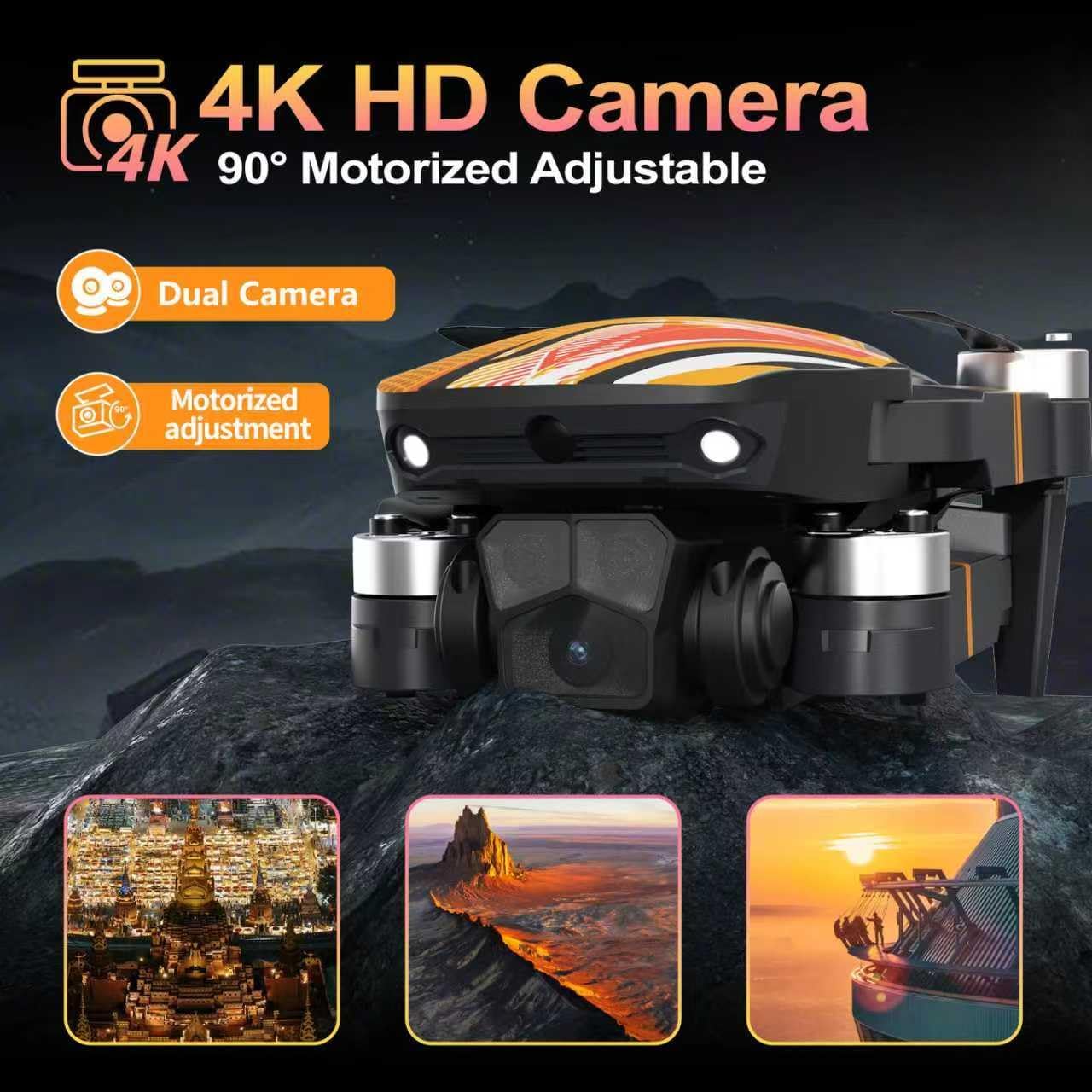
Image: The TT19 Drone with its arms unfolded.
3.2 Battery Installation & Charging
- Drone Battery: Insert the modular battery into the battery compartment on the rear of the drone until it clicks securely.
- Charging: Connect the USB charging cable to the drone's battery port (or directly to the modular battery if removed) and a suitable USB power source (e.g., computer, USB adapter). The indicator light will show charging status. Ensure the battery is cool before charging.
- Remote Control Batteries: Open the battery compartment on the back of the remote control using the provided screwdriver. Insert 3 AAA batteries (not included), ensuring correct polarity. Close the compartment and secure with the screw.

Image: Modular battery for the TT19 Drone.
3.3 App Installation & Connection
- Download the App: Scan the QR code provided in the included user manual or search for the designated app in your smartphone's app store (iOS/Android).
- Connect to Wi-Fi: Turn on the drone. On your smartphone, go to Wi-Fi settings and connect to the drone's Wi-Fi network (usually named 'Drone-XXXXXX').
- Launch the App: Open the drone app. The live camera feed should appear, indicating a successful connection.
Video: TTROARDS TT19 Drone setup and initial flight demonstration by the seller.
4. Operating Instructions
4.1 Basic Flight Controls
- One-Touch Takeoff/Landing: Press the dedicated button on the remote or in the app for automatic takeoff or landing.
- 3 Speed Modes: Adjust flight speed (low, medium, high) using the speed button on the remote to suit your skill level and environmental conditions.
- Headless Mode: Activates a mode where the drone's orientation is relative to the pilot, simplifying control regardless of the drone's front direction.
- 360° Flips: Execute impressive aerial stunts with a dedicated button and joystick movement.

Image: The TT19 Drone showcasing its 3 speed modes.
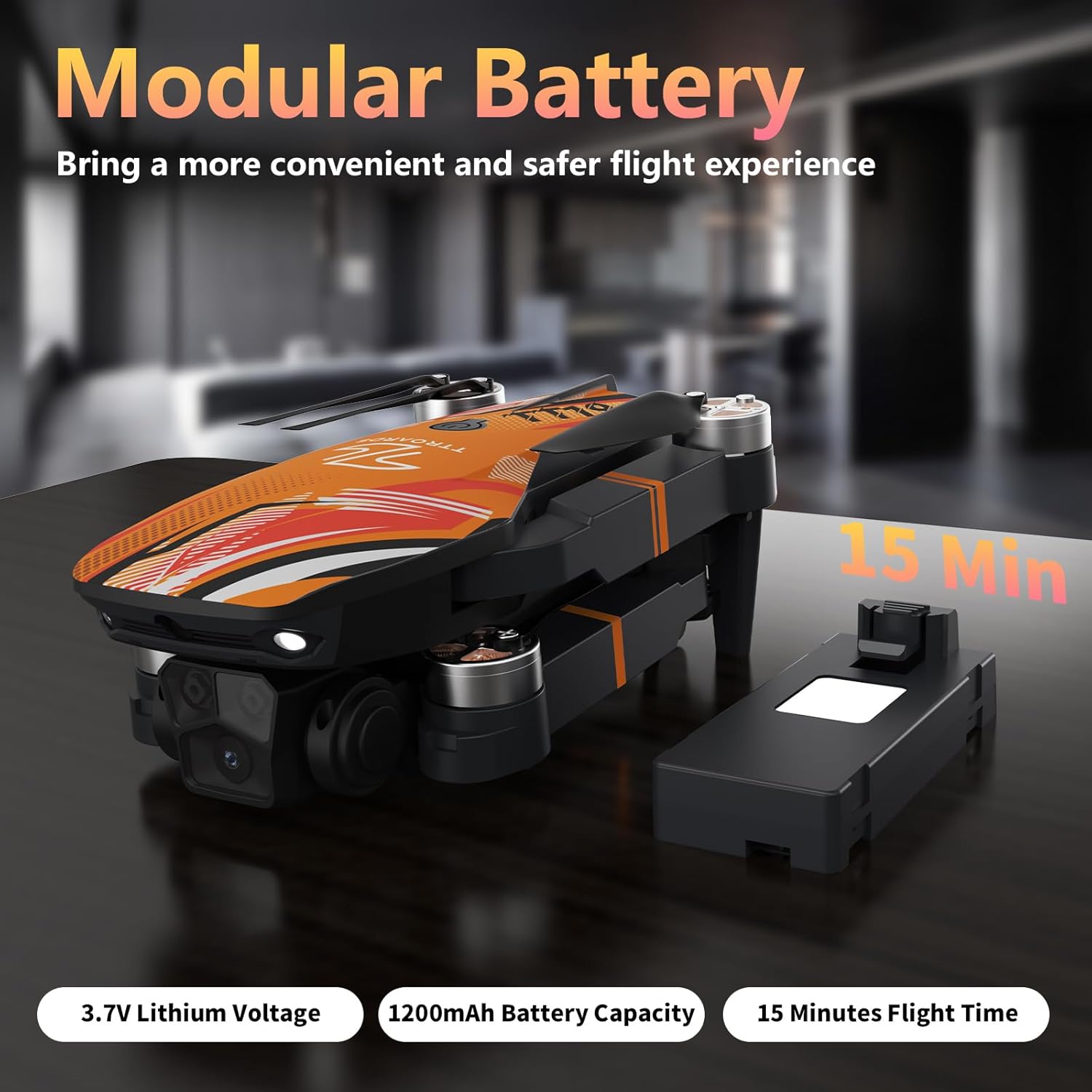
Image: The TT19 Drone executing a 360° flip.
4.2 Camera Operation
- 1080P HD Camera: The drone is equipped with a 1080P camera for high-definition photo and video capture.
- 90° Motorized Adjustable: Adjust the camera angle remotely via the app or controller to capture various perspectives, from upward to downward shots.

Image: The TT19 Drone's 1080P camera with 90° adjustment.
4.3 Special Features
- Optical Flow Positioning & Altitude Hold: Advanced optical flow sensors provide precise hovering accuracy, preventing drift and ensuring stable footage, especially in hover mode.
- 270° Obstacle Avoidance: Sensors continuously scan the flight path, providing warnings and assisting in trajectory adjustments to reduce collision risks.
- Trajectory Flight: Draw a custom flight path on the app, and the drone will follow the programmed route.
- Gravity Control: Swing your phone to control the drone's direction, offering an intuitive control method.

Image: The TT19 Drone demonstrating 270° obstacle avoidance.
Video: TTROARDS TT19 Drone in flight, showcasing its stability and features.
5. Maintenance
5.1 Propeller Replacement
If a propeller is damaged, use the provided screwdriver to carefully remove the screw securing the damaged propeller. Replace it with a new propeller from the spare set, ensuring it is correctly oriented, and secure it with the screw.
5.2 Battery Care
- Always use the provided USB charger.
- Do not overcharge or over-discharge the battery.
- Store batteries in a cool, dry place away from direct sunlight.
- Allow batteries to cool down before recharging after flight.
5.3 Cleaning
Use a soft, dry cloth to clean the drone body and camera lens. Avoid using harsh chemicals or abrasive materials.
6. Troubleshooting
- Drone not responding: Ensure both the drone and remote control are powered on and properly paired. Check battery levels.
- Unstable flight: Perform a calibration as per the app instructions. Check for damaged propellers and replace if necessary. Ensure flight is in calm conditions.
- No camera feed: Verify Wi-Fi connection between your smartphone and the drone. Restart the app and drone.
- Obstacle avoidance not working: Ensure sensors are clean and unobstructed. Fly in well-lit conditions for optimal sensor performance.
7. Specifications
| Feature | Detail |
|---|---|
| Brand | TTROARDS |
| Model Name | TT19 |
| Special Features | 270° Obstacle Avoidance, 1080P Camera with 90° Adjustment, Optical Flow Positioning, Altitude Hold |
| Age Range | Adult |
| Color | Orange |
| Video Capture Resolution | 1080p |
| Connectivity Technology | Wi-Fi |
| Included Components | Battery, Carrying Case, Propeller, Remote Control, USB Charger, User Manual |
| Battery Capacity | 1200 Milliamp Hours |
| Video Capture Format | MP4 |
| Control Type | Remote Control |
| Material | Plastic |
| Wireless Communication Technology | Wi-Fi |
| Battery Cell Composition | Lithium Polymer |
| Are Batteries Included | Yes |
| Remote Control Included? | Yes |
| Optical Sensor Technology | Optical Flow |
| Rechargeable Battery Included | Yes |
| Product Dimensions | 8.6"L x 6.3"W x 2.8"H |
| Item Weight | 1.08 pounds |
8. Warranty & Support
For any product inquiries, technical support, or warranty claims, please contact our customer support team:
Email: TTROAR_support@163.com
Please provide your model number (TT19) and a detailed description of your issue for prompt assistance.
Related Documents - TT19
 |
TT19/TT19EX Quick Setup Guide A comprehensive guide to setting up and using the TT19/TT19EX real-time data logger, including device registration, SIM card insertion, battery connection, and data querying. |
 |
Weigh Safe True Tow Weight Distribution Hitch Owner's Manual This manual provides detailed instructions for the installation, setup, and maintenance of the Weigh Safe True Tow Weight Distribution Hitch (Heavyweight and Middleweight). It covers safety precautions, parts breakdown, step-by-step installation, troubleshooting, and torque specifications. |
 |
TZONE TT19 Real-Time Temperature & Humidity Data Logger with GPS and Vibration Monitoring Discover the TZONE TT19, a versatile real-time data logger for temperature, humidity, GPS location, and vibration monitoring. Ideal for vaccine, blood, pharmaceutical, and food transport. Features automatic data generation and intuitive LCD display. |
 |
BMW S 1000 XR Akrapovič Slip-On Exhaust System Performance and Parts Performance data and a detailed parts list for the Akrapovič slip-on exhaust system designed for the BMW S 1000 XR motorcycle. Includes dyno chart analysis and component identification. |
 |
Kawasaki Z900 Performance & Akrapovič Exhaust System Components Detailed performance data for the Kawasaki Z900, comparing stock vs. Akrapovič slip-on exhaust systems, including wheel power and engine torque metrics. Features a comprehensive parts list and exploded view of Akrapovič exhaust components. |
 |
Kawasaki ZX-10R 2006 Akrapovič Exhaust System Performance and Parts Performance comparison of stock vs. Akrapovič bolt-on exhaust for Kawasaki ZX-10R 2006, including a detailed parts diagram and repair kit information for the slip-on exhaust system. |
Ask a question about this manual
Ask about setup, troubleshooting, compatibility, parts, safety, or missing instructions. Manuals+ will review the question and use this page’s manual context to help answer it.