
Introduction
Thank you for choosing the Euphro 10.1'' Digital Picture Frame. This device allows you to easily share and display your cherished photos and videos with family and friends through a seamless Wi-Fi connection and the intuitive Uhale app. With its vibrant IPS touch screen and ample storage, your memories will be brought to life in stunning detail. This manual provides detailed instructions for setting up, operating, and maintaining your digital picture frame.
Product Overview
Key Features
- 10.1-inch IPS Touch Screen: Features a 1280x800 resolution for vivid and clear display of photos and videos. The touch screen allows for easy navigation and interaction.
- 32GB Built-in Storage: Provides ample space to store approximately 60,000 photos (at 300KB/pc). Storage is expandable via Micro SD card.
- Wi-Fi Connectivity: Enables instant sharing of photos and videos from anywhere using the free Uhale app (available on Android and iOS).
- Multi-User Sharing: Supports multiple users to connect and share content to the frame, making it ideal for families.
- Automatic Rotation: The frame automatically adjusts photo orientation whether placed horizontally or vertically.
- Customization Options: Adjust display order, image scaling, hide images, and change transition effects to personalize your viewing experience.
- Privacy Protection: The Uhale app is designed with multiple layers of privacy protection, ensuring photos are encrypted and transmitted end-to-end.
Components
The Euphro Digital Picture Frame package includes the following components:
- Euphro 10.1'' Digital Picture Frame
- Power Adapter
- User Manual (this document)

This image illustrates the digital picture frame displaying a vibrant image of a dog swimming, alongside a smartphone showing the Uhale app's gallery view. This highlights the frame's display quality and the app's photo management capabilities.

This image demonstrates the ease of sharing photos wirelessly from a smartphone to the digital picture frame using the Uhale app. It shows the app's icon and prompts to download from the App Store and Google Play.

This image showcases the frame's internal storage capacity, indicating 32GB built-in memory and support for Micro SD card expansion. It displays a grid of various photos, emphasizing the large number of memories that can be stored.
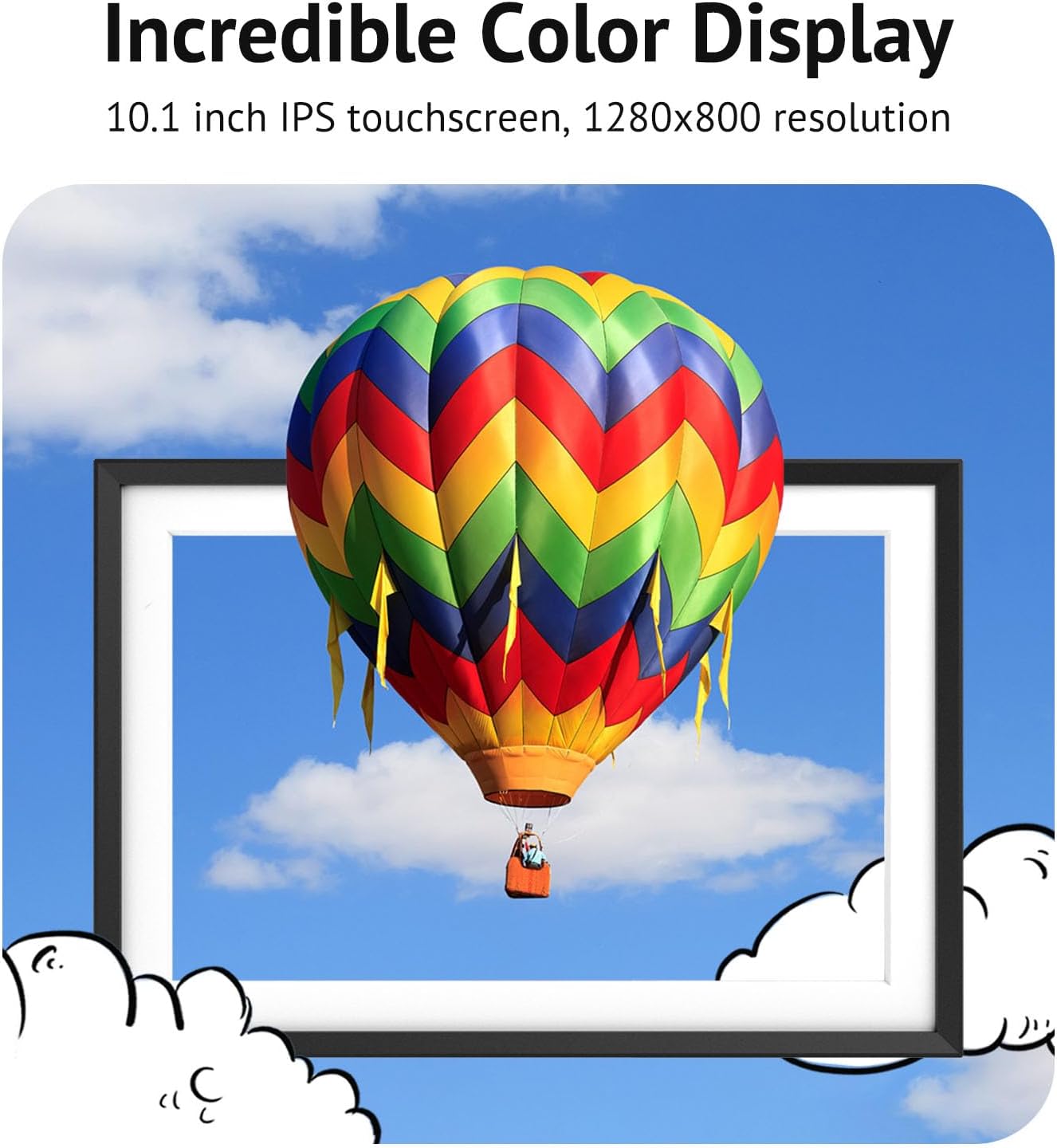
This image highlights the frame's 10.1-inch IPS touchscreen with 1280x800 resolution, demonstrating its ability to display images with incredible color and clarity, featuring a hot air balloon against a blue sky.

This image illustrates the frame's auto-rotate function, showing it displaying a vertical photo of two people. It also indicates support for pictures/videos, weather forecasts, and unlimited user connections.
Setup Guide
- Power On: Connect the provided power adapter to the frame's power port and plug it into a wall outlet. The frame will automatically power on.
- Initial Setup: Follow the on-screen prompts to select your language, time zone, and connect to a Wi-Fi network. Ensure you have your Wi-Fi password ready. The frame supports 2.4GHz Wi-Fi networks.
- Download the Uhale App: On your smartphone (iOS or Android), search for and download the "Uhale" app from your respective app store.
- Pair the Frame with the App:
- Open the Uhale app and create an account or log in.
- On the frame, navigate to the "Settings" or "Add Device" section to find the unique device code.
- In the Uhale app, enter this device code to pair your smartphone with the digital picture frame.
- Once paired, you can start sending photos and videos to your frame.
Operating Instructions
Sending Photos and Videos
- Via Uhale App:
Open the Uhale app on your smartphone. Select the photos or videos you wish to send from your gallery. Choose your connected Euphro frame and tap "Send" or "Share". The content will be uploaded to your frame via Wi-Fi.

Figure 6: Instant Sharing of photos and videos from a smartphone to the frame via the Uhale app. This image visually explains how to instantly share content. A smartphone user is shown selecting photos, which are then wirelessly transmitted to the digital picture frame, illustrating the ease of use.
- Via Micro SD Card/USB Drive:
Insert a Micro SD card or USB drive containing your photos and videos into the designated slot on the frame. Navigate to the "Gallery" or "Storage" section on the frame's interface to access and import content. The frame supports various picture and video formats.
Customizing Settings
The frame offers various customization options accessible through the touch screen interface:
- Display Order: Adjust the sequence in which photos and videos are displayed (e.g., chronological, random).
- Image Scaling: Choose how images fit the screen (e.g., fit to screen, fill screen).
- Image Transitions: Select from various transition effects between photos (e.g., fade, slide).
- Hide/Delete Images: Manage your content directly on the frame by hiding or deleting unwanted photos/videos.
- Sleep Mode: Configure the frame to enter sleep mode during specific hours to save energy.
- Weather Forecast: Enable or disable the display of local weather information.

This image provides a summary of the key features of the Euphro 10.1" Canvas model, emphasizing its HD display, 32GB storage capacity, WiFi connectivity for sharing, and responsive IPS touchscreen with wide viewing angles.
Maintenance
- Cleaning the Screen: Use a soft, lint-free cloth to gently wipe the screen. For stubborn smudges, slightly dampen the cloth with water or a screen-cleaning solution designed for electronics. Avoid harsh chemicals or abrasive materials.
- Cleaning the Frame: Wipe the frame's body with a dry, soft cloth.
- Storage: When not in use for extended periods, store the frame in a cool, dry place away from direct sunlight and extreme temperatures.
- Software Updates: Periodically check for software updates through the frame's settings menu to ensure optimal performance and access to new features.
Troubleshooting
| Problem | Possible Cause | Solution |
|---|---|---|
| Frame does not power on. | Power adapter not connected or faulty outlet. | Ensure the power adapter is securely connected to the frame and a working power outlet. Try a different outlet. |
| Cannot connect to Wi-Fi. | Incorrect password, weak signal, or unsupported network frequency. | Double-check the Wi-Fi password. Move the frame closer to the router. Ensure your router is broadcasting a 2.4GHz network. Restart the frame and router. |
| Photos/Videos not appearing on frame. | App not paired, incorrect frame selected, or network issue. | Verify the frame is correctly paired with the Uhale app. Ensure you are sending to the correct frame ID. Check your internet connection. |
| Screen is unresponsive. | Temporary software glitch. | Restart the frame by unplugging and re-plugging the power adapter. |
| Images appear distorted or low quality. | Low resolution source image or incorrect display settings. | Ensure the original images are of high resolution. Adjust image scaling settings on the frame (e.g., "Fit to Screen" vs. "Fill Screen"). |
Specifications
- Model Number: WF133-CA
- Screen Size: 10.1 Inches
- Resolution: 1280x800 IPS Touch Screen
- Internal Storage: 32GB
- Expandable Storage: Supports Micro SD Card
- Connectivity: Wi-Fi (2.4GHz)
- Product Dimensions: 18 x 26 x 2.51 cm
- Weight: 870 g
- Compatible Devices: Smartphone (via Uhale App)
- Manufacturer: Euphro
- Country of Origin: China
Warranty and Support
Euphro is committed to providing high-quality products and excellent customer service.
- Warranty: Your Euphro Digital Picture Frame comes with a One-Year Warranty, providing worry-free and lifetime technical support.
- After-Sales Service: All queries will be handled within 24 hours.
- Contact Information:
- Email: help@euphroframes.com
- Website: www.euphroframes.com

This image highlights Euphro's commitment to customer satisfaction, including 24-hour after-sales service, a one-year warranty, gift-ready packaging, and environmentally friendly practices.