
UEME DT-008
UEME Small Digital Voice Recorder User Manual
Model: DT-008
1. Introduction
This user manual provides comprehensive instructions for operating your UEME Small Digital Voice Recorder (Model: DT-008). This compact device is designed for high-quality audio recording, offering features such as Bluetooth connectivity, ample storage, and user-friendly operation. It is ideal for capturing notes, dictations, conversations, interviews, and meetings.

Figure 1: UEME Digital Voice Recorder and Packaging
The image displays the UEME Digital Voice Recorder alongside its product packaging. The recorder is silver with a black screen and control buttons, showcasing its compact design.
2. What's in the Box
- 1x Digital Voice Recorder
- 1x Storage Bag
- 1x USB Cable
- 1x User Guide (this manual)
- 1x Quick Start Guide
3. Setup
3.1 Charging the Device
Before first use, fully charge the voice recorder. Connect the supplied USB cable to the recorder's USB port and the other end to a 5V/1A USB adapter (not included) or a PC/laptop's USB port. The charging indicator will show the charging status.

Figure 2: Charging and File Transfer via USB
This image shows the digital voice recorder connected to a laptop via a USB cable, illustrating both charging and file transfer capabilities.
3.2 Powering On/Off
To power on the device, slide the power switch to the ON position. To power off, slide it to the OFF position.
4. Operating Instructions
4.1 Basic Recording
The device features one-key operation for recording:
- Ensure the device is powered on.
- Press the Record button (usually marked with a red circle) to start recording. The screen will indicate recording is in progress.
- Press the Record button again to stop recording. The recording will be automatically saved.
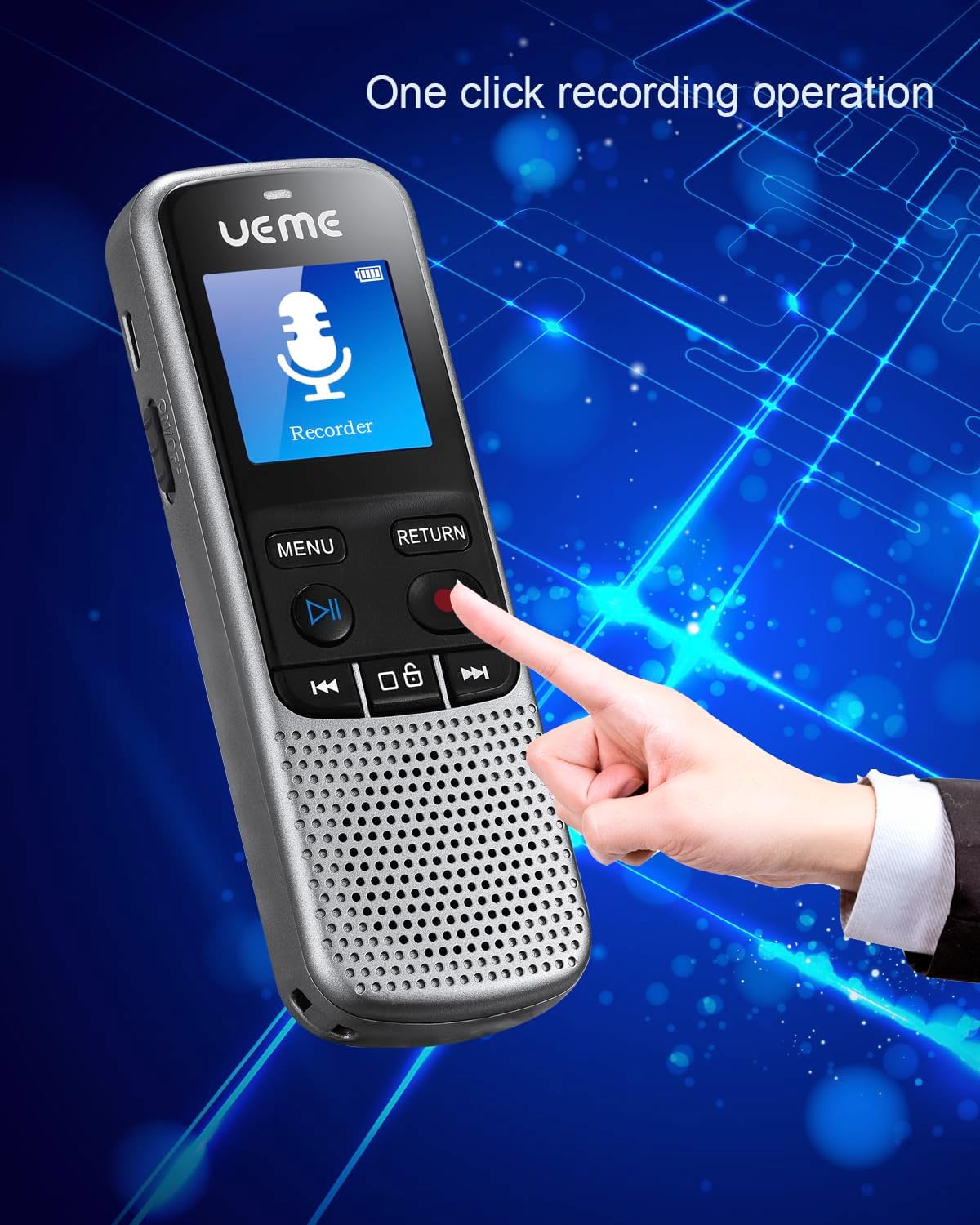
Figure 3: One-Click Recording Operation
A hand is shown pressing the red record button on the digital voice recorder, highlighting its simple one-click recording functionality.
For optimal sound quality, record within a distance of two meters (approximately 6.56 feet) from the sound source. The variable sensitivity microphone captures clear audio.
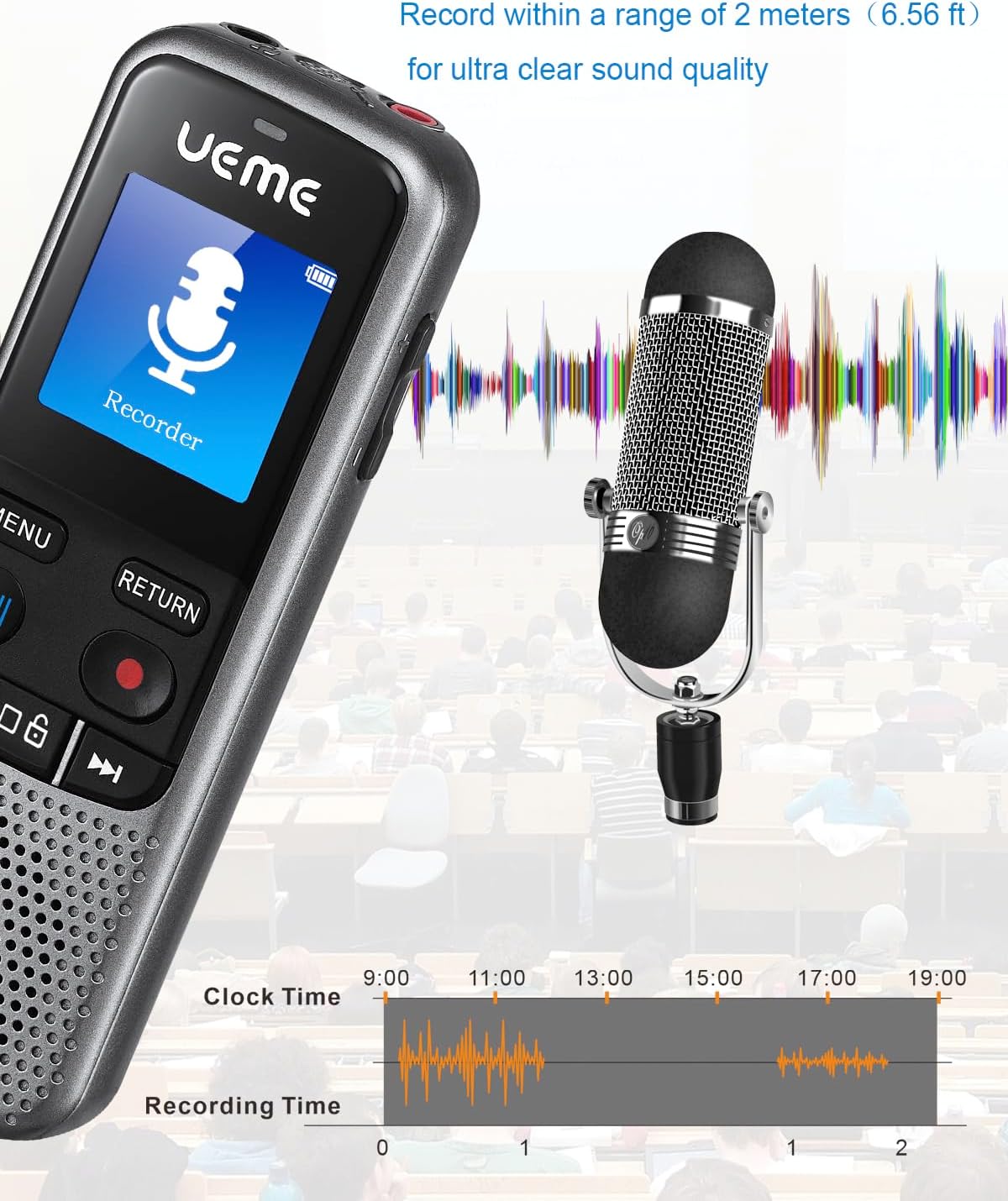
Figure 4: Optimal Recording Distance
This image illustrates the digital voice recorder's capability to record ultra-clear sound within a 2-meter range, with sound waves emanating from a microphone.
4.2 Playback
You can listen to recorded files using the built-in speaker or by connecting wired headphones to the 3.5mm jack. The device also supports MP3 playback for music files.
- Navigate through your saved recordings using the Menu and navigation buttons.
- Select the desired file and press the Play/Pause button.
- Adjust volume using the appropriate buttons (refer to quick start guide for specific button layout).
4.3 Bluetooth Connectivity
The voice recorder features Bluetooth 5 for connecting to wireless headphones or Bluetooth speakers for a clearer and more convenient listening experience. Note: This device cannot be connected to a Bluetooth microphone or a smartphone via Bluetooth for recording purposes.
- From the main menu, navigate to the Bluetooth settings.
- Turn Bluetooth On.
- Select "Search for device" or "Device List" to find available Bluetooth devices.
- Select your desired headphones or speaker from the list to pair.

Figure 5: Bluetooth Connectivity for Audio Output
A woman is shown enjoying audio through wireless headphones, with the digital voice recorder displaying a music icon, illustrating its Bluetooth playback feature.
Video 1: UEME Digital Voice Recorder Features Overview
This video demonstrates key features of the UEME Digital Voice Recorder, including its compact size, one-touch recording, long battery life, and Bluetooth connectivity for headphones and speakers. It also shows the automatic screen locking function.
4.4 Automatic Screen Locking Function
If the recorder is not operated for more than 10 minutes, it will enter a screen lock state, similar to a smartphone. To reactivate the controls, you must press the unlock button twice.

Figure 6: Unlock Key for Screen Activation
A close-up view of the digital voice recorder's screen, highlighting the 'unlock key' button and instructing the user to press it twice to activate other keys after automatic screen locking.
5. Maintenance
- Keep the device dry. Avoid exposure to moisture or liquids.
- Clean the device with a soft, dry cloth. Do not use abrasive cleaners or solvents.
- Store the device in the provided storage bag when not in use to protect it from dust and scratches.
- Avoid extreme temperatures.

Figure 7: Convenient Storage
The digital voice recorder is shown neatly tucked into its grey storage bag, placed on a desk alongside a notebook and pen, emphasizing its portability and ease of storage.
6. Troubleshooting
| Problem | Possible Cause | Solution |
|---|---|---|
| Device does not power on. | Low battery. | Charge the device using the supplied USB cable. |
| Cannot start recording. | Device is in screen lock mode. | Press the unlock button twice to activate controls. |
| Poor recording quality. | Too far from sound source; noisy environment. | Ensure recording within 2 meters (6.56 ft); minimize background noise. |
| Bluetooth device not pairing. | Bluetooth is off; device is out of range; incompatible device type. | Ensure Bluetooth is on and device is in pairing mode; move closer; remember it does not pair with smartphones or Bluetooth mics. |
| Cannot transfer files to computer. | Loose USB connection; driver issue. | Ensure USB cable is securely connected; try a different USB port or computer. |
7. Specifications
| Feature | Detail |
|---|---|
| Model Number | DT-008 |
| Dimensions (L x W x H) | 4.5 x 0.8 x 1.5 inches (11.43 x 2.03 x 3.81 cm) |
| Weight | 6.9 ounces (195.6 grams) |
| Storage Capacity | 32 GB (stores 2324 hours of recording or 10,000 songs) |
| Recording Formats | 1536kpbs WAV, 192kbps MP3 |
| Battery Type | 1 Lithium Polymer battery (included) |
| Battery Life (Recording) | Up to 18 hours |
| Battery Life (Playback) | Up to 12 hours (Mid volume) |
| Standby Time | Up to 45 hours |
| Microphone | Built-In, variable sensitivity |
| Headphones Jack | 3.5 millimeters |
| Bluetooth Version | Bluetooth 5 |
| Manufacturer | UEME |
8. Warranty and Support
UEME products come with a standard manufacturer's warranty. For specific warranty details, please refer to the warranty card included with your product or visit the official UEME website. For technical support, troubleshooting assistance, or any inquiries regarding your device, please contact UEME customer service through the contact information provided on the product packaging or their official website.
For additional resources and frequently asked questions, you may visit the UEME Store on Amazon.
Ask a question about this manual
Ask about setup, troubleshooting, compatibility, parts, safety, or missing instructions. Manuals+ will review the question and use this page’s manual context to help answer it.