
1. Introduction
This manual provides comprehensive instructions for the HELETUL BD502i G-Shape Earpiece with Microphone. This accessory is designed for use with compatible HYT and Hytera two-way radios, offering clear communication and comfortable wear. Please read this manual thoroughly before using the product to ensure proper operation and longevity.
2. Package Contents
Upon unpacking, verify that all items listed below are present and in good condition:
- 1 x HELETUL BD502i G-Shape Earpiece with Microphone
3. Key Features
- 2-Pin Screw Connector: Ensures a secure and stable connection to compatible radios.
- High Audio Quality: Provides clear receiving and transmitting audio without sound leakage.
- Durable Construction: Sturdy pins with reinforced base-bottom support prevent easy breakage.
- Sensitive PTT Button and Microphone: Facilitates reliable push-to-talk functionality and clear voice transmission.
- G-Shape Earhook: Designed for a solid fit on the ear, ensuring comfort during extended wear.
4. Compatibility
The HELETUL BD502i G-Shape Earpiece is compatible with a wide range of HYT and Hytera two-way radios, including but not limited to:
- HYT/Hytera TC-600, TC-610, TC-620, TC-700, TC-580, TC-518, TC-618, TC508
- HYT/Hytera BD500, TD500, TD560, PD530, PD506, BD502i, BD552i, BD612i, PD402i, PD482i, PD502i, PD562i, PD560, PD415
5. Setup Instructions
5.1 Connecting the Earpiece to Your Radio
- Locate the Audio Jack: Identify the 2-pin audio jack on your compatible two-way radio. This is typically located on the side of the radio.
- Align the Connector: Align the 2-pin screw connector of the earpiece with the radio's audio jack. Ensure the pins are correctly oriented.
- Insert and Secure: Gently push the connector into the radio's jack until it is fully seated. If your radio has a screw-in mechanism, turn the screw clockwise to secure the connection. Do not overtighten.
- Position the Earpiece: Place the G-shape earpiece over your ear, ensuring it sits comfortably and securely. The earhook should rest behind your ear, with the speaker positioned in your ear canal.
- Position the PTT/Mic Unit: Clip the Push-to-Talk (PTT) button and microphone unit to your collar or clothing in a convenient location for easy access.
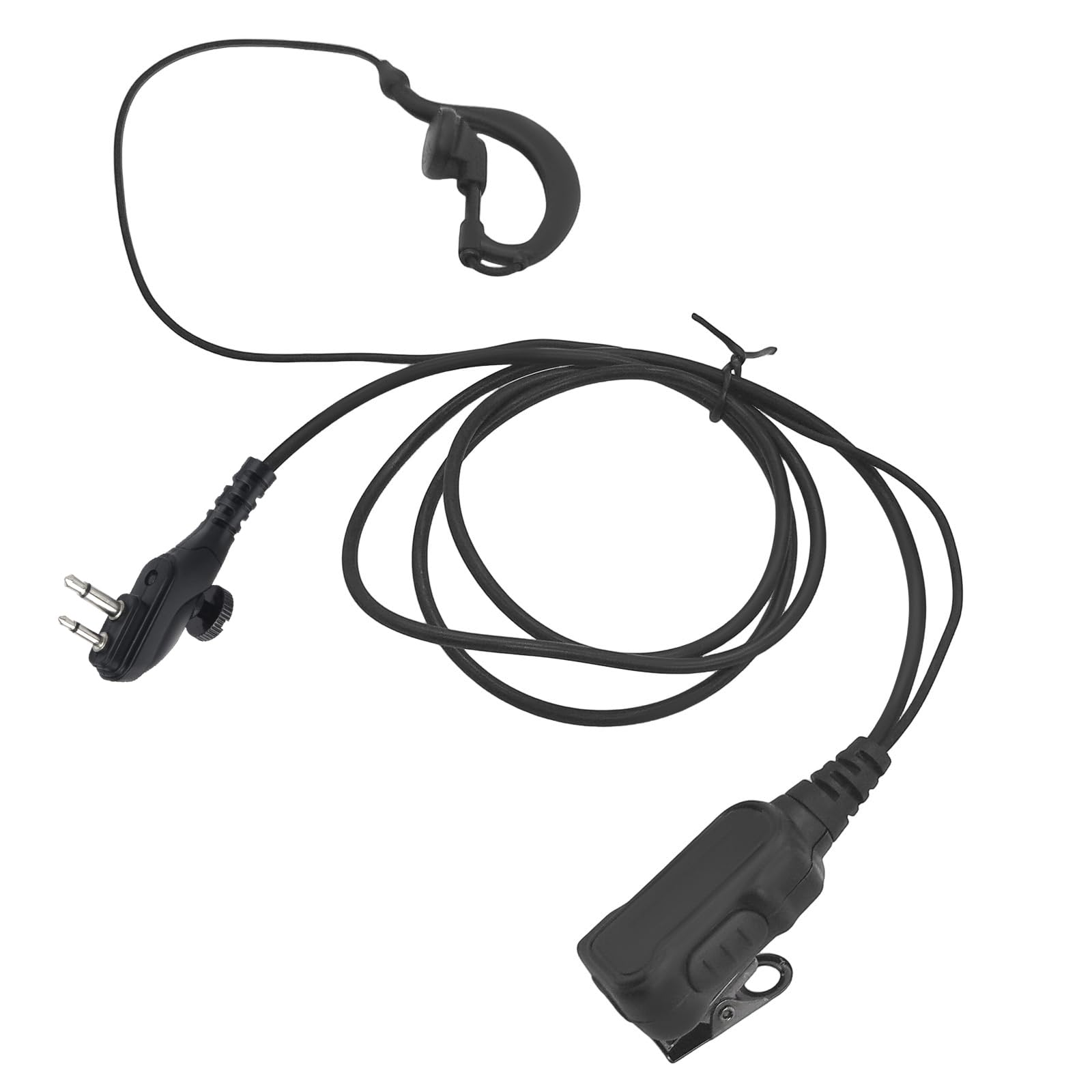
Figure 1: The PTT button and microphone unit, featuring a sturdy clip for attachment to clothing.
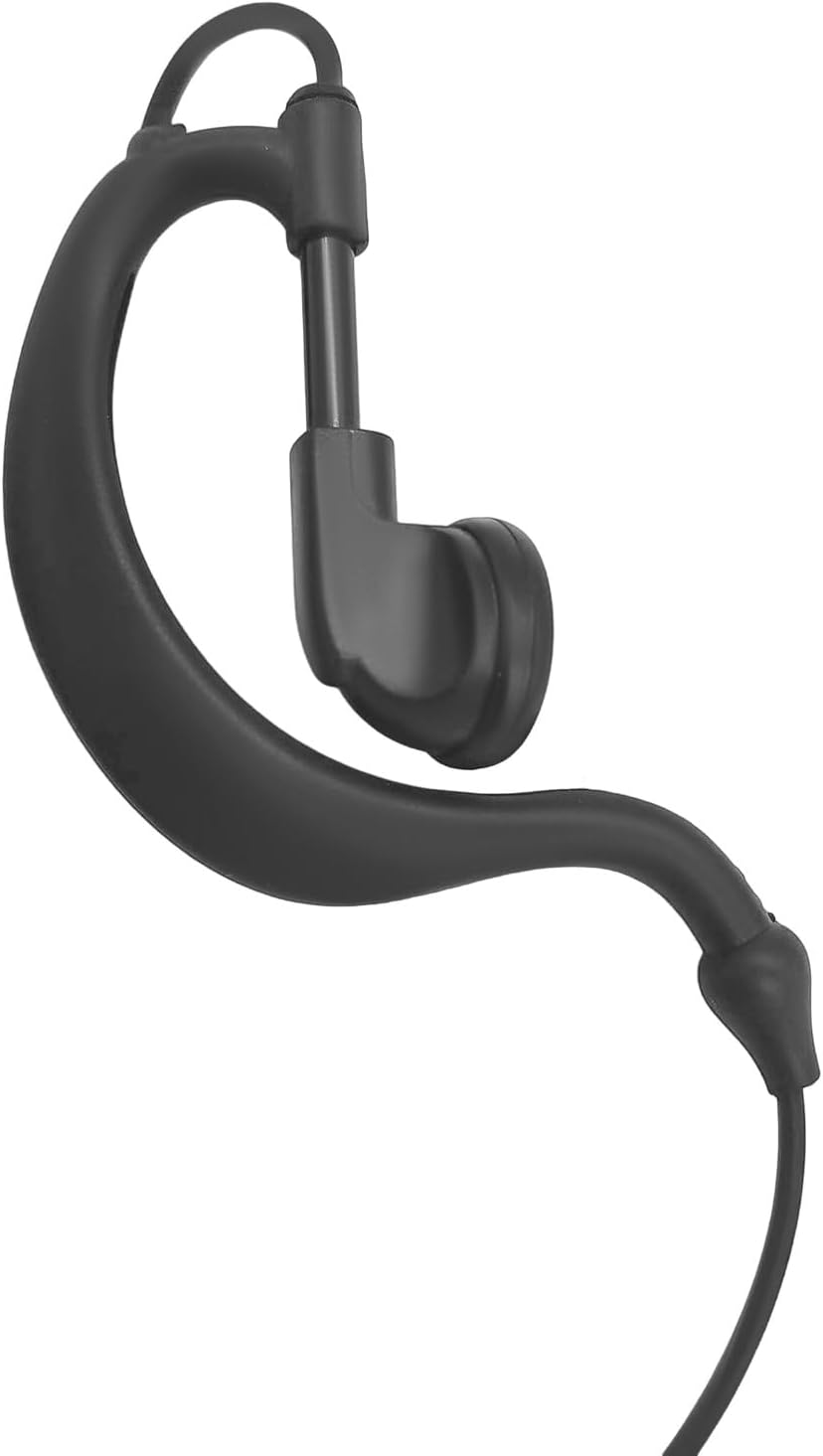
Figure 2: The G-shape earpiece, designed for comfortable and secure placement over the ear.
Video 1: Demonstration of connecting the G-shape earpiece to a walkie-talkie and wearing it.
6. Operating Instructions
6.1 Receiving Audio
Once the earpiece is connected and your radio is powered on, incoming transmissions will be heard directly through the earpiece speaker. Adjust your radio's volume control to a comfortable listening level.
6.2 Transmitting Audio (Push-to-Talk)
- Press the PTT Button: To transmit, press and hold the Push-to-Talk (PTT) button located on the microphone unit.
- Speak Clearly: Speak into the microphone in a clear, steady voice. Ensure the microphone is positioned appropriately to capture your voice effectively.
- Release PTT: Release the PTT button when you have finished speaking to return to receive mode.
Note: Always ensure the PTT button is fully released when not transmitting to avoid blocking incoming communications.
7. Care and Maintenance
- Cleaning: Wipe the earpiece and microphone unit with a soft, dry cloth. Do not use harsh chemicals or abrasive cleaners.
- Storage: Store the earpiece in a clean, dry place away from direct sunlight and extreme temperatures when not in use.
- Avoid Pulling Cables: Do not pull on the cables to disconnect the earpiece from the radio. Always grasp the connector firmly.
- Inspect for Damage: Periodically inspect the cables and connectors for any signs of wear or damage.
8. Troubleshooting
| Problem | Possible Cause | Solution |
|---|---|---|
| No audio from earpiece |
|
|
| Cannot transmit (PTT not working) |
|
|
| Poor audio quality (static, muffled) |
|
|
9. Specifications
- Connector Type: 2-Pin Screw Jack
- Earpiece Type: G-Shape Earhook
- Microphone: Integrated PTT (Push-to-Talk) with sensitive microphone
- Compatibility: HYT/Hytera two-way radios (refer to Section 4 for specific models)
- Color: Black
- Item Weight: Approximately 0.25 ounces (7 grams)
- Package Dimensions: Approximately 4.95 x 3.15 x 0.58 inches (12.57 x 8.00 x 1.47 cm)
10. Warranty Information
This HELETUL product comes with a 180-day warranty from the date of purchase. This warranty covers manufacturing defects and material faults under normal use. It does not cover damage caused by misuse, accidents, unauthorized modifications, or normal wear and tear.
For warranty claims or support, please contact your retailer or HELETUL customer service with your proof of purchase.
11. Customer Support
If you encounter any issues or have questions regarding your HELETUL BD502i G-Shape Earpiece, please refer to the troubleshooting section of this manual. If the problem persists, contact HELETUL customer support for assistance. Please have your product model number and purchase details ready when contacting support.
Contact information for HELETUL customer support can typically be found on the product packaging or the official HELETUL website.