1. Introduction
Welcome and thank you for choosing the Cuifati Smart Video Doorbell. This manual provides essential information for the safe and efficient operation of your device. Please read it thoroughly before use and retain it for future reference.
2. Product Overview
2.1 Package Contents
- 1 x Smart Video Doorbell
- 1 x Wireless Chime (Dong Bell)
- 1 x User Manual
- 1 x Screwdriver
- 1 x Charging Cable
2.2 Key Features
- Long-lasting 3600mAh Lithium Battery (up to 3 months per charge)
- 1MP Camera with 90-degree viewing angle for clear video
- Two-Way Voice Intercom
- Secure Cloud Storage for captured events
- Real-time Notifications to your mobile device
- Intelligent PIR Motion Detection with adjustable sensitivity
- Automatic Day/Night Mode Switching
- Variable Ring Tones for the wireless chime

This image displays the main components: the smart video doorbell unit and its accompanying wireless chime.

The doorbell features a 1MP camera with a 90-degree viewing angle, providing clear visual coverage of your entrance.
3. Setup Instructions
3.1 Charging the Doorbell
Before initial use, fully charge the doorbell using the provided charging cable. The built-in 3600mAh lithium battery ensures long endurance.

The doorbell features a built-in lithium battery designed for extended use, requiring infrequent charging.
3.2 Installation
Mount the doorbell unit at your desired location near your entrance. Ensure it has a clear view and is within Wi-Fi range. Use the provided screwdriver for installation.
The doorbell is designed for easy wall mounting, providing a clear view of your entrance.
3.3 App Pairing
Download the dedicated mobile application (compatible with Smartphone, Tablet) from your device's app store. Follow the in-app instructions to pair your doorbell with your Wi-Fi network (2.4G band only) and mobile device. This enables real-time viewing and notifications.
4. Operating Instructions
4.1 Real-time Monitoring and Two-Way Communication
Access the live view of your doorbell camera through the mobile application. When a visitor presses the doorbell, you will receive an instant notification on your phone. You can then initiate a two-way voice call to speak with the visitor.
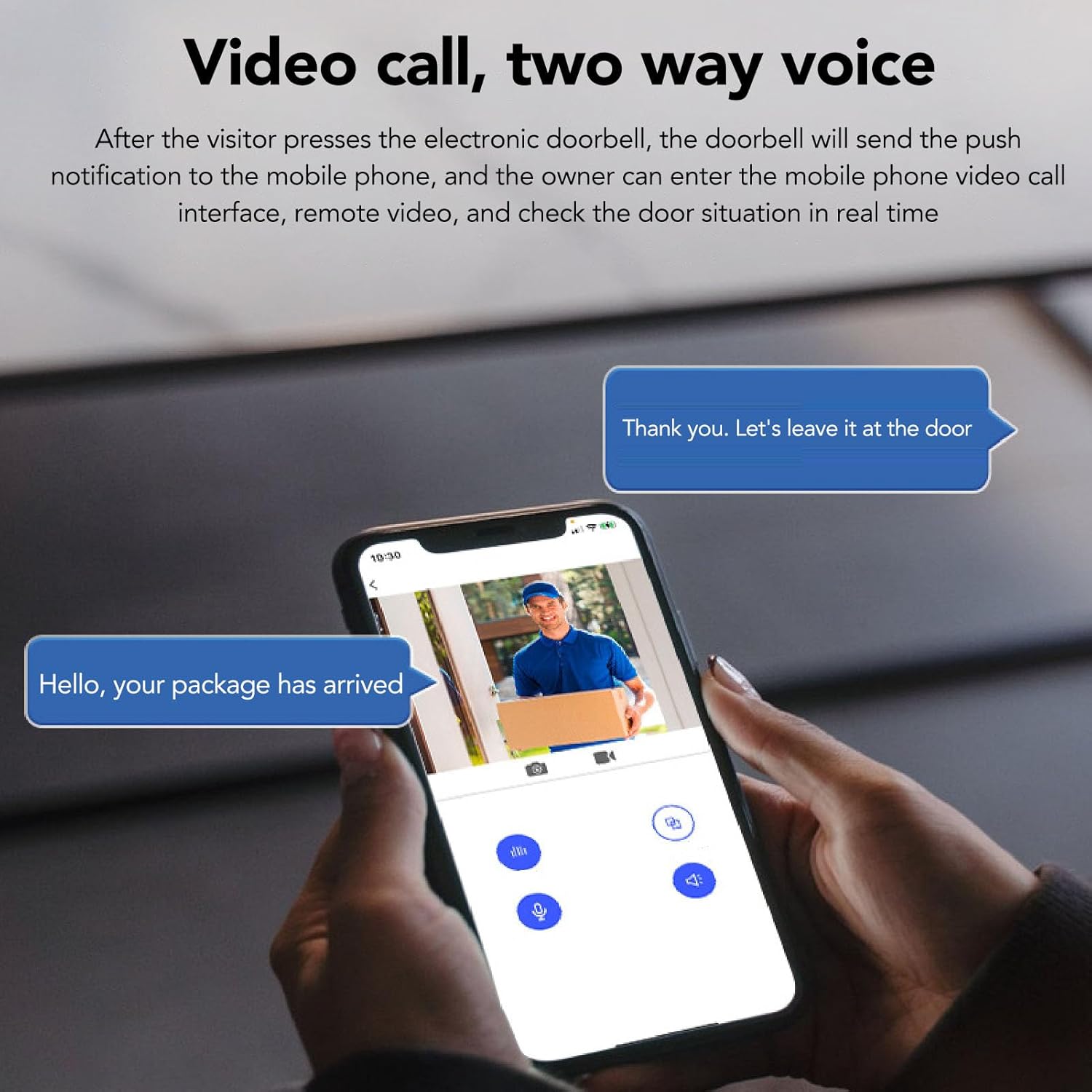
This image illustrates the two-way communication feature, allowing you to speak with visitors directly from your smartphone.
4.2 Motion Detection
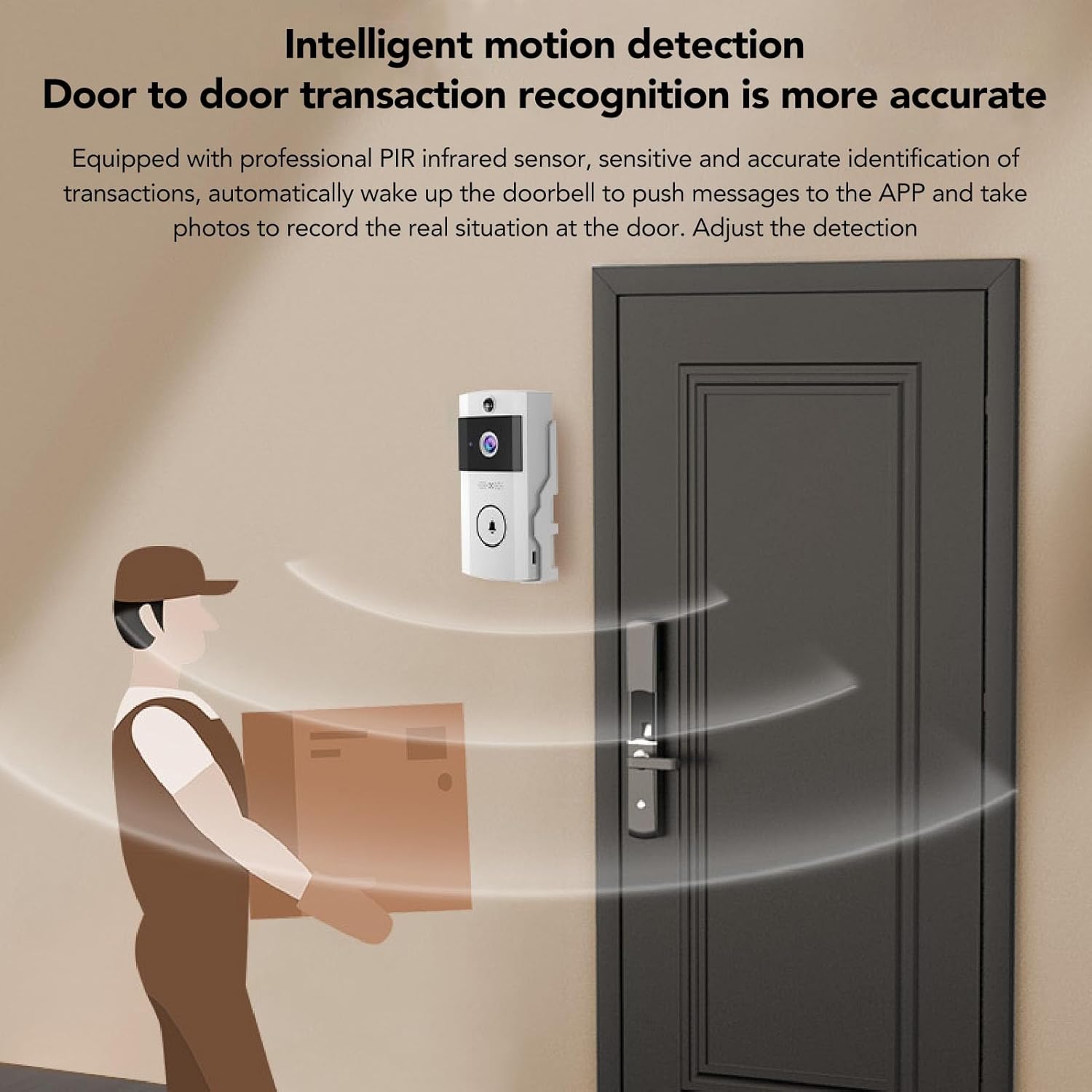
The doorbell is equipped with professional PIR infrared sensors for intelligent motion detection. When motion is detected, the doorbell will send alerts to your phone and capture images or video. You can adjust the detection distance within the app to minimize false alarms.
The doorbell's motion detection feature alerts you to activity at your door, capturing images or video of detected events.
4.3 Day and Night Vision
The doorbell automatically switches between day and night modes based on ambient light conditions, ensuring clear video quality at all times.

The doorbell provides clear video footage both during the day and in low-light conditions, automatically adjusting its vision mode.
4.4 Cloud Storage
Captured photos of visitors and motion events are securely saved to the cloud. This allows you to review past events and share access with family members through the app.

The cloud storage feature ensures that all captured events are securely saved and accessible.
4.5 Wireless Chime
The included wireless chime can be plugged into any standard outlet indoors. It offers 3 levels of volume and 138 selectable melodies.

The wireless chime offers customizable ring tones and volume levels for indoor notification.
5. Maintenance
To ensure optimal performance, regularly clean the camera lens with a soft, dry cloth. Keep the doorbell unit free from dust and debris. Recharge the battery as needed.
6. Troubleshooting
- No Power/Not Turning On: Ensure the battery is fully charged. Connect the charging cable and check for indicator lights.
- Poor Wi-Fi Connection: Verify the doorbell is within range of your 2.4G Wi-Fi router. Restart your router and the doorbell.
- No Notifications: Check your phone's app settings to ensure notifications are enabled. Verify the doorbell is connected to the app.
- Motion Detection Issues: Adjust the motion detection sensitivity in the app. Ensure there are no obstructions blocking the sensor.
- Unclear Video: Clean the camera lens. Check your Wi-Fi signal strength.
7. Specifications
| Feature | Specification |
|---|---|
| Model | CUIFATIvhwf3i60tc |
| Video Resolution | 1280x720 (720P) |
| Camera Lens | COMS chip, 1MP, 90-degree viewing angle |
| Network Support | 2.4G WiFi |
| Battery Capacity | 3600mAh Lithium Battery |
| Power Source | Battery, Electric Cable |
| Dimensions (L x W x H) | 14 x 8 x 7 cm |
| Compatible Devices | Smartphone, Tablet |
| Alert Type | Audio and Motion |
8. Warranty and Support
For warranty information, technical support, or service inquiries, please refer to the product packaging or contact Cuifati customer service directly.
You can also visit the official Cuifati store on Amazon for more information: Cuifati Store.