1. Introduction
This manual provides instructions for the LOUKIENE Restaurant Pager System, Model LK-B1R10. This wireless calling system is designed to enhance customer service and operational efficiency in various service environments such as restaurants, food trucks, churches, nurseries, clinics, coffee shops, and bars. The system includes a keypad transmitter and 10 coaster pagers that notify guests via vibration, flash, and buzzer when their service is ready.
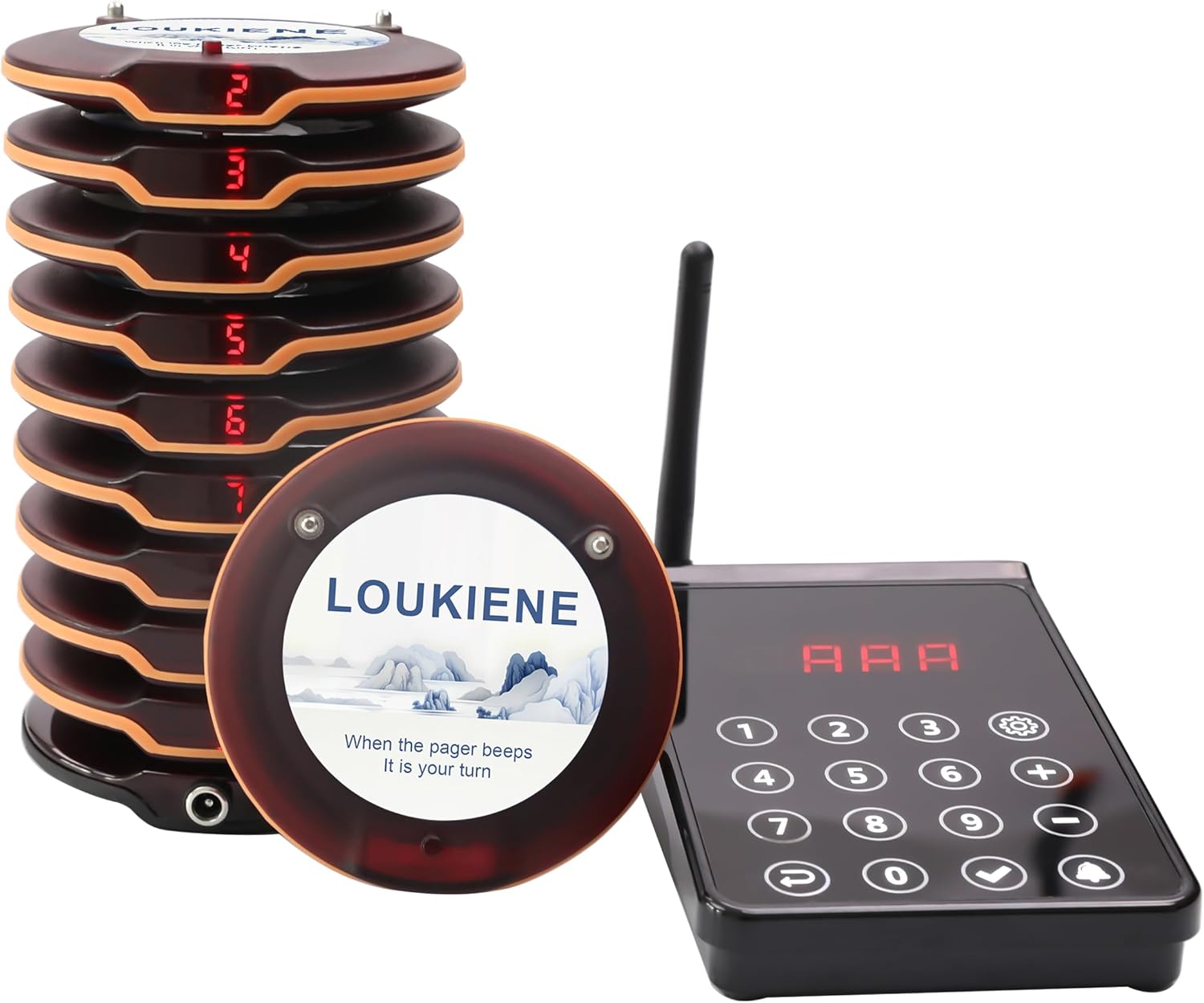
Figure 1.1: LOUKIENE Restaurant Pager System (Model LK-B1R10) showing the stack of 10 pagers and the keypad transmitter.
2. Safety Information
Please read all safety instructions before using the device. Failure to follow these instructions may result in electric shock, fire, or other injuries.
- Do not expose the device to extreme temperatures, direct sunlight, or high humidity.
- Keep the device away from water and other liquids.
- Do not attempt to disassemble or repair the device yourself. Contact qualified service personnel for assistance.
- Use only the provided power adapter for charging.
- Ensure proper ventilation around the charging base to prevent overheating.
3. Package Contents
Verify that all items are present in your package:
- 1 x Keypad Transmitter
- 10 x Coaster Pagers
- 1 x Charging Base (for pagers)
- 1 x Power Adapter
- 1 x User Manual (this document)
4. Product Overview
The LOUKIENE Restaurant Pager System consists of a central keypad transmitter and multiple coaster pagers. The transmitter sends signals to the pagers, alerting customers when their order or service is ready.
4.1. Keypad Transmitter
The keypad transmitter features a numerical keypad (0-9), call button, settings button, and an antenna for long-range transmission. It displays the pager number being called.
4.2. Coaster Pagers
Each coaster pager is equipped with a rechargeable battery and provides alerts through vibration, flashing lights, and an audible beep. Pagers are designed for stacking on the charging base.

Figure 4.1: Detail of LOUKIENE Coaster Pager, highlighting its compact size (Φ9.7*1.4cm / Φ3.8*0.6 inches) and branding.

Figure 4.2: The system offers a long transmission distance of up to 300 meters (984 feet) in open areas, allowing for flexible use across various venues.
5. Setup
Follow these steps to set up your LOUKIENE Restaurant Pager System:
- Charge the Pagers: Place all 10 coaster pagers onto the charging base. Connect the power adapter to the charging base and plug it into a power outlet. The pagers will begin charging. Ensure they are fully charged before first use.
- Connect the Keypad Transmitter: Connect the keypad transmitter to a power source using its dedicated power adapter.
- Power On: The system is designed to work out of the box without reprogramming. Once powered, the pagers and transmitter are ready for use.
- Pager Distribution: Distribute the charged pagers to waiting customers.
6. Operating Instructions
6.1. Calling a Pager
To call a specific pager:
- Enter the pager number (1-10) on the keypad transmitter.
- Press the "Call" button (usually represented by a bell icon or similar).
The corresponding pager will activate, providing vibration, flash, and/or beep alerts to the customer.

Figure 6.1: The system supports two prompt modes: Vibration + Flash + Beep, and Vibration + Flash. The prompt duration can be adjusted from 1 to 250 seconds.
6.2. Adjusting Prompt Duration
The duration of the pager alert (vibration, flash, beep) can be adjusted from 1 to 250 seconds. Refer to the specific settings menu on your keypad transmitter for detailed instructions on how to change this setting. Typically, this involves pressing a 'Settings' or 'Menu' button and navigating through options.
6.3. Mute Setting (Enable/Disable Beep Prompt)
You can enable or disable the audible beep prompt on the pagers. This is useful for environments where a silent notification is preferred. Consult your keypad transmitter's settings menu for instructions on how to toggle the beep prompt.
6.4. One-Key Shutdown
The system supports a one-key shutdown feature for convenience.
Video 6.1: This video demonstrates the 'One Key Shutdown' function. To perform a one-key shutdown, enter '0' on the keypad transmitter, then press the 'Call' button. All active pagers will cease their alerts and power down.
As demonstrated in the video, to perform a one-key shutdown:
- Enter the number '0' on the keypad transmitter.
- Press the 'Call' button.
This action will turn off all pagers simultaneously.
7. Maintenance
7.1. Cleaning
To clean the keypad transmitter and pagers, use a soft, dry cloth. For stubborn dirt, a slightly damp cloth with mild soap can be used, ensuring no liquid enters the device openings. Do not use abrasive cleaners or solvents.
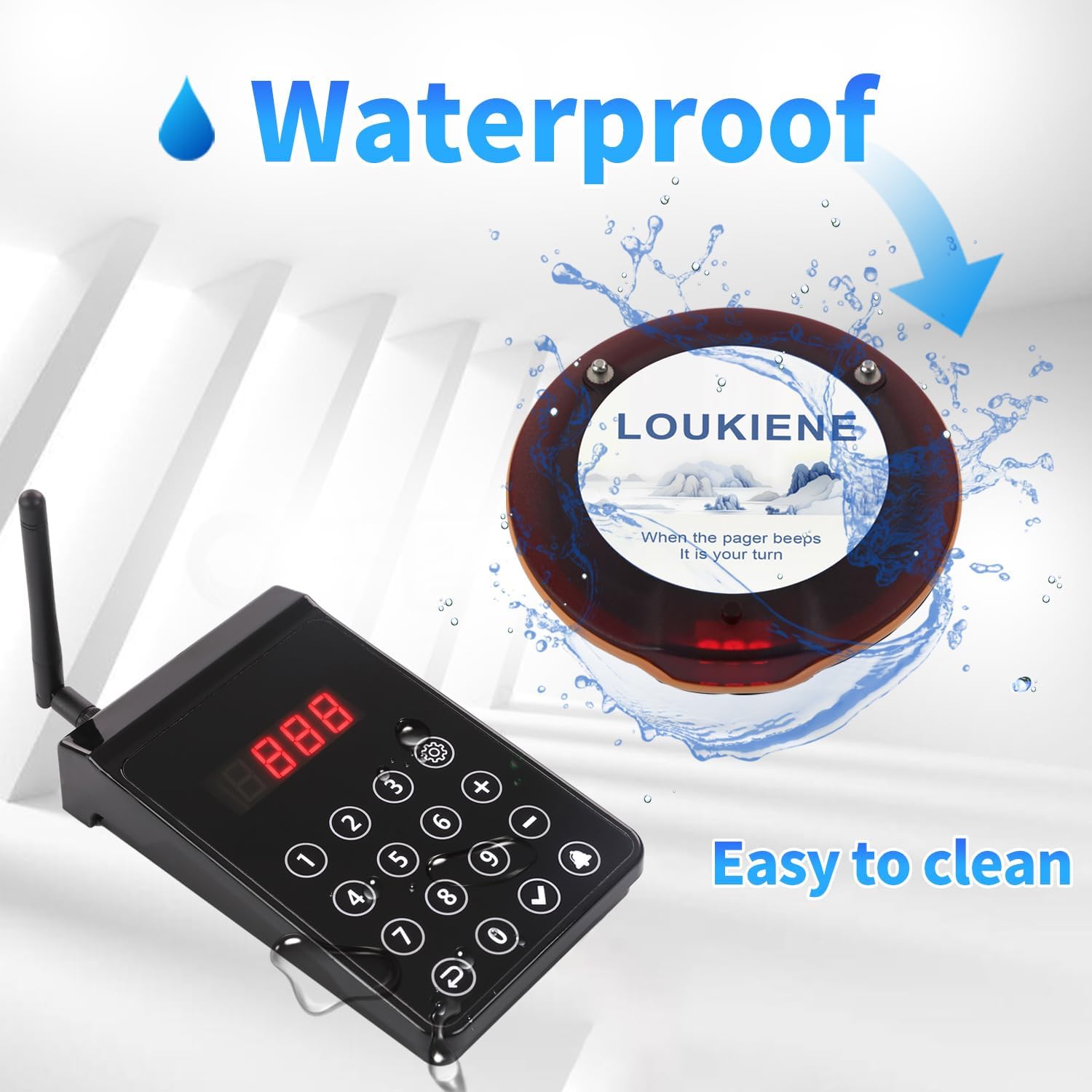
Figure 7.1: The pagers feature a waterproof design, making them easy to clean and suitable for environments where spills may occur.
7.2. Battery Care
The pagers are equipped with built-in 3.7V/200mAh rechargeable Lithium Ion batteries. To prolong battery life:
- Charge pagers regularly, especially after extended periods of non-use.
- Avoid completely draining the batteries frequently.
- Store the system in a cool, dry place when not in use.
8. Troubleshooting
| Problem | Possible Cause | Solution |
|---|---|---|
| Pager not responding | Out of range; low battery; pager off | Move closer to transmitter; place pager on charging base; ensure pager is powered on. |
| Short transmission range | Obstructions (walls, metal); interference; weak signal | Relocate transmitter to a more open area; check for sources of interference; ensure antenna is properly attached. |
| Pagers not charging | Charging base not powered; poor contact | Check power adapter connection; ensure pagers are correctly seated on the charging pins. |
| Pager alerts are too short/long | Prompt duration setting incorrect | Adjust the prompt duration setting via the keypad transmitter (refer to Section 6.2). |
9. Specifications
- Model Number: LK-B1R10
- Product Dimensions: 10 x 9 x 5 inches
- Item Weight: 3.12 pounds
- Manufacturer: LOUKIENE
- Batteries: 10 Lithium Ion batteries required (included)
- Transmission Distance: Up to 300 meters / 984 feet (in open area)
- Prompt Duration: Adjustable from 1-250 seconds
- Alert Modes: Vibration, Flash, Buzzer (selectable)
10. Warranty and Support
LOUKIENE products are manufactured to high-quality standards. For warranty information, technical support, or service inquiries, please refer to the contact information provided with your purchase or visit the official LOUKIENE website. Please retain your proof of purchase for warranty claims.