
Philips AC0920/10
Philips PureProtect Mini Air Purifier AC0920/10 User Manual
Model: AC0920/10
1. Introduction
Thank you for choosing the Philips PureProtect Mini Air Purifier AC0920/10. This manual provides essential information for the safe and effective use of your air purifier. Please read it thoroughly before operating the appliance and retain it for future reference.
Important Safety Information
- Always ensure the appliance is unplugged before cleaning or performing maintenance.
- Do not block the air inlets or outlets.
- Do not use the appliance near water or in a wet environment.
- This appliance is not intended for use by persons (including children) with reduced physical, sensory or mental capabilities, or lack of experience and knowledge, unless they have been given supervision or instruction concerning use of the appliance by a person responsible for their safety.
- Only use original Philips filters.
2. Product Overview
The Philips PureProtect Mini Air Purifier AC0920/10 is designed to provide clean air in your home by effectively removing allergens and pollutants.
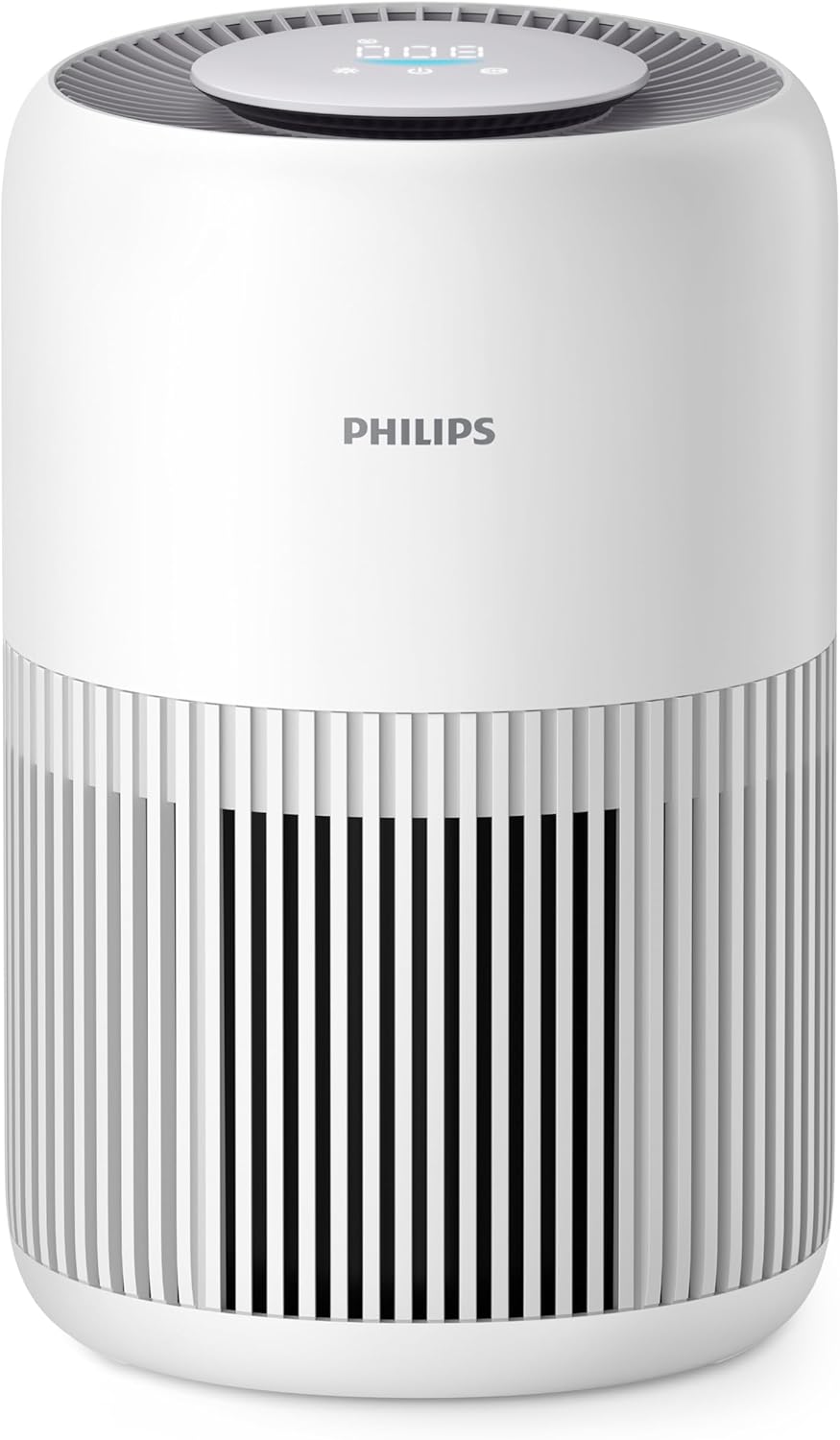
Image: Front view of the Philips PureProtect Mini Air Purifier, showing the control panel on top and air intake grille.
Key Features
- Purifies rooms up to 65 m³ (CADR 250 m³/h).
- Advanced HEPA filter for 99.97% allergen and pollutant removal.
- PM2.5 smart sensor for real-time air quality monitoring.
- Quiet Sleep Mode for undisturbed rest.
- Child Lock function for safety.

Image: Rear view of the air purifier demonstrating air intake and purification process.
3. Setup
Unpacking and Placement
- Remove all packaging materials from the air purifier.
- Place the air purifier on a stable, level surface.
- Ensure there is at least 20 cm (8 inches) of free space around the appliance for optimal air circulation.
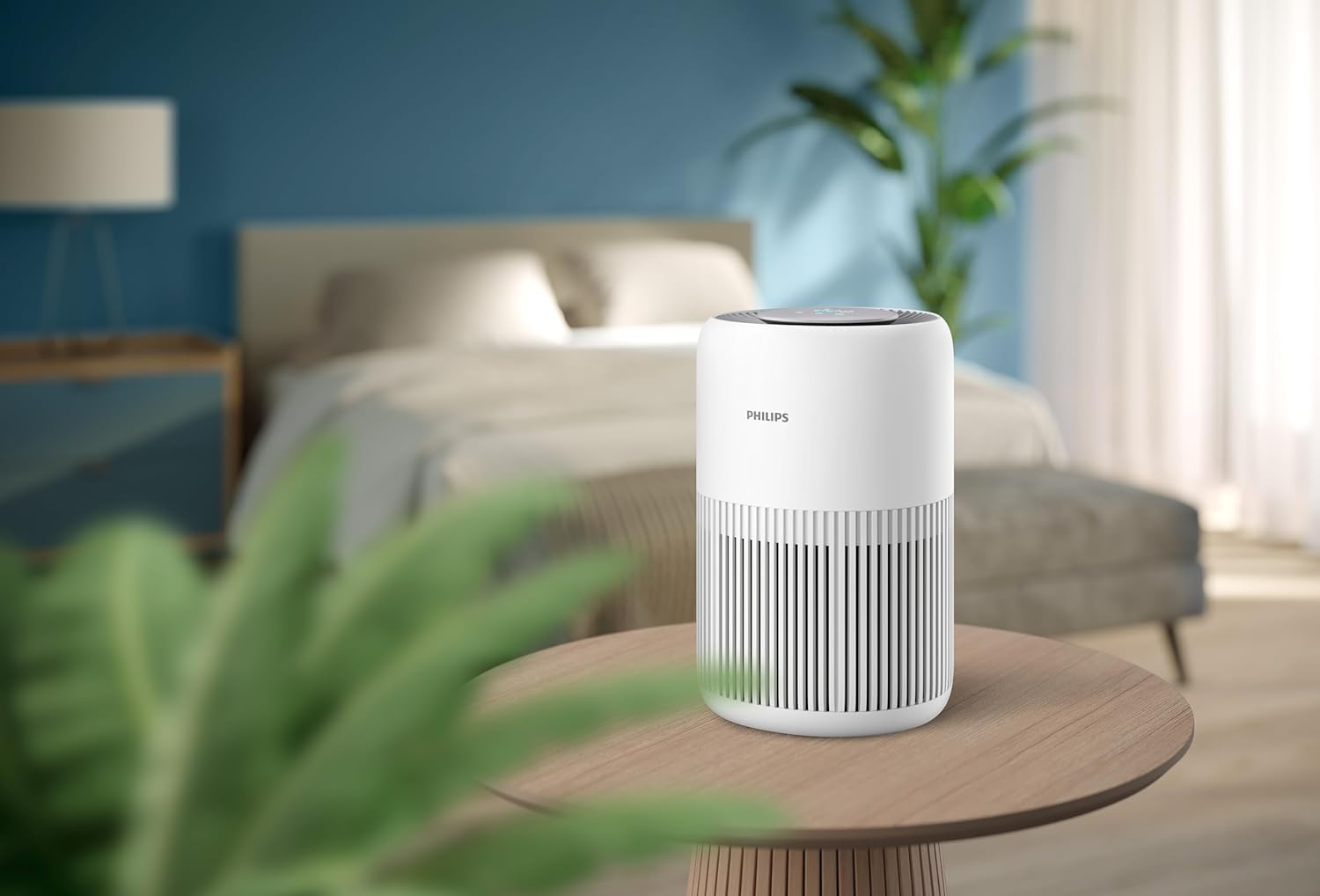
Image: Air purifier positioned on a bedside table in a bedroom, illustrating suitable placement.
Filter Installation
The appliance comes with a combined pre-filter and HEPA NanoProtect filter. Ensure it is correctly installed before first use.
- Turn the appliance upside down and twist the base cover counter-clockwise to unlock it.
- Remove the used filter (if any) and dispose of it properly.
- Unpack the new filter from its protective packaging.
- Insert the new filter into the appliance with the label facing upwards.
- Replace the base cover and twist it clockwise to lock it securely.

Image: A hand demonstrating the process of replacing the air filter in the purifier.
4. Operating the Appliance
Power On/Off
- Plug the appliance into a power outlet.
- Press the power button (U) on the control panel to turn the appliance on.
- Press the power button again to turn it off.
Control Panel and Indicators
The control panel is located on the top of the appliance and features touch controls and a digital display.

Image: Close-up of the top control panel with digital display and touch buttons.
Operating Modes
- Auto Mode: The appliance automatically adjusts fan speed based on the detected air quality (PM2.5 levels).
- Sleep Mode: Reduces fan speed and dims display lights for quiet operation during sleep. Press the sleep mode button (Zz) to activate.
- Manual Speed: Allows you to select a desired fan speed (e.g., Speed 1, 2, 3).

Image: Air purifier operating quietly in a bedroom at night, demonstrating Sleep Mode.
Child Lock
To activate the child lock, press and hold the child lock button (often indicated by a lock icon) for 3 seconds. The display will show a lock icon. To deactivate, press and hold the button again for 3 seconds.

Image: Air purifier placed near a baby's crib, highlighting its quiet operation and child-friendly features.
5. Maintenance
Regular maintenance ensures optimal performance and extends the lifespan of your air purifier.
Cleaning the Pre-filter
The pre-filter captures larger particles and should be cleaned regularly (e.g., every 2-4 weeks, depending on air quality).
- Unplug the appliance.
- Remove the base cover and the filter unit.
- Gently vacuum the surface of the pre-filter to remove dust and hair.
- Reinstall the filter and base cover.
Replacing the HEPA NanoProtect Filter
The HEPA NanoProtect filter cannot be washed and must be replaced when the filter replacement indicator lights up on the control panel (typically every 6-12 months, depending on usage).
- Unplug the appliance.
- Remove the base cover and the old filter unit.
- Dispose of the old filter responsibly.
- Unpack a new Philips original HEPA NanoProtect filter.
- Insert the new filter into the appliance.
- Replace the base cover and lock it.
- Plug in the appliance and reset the filter lifetime counter by pressing and holding the filter reset button (often the fan speed button) for 3 seconds.

Image: Illustration of the multi-stage filtration system, including the pre-filter and HEPA NanoProtect filter.
Cleaning the Exterior
Wipe the exterior of the appliance with a soft, dry cloth. Do not use abrasive cleaners or solvents.
6. Troubleshooting
This section addresses common issues you might encounter with your air purifier.
| Problem | Possible Cause | Solution |
|---|---|---|
| Appliance does not turn on | Not plugged in; Power outage; Filter not installed correctly | Check power connection; Restore power; Reinstall filter securely |
| Air quality does not improve | Filter dirty or expired; Room size too large; Air inlets/outlets blocked | Clean/replace filter; Ensure appliance is suitable for room size; Clear obstructions |
| Unusual noise | Foreign object in fan; Appliance not on a stable surface | Unplug and check for obstructions; Place on a flat, stable surface |
| Filter replacement indicator remains on after replacement | Filter lifetime counter not reset | Reset the filter lifetime counter as per instructions in Section 5 |
7. Specifications
- Model Number: AC0920/10
- Product Dimensions: 23.8 x 24 x 36.4 cm
- Item Weight: 3.6 Kilograms
- Filter Type: HEPA NanoProtect (Certified HEPA)
- Control Method: Touch
- Power Source: Corded Electric
- Noise Level: 20.5 Decibels (in Sleep Mode)
- CADR (Clean Air Delivery Rate): 250 m³/h
- Recommended Room Size: Up to 65 m³
8. Warranty and Support
Warranty
This Philips appliance comes with a 2-year limited warranty from the date of purchase. This warranty covers defects in materials and workmanship under normal use. It does not cover damage resulting from misuse, neglect, accident, alteration, or unauthorized repair.
Support
For further assistance, troubleshooting, or to register your product, please visit the official Philips website or contact Philips customer support in your region. Keep your proof of purchase for warranty claims.
Ask a question about this manual
Ask about setup, troubleshooting, compatibility, parts, safety, or missing instructions. Manuals+ will review the question and use this page’s manual context to help answer it.