
Introduction
This manual provides instructions for the installation, operation, and maintenance of your WMSNUH DR-3405 / DR3405 Drum Kit. This drum unit is designed to work with compatible Brother laser printers, ensuring high-quality print output.

Image: The WMSNUH DR-3405 / DR3405 Drum Kit, a key component for laser printing.
Compatible Printer Models
The WMSNUH DR-3405 / DR3405 Drum Kit is compatible with the following Brother printer models:
- Brother HL-L5200DW
- Brother HL-L6200DW
- Brother MFC-L5755DW
- Brother MFC-L6700DW
- Brother MFC-L6900DW
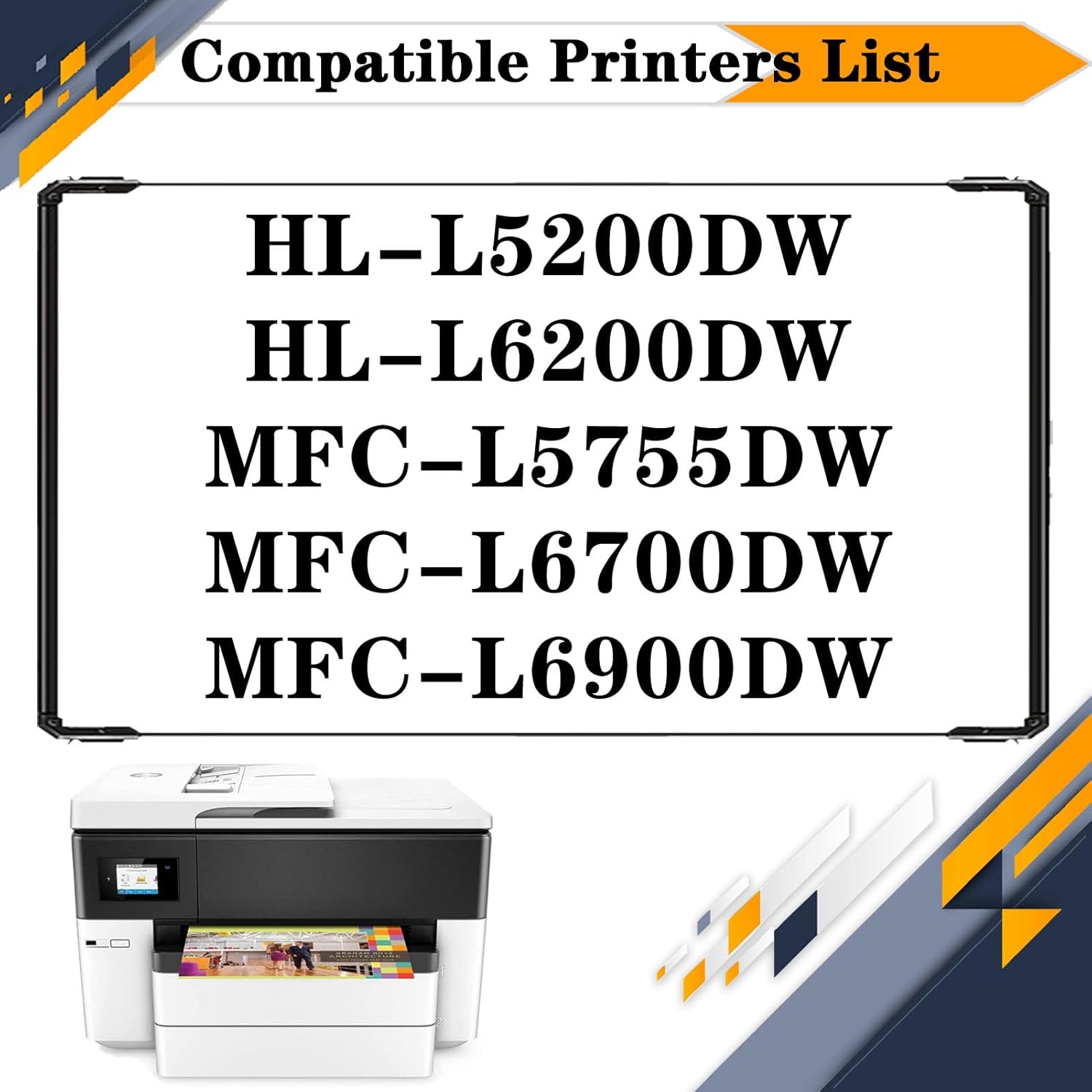
Image: A visual list of compatible Brother printer models for the DR-3405 drum unit.
Installation Instructions
Follow these steps to install the new drum unit into your printer. Always refer to your printer's specific manual for detailed instructions if available.
- Power Off Printer: Ensure your printer is turned off and unplugged from the power source.
- Open Front Cover: Open the front cover of your Brother printer.
- Remove Old Drum Unit: Carefully pull out the old drum unit assembly (which includes the toner cartridge).
- Separate Toner from Drum: Press the release lever on the old drum unit and remove the toner cartridge from it.
- Unpack New Drum Unit: Remove the new WMSNUH DR-3405 drum unit from its packaging. Handle it carefully, avoiding touching the green drum surface.
- Install Toner into New Drum: Insert your existing toner cartridge firmly into the new DR-3405 drum unit until it clicks into place.
- Insert New Drum Assembly: Slide the new drum unit assembly (with toner cartridge installed) back into the printer until it locks into position.
- Close Cover: Close the front cover of the printer.
- Power On: Plug in and power on your printer. The printer should recognize the new drum unit.

Image: Illustration showing the removal of the old drum unit and toner cartridge assembly from a Brother printer.

Image: Illustration showing the insertion of the new drum unit and toner cartridge assembly into a Brother printer.
Operation and Print Quality
The WMSNUH DR-3405 drum unit is engineered to deliver consistent, high-quality printouts. It features an upgraded chip for stable compatibility and performance.
- Crisp Text and Images: Expect clear, sharp text and vibrant images.
- No Fading or Streaks: The drum unit is designed to prevent common print defects such as fading, powder leakage, or streaking.
- High Page Yield: This drum unit provides an estimated yield of 30,000 pages at 5% coverage on A4 paper.

Image: Examples of various colorful and detailed printouts, demonstrating the print quality achievable with the drum unit.
Maintenance
Proper maintenance can extend the life and performance of your drum unit.
- Storage: Store unused drum units in their original packaging in a cool, dry place away from direct sunlight.
- Handling: Avoid touching the photosensitive drum surface with bare hands, as oils can affect print quality. If touched, gently wipe with a dry, lint-free cloth.
- Cleaning: Do not attempt to clean the internal components of the drum unit unless specifically instructed by your printer's manual for a particular issue.
Troubleshooting
If you encounter issues, consider the following common solutions:
| Problem | Possible Cause / Solution |
|---|---|
| Poor Print Quality (streaks, spots, faded prints) |
|
| "Replace Drum" Error Message |
|
| Printer Not Recognizing Drum Unit |
|
Specifications
- Model: DR-3405 / DR3405
- Type: Drum Kit
- Estimated Page Yield: 30,000 pages (at 5% coverage on A4 paper)
- Compatibility: Brother HL-L5200DW, HL-L6200DW, MFC-L5755DW, MFC-L6700DW, MFC-L6900DW
- Features: Upgraded intelligent chip for stable performance.
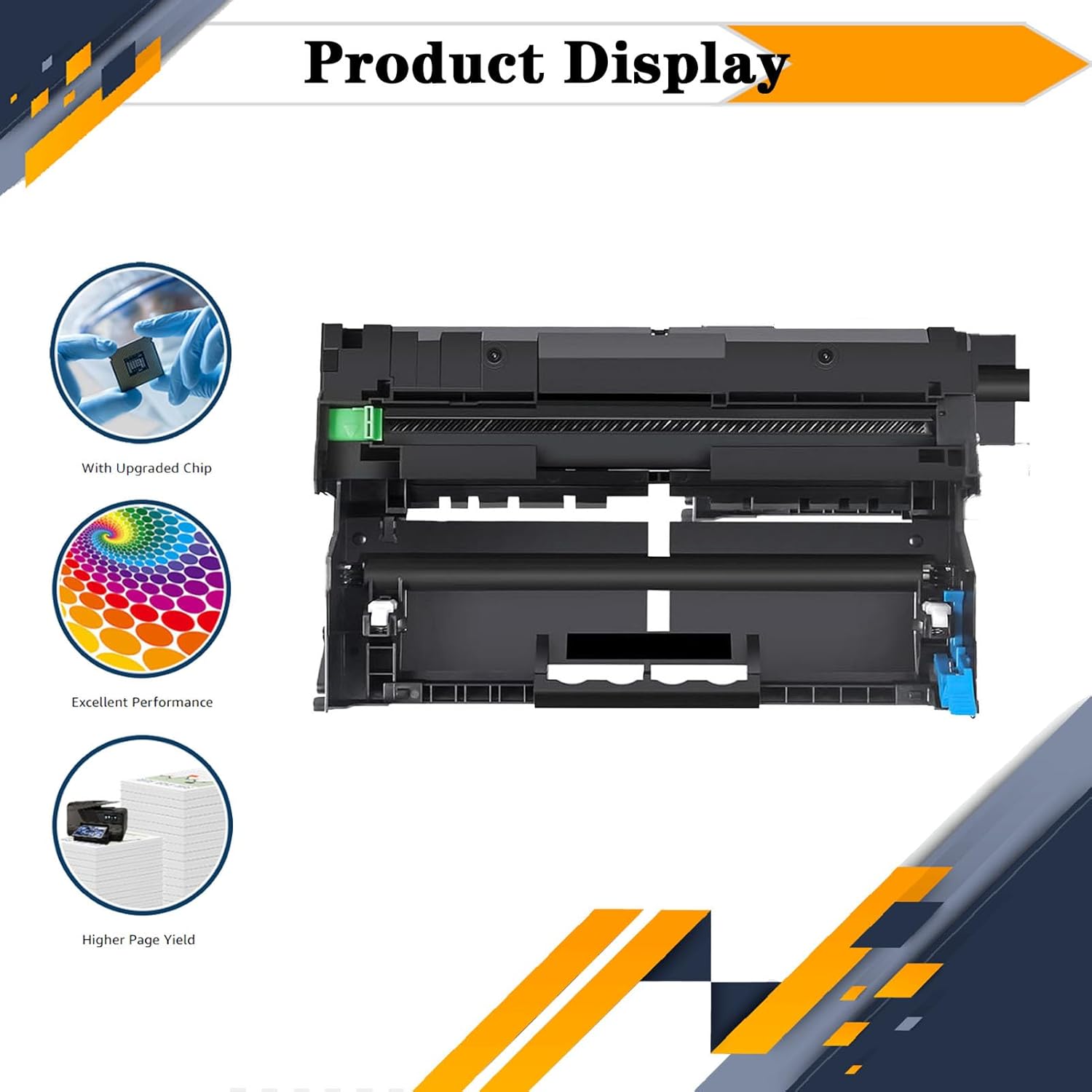
Image: A detailed view of the WMSNUH DR-3405 Drum Kit, highlighting its components and intelligent chip.
Customer Support
For further assistance or inquiries regarding your WMSNUH DR-3405 Drum Kit, please contact your retailer or the manufacturer's customer support. Refer to your purchase documentation for contact details.