
1. Product Overview
The JRL Onyx Professional Foil Shaver is engineered for ultra-close finishing and smooth shaving performance. It is designed for professional use, delivering consistent skin-close results for bald fades, neckline detailing, and facial shaving.
Key features include:
- Magnetic Levitation Motor Technology: Patented motor suspends blades to reduce friction, vibration, and heat, ensuring smooth and consistent shaving.
- Ultra-Thin Foil: Single ultra-thin foil flexes to follow contours, providing clean bald fades, sharp neckline detailing, and precise finishing.
- 8000 RPM High-Speed Motor: Powers through stubble and coarse hair smoothly without pulling or snagging.
- Quiet, Low-Vibration Operation: Designed for comfortable use with reduced vibration.
- Corded or Cordless Use: Offers up to 3 hours of cordless runtime or continuous power when plugged in.
- Lightweight Ergonomic Design: Compact body for precision and comfortable control.

Image 1: JRL Onyx Professional Foil Shaver, main view.
2. Setup
2.1 Unpacking and Initial Inspection
Carefully remove all components from the packaging. Ensure the following items are present:
- Foil Shaver
- Charger
- Charging Cable (U.S. Plug Adapter)
- Cleaning Brush
- Protective Foil Cap
Inspect the shaver for any visible damage. If any damage is found, do not use the device and contact customer support.
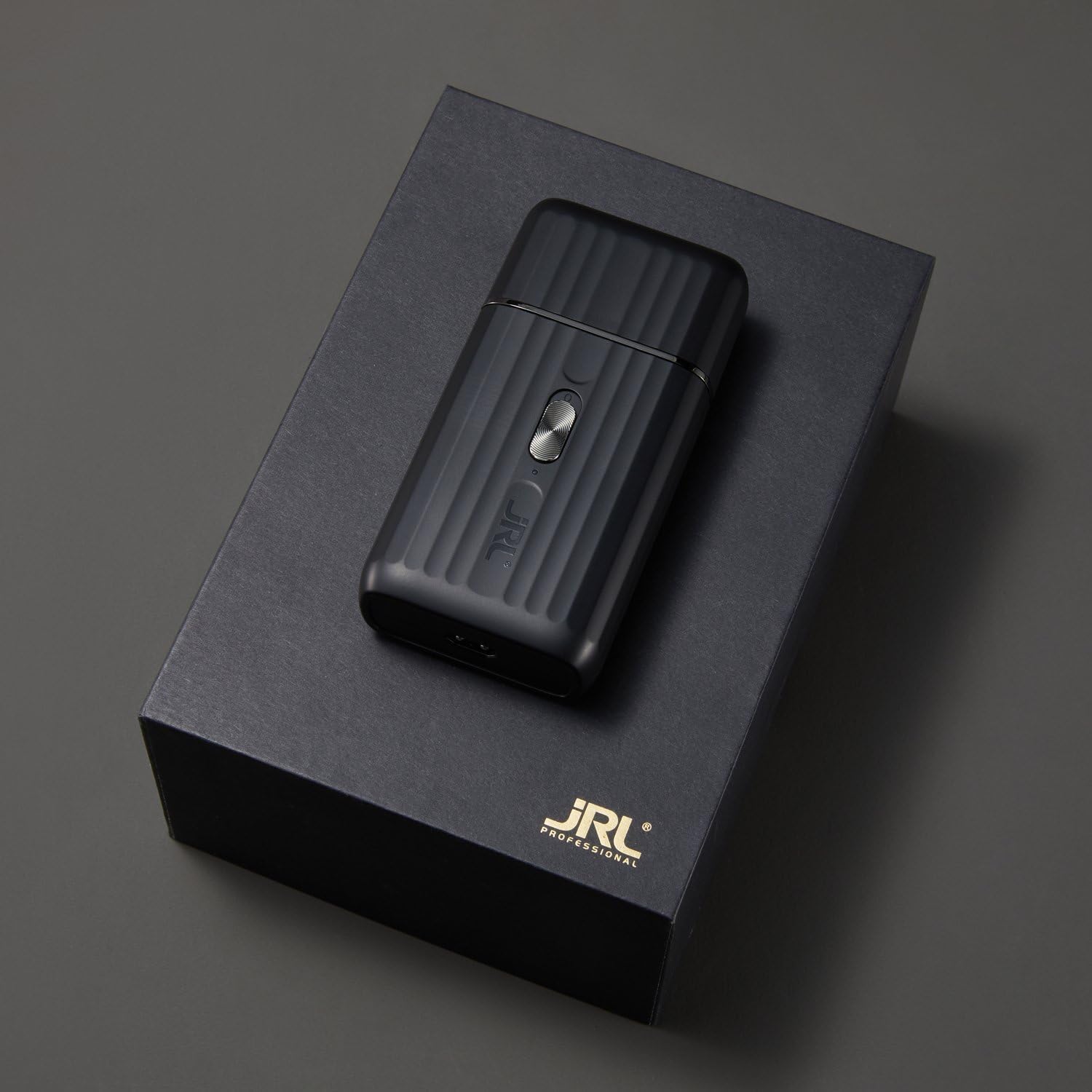
Image 2: JRL Onyx Professional Foil Shaver and accessories in packaging.
2.2 Charging the Shaver
Before first use, fully charge the shaver. Connect the charging cable to the shaver and plug the U.S. plug adapter into a suitable power outlet. The battery provides up to 3 hours of cordless operation when fully charged.
2.3 Attaching/Detaching the Foil Head
The foil head is designed for easy attachment and detachment for cleaning and replacement. Ensure the shaver is turned off before handling the foil head.
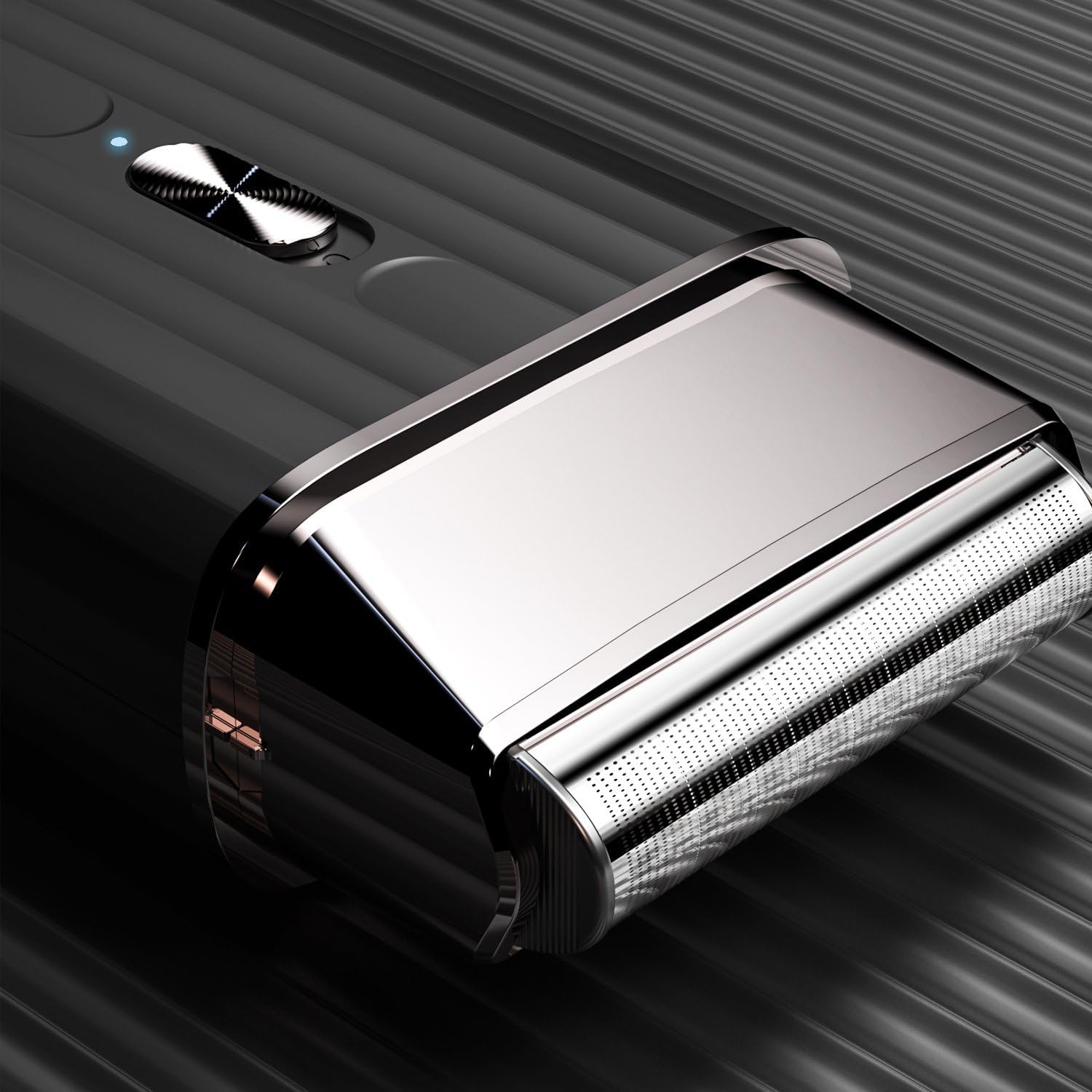
Image 3: JRL Onyx Professional Foil Shaver with the foil head detached, showing the internal mechanism.
3. Operating Instructions
3.1 Powering On/Off
To turn the shaver on, slide the power switch upwards. To turn it off, slide the switch downwards.
3.2 Shaving Technique
For optimal results, ensure the skin is clean and dry. Hold the shaver at a slight angle and move it against the direction of hair growth. Apply light pressure and use short, gentle strokes. The ultra-thin foil system is designed to follow facial and head contours for a close shave.
- For bald fades, use the shaver to create a smooth transition from skin to hair.
- For neckline and facial detailing, use precise movements to achieve sharp lines.

Image 4: Close-up view of the JRL Onyx Professional Foil Shaver's ultra-thin foil head.
3.3 Corded and Cordless Operation
The shaver can be used cordlessly after charging or directly connected to a power source for continuous operation. This flexibility is ideal for professional environments requiring extended use.
4. Maintenance
4.1 Cleaning the Shaver
Regular cleaning is essential for maintaining performance and hygiene. After each use:
- Turn off the shaver and detach the foil head.
- Use the provided cleaning brush to remove hair clippings from the foil and the internal cutting blades.
- Do not rinse the shaver body under water. The foil head may be gently cleaned with a damp cloth, but ensure it is completely dry before reattaching.
- Reattach the foil head and place the protective foil cap over it.
4.2 Foil and Cutter Replacement
Over time, the foil and internal cutters may wear down, affecting shaving performance. Replace these components as needed to ensure optimal results. Replacement parts can be purchased from authorized JRL Professional retailers.
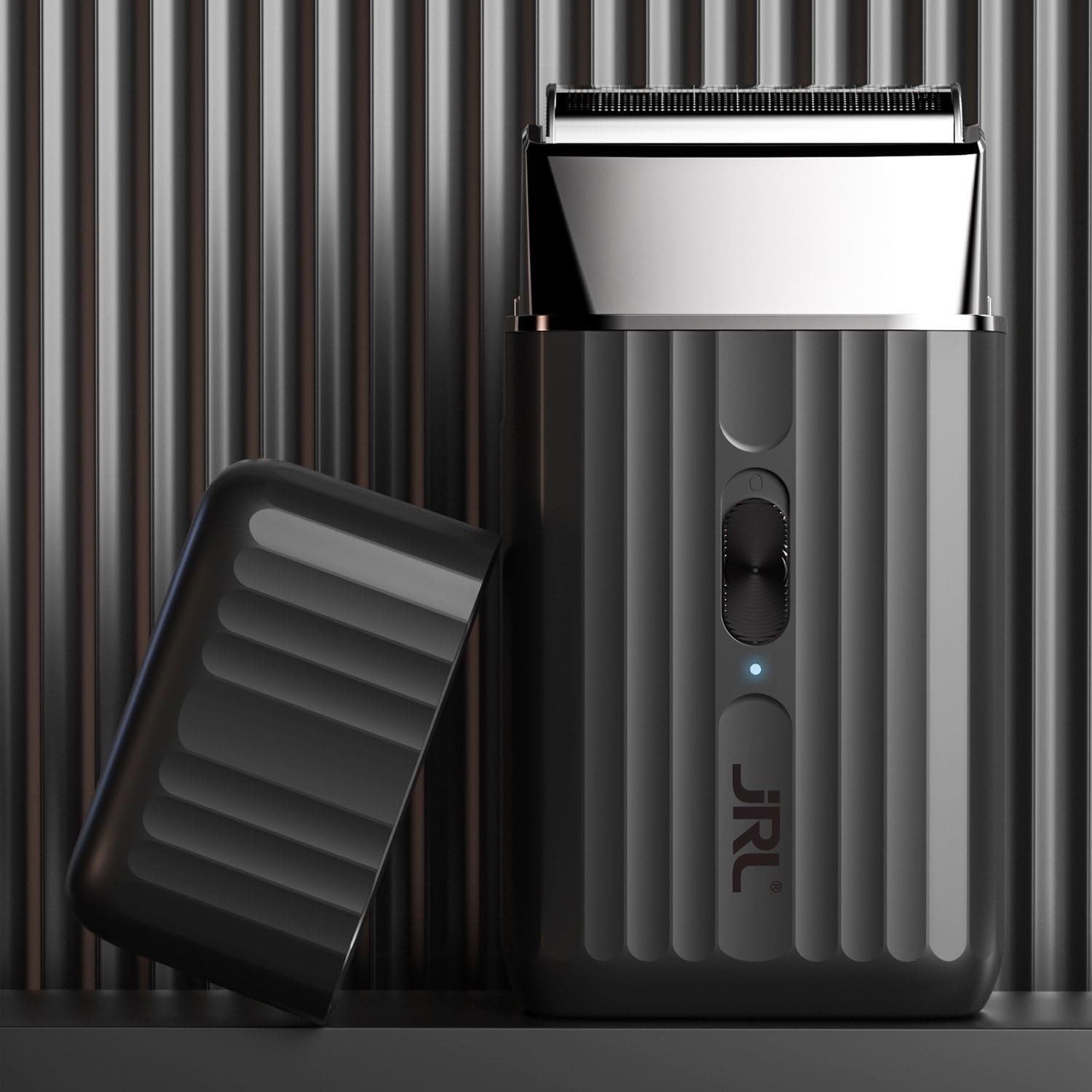
Image 5: JRL Onyx Professional Foil Shaver with its protective foil cap.
5. Troubleshooting
If you encounter issues with your JRL Onyx Professional Foil Shaver, refer to the following common problems and solutions:
| Problem | Possible Cause | Solution |
|---|---|---|
| Shaver not turning on or low power | Low battery charge | Charge the shaver fully. Ensure the charging cable is securely connected. |
| Poor shaving performance (not cutting close) | Worn foil or cutters; hair buildup | Clean the foil head and cutters thoroughly. Consider replacing the foil and cutter assembly if wear is visible. |
| Skin irritation after shaving | Incorrect shaving technique; sensitive skin; dull foil/cutters | Ensure proper shaving technique (light pressure, against hair growth). Clean the shaver. If irritation persists, consult a dermatologist. |
| Excessive noise or vibration | Foil head not properly seated; internal issue | Ensure the foil head is securely attached. If the issue persists, contact customer support. |
| Hair trapping or difficult to clean | Hair buildup; improper cleaning | Clean the shaver immediately after each use with the provided brush. Detach the foil head for thorough cleaning. |
If the problem persists after attempting these solutions, please contact JRL Professional customer support.
6. Specifications
| Feature | Detail |
|---|---|
| Product Dimensions | 3 x 3 x 0.5 inches |
| Item Weight | 0.56 Kilograms (1.23 Pounds) |
| Model Number | JRL-SH2301 |
| Motor Speed | 8000 RPM |
| Power Source | Battery Powered |
| Battery Average Life | 3 Hours |
| Head Type | Foil |
| Number of Blades | 4 |
| Blade Material | Stainless Steel |
| Color | Black |
| Additional Features | Cordless, Floating Head, Lightweight, Low Noise, Rechargeable |
7. Warranty Information
Warranty information for the JRL Onyx Professional Foil Shaver is typically provided with the product packaging or available on the manufacturer's official website. Please refer to these sources for detailed terms, conditions, and registration procedures.
8. Support
For further assistance, technical support, or inquiries regarding your JRL Onyx Professional Foil Shaver, please contact JRL Professional customer support through their official website or the contact information provided in your product documentation.