
YnGia Security_Carema_2689_X2
YiGia Light Bulb Security Camera User Manual
Model: Security_Carema_2689_X2
1. Introduction
Thank you for choosing the YiGia Light Bulb Security Camera. This device is designed to provide comprehensive home security with its advanced features, including high-definition video, night vision, motion detection, and two-way audio. Its unique light bulb form factor allows for easy installation into standard E27 light sockets, making it a versatile solution for monitoring both indoor and outdoor spaces.

The YiGia Light Bulb Security Camera shown alongside its mobile application interface, demonstrating live view and playback options.
2. Package Contents
- YiGia Light Bulb Security Camera
- E27 Base
- Mounting Screws
- User Manual
3. Setup and Installation
Follow these steps to set up your YiGia Light Bulb Security Camera:
- Install the Camera: Screw the camera into a standard E27 light socket. Ensure the socket is powered off before installation. The camera can be installed on ceilings or under eaves for outdoor use.
- Download the App: Scan the QR code provided in the manual or on the packaging, or visit https://www.cloudbirds.cn/download/app to download the "V360 Pro" application on your smartphone.
- Connect to Wi-Fi: Open the "V360 Pro" app and follow the on-screen prompts to add your camera. Ensure your Wi-Fi network is 2.4GHz, as the camera does not support 5GHz networks.

The camera can be easily screwed into an E27 light socket, suitable for various mounting locations.

Visual guide for downloading the app via QR code and connecting the camera to a 2.4GHz Wi-Fi network.
4. Operating Instructions
4.1 Key Features
- HD Imagery and Night Vision: The camera provides 1080p high-definition video. It supports both infrared night vision for clear black and white images in low light and full-color night vision for enhanced detail.
- Motion Detection and Alerts: Equipped with smart algorithms, the camera detects human movement and can automatically track the trajectory. Upon detection of abnormalities, an alarm is triggered, and instant notifications are sent to your smartphone.
- Two-Way Talk: Utilize the built-in microphone and speaker for real-time communication with individuals near the camera, such as family members, pets, or visitors.
- Pan and Tilt Functionality: The camera offers a 355° horizontal pan and 110° vertical tilt, allowing you to remotely adjust the viewing angle and eliminate blind spots.
- Storage Options: Supports both cloud storage (subscription may be required) and local storage via an SD card (not included) for continuous video recording and playback.
- Multi-User Access: Share camera access with family and friends through the app, enhancing security for your home.
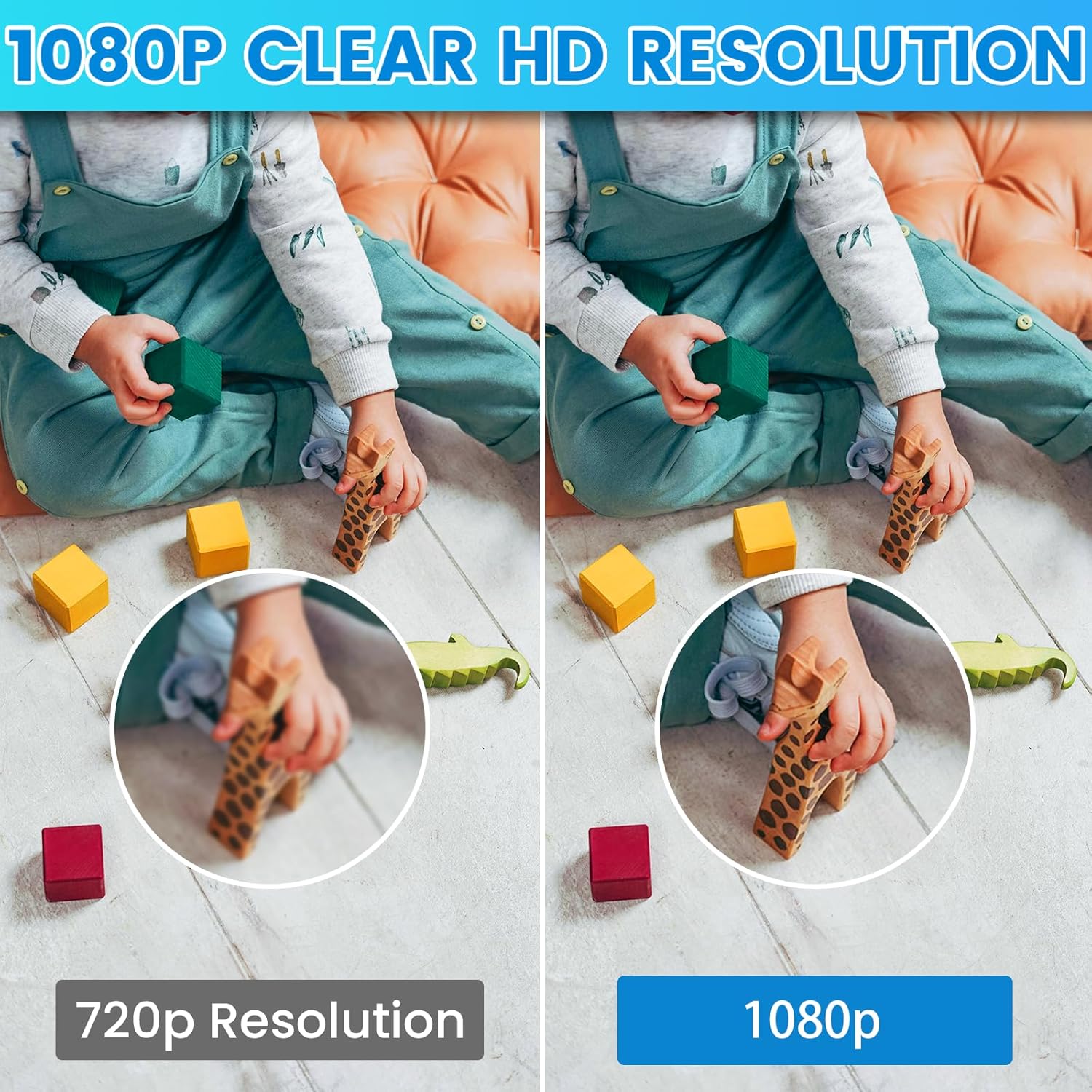
Demonstration of 1080p clear HD resolution compared to 720p.
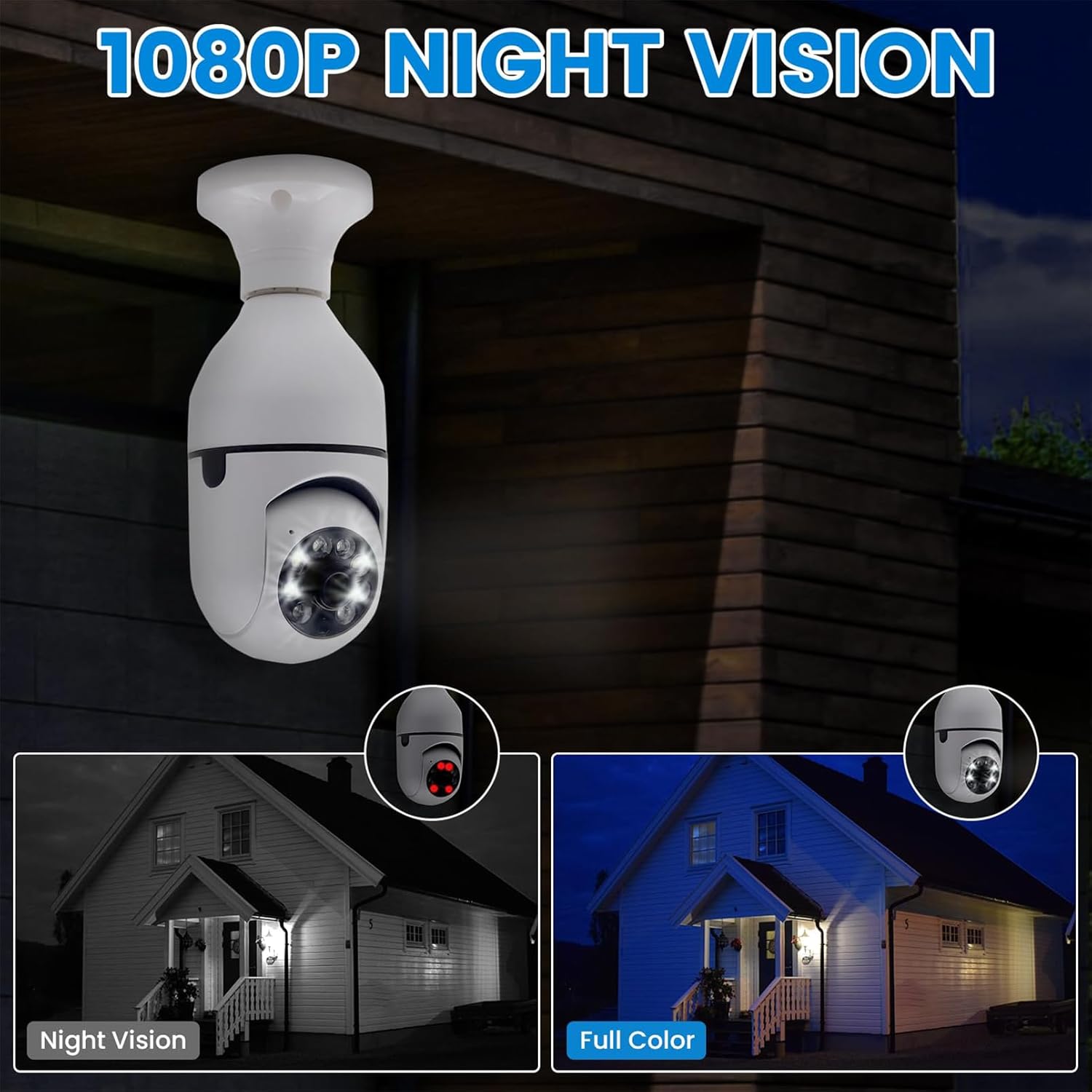
Visual comparison of traditional night vision and full-color night vision capabilities.

The camera's automatic tracking feature follows detected movement within its field of view.

The two-way talk function allows for direct communication through the camera.
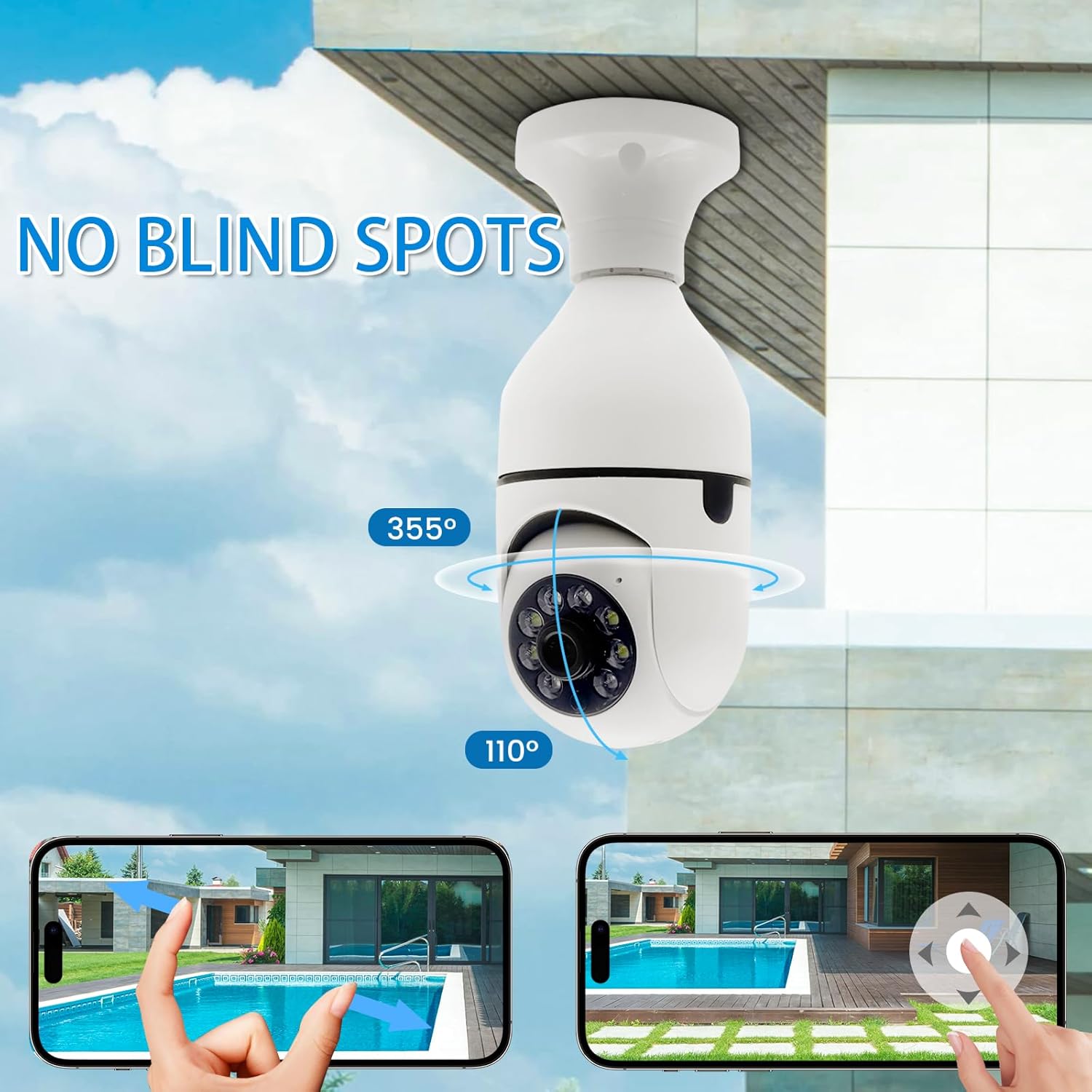
Illustration of the camera's 355-degree pan and 110-degree tilt capabilities for comprehensive coverage.

The mobile application supports cloud storage for video recordings.
5. Maintenance
To ensure optimal performance and longevity of your security camera, follow these maintenance guidelines:
- Cleaning: Gently wipe the camera lens and body with a soft, dry cloth. Avoid using harsh chemicals or abrasive cleaners, which can damage the surface or lens.
- Firmware Updates: Regularly check the "V360 Pro" app for available firmware updates. Keeping the firmware updated ensures you have the latest features and security enhancements.
- Environmental Conditions: While designed for indoor and outdoor use, avoid exposing the camera to extreme temperatures, direct water spray, or prolonged direct sunlight, which could affect performance.
6. Troubleshooting
If you encounter issues with your YiGia Light Bulb Security Camera, refer to the following common solutions:
- Camera Not Connecting to Wi-Fi:
- Ensure your Wi-Fi network is 2.4GHz. The camera does not support 5GHz networks.
- Check that the camera is within range of your Wi-Fi router.
- Verify your Wi-Fi password is entered correctly in the app.
- Try restarting your Wi-Fi router and the camera.
- App Not Recognizing the Camera:
- Make sure the camera is powered on and emitting its setup signal (if applicable, refer to app instructions).
- Ensure you have downloaded the correct app, "V360 Pro".
- Reset the camera (refer to the app or product for specific reset instructions, usually a small button or power cycle).
- Poor Image Quality:
- Clean the camera lens with a soft cloth.
- Ensure there is adequate lighting for optimal image clarity, especially for full-color night vision.
- Check your internet connection speed; a slow connection can affect live stream quality.
- Motion Detection Not Working:
- Verify that motion detection is enabled in the "V360 Pro" app settings.
- Adjust the motion detection sensitivity settings in the app.
- Ensure there are no obstructions blocking the camera's view.
7. Specifications
| Feature | Specification |
|---|---|
| Model Name | Security_Carema |
| Item Model Number | Security_Carema_2689_X2 |
| Brand | YnGia |
| Indoor/Outdoor Usage | Indoor, Outdoor |
| Connectivity Technology | Wireless (2.4GHz Wi-Fi) |
| Video Capture Resolution | 1080p |
| Special Feature | 2-Way Audio, Motion Detection, Night Vision |
| Mounting Type | Ceiling Mount (E27 Socket) |
| Product Dimensions | 8 x 5 x 3 inches |
| Item Weight | 7.8 ounces |
| Included Components | E27 Base, Security_Carema |
8. Warranty and Support
For warranty information and technical support, please refer to the documentation included with your purchase or contact the manufacturer directly. Keep your proof of purchase for warranty claims.
Related Documents - Security_Carema_2689_X2
 |
Amazon Basics Smart A60 Dimmable LED Light Bulb - Quick Setup Guide Quick setup guide for the Amazon Basics Smart A60 Dimmable LED Light Bulb. Learn how to connect to Alexa, troubleshoot connection issues, and find more information. Includes setup steps and troubleshooting tips for easy installation. |
 |
High Brightness Folding LED Bulb with E27 Base - FLB-E27 Series Discover the Duncelri LED Folding Bulb (FLB-E27 series), a high-brightness, energy-efficient lighting solution with a retractable design and E27 base. Ideal for garages, warehouses, and tight spaces, offering superior illumination and easy installation. |
 |
Amazon Basics Smart A60 Multicolor LED Bulb User Manual - Setup & Guide User manual for the Amazon Basics Smart A60 Multicolor LED Light Bulb. Includes setup instructions, Alexa integration, troubleshooting, safety guidelines, and specifications for model B0D34W3V7K and B0D34VK962. |
 |
Amazon Basics Smart A60 Multicolor LED Bulb Setup Guide Concise setup guide for the Amazon Basics Smart A60 Multicolor LED Bulb. Learn how to connect your bulb to Alexa, troubleshoot connection issues, and find more support resources. |
 |
ammtoo E27 Bluetooth Smart LED Bulb Quick Start Guide Instructions for connecting and controlling the ammtoo E27 Bluetooth Smart LED Bulb using the Tuya app, including pairing, group control, and disconnection. |
 |
E27/E14 Lamp Holder Instruction Manual - Installation and Safety Guide Comprehensive instruction manual for the E27/E14 screw lamp holder. Covers product description, technical specifications, installation, safety warnings, maintenance, and troubleshooting. |
Ask a question about this manual
Ask about setup, troubleshooting, compatibility, parts, safety, or missing instructions. Manuals+ will review the question and use this page’s manual context to help answer it.