
Black Horse QCC09
Black Horse Bluetooth 5.3 Audio Transmitter User Manual
Model: QCC09 | Brand: Black Horse
Introduction
This manual provides comprehensive instructions for the Black Horse Bluetooth 5.3 Audio Transmitter (Model QCC09). This compact and versatile device allows you to wirelessly transmit audio from non-Bluetooth sources to your Bluetooth-enabled headphones or earbuds. It is designed for convenience and high-quality audio transmission in various environments, including airplanes, gyms, and home entertainment setups.

Image: The Black Horse Bluetooth 5.3 Audio Transmitter, showcasing its compact design, integrated 3.5mm AUX plug, and an included dual-pin airplane adapter.
Setup
Charging the Device
The transmitter comes with a built-in rechargeable Lithium Polymer battery. Before first use, or when the battery is low, charge the device using the provided USB-C charging cable.
- Connect the USB-C end of the charging cable to the transmitter's charging port.
- Connect the other end of the USB-C cable to a standard USB power adapter (not included) or a computer's USB port.
- The charging indicator light will illuminate during charging and turn off when fully charged. A full charge takes approximately 2 hours and provides up to 20 hours of playback time.
Initial Pairing and Connection
The Black Horse transmitter supports connecting to two Bluetooth audio devices simultaneously.
- Power On: Press and hold the main button on the transmitter until the indicator light flashes, indicating it's in pairing mode.
- Connect First Device (B1): Place your first Bluetooth headphones or earbuds into pairing mode. The transmitter will automatically search for and connect to the nearest available device. The B1 indicator light will become solid once connected.
- Connect Second Device (B2): After the first device is connected, press the B2 button on the transmitter. This will put the transmitter into pairing mode for the second device. Place your second Bluetooth headphones or earbuds into pairing mode. The transmitter will connect to it, and the B2 indicator light will become solid.
- Connect to Audio Source: Plug the 3.5mm AUX plug of the transmitter into the audio output jack of your desired device (e.g., TV, airplane entertainment system, gym equipment, tablet). If connecting to an airplane's dual-pin audio jack, use the included dual 3.5mm adapter.

Image: What's in the Box - Bluetooth Transmitter, Dual 3.5mm Adapter, USB-C Charging Cable, and Protective Pouch.
Operating Instructions
Usage Scenarios
The Black Horse Bluetooth Transmitter is designed for wide compatibility and can be used with various audio sources:
- Airplanes: Connect to in-flight entertainment systems using the included dual 3.5mm adapter to enjoy movies or music with your personal Bluetooth headphones.
- Televisions: Plug into the 3.5mm audio out port of your TV to watch shows or movies without disturbing others.
- Gym Equipment: Use with treadmills, ellipticals, or other fitness machines that have a 3.5mm audio jack.
- Gaming Consoles/Devices: Connect to devices with a 3.5mm audio output for wireless gaming audio.
- Tablets/Laptops: Ideal for older devices without built-in Bluetooth audio transmission capabilities.
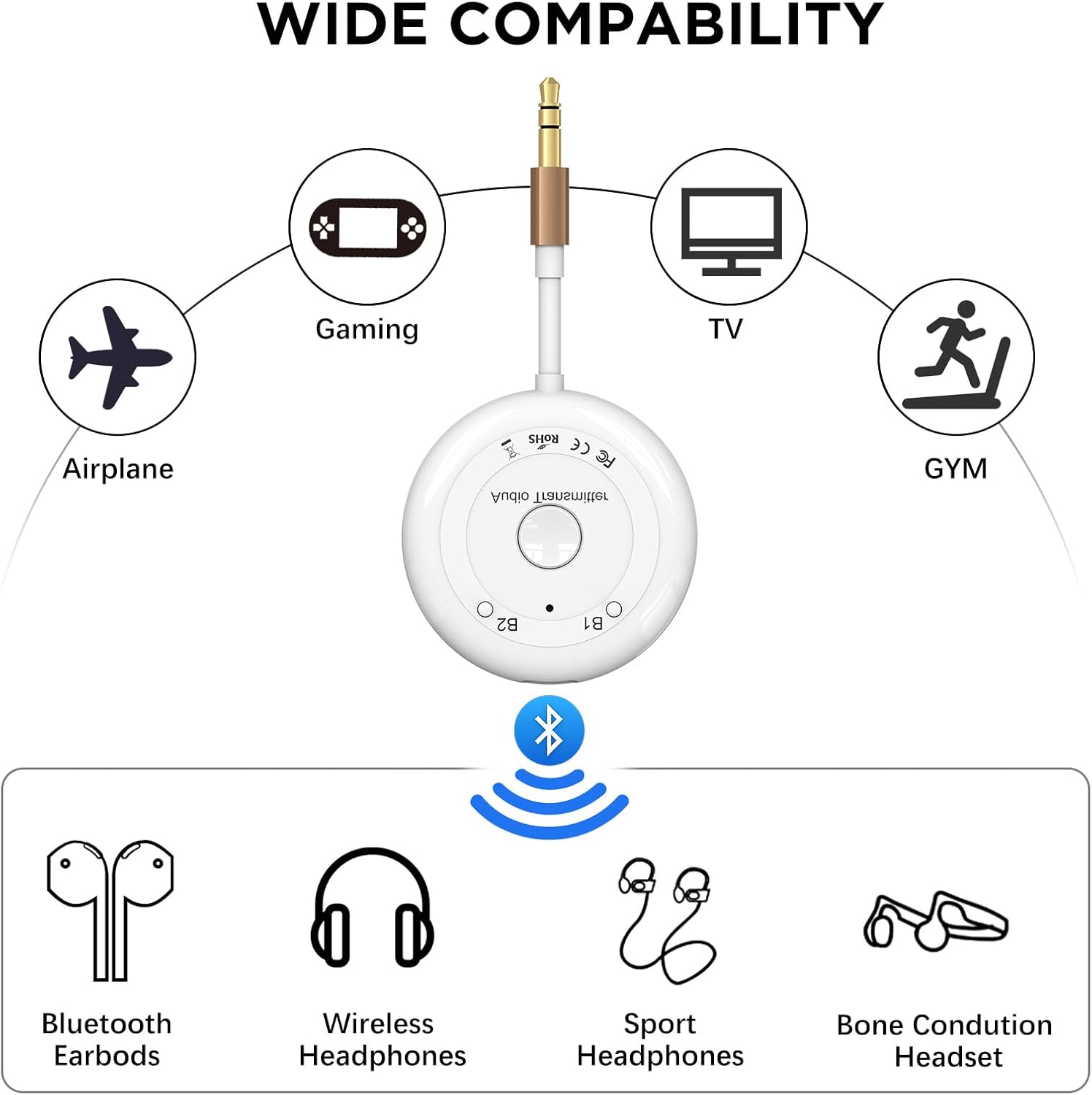
Image: Wide Compatibility - Illustrates the transmitter's use with airplanes, gaming devices, TVs, and gym equipment, and its compatibility with Bluetooth earbuds, wireless headphones, sport headphones, and bone conduction headsets.
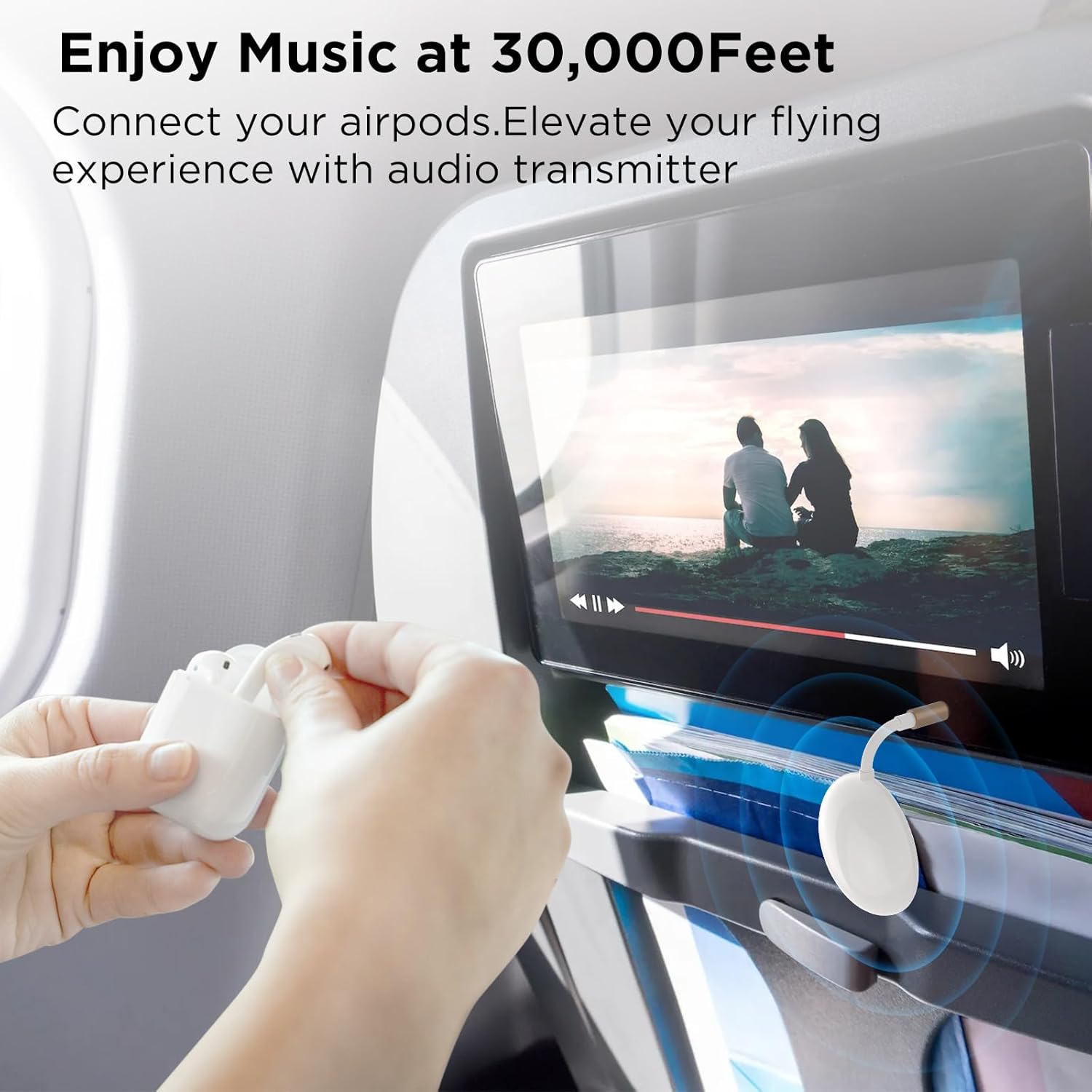
Image: Enjoy Music at 30,000 Feet - A user connecting their AirPods to an airplane's entertainment screen via the transmitter.
Advanced Features
- Dual Wireless Connection: As described in the setup, you can connect two pairs of Bluetooth headphones simultaneously, allowing two people to listen to the same audio source.
- Low Latency: Equipped with a Qualcomm chipset, the transmitter ensures minimal audio delay, providing a synchronized experience for movies and games.
- High-Quality Audio: Supports enhanced codecs for high-definition audio transmission over Bluetooth.
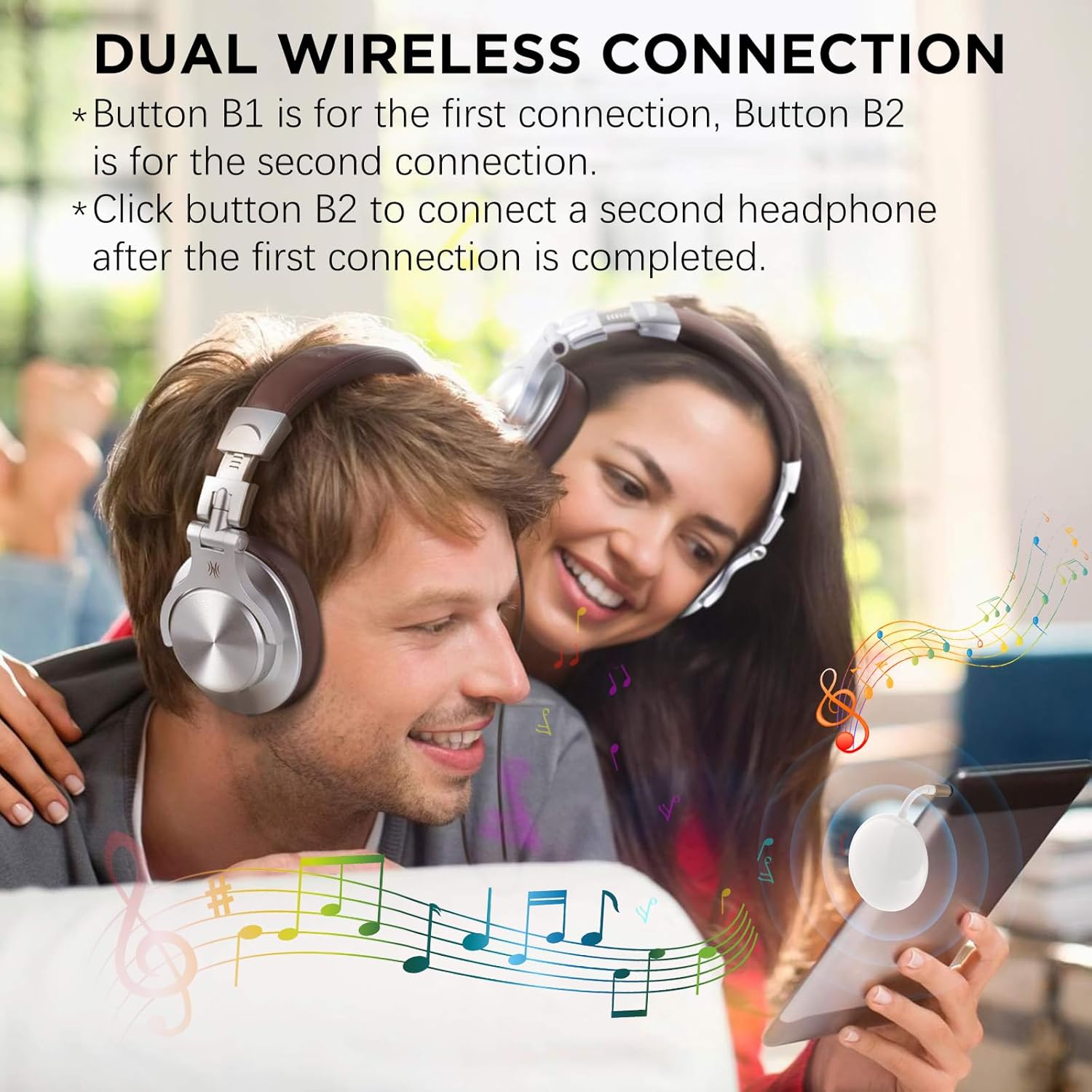
Image: Dual Wireless Connection - A couple enjoying music together using two pairs of headphones connected to a single transmitter.

Image: Advanced Bluetooth Technology - A woman enjoying wireless HD audio with dynamic low latency and adaptive bit rate, demonstrating the transmitter's high-performance capabilities.
Important Note
This device is designed for transmission only and does not support receiving audio. It cannot be used to receive Bluetooth audio from other devices.
Maintenance
To ensure the longevity and optimal performance of your Black Horse Bluetooth Transmitter, follow these simple maintenance guidelines:
- Keep the device clean by wiping it with a soft, dry cloth. Avoid using harsh chemicals or abrasive materials.
- Store the transmitter in a cool, dry place, away from direct sunlight and extreme temperatures.
- Protect the 3.5mm AUX plug and charging port from dust and debris. Use the provided protective pouch for storage and transport.
- Avoid dropping the device or subjecting it to strong impacts.
Troubleshooting
If you encounter issues with your Black Horse Bluetooth Transmitter, please refer to the following common problems and solutions:
| Problem | Possible Cause | Solution |
|---|---|---|
| Device does not power on. | Battery is depleted. | Charge the device fully using the USB-C cable. |
| Cannot pair with headphones/earbuds. | Headphones/earbuds not in pairing mode or too far away. | Ensure your headphones/earbuds are in pairing mode and within 60 feet (18 meters) of the transmitter. Try restarting both devices. |
| No audio output. | Transmitter not properly connected to audio source or volume too low. | Ensure the 3.5mm AUX plug is fully inserted into the audio source. Check the volume level on both the audio source and your headphones/earbuds. |
| Audio quality is poor or intermittent. | Interference or distance issues. | Move closer to the transmitter. Avoid obstacles between the transmitter and your headphones. Ensure no other strong wireless signals are causing interference. |
| Second device (B2) won't connect. | B2 button not pressed or second device not in pairing mode. | After connecting the first device, press the B2 button to activate pairing mode for the second device. Ensure the second device is also in its pairing mode. |
Specifications
| Feature | Detail |
|---|---|
| Model Number | QCC09 |
| Brand | Black Horse |
| Connectivity Technology | Bluetooth 5.3 |
| Wireless Communication Standard | Bluetooth |
| Power Source | Battery Powered (1 Lithium Polymer battery included) |
| Battery Life | Up to 20 hours playback on a 2-hour charge |
| Operating Range | Up to 60 feet (approx. 18 meters) |
| Special Feature | Low Latency Audio Transmission |
| Material | Plastic |
| Color | White |
| Product Dimensions | 4.6 x 4.6 x 1.6 cm (1.81 x 1.81 x 0.63 inches) |
| Item Weight | 18 grams (0.63 ounces) |
| Compatible Devices | Tablet, Laptop, TV, Gym Equipment, Airplane Entertainment Systems |
| Manufacturer | zhongzhi |
| Date First Available | August 11, 2024 |
Warranty and Support
Information regarding product warranty and customer support was not available in the provided product data. Please refer to the product packaging or the manufacturer's official website for the most up-to-date warranty details and support contacts.
Ask a question about this manual
Ask about setup, troubleshooting, compatibility, parts, safety, or missing instructions. Manuals+ will review the question and use this page’s manual context to help answer it.