
1. Introduction
This manual provides essential information for the proper installation, operation, and maintenance of the T-motor V45A V2 6S 4IN1 32BIT Electronic Speed Control (ESC). This ESC is designed for FPV RC Racing drones, offering precise motor control and stable performance. Please read this manual thoroughly before use to ensure optimal performance and safety.
2. Product Features
- Stable Electronic Performance: Designed for long life, power saving, and convenient maintenance, ensuring energy efficiency and environmental protection.
- Sensitive Circuit Structure: Converts flight control board signals into current size, and direct current into alternating current for precise motor speed control.
- Optimized Signal Integrity: Provides good electronic performance, effectively bridging the motor and battery, with high resistance to signal interference.
- Integrated 10V/2A BEC: Provides reliable power safeguard for DJI HD VTX and other equipment.
- Enhanced Cooling Fin Design: Features a brand-new cooling fin design for more efficient heat dissipation, ensuring stable power output.
- Improved Over-Current Ability: Via design for motor pad makes over-current ability stronger and welding easier.
- Optimized Motor Pad Safety Distance: Effectively protects components and facilitates easier soldering.
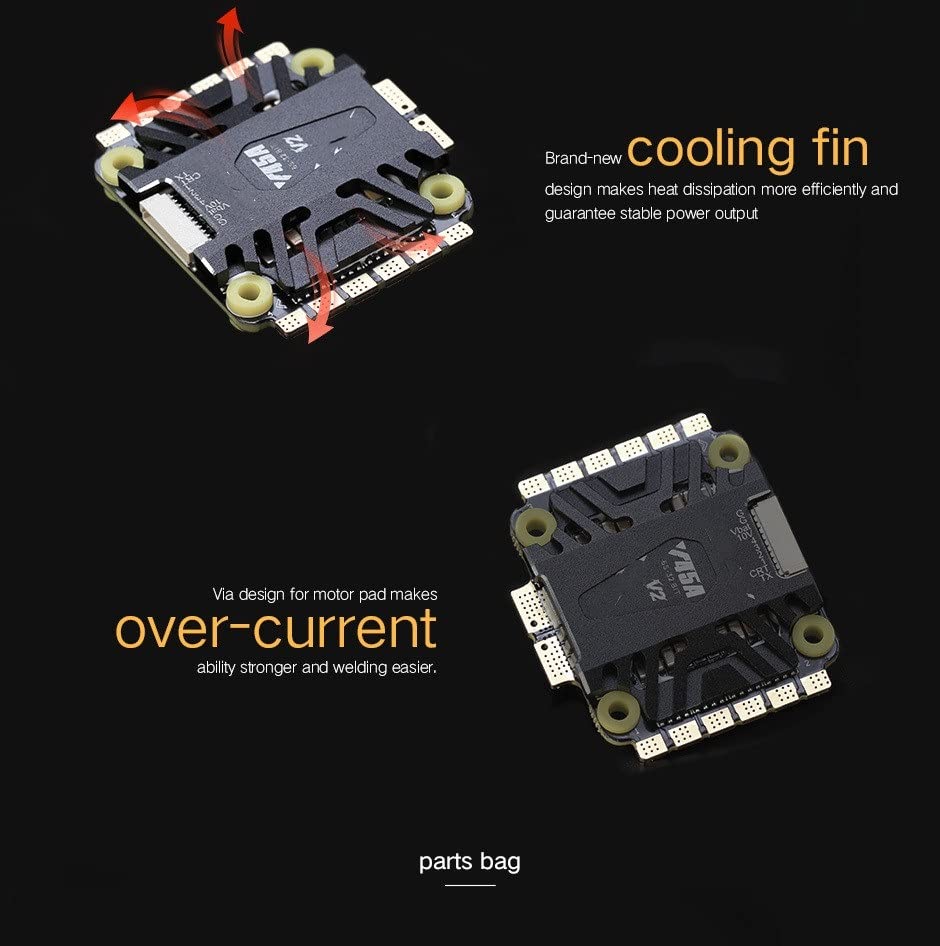
The ESC features a new cooling fin design for efficient heat dissipation and improved over-current ability for easier welding.
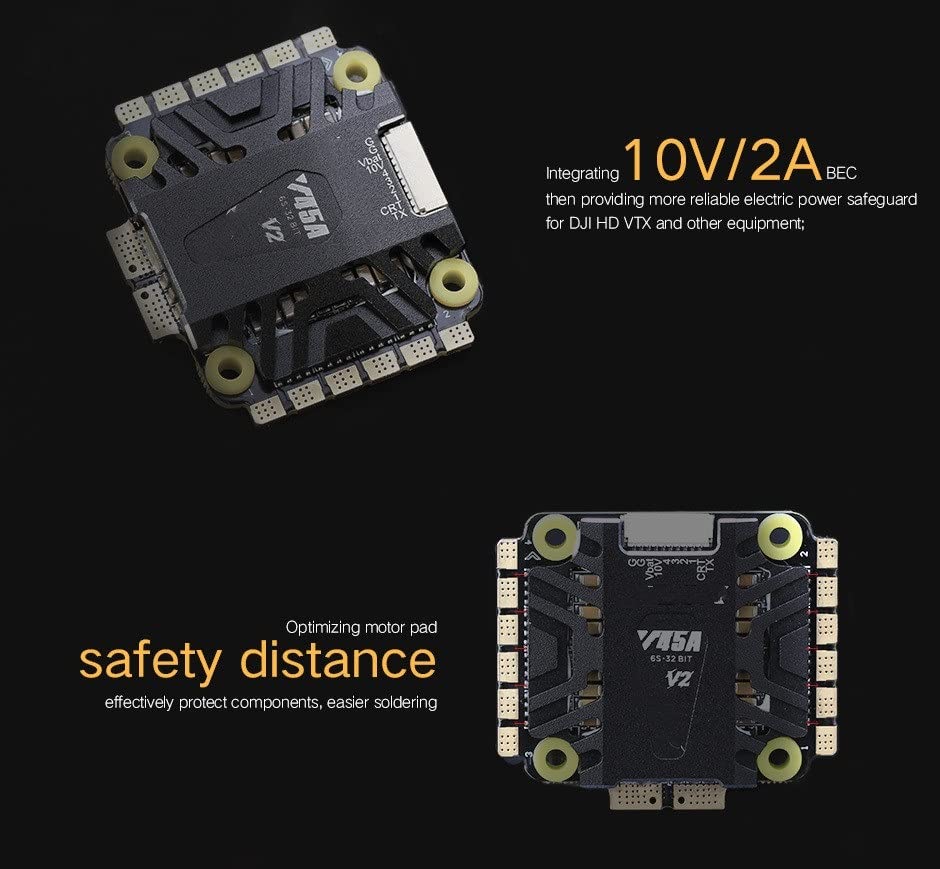
Integrated 10V/2A BEC provides power for VTX and other equipment, with optimized motor pad for safety.
3. Package Contents
Upon opening the package, please verify that all the following items are included:
- User Manual *1
- Electrolytic Capacitor *1
- XT60 Power Cord *1
- 10P&10P Silica Gel Wiring Harness *1
- Sticker *4
- QC PASS Card *1
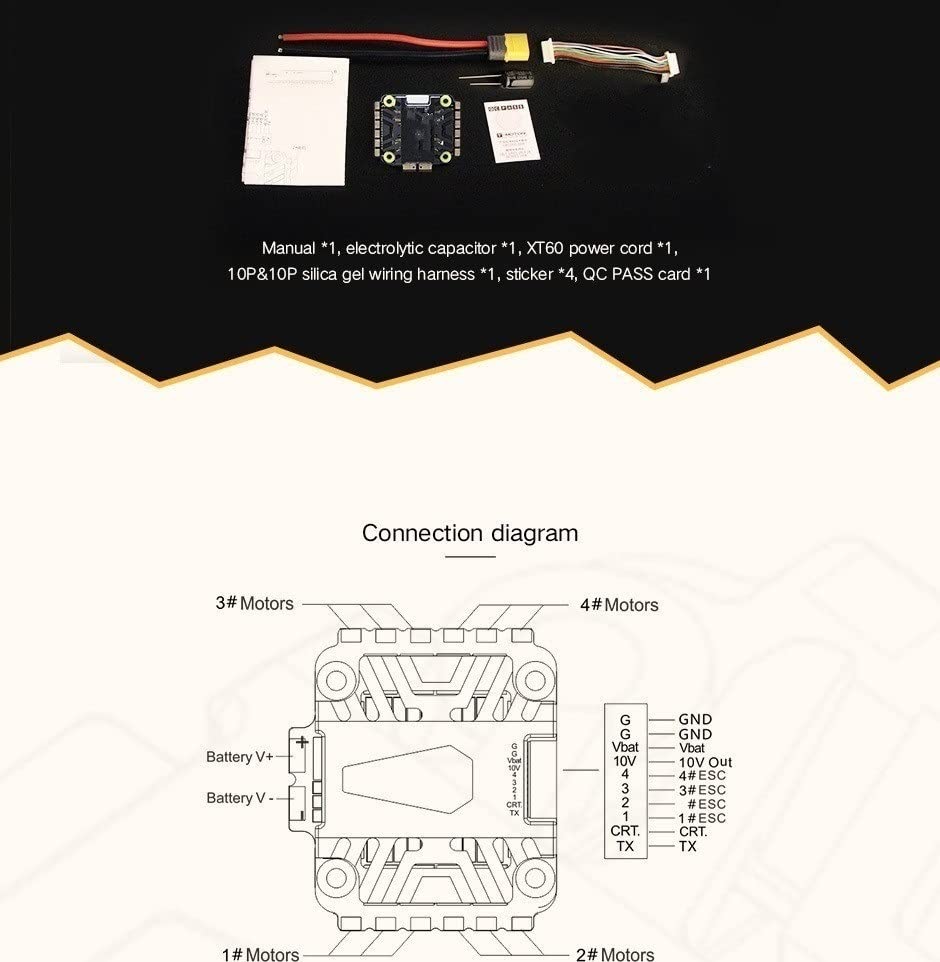
Image showing the complete set of accessories included with the T-motor V45A V2 ESC.
4. Setup and Installation
Follow these instructions carefully for proper installation of your ESC:
4.1 Connection Diagram
Refer to the diagram below for correct wiring connections. Ensure all polarities and connection sequences are correct before powering up to prevent damage.
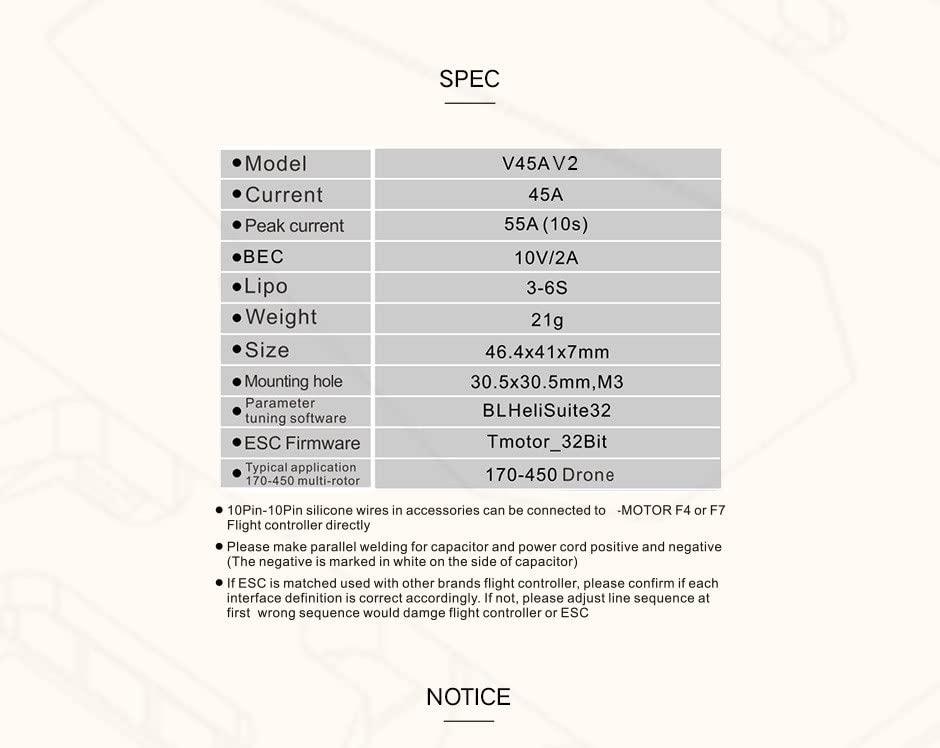
Detailed connection diagram illustrating wiring for motors, battery, and control signals.
- Battery Connection: Connect Battery V+ and Battery V- to your power source. Ensure the input voltage is within the specified range (3-6S Lipo).
- Motor Connections: Connect motors 1, 2, 3, and 4 to their respective pads.
- Signal Connections: The 10Pin-10Pin silicone wires can be connected directly to MOTOR F4 or F7 Flight Controllers.
- Current Detection (CRT): The CRT (Current) interface provides current detection output and can be connected to flight controllers that support current detection like F4 and F7.
- Voltage Output (10V Out): Provides 10V/2A BEC output for powering accessories like VTX.
- Ground (GND): Common ground connection.
- VBAT: Battery voltage output.
4.2 Welding Tips
- Use welding equipment with full power and choose the right-sized welding head.
- Avoid adding too much tin wire too quickly during welding to prevent solder ball spilling.
- Consider placing a layer of electrical tape above the cooling fin before welding to prevent tin or other pollutants from spotting on the fin.
- Make parallel welding for capacitor and power cord positive and negative. The negative is marked in white on the side of the capacitor.
5. Operation
Once the ESC is correctly installed and connected to your flight controller and motors:
- Each time the ESCs are connected to the system, the input throttle signal will be automatically detected upon power-on, and the corresponding throttle mode will be executed.
- When a BLDC motor is connected to the system for the first time, or if your RC equipment is changed, throttle calibration is required. If your input signal is Dshot mode, you may skip throttle range calibration.
6. Maintenance
Proper maintenance ensures the longevity and reliability of your ESC:
- Regularly inspect for any loose connections, damaged wires, or signs of wear.
- If cleaning the PCB, use 95% or higher purity alcohol or water. Avoid squeezing components and wires excessively.
- Remedies After Water Exposure: If the ESC, flight controller, or other PCBs (including motors) come into contact with water, immediately power off the system and do not power it on again. Clean all clutter and dry the components thoroughly with a hairdryer. Do not power on again until you are absolutely certain there is no water inside.
7. Troubleshooting and Safety Notices
Adhere to the following notices and troubleshooting tips to prevent damage and ensure safe operation:
- Pre-Power Up Check: Always carefully check for any tin balls or bonded soldering joints before powering up. Short circuits caused by these can lead to equipment damage. Repeatedly check the polarity and connection sequence before power up. Wrong connections will damage the equipment.
- Power Off First: Always power off the system first when plugging in or making any connections.
- Firmware: Do not flash any other firmwares onto the ESC to avoid damage.
- Burnt Traces: If you observe solder joints or burnt traces on components, it indicates that the power section has burned out. Do not power on the unit again to prevent further damage.
- Voltage Compatibility: VBAT refers to battery voltage. If connecting to other equipment, ensure the input voltage is within the acceptable range for that equipment.
- Avoid Damage: Try to avoid any equipment being out of operation or short-circuits caused by incorrect welding.
8. Specifications
Detailed technical specifications for the T-motor V45A V2 ESC:
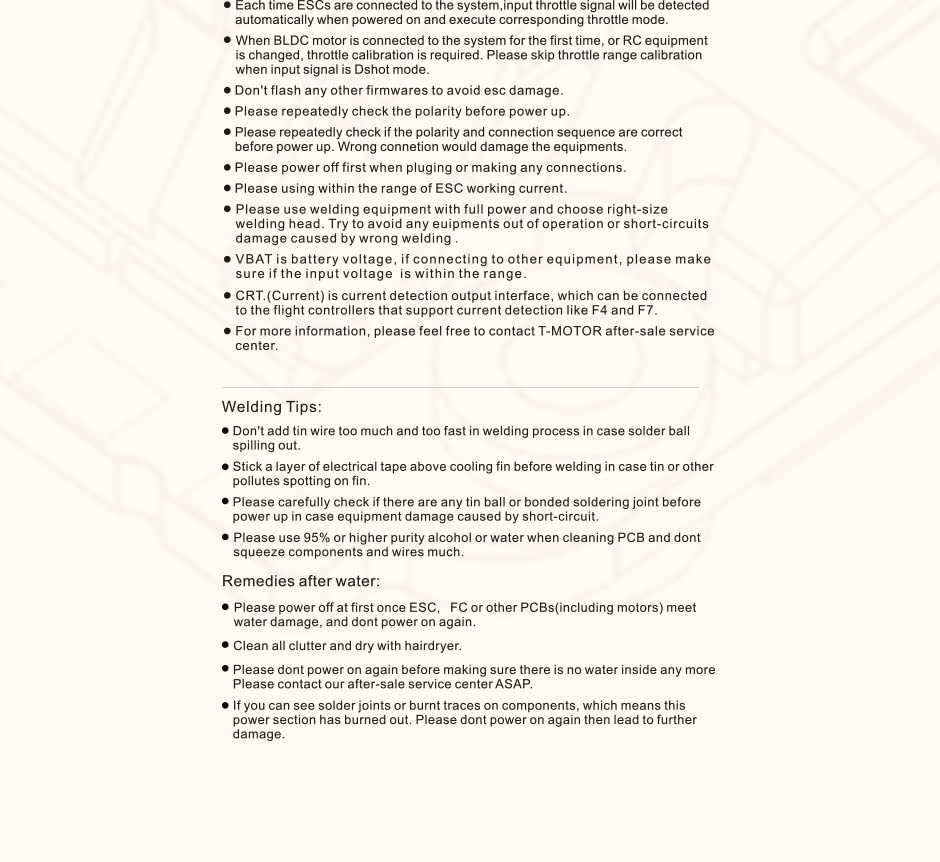
Image displaying the technical specifications and important notices for the ESC.
| Parameter | Value |
|---|---|
| Model | V45A V2 |
| Current | 45A |
| Peak Current | 55A (10s) |
| BEC | 10V/2A |
| Lipo Support | 3-6S |
| Weight | 21g |
| Size | 46.4x41x7mm |
| Mounting Hole | 30.5x30.5mm, M3 |
| Parameter Tuning Software | BLHeliSuite32 |
| ESC Firmware | Tmotor_32Bit |
| Typical Application | 170-450 multi-rotor drone |
9. Support
For further information, technical assistance, or after-sale service, please feel free to contact the T-MOTOR after-sale service center. Contact details are typically provided with your product packaging or on the official T-MOTOR website.

