
1. Introduction
Thank you for choosing the Toeeklsa 9.7 Inch Car Radio for your Dodge Journey (2011-2019). This advanced stereo system is designed to enhance your driving experience with its Android 14 operating system, 8-core CPU, 4GB RAM, 64GB ROM, and a high-resolution 1024x768 touch screen. This manual provides detailed instructions to help you install, operate, and maintain your new car radio effectively.
2. Safety Information
Please read all safety warnings and instructions carefully before installation and operation. Failure to follow these instructions may result in injury or damage to the product or vehicle.
- Professional Installation Recommended: Due to the complexity of car electrical systems, professional installation is highly recommended.
- Power Disconnection: Always disconnect the vehicle's battery before performing any electrical work to prevent short circuits and electrical shock.
- Wiring: Ensure all wiring connections are secure and properly insulated to prevent electrical hazards.
- Driving Safety: Do not operate the device in a way that distracts you from driving. Always prioritize road safety.
- Temperature: Avoid exposing the device to extreme temperatures or direct sunlight for prolonged periods.
3. Product Overview
The Toeeklsa 9.7 Inch Car Radio is a comprehensive upgrade for your Dodge Journey, offering a range of features for entertainment, navigation, and connectivity.
- Operating System: Upgraded Android 14 system.
- Processor & Memory: 8-Core CPU, 4GB RAM, 64GB ROM for smooth performance.
- Display: 9.7-inch touch screen with 1024x768 resolution.
- Connectivity: Built-in wireless CarPlay & Android Auto, Bluetooth 5.0, Wi-Fi, USB.
- Audio: 48-band EQ, DSP, Subwoofer support, Built-in HiFi.
- Navigation: GPS functionality with online/offline map support.
- Camera: Supports AHD backup camera with night vision.
- Integration: Retains OEM features including steering wheel control, rear camera, and radar.
4. Installation
This car radio is designed for a plug-and-play installation for 2011-2019 Dodge Journey models. Free installation tools are provided. If you are unsure about compatibility, please consult with a professional or contact customer support.
4.1. Visual Comparison (Before and After Installation)

Image: Comparison of the Dodge Journey dashboard before and after installing the Toeeklsa 9.7 Inch Car Radio. The new unit seamlessly integrates into the vehicle's interior.
4.2. Installation Effect Demonstration
Video: This video demonstrates the visual effect of the Toeeklsa car radio installed in a Dodge Journey, showcasing its fit and appearance within the dashboard.
5. Operating Instructions
5.1. Basic Operation
The unit features a responsive touch screen for intuitive control. Navigate through menus and applications by tapping, swiping, and pinching gestures. The physical buttons on the side of the unit provide quick access to essential functions like volume and home.
5.2. Steering Wheel Control
The car radio supports your vehicle's original steering wheel control functions, allowing you to manage audio, calls, and other features without taking your hands off the wheel. This enhances driving safety and convenience.

Image: Illustration showing the integration of the car radio with the vehicle's steering wheel controls, highlighting accessible functions.
5.3. Steering Wheel Settings Configuration
Video: This video demonstrates how to configure the steering wheel controls through the car radio's settings interface, allowing customization of button functions.
6. Connectivity
6.1. Wireless CarPlay & Android Auto
Enjoy seamless integration with your smartphone using built-in wireless CarPlay and Android Auto. Access navigation, music, calls, and messages directly from the car radio's touch screen or via voice commands (Siri/Google Assistant).

Image: The car radio display showing the Wireless CarPlay and Android Auto interfaces, demonstrating smartphone integration.
6.2. Wireless CarPlay & Android Auto Demonstration
Video: This video illustrates the functionality of wireless CarPlay and Android Auto, including music playback, navigation, and hands-free calling.
6.3. Bluetooth and Wi-Fi Connection
Connect your phone via Bluetooth for hands-free calls and audio streaming. The built-in Wi-Fi allows access to online navigation apps and various social media platforms.
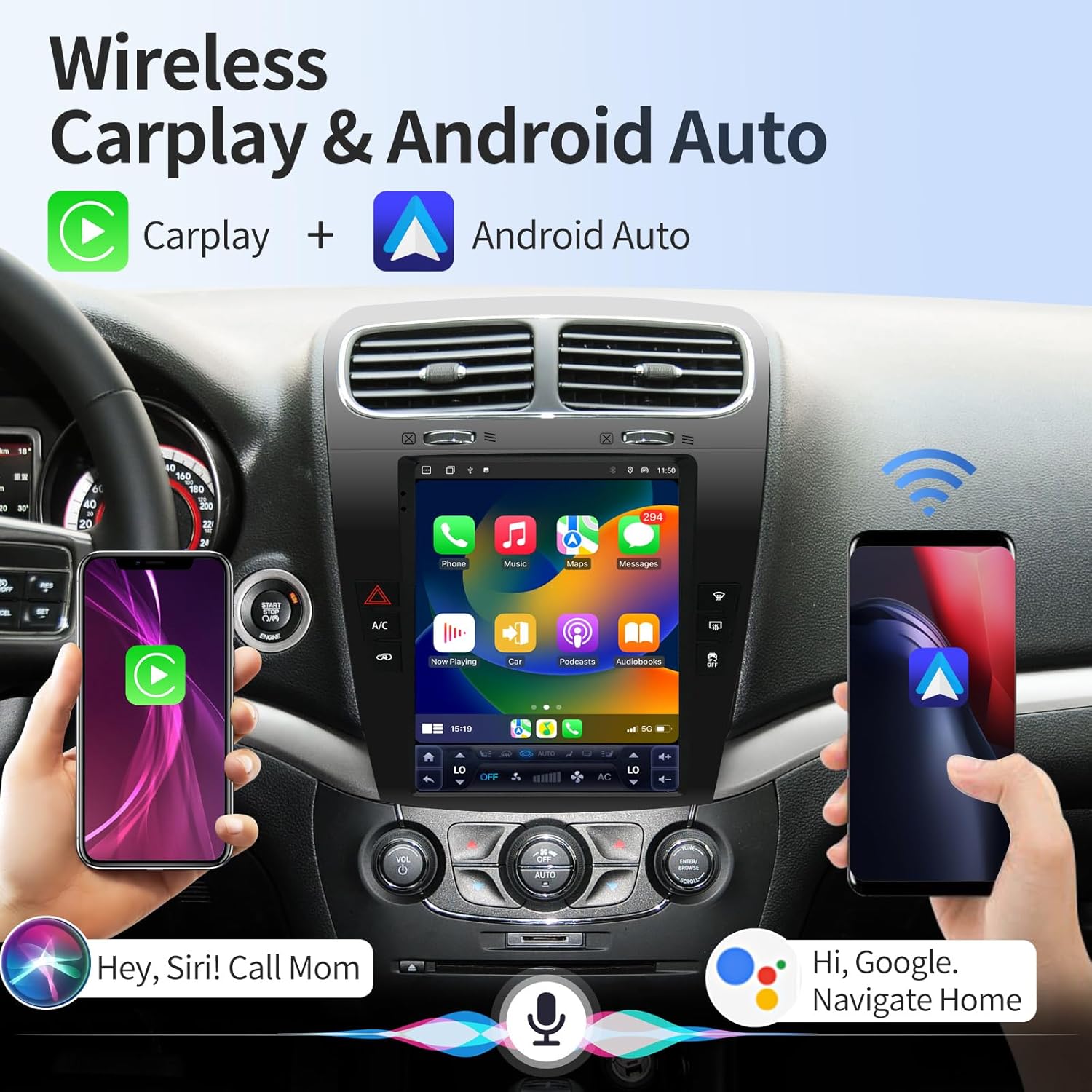
Image: The car radio display showing the Wi-Fi connection interface, indicating network availability and status.
6.4. Bluetooth Connection Demonstration
Video: This video demonstrates the process of connecting a smartphone to the car radio via Bluetooth for hands-free communication and media streaming.
7. Audio Settings
The car radio features a 48-band equalizer (EQ), Digital Sound Processor (DSP), and Hi-Fi audio to customize your listening experience. Adjust audio settings to match your preferences and vehicle acoustics.

Image: The car radio display showing the 48-band equalizer interface, allowing detailed audio customization.
7.1. DSP Sound Effect Adjustment
Video: This video demonstrates how to adjust the DSP sound effects and equalizer settings on the car radio for optimal audio quality.
8. Navigation and Multimedia
8.1. GPS Navigation
The integrated GPS module provides reliable navigation with support for online and offline maps. Receive real-time traffic updates and advanced route planning to reach your destination efficiently.
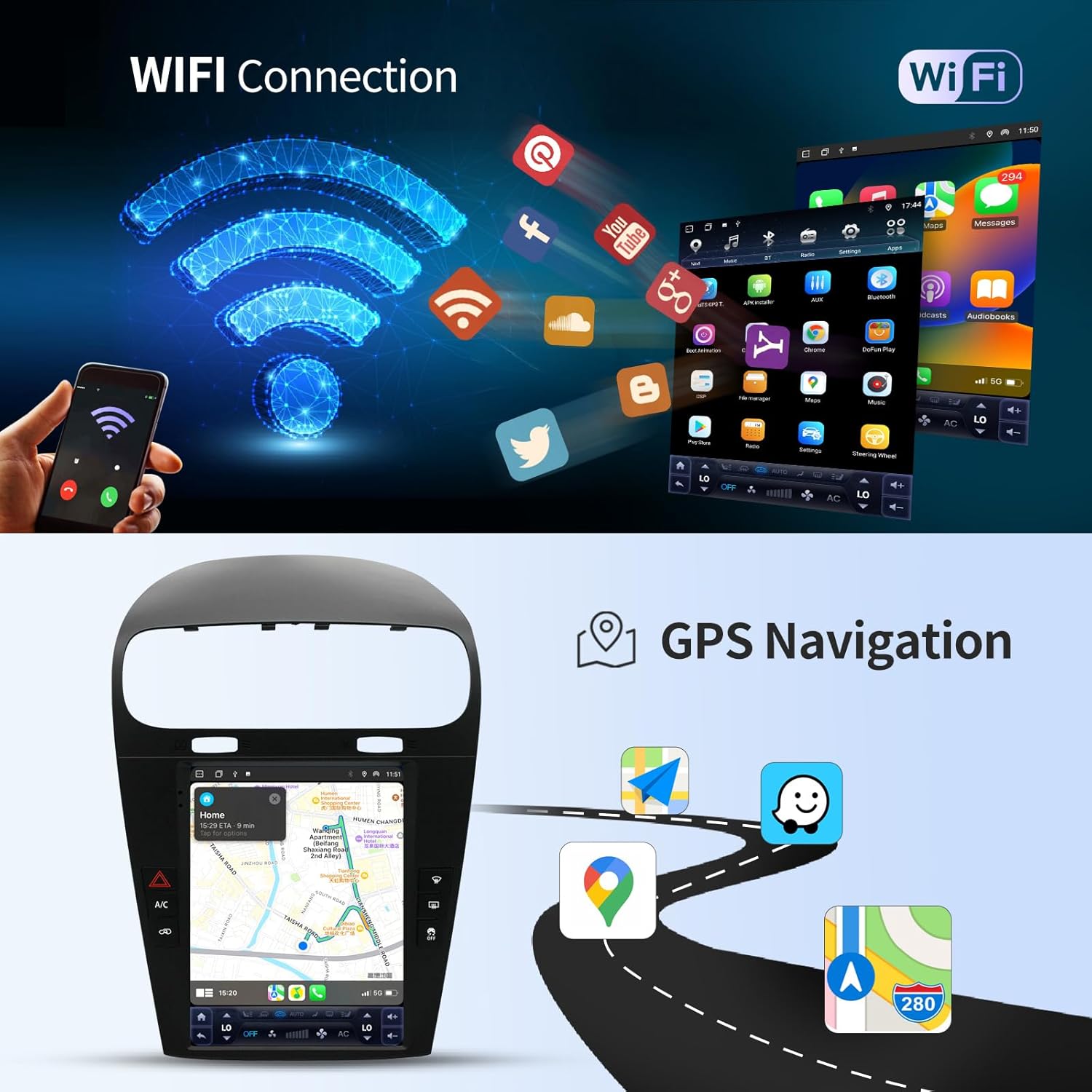
Image: The car radio display showing the GPS navigation interface with map details and route information.
8.2. AM/FM/RDS Radio
Tune into your favorite radio stations with the built-in AM/FM/RDS tuner. The system supports both manual and automatic station searches and allows you to store preferred stations.
8.3. Radio and GPS Navigation Demonstration
Video: This video demonstrates the operation of the FM/RDS radio and the GPS navigation features on the car radio.
8.4. AHD Backup Camera
The included AHD backup camera provides a clear, waterproof, and night vision view when reversing. The screen automatically displays the rear view when the car is put into reverse gear, enhancing parking safety.
Image: The car radio display showing the clear view from the AHD backup camera, including parking guidelines.
9. Maintenance
To ensure the longevity and optimal performance of your car radio, follow these maintenance guidelines:
- Cleaning: Use a soft, dry cloth to clean the screen and exterior. Avoid abrasive cleaners or solvents.
- Software Updates: Regularly check for and install software updates to ensure the system has the latest features and security patches.
- Avoid Liquid Contact: Keep the unit away from liquids to prevent damage to internal components.
- Cable Management: Ensure all cables are properly secured and not pinched or damaged.
10. Troubleshooting
If you encounter any issues with your Toeeklsa car radio, please refer to the following common solutions before contacting customer support:
- No Power: Check all power connections and the vehicle's fuse box. Ensure the ignition is on.
- No Sound: Verify speaker connections, volume levels, and audio settings (EQ/DSP).
- Touch Screen Unresponsive: Try restarting the unit. If the issue persists, a factory reset may be necessary (refer to settings).
- Bluetooth/Wi-Fi Connection Issues: Ensure Bluetooth/Wi-Fi is enabled on both the unit and your device. Try forgetting and re-pairing devices.
- CarPlay/Android Auto Not Connecting: Ensure your phone's CarPlay/Android Auto function is enabled. Check USB cable connection if using wired.
For persistent issues or complex problems, please contact our professional technical support team.
11. Specifications
| Feature | Specification |
|---|---|
| Item Weight | 6.29 pounds |
| Package Dimensions | 20.3 x 14.6 x 8 inches |
| Display Size | 9.7 Inches |
| Operating System | Android |
| Memory Storage Capacity | 64 GB |
| Connectivity Technology | Bluetooth, USB, Wi-Fi |
| Special Feature | Android Auto, Apple CarPlay |
| Mounting Type | Dashboard Mount |
| Vehicle Service Type | Car |
12. Warranty and Support
Your Toeeklsa car radio comes with comprehensive after-sales support to ensure your satisfaction:
- 30 Days Refund Guarantee: If you are not completely satisfied, you may return the product within 30 days for a full refund.
- 12 Months Warranty Policy: The product is covered by a 12-month warranty against manufacturing defects.
- Lifelong Technical Support: Our professional technical team is available to assist you with any challenges related to assembly, operation, or other issues throughout the product's lifespan.
For support, please refer to the contact information provided with your product packaging or visit the official Toeeklsa website.