
1. Introduction
Thank you for choosing the STF Eco RE3 On-Ear Headphones. These headphones are designed to provide a high-quality audio experience with reinforced bass and a long-lasting 50-hour battery. Constructed with biodegradable wheat straw fiber, they offer an environmentally conscious choice. This manual will guide you through the setup, operation, and maintenance of your new headphones.
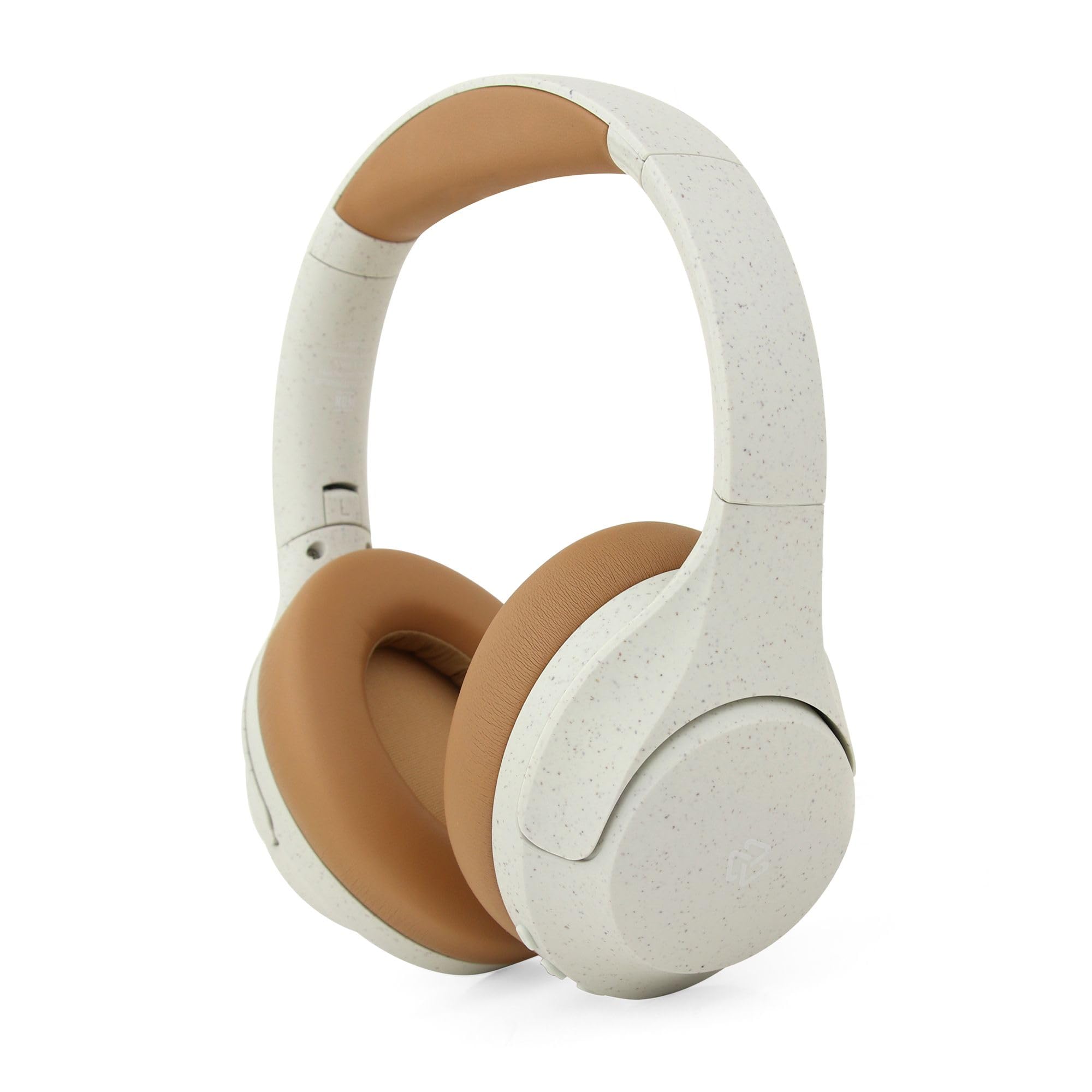
Figure 1: STF Eco RE3 On-Ear Headphones in use, showcasing key features.
2. Package Contents
Ensure all items are present in the package:
- STF Eco RE3 On-Ear Headphones
- USB Charging Cable
- User Manual
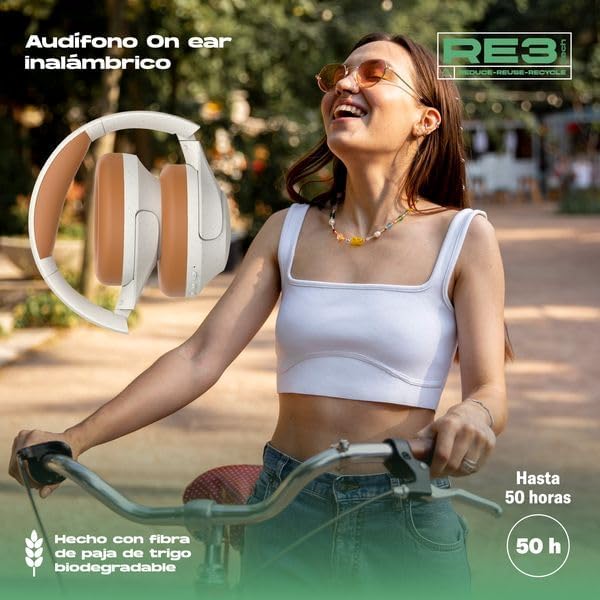
Figure 2: Retail packaging of the STF Eco RE3 On-Ear Headphones.
3. Setup
3.1 Charging the Headphones
- Connect the USB charging cable to the charging port on the headphones.
- Connect the other end of the cable to a USB power adapter (not included) or a computer's USB port.
- The LED indicator will show the charging status. A full charge provides approximately 50 hours of playback.
3.2 Bluetooth Pairing
- Ensure the headphones are fully charged.
- Press and hold the Power button until the LED indicator flashes blue and red, indicating pairing mode.
- On your device (smartphone, tablet, computer), enable Bluetooth and search for available devices.
- Select "STF Eco RE3" from the list of devices.
- Once connected, the LED indicator will turn solid blue or flash blue slowly.
4. Operating Instructions
4.1 Power On/Off
- Power On: Press and hold the Power button for 3 seconds.
- Power Off: Press and hold the Power button for 5 seconds.
4.2 Music Playback
- Play/Pause: Press the Multi-function button once.
- Next Track: Press and hold the Volume Up (+) button.
- Previous Track: Press and hold the Volume Down (-) button.
4.3 Volume Control
- Volume Up: Press the Volume Up (+) button.
- Volume Down: Press the Volume Down (-) button.
4.4 Call Handling (with Built-in Microphone)
- Answer/End Call: Press the Multi-function button once.
- Reject Call: Press and hold the Multi-function button for 2 seconds.
- Voice Assistant: Double-press the Multi-function button to activate your device's voice assistant.

Figure 3: Key features and controls of the STF Eco RE3 On-Ear Headphones.
5. Maintenance
To ensure the longevity and optimal performance of your STF Eco RE3 headphones, follow these maintenance guidelines:
- Cleaning: Use a soft, dry cloth to clean the headphones. Avoid using harsh chemicals or abrasive materials.
- Storage: Store the headphones in a cool, dry place away from direct sunlight and extreme temperatures.
- Water Exposure: These headphones are not waterproof. Avoid exposure to water or excessive moisture.
- Biodegradable Material Care: The wheat straw fiber material is durable but should be handled with care to prevent damage.
6. Troubleshooting
| Problem | Solution |
|---|---|
| Headphones do not power on. | Ensure the headphones are fully charged. Connect to a power source and allow time to charge. |
| Cannot pair with device. | Make sure the headphones are in pairing mode (flashing blue/red). Turn off and on Bluetooth on your device. Move closer to the device. |
| No sound or low volume. | Check volume levels on both the headphones and your connected device. Ensure the headphones are properly connected. |
| Intermittent connection. | Ensure no obstacles are between the headphones and your device. Move away from other wireless devices that may cause interference. |
7. Specifications
| Feature | Detail |
|---|---|
| Brand | STF |
| Model | ST-H08922 |
| Color | White |
| Ear Placement | On-Ear (Supraaurales) |
| Connectivity Technology | Wireless (Bluetooth) |
| Microphone | Included |
| Material | Biodegradable Wheat Straw Fiber |
| Battery Life | Up to 50 hours |
| Control Method | Remote Control |
8. Warranty and Support
8.1 Warranty Information
The STF Eco RE3 On-Ear Headphones come with a 1-year warranty from the date of purchase. This warranty covers manufacturing defects. It does not cover damage caused by misuse, accidents, unauthorized modifications, or normal wear and tear.
8.2 Customer Support
For technical support, warranty claims, or any questions regarding your STF Eco RE3 headphones, please contact STF customer service through their official website or the retailer where the product was purchased. Please have your proof of purchase and product model number (ST-H08922) ready when contacting support.


