
1. Product Overview
This manual provides instructions for the LSSF TK-8547 Black Toner Cartridge. This cartridge is designed to deliver consistent performance and print quality for compatible Kyocera and Copystar printer models. Each cartridge undergoes testing to ensure optimal print quality and longevity.

Image 1.1: LSSF TK-8547 Black Toner Cartridge and its packaging. The box displays 'TK-8547' and 'BK 1 Pack Toner Cartridge'. The cartridge itself is black and cylindrical.
2. Compatibility
The LSSF TK-8547 Black Toner Cartridge is compatible with the following printer models:
- Kyocera TASKalfa 4054ci
- Kyocera TASKalfa 5054ci
- Copystar CS4054ci
- Copystar CS5054ci
This cartridge includes an enhanced compatible chip to ensure seamless communication and recognition by your printer.
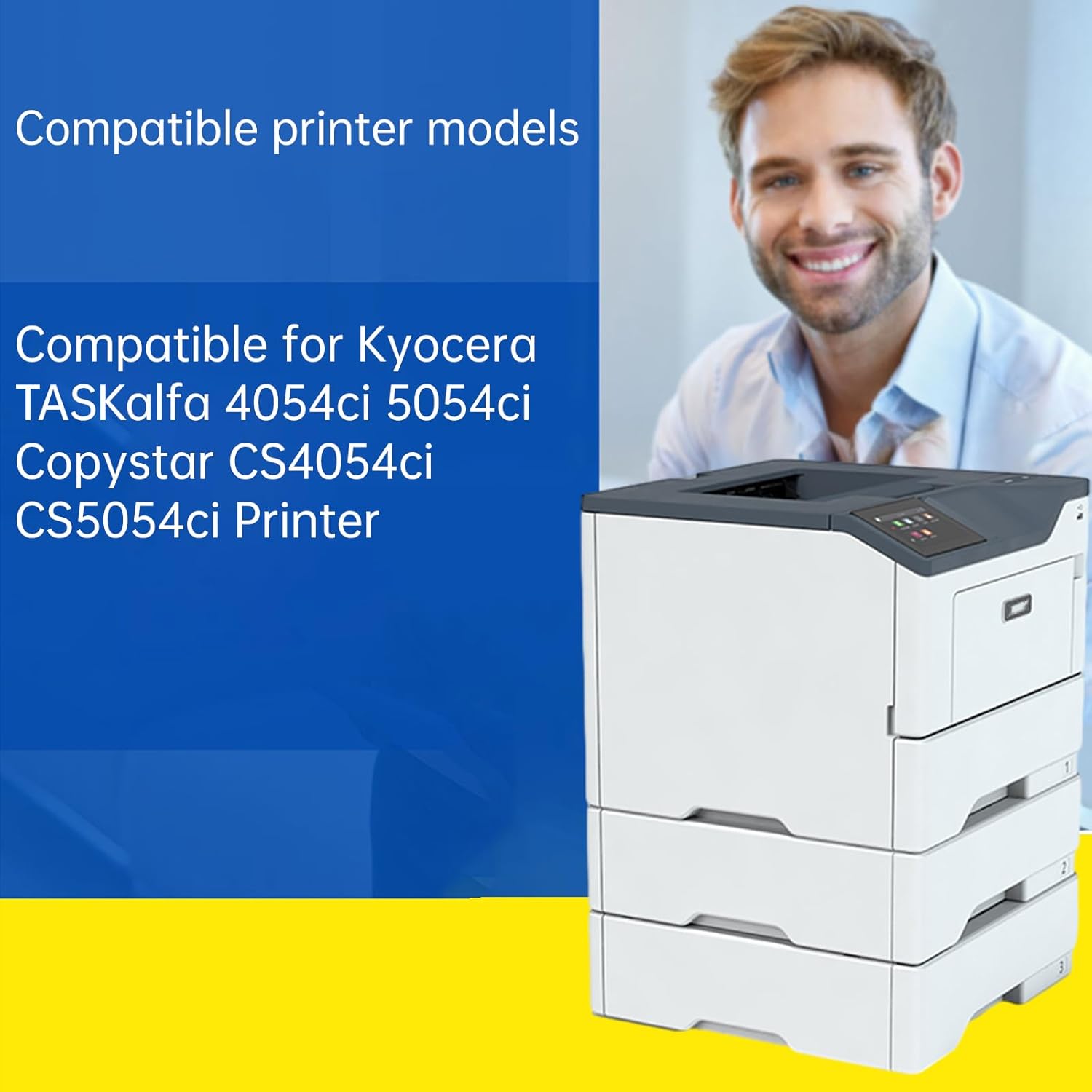
Image 2.1: A graphic illustrating the compatible printer models, including Kyocera TASKalfa 4054ci, 5054ci, Copystar CS4054ci, and CS5054ci. A printer unit is shown in the background.
3. Setup and Installation
Follow these steps to install the toner cartridge:
- Unpack the Cartridge: Carefully remove the new toner cartridge from its packaging.
- Gently Shake: Hold the cartridge horizontally and gently shake it 5-6 times to distribute the toner evenly.
- Remove Protective Seals: Remove any protective tape, seals, or covers from the cartridge as indicated by the manufacturer. Be careful not to touch the drum or electrical contacts.
- Open Printer Access: Open the front cover or the designated toner access panel on your printer. Refer to your printer's manual for specific instructions.
- Remove Old Cartridge: Carefully pull out the used toner cartridge from its slot.
- Insert New Cartridge: Align the new toner cartridge with the slot and slide it in until it clicks securely into place.
- Close Printer Cover: Close the printer's front cover or access panel.
- Test Print: Perform a test print to ensure the cartridge is installed correctly and printing properly.
4. Operating Instructions
Once the toner cartridge is installed, the printer is ready for operation.
- Power On: Ensure your printer is powered on and connected to your computer or network.
- Send Print Jobs: Send print jobs from your computer as you normally would. The printer will automatically use the installed toner cartridge.
- Monitor Toner Levels: Regularly check the toner levels through your printer's display or software utility to anticipate when a replacement cartridge will be needed.
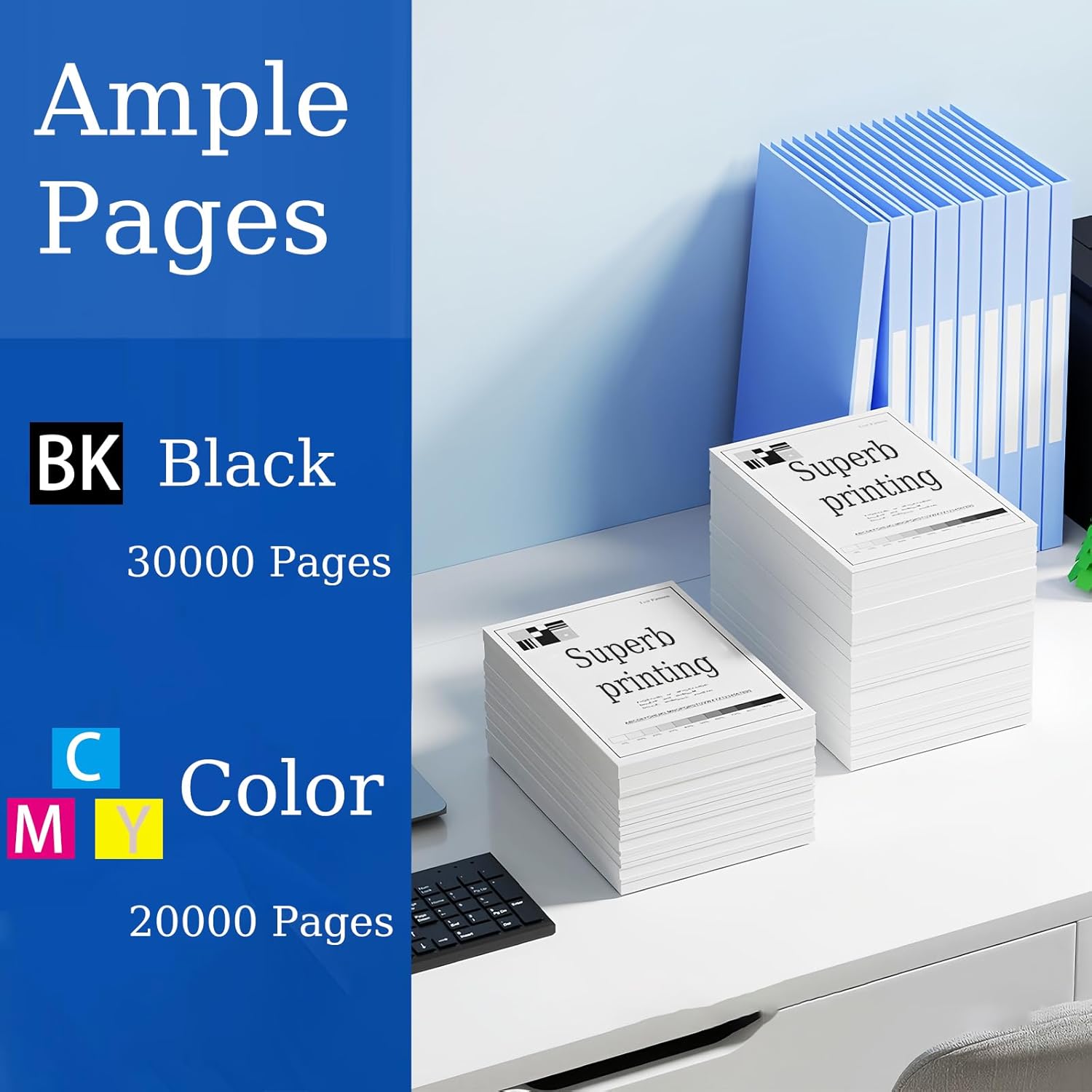
Image 4.1: A graphic indicating the page yield. The black toner cartridge provides approximately 30,000 pages. Color cartridges (Cyan, Magenta, Yellow) provide approximately 20,000 pages each.

Image 4.2: An example of print quality, showing a black and white image of a panda printed on paper, suggesting clear and detailed output.
5. Maintenance
Proper handling and storage can extend the life and performance of your toner cartridges.
- Storage: Store unused toner cartridges in their original, sealed packaging in a cool, dry place away from direct sunlight and extreme temperatures.
- Handling: Avoid touching the drum unit or electrical contacts on the cartridge, as oils from your skin can affect print quality.
- Disposal: Dispose of empty toner cartridges responsibly according to local regulations. Many manufacturers offer recycling programs.
6. Troubleshooting
If you encounter issues with your toner cartridge, consider the following:
- Poor Print Quality (Streaks, Fading):
- Gently remove the cartridge and shake it horizontally to redistribute toner. Reinsert and try printing again.
- Ensure there are no protective seals or tapes remaining on the cartridge.
- Check printer settings for print quality and toner density.
- "Toner Low" or "Replace Toner" Message:
- If the message appears immediately after installation, ensure the cartridge is fully seated and the printer recognizes it.
- If the message persists after shaking, the cartridge may indeed be low on toner and require replacement.
- Cartridge Not Recognized:
- Remove and reinsert the cartridge to ensure proper seating.
- Turn the printer off, wait 30 seconds, then turn it back on.
- Ensure the compatible chip on the cartridge is clean and free of debris.

Image 6.1: A comparison showing 'Clear printing effect' on the left and 'Blur and unclear' on the right, demonstrating the expected print quality from the LSSF toner cartridge.
7. Specifications
| Brand | LSSF |
| Model Number | TK-8547 |
| Color | Black |
| Compatible Devices | Kyocera TASKalfa 4054ci, 5054ci; Copystar CS4054ci, CS5054ci |
| Black Page Yield | Approximately 30,000 pages |
| Product Dimensions | 12.5 x 6 x 7.3 inches |
| Item Weight | 2.64 pounds |
8. Warranty and Support
For any questions, concerns, or issues regarding your LSSF TK-8547 Toner Cartridge, please contact the seller or customer support team. They are available to assist you and provide resolutions to your inquiries.

Image 8.1: Illustration of the triple protection packaging. First, the product is in a black plastic bag with a pearl cotton sleeve. Second, it's packed in a branded box. Third, it's placed in a hard cardboard box to ensure integrity during transit.

Image 8.2: Examples of environments where the printer and toner cartridge can be used, including family, enterprise, bank, government, and school settings.