
Jingelsye 8 Core 4G RAM+32G ROM
Jingelsye Android 13 Car Stereo Radio User Manual
Model: 8 Core 4G RAM+32G ROM for Dodge Ram 1500 2500 2013-2018
1. Introduction
This manual provides detailed instructions for the installation, operation, and maintenance of your Jingelsye Android 13 Car Stereo Radio. This unit is designed for Dodge Ram 1500/2500 models from 2013-2018 with manual AC. Please read this manual thoroughly before use to ensure proper functionality and safety.
2. Safety Information
- Ensure the vehicle is turned off and the battery is disconnected before installation to prevent electrical shorts or damage.
- Professional installation is recommended. If you are unsure about any step, consult a qualified technician.
- Do not operate the device in a way that distracts you from driving. Always prioritize road safety.
- Keep the device away from water, moisture, and extreme temperatures.
- Use only approved accessories and cables.
3. What's in the Box
Verify that all components are present before beginning installation:
- 1 x Car Radio
- 1 x RCA Cable
- 1 x Power Cable
- 1 x Camera Input Cable
- 1 x Canbus Decoder
- 2 x USB Cables
- 1 x GPS Antenna
- 1 x Radio Antenna
- 1 x Microphone
- 1 x Crowbar (Installation Tool)
- 1 x Reversing Cable
- 1 x Original Vehicle's USB Cable
- 1 x 4G Antenna (Note: 2G configuration without 4G antenna)
- 1 x 1080P AHD Backup Camera

Image: All components included in the product package.
4. Setup and Installation
This car stereo is compatible with Dodge Ram 2013-2018 models that have manual AC. It is designed for plug-and-play installation with the provided harness and tools. For a visual guide, please refer to the official wiring video below.
4.1 Wiring Connections
Carefully connect all cables as shown in the video and diagrams. Ensure all connections are secure to prevent intermittent issues.
Video: Detailed wiring instructions for the Jingelsye car stereo. This video demonstrates how to connect the various cables, including the 4G antenna, GPS antenna, rear camera signal wire, camera extension cables, power cable, Canbus, radio antenna, 4-pin USB cable, 6-pin USB cable, and RCA cable to the main unit.

Image: Rear view of the car stereo unit, highlighting the various input and output ports for connecting accessories and power.

Image: Close-up view of the wiring harness, showing the connectors for power, speakers, and other vehicle interfaces.
4.2 Vehicle Compatibility
This unit is specifically designed for Dodge Ram 1500, 2500, and 3500 models from 2013 to 2018 with manual AC controls. Please verify your vehicle's AC type before installation.

Image: Visual guide illustrating compatible (manual AC) and incompatible (automatic AC) dashboard layouts for Dodge Ram vehicles.
5. Operating Instructions
5.1 System Performance and Display
The unit features an Octa Core CPU, 4GB RAM, and 32GB ROM for fast and smooth operation. The 9-inch 1280x800 HD capacitive touchscreen provides a clear and responsive interface with a 178° viewing angle and 100% sRGB color accuracy. Navigate through menus and applications by tapping and swiping. The split-screen function allows two applications to be displayed simultaneously.
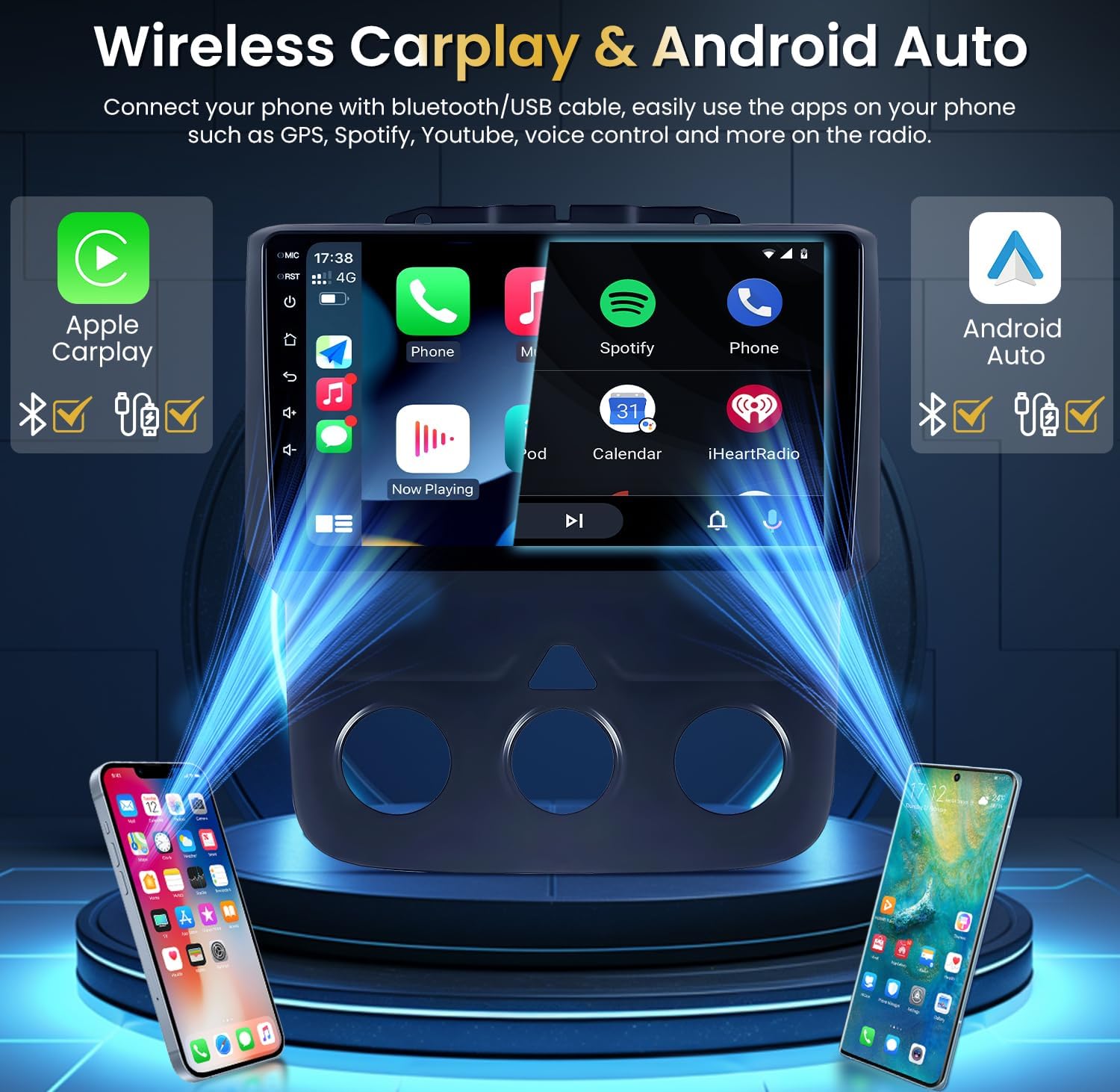
Image: The car stereo's main screen displaying application icons for navigation, music, and communication.
5.2 Wireless CarPlay & Android Auto
Connect your smartphone via Bluetooth or USB cable to enable Wireless CarPlay or Wired Android Auto. This allows access to navigation, music, calls, and voice control (Siri or Google Assistant) directly from the stereo display, enhancing driving safety.
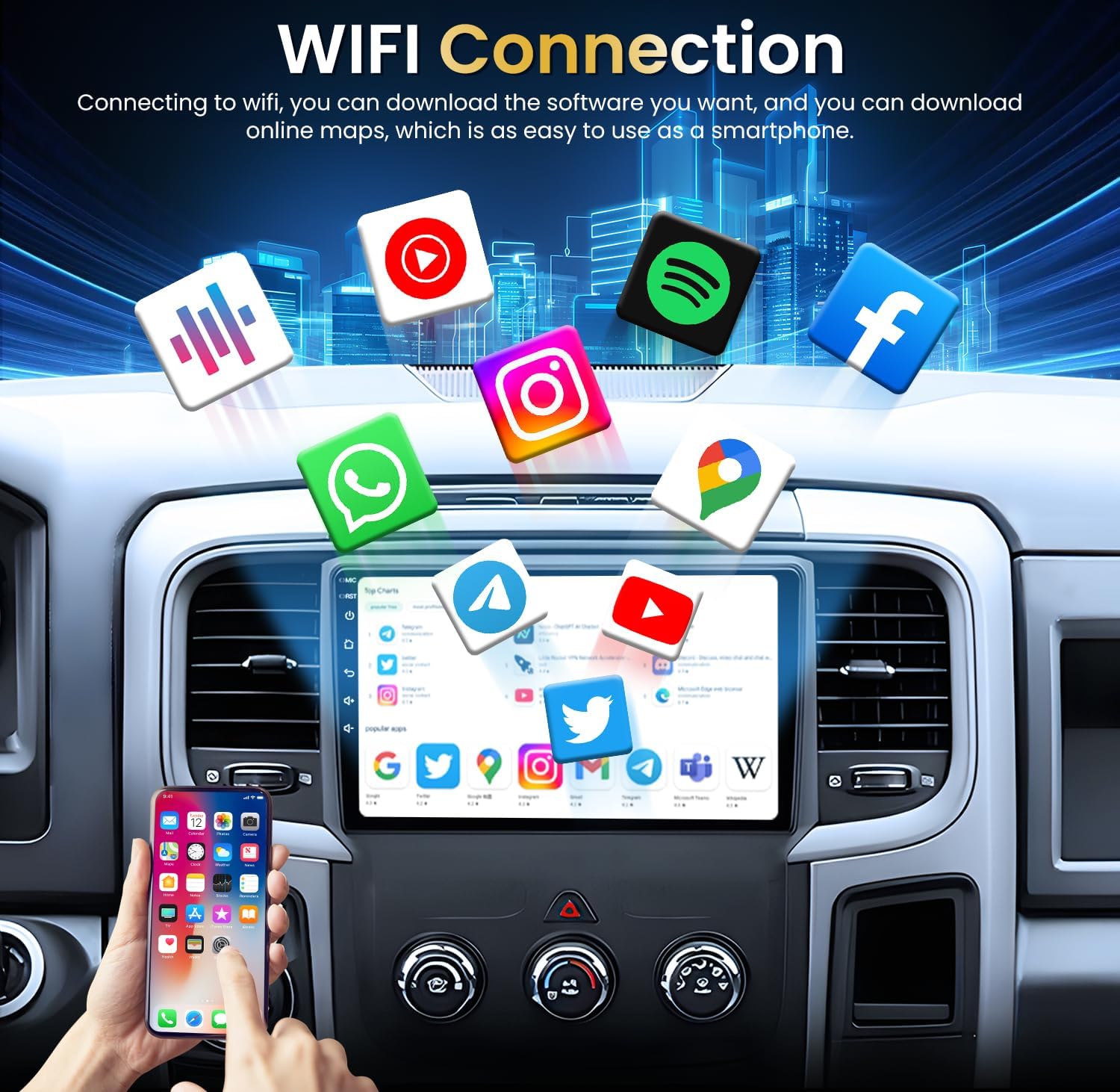
Image: Illustration of how smartphones connect to the car stereo for Wireless CarPlay and Android Auto functionality.
5.3 GPS Navigation
The unit supports both online and offline GPS navigation. Connect to 5G Wi-Fi to download offline maps or use online navigation services. The included GPS antenna ensures accurate positioning.
5.4 Rear Camera Functionality
The included 1080P AHD backup camera provides a clear, wide-angle view (170°) with night vision and water resistance. The display automatically switches to the camera feed when the vehicle is in reverse, assisting with parking in various conditions.
5.5 Bluetooth 5.0 and FM/RDS Radio
Utilize Bluetooth 5.0 for hands-free calling and audio streaming. The unit automatically loads your phonebook. The FM/RDS radio provides access to real-time station programs with clear reception. The 36-band EQ and Digital Sound Processor (DSP) allow for extensive audio customization.

Image: The car stereo interface displaying the Digital Sound Processor (DSP) and 36-band equalizer settings for audio customization.
5.6 Wi-Fi Connectivity
Connect to a 5G Wi-Fi network to download applications, stream content, and access online services, similar to a smartphone.
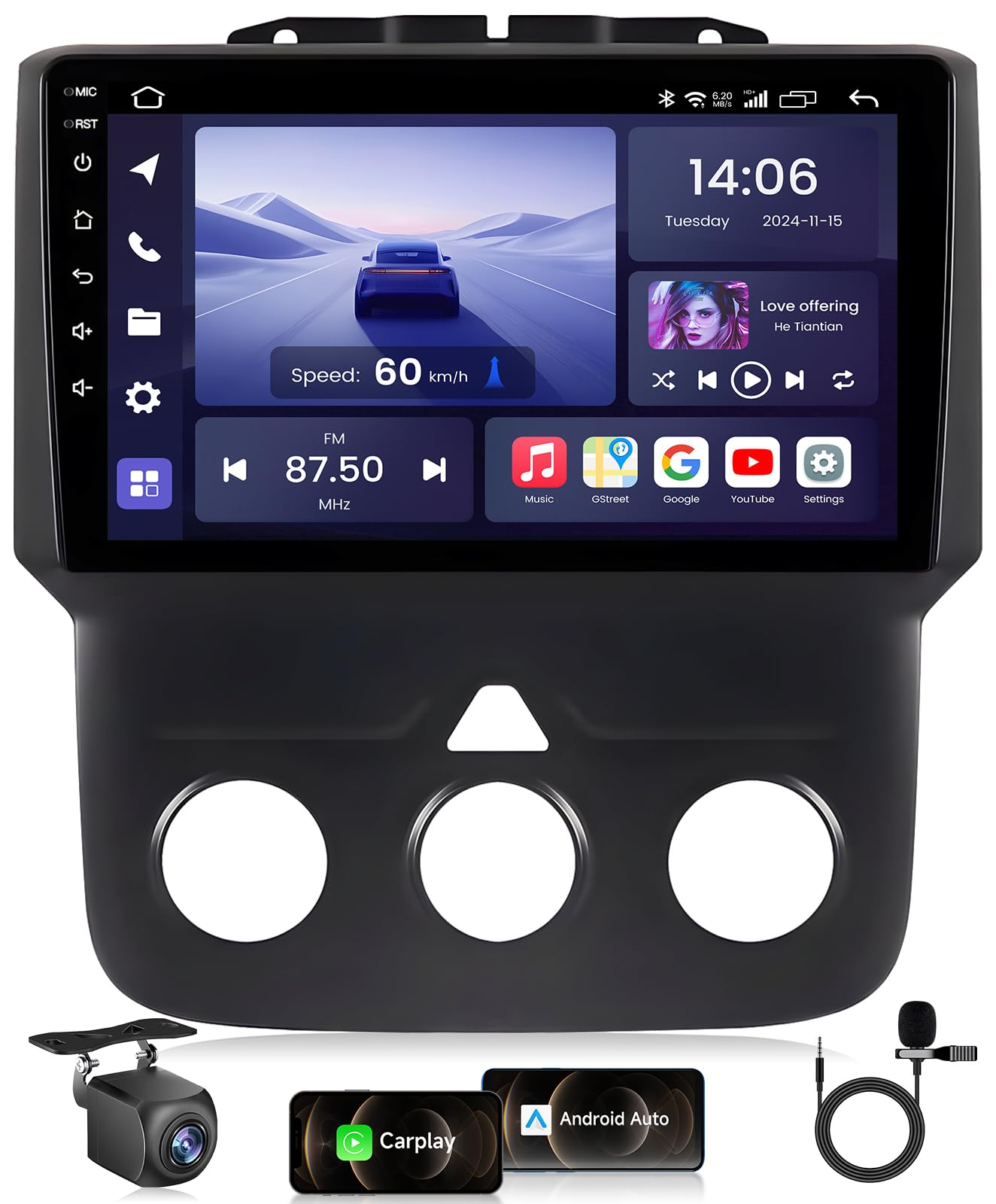
Image: The car stereo screen displaying various applications that can be downloaded and used with a Wi-Fi connection.
5.7 Steering Wheel Controls
The unit supports existing steering wheel controls, allowing for convenient and safe operation of audio and other functions without taking your hands off the wheel.
6. Maintenance
- Cleaning the Screen: Use a soft, lint-free cloth to gently wipe the touchscreen. Avoid abrasive cleaners or solvents.
- Software Updates: Periodically check for software updates to ensure optimal performance and access to new features. Updates can typically be performed via Wi-Fi.
- General Care: Avoid exposing the unit to direct sunlight for extended periods or extreme temperatures. Ensure proper ventilation around the unit.
7. Troubleshooting
| Problem | Possible Cause | Solution |
|---|---|---|
| Unit does not power on. | Loose power connection, blown fuse, vehicle battery issue. | Check power cable connections. Inspect vehicle fuses. Verify vehicle battery charge. |
| No sound. | Volume too low, mute activated, incorrect wiring, speaker issues. | Increase volume. Check mute status. Verify speaker wiring. Test with different audio sources. |
| Poor radio reception. | Antenna not connected, weak signal area, damaged antenna. | Ensure radio antenna is securely connected. Try in a different location. Inspect antenna for damage. |
| CarPlay/Android Auto not connecting. | Bluetooth/USB connection issue, phone settings, incompatible phone. | Ensure Bluetooth is on and paired. Try a different USB cable. Check phone settings for CarPlay/Android Auto. Restart phone and stereo. |
| Backup camera not displaying. | Camera wiring issue, incorrect camera input selected, faulty camera. | Verify camera signal wire and extension cable connections. Ensure the unit is in reverse gear. Check camera power supply. |
If problems persist after attempting these solutions, please contact customer support for further assistance.
8. Specifications
| Feature | Detail |
|---|---|
| Operating System | Android 13, iOS (via CarPlay) |
| CPU | Octa Core |
| RAM | 4GB |
| ROM | 32GB |
| Display Size | 9 Inches |
| Resolution | 1280 * 800 HD |
| Connectivity | Bluetooth 5.0, USB, 5G Wi-Fi |
| Special Features | Wireless CarPlay, Android Auto, DSP, RDS, Split-Screen, GPS Navigation |
| Audio Output Mode | Stereo |
| Vehicle Service Type | Dodge Ram (2013-2018) with Manual AC |
| Item Weight | 4.27 pounds |
| Package Dimensions | 12.52 x 11.42 x 5 inches |
9. Warranty and Support
For warranty information and technical support, please refer to the documentation included with your product or visit the official Jingelsye website. If you encounter any issues not covered in this manual, please contact customer service for assistance.
Jingelsye-US Customer Service: Contact Seller