
Introduction
This manual provides essential instructions for the safe and effective use of your XWNV AC Adapter Power Supply. This adapter is designed to provide consistent power to compatible electronic devices, including various Yamaha keyboard models such as EZ30, DJX-405, DGX-300, DGX-230, and DGX-620. Please read this manual thoroughly before use and retain it for future reference.
Setup
Follow these steps to properly set up your AC adapter:
- Verify Compatibility: Before connecting, ensure that your device requires a power supply with a round tip connector and matches the voltage and current specifications of this adapter. Refer to your device's original power supply or user manual for exact requirements.
- Connect to Device: Insert the round tip connector of the AC adapter firmly into the charging port of your electronic device.
- Connect to Power Outlet: Plug the AC adapter into a standard 100V-240V AC wall outlet. Ensure the outlet is easily accessible.
- Power On: Once connected, your device should receive power.

Figure 1: Charging Port Compatibility. This image illustrates the correct round tip connector for the adapter and contrasts it with an incompatible U53-0 (USB-C) connector. Always check your device's charging port shape before connecting.
Operating Instructions
The XWNV AC Adapter is designed for straightforward operation:
- Consistent Power: Once connected to a compatible device and a power outlet, the adapter will provide a stable and consistent power supply.
- Safety Features: The adapter includes multiple protection features to safeguard your devices:
- Over Voltage Output Protection
- Over Current Output Protection
- Short Circuit Output Protection
- Portable Design: Its small and lightweight design makes it suitable for travel and easy to use in various locations.
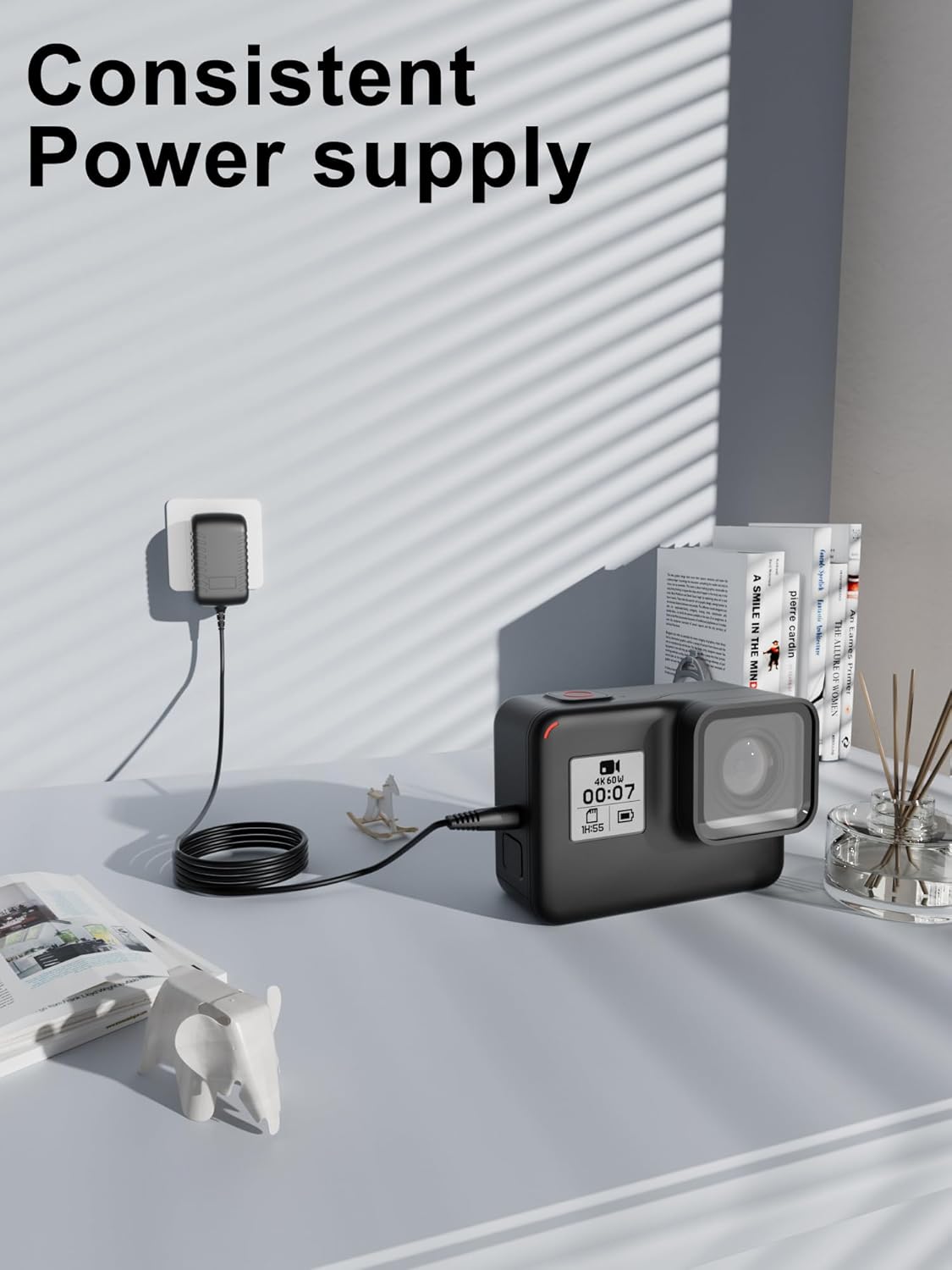
Figure 2: Consistent Power Supply. The adapter provides a reliable power source for your electronic devices, as shown here powering an action camera.
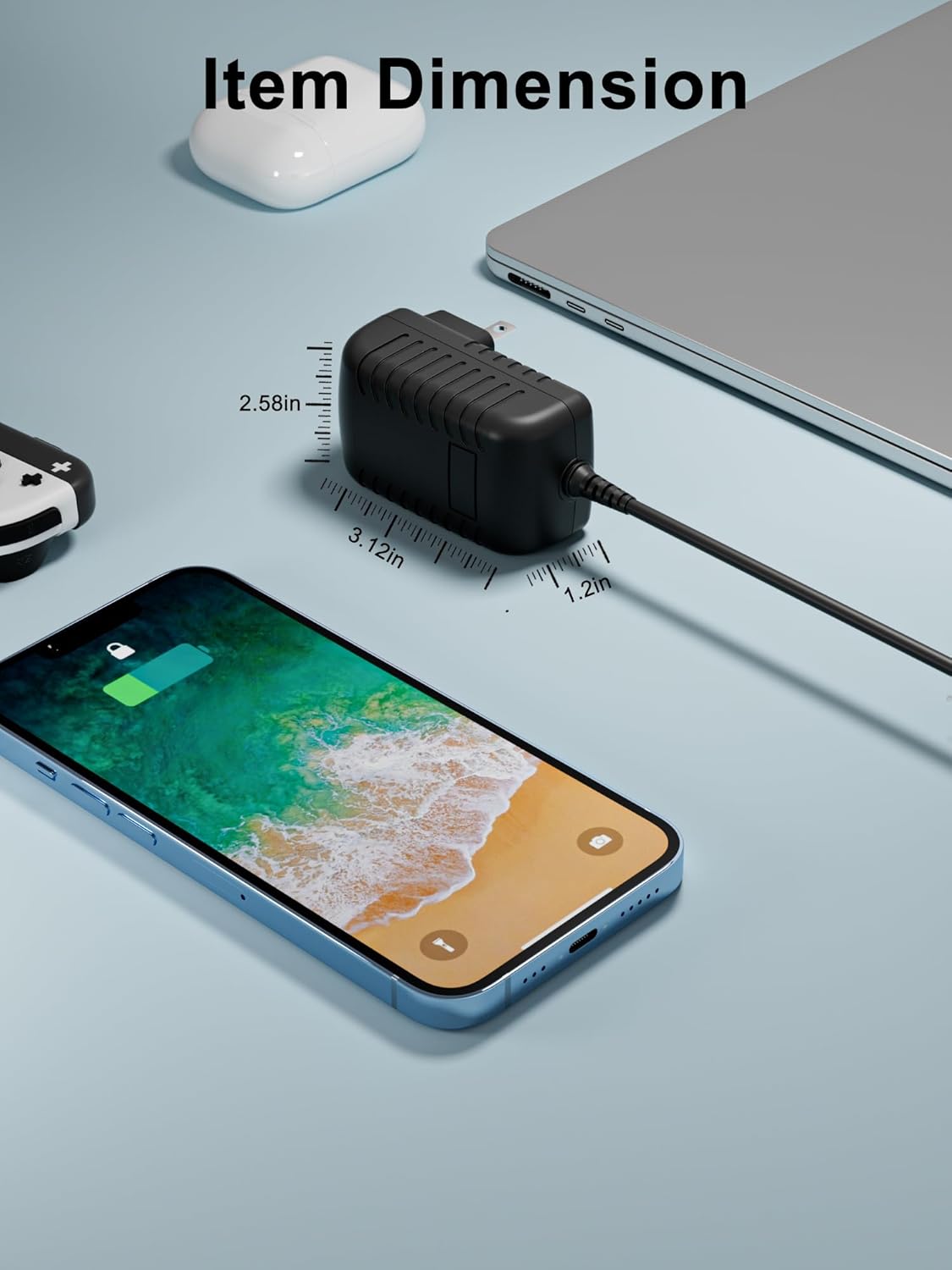
Figure 3: Multiple Protection Features. The adapter is equipped with advanced safety mechanisms to protect your devices from electrical damage, including over-voltage, over-current, and short-circuit protection.
Maintenance
To ensure the longevity and optimal performance of your AC adapter, follow these maintenance guidelines:
- Cleaning: Disconnect the adapter from both the power outlet and your device before cleaning. Use a soft, dry cloth to wipe the exterior. Do not use liquid cleaners or abrasive materials.
- Storage: When not in use, store the adapter in a cool, dry place away from direct sunlight and extreme temperatures. Avoid tightly winding the cable to prevent damage.
- Inspection: Periodically inspect the adapter and cable for any signs of damage, such as frayed wires, bent pins, or cracks in the casing. If damage is found, discontinue use immediately.
- Avoid Moisture: Do not expose the adapter to water or high humidity.
Troubleshooting
If you encounter issues with your AC adapter, try the following solutions:
- No Power to Device:
- Ensure the adapter is securely plugged into both the wall outlet and your device.
- Check if the wall outlet is functional by plugging in another device.
- Verify that the adapter's specifications (voltage, current, connector type) match your device's requirements.
- Adapter Overheating:
- It is normal for the adapter to feel warm during operation. However, if it becomes excessively hot, disconnect it immediately.
- Ensure adequate ventilation around the adapter; do not cover it.
- Confirm that the device being powered is not drawing more current than the adapter is rated for.
- Intermittent Power:
- Check for loose connections at both the device and the wall outlet.
- Inspect the cable for any visible damage or kinks.
If these steps do not resolve the issue, please refer to the Support section for further assistance.
Specifications
Detailed technical specifications for the XWNV AC Adapter Power Supply:
| Model Number | AZR20240701460NUSD |
| Brand | XWNV |
| Input Voltage | 100V - 240V AC |
| Cable Length | 4 ft (approximately 1.2 meters) |
| Connector Type | Round Tip |
| Output Protection | Over Voltage, Over Current, Short Circuit |
| Compatible Devices | Yamaha EZ30, DJX-405, DGX-300, DGX-230, DGX-620 Pianos/Keyboards, Laptops, Speakers, Tablets, Routers, Game Machines, Small Desk Lamps, Shavers, CCTV Cameras (with matching power requirements) |
| Color | Black |
| Item Weight | 3 Ounces (approximately 85 grams) |
| Manufacturer | Dongguan Lewe Electronics Co. , LTD |

Figure 4: Item Dimensions. The physical dimensions of the adapter are shown, highlighting its compact size.

Figure 5: Broad Compatibility. This adapter is compatible with a wide range of electronic devices that require a round tip power connector and matching power specifications.
Warranty Information
This XWNV AC Adapter Power Supply comes with a 3-year warranty from the date of purchase. This warranty covers defects in materials and workmanship under normal use. It does not cover damage caused by misuse, accident, unauthorized modification, or external causes such as power surges. Please retain your proof of purchase for warranty claims.
Support
For technical assistance, warranty claims, or any questions regarding your XWNV AC Adapter Power Supply, please contact the manufacturer or your retailer. When contacting support, please have your model number (AZR20240701460NUSD) and proof of purchase readily available.
Manufacturer: Dongguan Lewe Electronics Co. , LTD