
ISDT N8
ISDT N8 8-Slot Fast Speed Battery Charger User Manual
1. Introduction
This manual provides detailed instructions for the safe and efficient operation of your ISDT N8 8-Slot Fast Speed Battery Charger. The ISDT N8 is designed for charging various types of AA/AAA rechargeable batteries, featuring an IPS LCD display, multiple charging functions, and safety protections. Please read this manual thoroughly before using the charger to ensure optimal performance and safety.

Figure 1: ISDT N8 8-Slot Fast Speed Battery Charger
2. Setup
2.1 Package Contents
- ISDT N8 8-Slot Battery Charger
- USB Type-C Cable
- User Manual
2.2 Connecting the Power Supply
- Connect the provided USB Type-C cable to the charger's Type-C input port.
- Connect the other end of the USB Type-C cable to a compatible power adapter (5-12V, 18W input power recommended).
- The charger will power on, and the LCD display will activate.
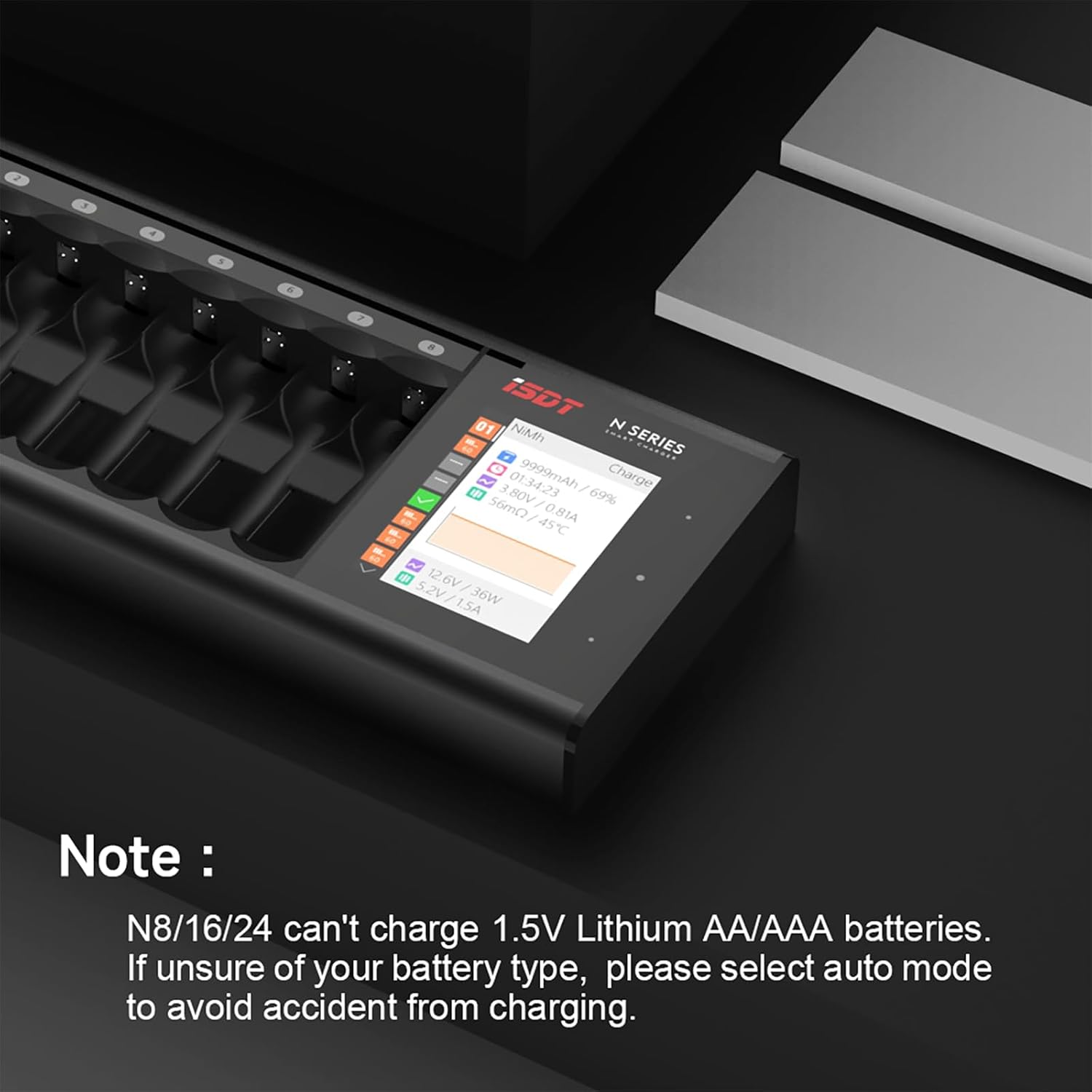
Figure 2: Charger with USB-C cable and batteries
3. Operating Instructions
3.1 Inserting Batteries
Insert AA or AAA rechargeable batteries into the designated slots. The charger supports independent multi-channel operation, allowing different battery types and capacities to be charged simultaneously.
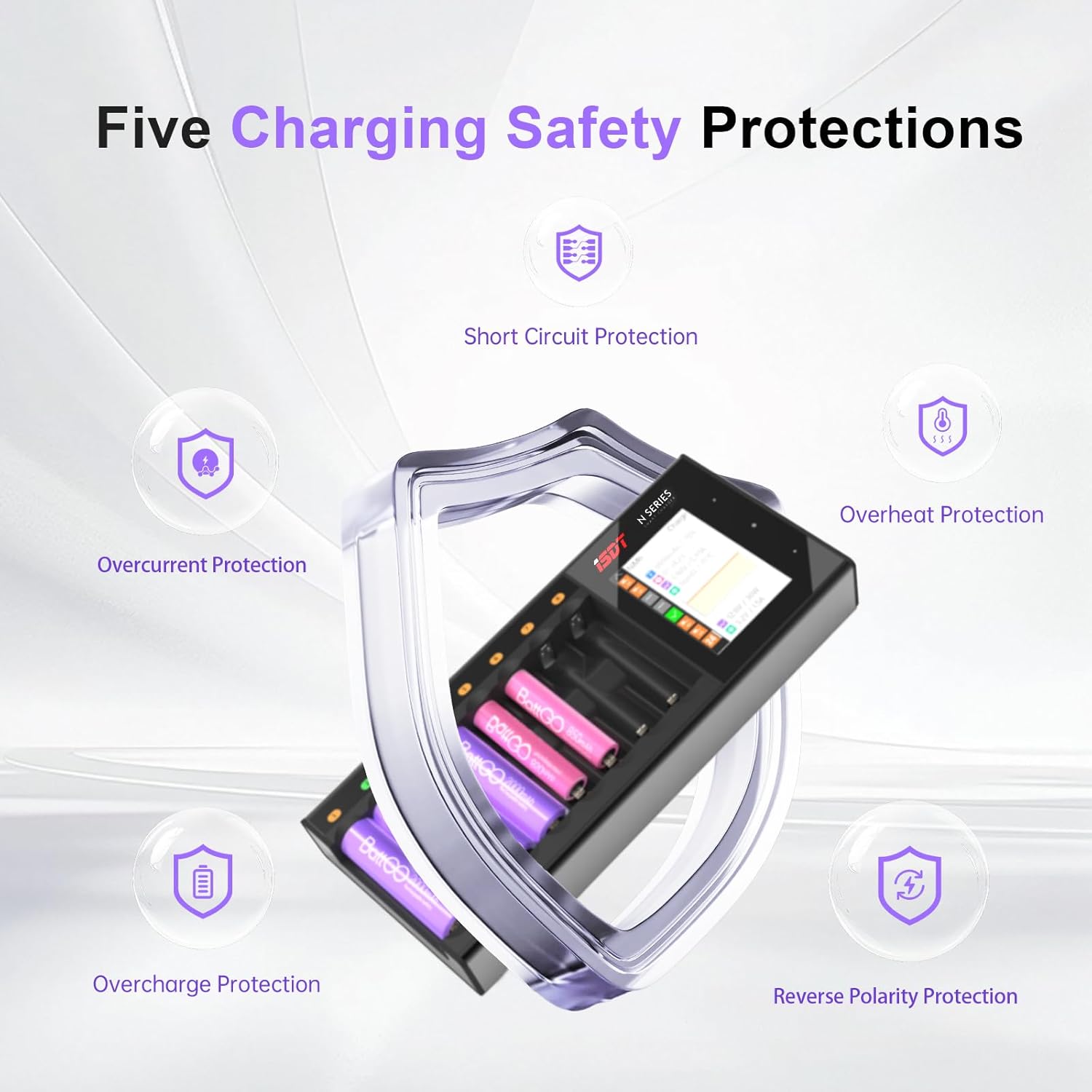
Figure 3: Functional areas of the ISDT N8 charger
3.2 LCD Display and Touch Controls
The 2.4-inch IPS LCD display provides real-time information on each battery's charging status, including voltage, current, charging time, mode, battery type, internal resistance, and charged capacity. The charger features user-friendly touch-sensitive buttons for navigation and settings adjustment.
3.3 Working Modes
The ISDT N8 supports various working modes:
- Charge: Standard battery charging.
- Cycle: Charges and discharges batteries to optimize performance and capacity.
- Activation: Attempts to revive deeply discharged batteries.
- Discharge: Discharges batteries to a specified voltage.
- Analysis: Provides detailed battery health and capacity analysis.
You can select the desired mode and battery type (Auto, NiMH, NiCd, Eneloop, Li-ion, NiZn, LiFePO4, LiHv) using the touch controls. The charger can automatically identify most battery types, but manual selection is required for NiZn and LiHv batteries.

Figure 4: Charger's multi-functional capabilities
3.4 Current Adjustment
The charging current can be adjusted up to 1.5A per slot, allowing for fast charging. For example, NiMH batteries can be fully charged in approximately 90 minutes (actual times vary based on capacity).
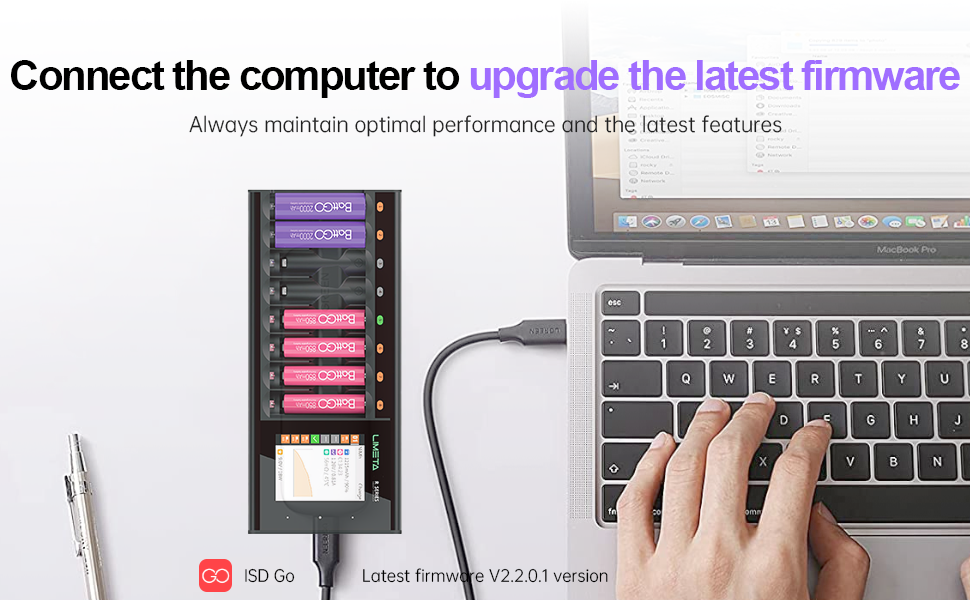
Figure 5: Independent multi-channel quick charging
3.5 Language Settings
Multiple languages can be selected from the settings menu on the device.
3.6 Full-Charge Buzzer Alert
The charger provides an audible buzzer alert when batteries are fully charged. This feature can be enabled or disabled in the settings.
Video 1: ISDT N Series Charger Use Guide. This video demonstrates the charger's interface, settings, and various functions.
4. Battery Compatibility
The ISDT N8 charger is compatible with the following household battery types:
- AA, AAA
- Li-ion (Lithium-ion)
- LiHV (High Voltage Lithium-ion)
- Ni-MH (Nickel-Metal Hydride)
- Ni-Cd (Nickel-Cadmium)
- LiFePO4 (Lithium Iron Phosphate)
- Eneloop
Important Note: The ISDT N8 cannot charge 1.5V Lithium AA/AAA batteries. If you are unsure of your battery type, please select 'Auto' mode to prevent potential accidents from incorrect charging.

Figure 6: Important note regarding 1.5V Lithium batteries

Figure 7: Guide to determining battery type
5. Safety Information
The ISDT N8 charger is designed with multiple safety features and has passed US safety certification. Adhere to the following guidelines for safe operation:
- Automatic Shut-off: The charger automatically stops charging once batteries are fully charged.
- Trickle Charge: Features trickle charge technology to extend battery life.
- Overcharge Protection: Prevents batteries from being overcharged.
- Overcurrent Protection: Safeguards against excessive current flow.
- Short Circuit Protection: Protects the charger and batteries from short circuits.
- Overheat Protection: Monitors temperature to prevent overheating.
- Reverse Polarity Protection: Prevents damage from incorrectly inserted batteries.
- Battery Heating: It is normal for batteries to warm up during fast charging. If a battery becomes excessively hot, consider lowering the charging current through the charger settings.
- Incompatible Batteries: Never attempt to charge non-rechargeable batteries or 1.5V Lithium AA/AAA batteries with this device.
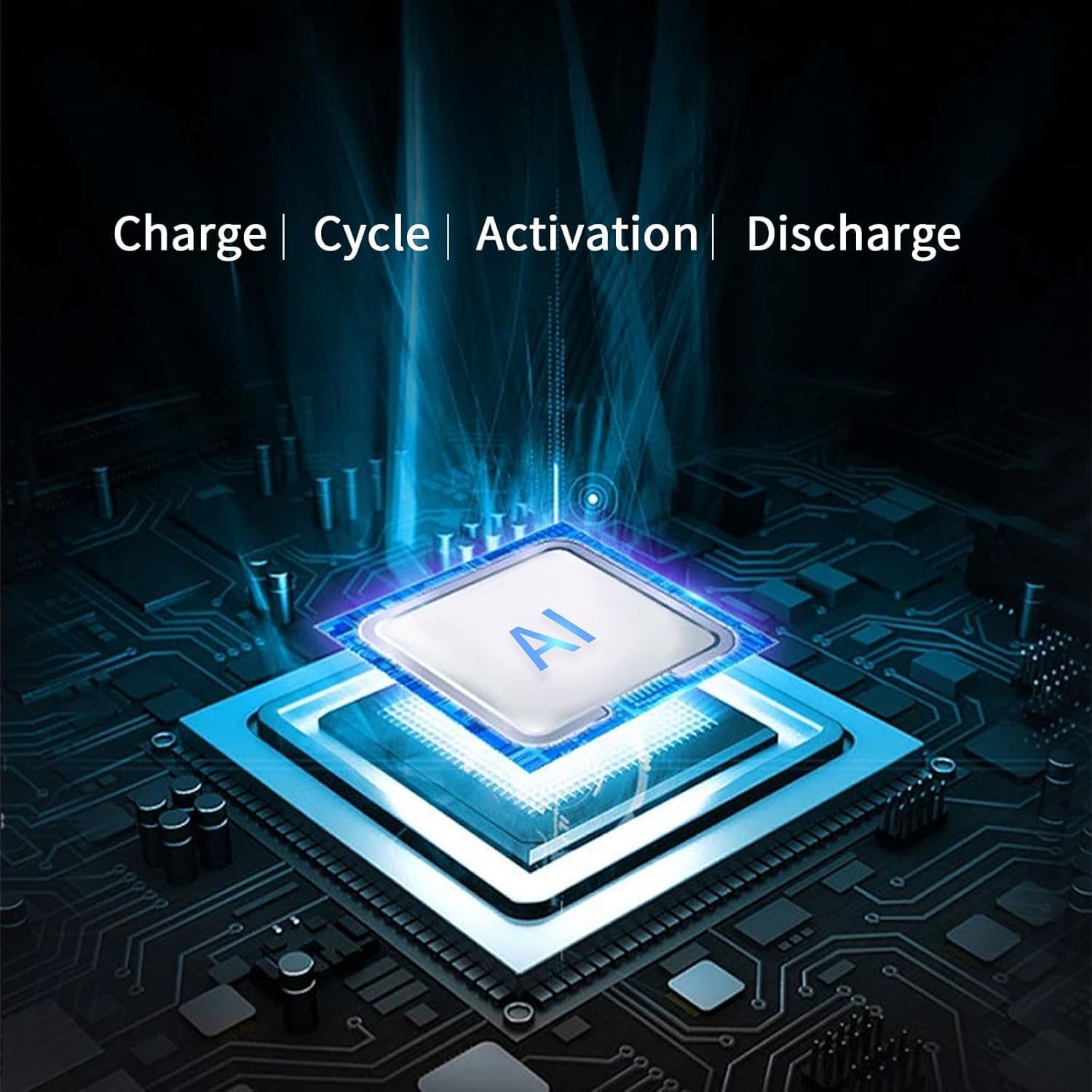
Figure 8: Five Charging Safety Protections
6. Maintenance
- Keep the charger clean and dry. Use a soft, dry cloth to wipe the surface.
- Avoid exposing the charger to extreme temperatures, humidity, or direct sunlight.
- Do not disassemble the charger. Any repairs should be performed by qualified personnel.

Figure 9: Charger's thermal management system
7. Troubleshooting
Frequently Asked Questions (FAQ)
- What types of batteries does the charger support?
The N Series Charger supports Li-Ion, LiHV, LiFe, NiMH, NiCd, and NiZn AA/AAA batteries. ATTENTION!!! The R series chargers cannot charge 1.5V lithium-ion batteries.
- What should I do if the battery gets hot when the charger is charging?
As the charger supports fast charging with a high current of 1.5A for the battery, it's normal for the battery to heat up during the charging process. To address this issue, you can lower the charging current through the charger settings.
- What is the relationship between LIMETA and ISDT?
LIMETA is a brand specialized in consumer products under ISDT, which belongs to one company. In the future, ISDT is mainly engaged in model aircraft products, while LIMETA is specialized in consumer products.
- Why is the measured contact resistance value high and inconsistent?
This product uses a contact plate charging design, and the contact resistance may vary depending on the battery's placement angle and contact position. Oxidation or rust on the battery's positive or negative terminals can also lead to poor contact and thus increased resistance.
- What is independent operation of each channel?
The independent channel operation means that the N series support mixed charging of multiple battery types; it does not mean that multiple operating modes are supported simultaneously. Because the R series have too many slots, individually setting the working mode of each slot may cause inconvenience in your operation. If you need to use multiple functions simultaneously, such as charging and analysis, please choose the C4 Evo.
- What should I do if the battery is difficult to remove?
The product is designed with dedicated grooves for removing batteries. The correct method is to pry out the batteries in order (e.g., from left to right or from right to left).
- Why do some batteries catch fire?
Fast charging requires extremely high battery consistency. Famous brand batteries have low internal resistance and good consistency, ensuring stable charging and discharging. Some batteries have high internal resistance and poor consistency, which can easily cause overheating risks during fast charging. It is strongly recommended to prioritize well-known brand batteries available on Amazon, such as AmazonBasics and Eneloop. If you are unsure whether the battery has good consistency, please reduce the charging current to below 500mAh.
- Why does the battery sometimes show as fully charged but actually have insufficient capacity?
This is related to the battery itself. Some batteries have exaggerated capacity ratings or the battery has aged. It is recommended to charge batteries from reputable brands. After the display shows fully charged, please continue trickle charging for a period of time (e.g., 15-30 minutes) to supplement the capacity. It is recommended to use the product's analysis function to check the actual capacity before charging. Avoid using batteries with exaggerated capacity ratings. Some malfunction issues may appear to be caused by the charger but are actually due to the battery.
- What should I do if the product emits a beeping sound?
① Battery malfunction: Please try replacing the battery. ② Charger malfunction: Please power off or try a different slot for testing. ③ Incorrect parameter settings: Please carefully consult the manual and check and reset the charging parameters.
8. Specifications
| Feature | Detail (N8 Model) |
|---|---|
| Product Dimensions | 3.11 x 7.4 x 1.1 inches (7.9 x 18.8 x 2.8 cm) |
| Item Weight | 10 ounces (283 Grams) |
| Power Input | USB-C |
| Input Voltage | 5-12V |
| Input Power | 18W |
| Charge Cells | 1-8 AA/AAA cells |
| Battery Type Compatibility | Li-ion, LiHV, Ni-MH, Ni-Cd, LiFePO4, Eneloop |
| Charge Current | 0.1A-1.5A/slot |
| Discharge Current | 0.1A-1.0A/slot |
| Display | 240*320 IPS LCD |
| Operating Temperature | 0°C-40°C |
| Color | Black |
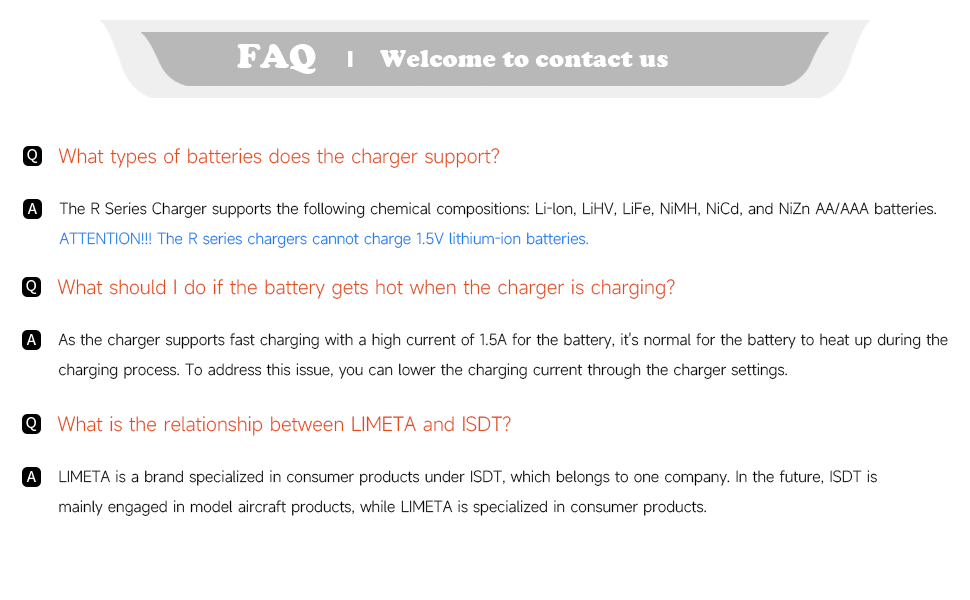
Figure 10: Detailed product specifications
9. Firmware Update
The ISDT N8 charger supports firmware updates to ensure optimal performance and access to the latest features. Firmware updates can be performed via the ISDGo App or the PC version available on the ISDT official website.
9.1 Update Process
- Download the latest firmware (e.g., V2.2.0.1 or newer) from the official ISDT website or through the ISDGo App.
- Connect the ISDT N8 charger to your computer using the USB Type-C cable.
- Follow the instructions provided by the ISDGo App or the PC software to complete the firmware update.

Figure 11: Connecting for firmware upgrade
10. Warranty and Support
For warranty information, technical support, or any product-related inquiries, please contact the seller or visit the official ISDT website. Keep your purchase receipt as proof of purchase for warranty claims.
Related Documents - N8
 |
Caricabatterie Intelligente ISDT Serie N: Manuale Utente Scopri il caricabatterie intelligente ISDT Serie N, compatibile con diverse batterie cilindriche. Questa guida fornisce istruzioni dettagliate per un uso sicuro ed efficiente. |
 |
ISDT N8 Smart Charger User Manual This manual provides detailed instructions for the ISDT N8 Smart Charger, covering its features, operation, safety precautions, and technical specifications. Learn how to charge various battery types, including NiMH, NiCd, Li-ion, and more, with adjustable charging currents and advanced features like discharge and activation. |
 |
ISDT C4 EVO 6-Channel Smart Charger User Guide Comprehensive user guide for the ISDT C4 EVO smart charger, detailing its features, specifications, and operation for various battery types including NiMH, NiZn, Li-ion, LiFe, and Li-Hv. Learn about charging, discharging, storage, cycling, analysis, and activation functions, as well as system settings and safety precautions. |
 |
ISDT P10 Dual Channel Smart Charger User Manual Comprehensive user guide for the ISDT P10 Dual Channel Smart Charger, detailing specifications, safety precautions, operation, and advanced settings for various battery types including LiFe, Lilon, LiPo, LiHv, Pb, NiMH/Cd. |
 |
ISDT N Series Intelligent Battery Chargers - User Manual Comprehensive user manual for ISDT N Series intelligent battery chargers (N8, N16, N24), covering features, specifications, operation, and firmware updates. |
 |
ISDT N Series Smart Chargers: User Manual and Specifications Comprehensive guide to ISDT's N Series smart chargers (N8, N16, N35), covering features, specifications, operation, and firmware updates. Learn how to charge, discharge, analyze, and activate various battery types with these intelligent chargers. |