Introduction
Thank you for choosing the ANBIUX A27 Outdoor Wireless Security Camera. This manual provides detailed instructions for the installation, operation, and maintenance of your new security camera. The A27 model is designed to offer comprehensive surveillance with its dual-lens system, advanced night vision, and smart detection features, ensuring reliable monitoring for your home or business.
Product Overview
Key Features
- Dual Lens & Dual Display: Features one fixed lens and one rotating lens for a comprehensive 360° view without blind spots, viewable in split-screen.
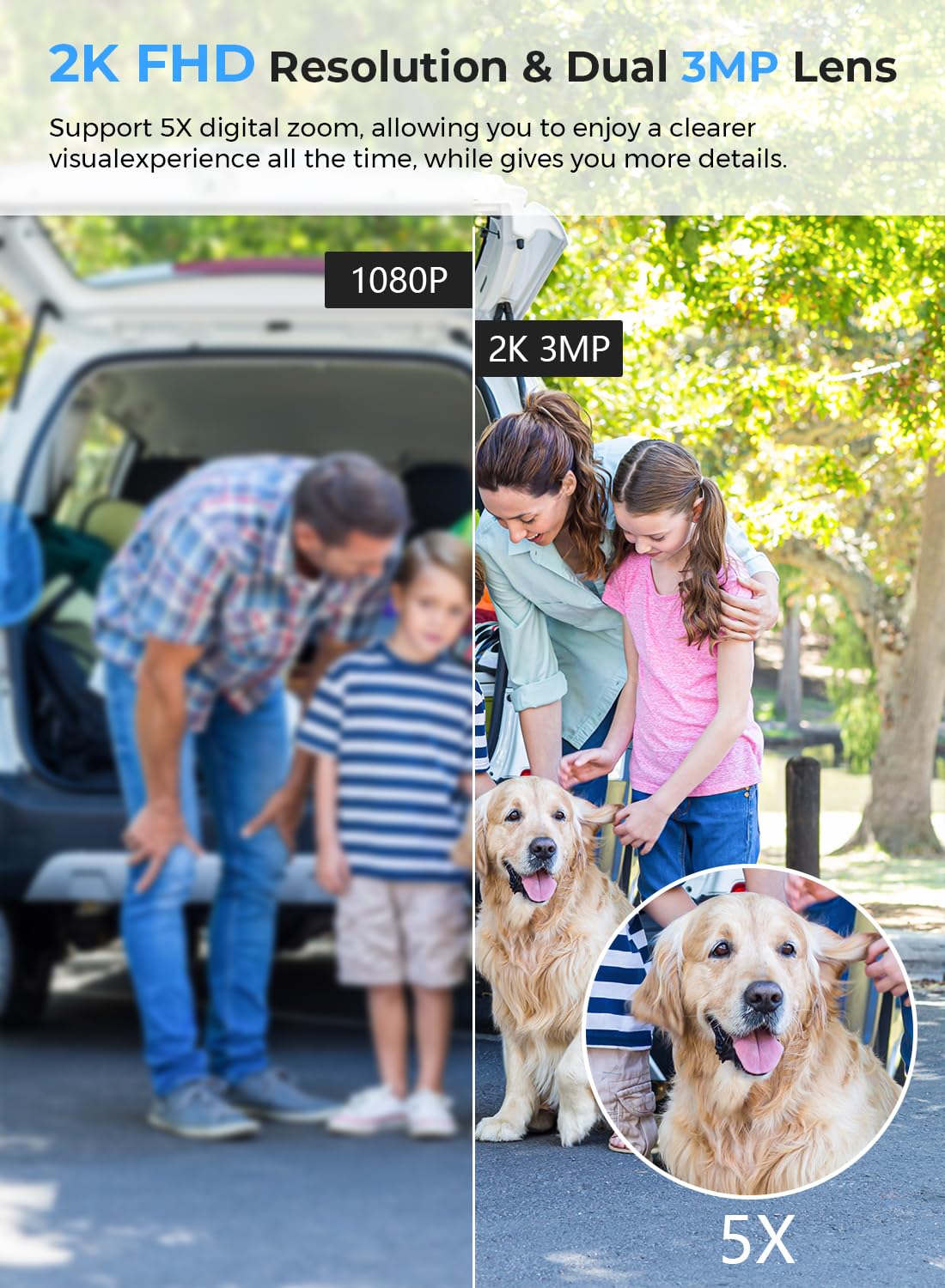
- 2K/6MP Resolution: Two high-resolution 3MP lenses provide clear 2K video quality with 5x digital zoom.
- Automatic Tracking & Real-Time Alerts: Detects human movement, tracks objects, and sends immediate notifications to the iCSee app.
- Three Night Vision Modes: Offers Full-color, Infrared, and Smart (dual-light) night vision for clear images up to 65ft in low light.
- Two-Way Audio: Built-in microphone and speaker allow for real-time communication.
- IP66 Weatherproof: Designed for outdoor use, capable of withstanding various weather conditions from -20°C to 50°C.
- 24/7 Recording: Supports continuous recording to an SD card or cloud storage.
- Faster Connection & Multi-User Access: Bluetooth-assisted setup and sharing with multiple family accounts via the iCSee app.
- Alexa Compatible: Integrates with Alexa for voice control and viewing.
What's in the Box
- 1 x ANBIUX A27 Security Camera
- 1 x User Manual
- 1 x Installation Screw Bag
- 1 x Power Cable (3m)
Setup
- Power Connection: Connect the camera to a power source using the provided power cable. Note that while the camera connects wirelessly to Wi-Fi, it requires a continuous power supply.
- App Download: Download the "iCSee" application from your smartphone's app store (available for Android and iOS).
- Account Registration: Open the iCSee app and register for a new account or log in if you already have one.
- Camera Pairing:
- Ensure your smartphone's Bluetooth and Wi-Fi are enabled.
- In the iCSee app, follow the on-screen instructions to add a new device. The app will use Bluetooth to quickly detect and pair with the camera.
- Select your 2.4GHz Wi-Fi network (5GHz networks are not supported) and enter the password.
- Mounting: Use the included installation screw bag to securely mount the camera in your desired outdoor location. Ensure the camera has a clear line of sight and is within Wi-Fi range.

Operating Instructions
Live View and Control
Once the camera is connected to the iCSee app, you can access the live feed from your smartphone, tablet, or computer. The app allows you to:
- View real-time video from both lenses, including a split-screen option.
- Control the pan (355°) and tilt (90°) of the rotating lens.
- Utilize 5x digital zoom for closer inspection of details.
Human Detection and Alerts
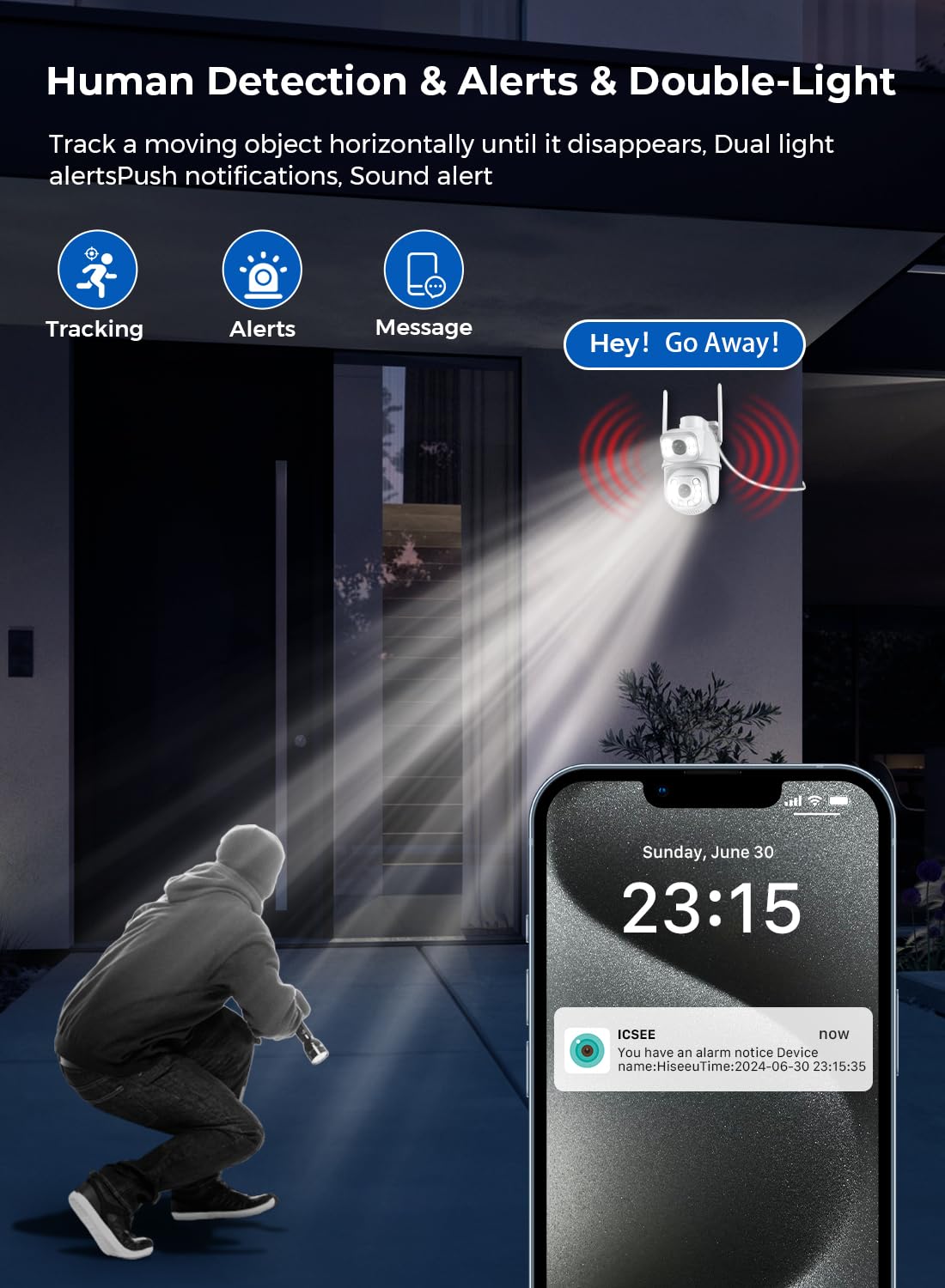
The camera is equipped with advanced human detection capabilities. When a person is detected within the camera's field of view:
- The camera will automatically track the moving object horizontally.
- You will receive real-time push notifications on your smartphone via the iCSee app.
- The camera can trigger a sound alarm and/or activate its white lights as a deterrent.
Night Vision Modes
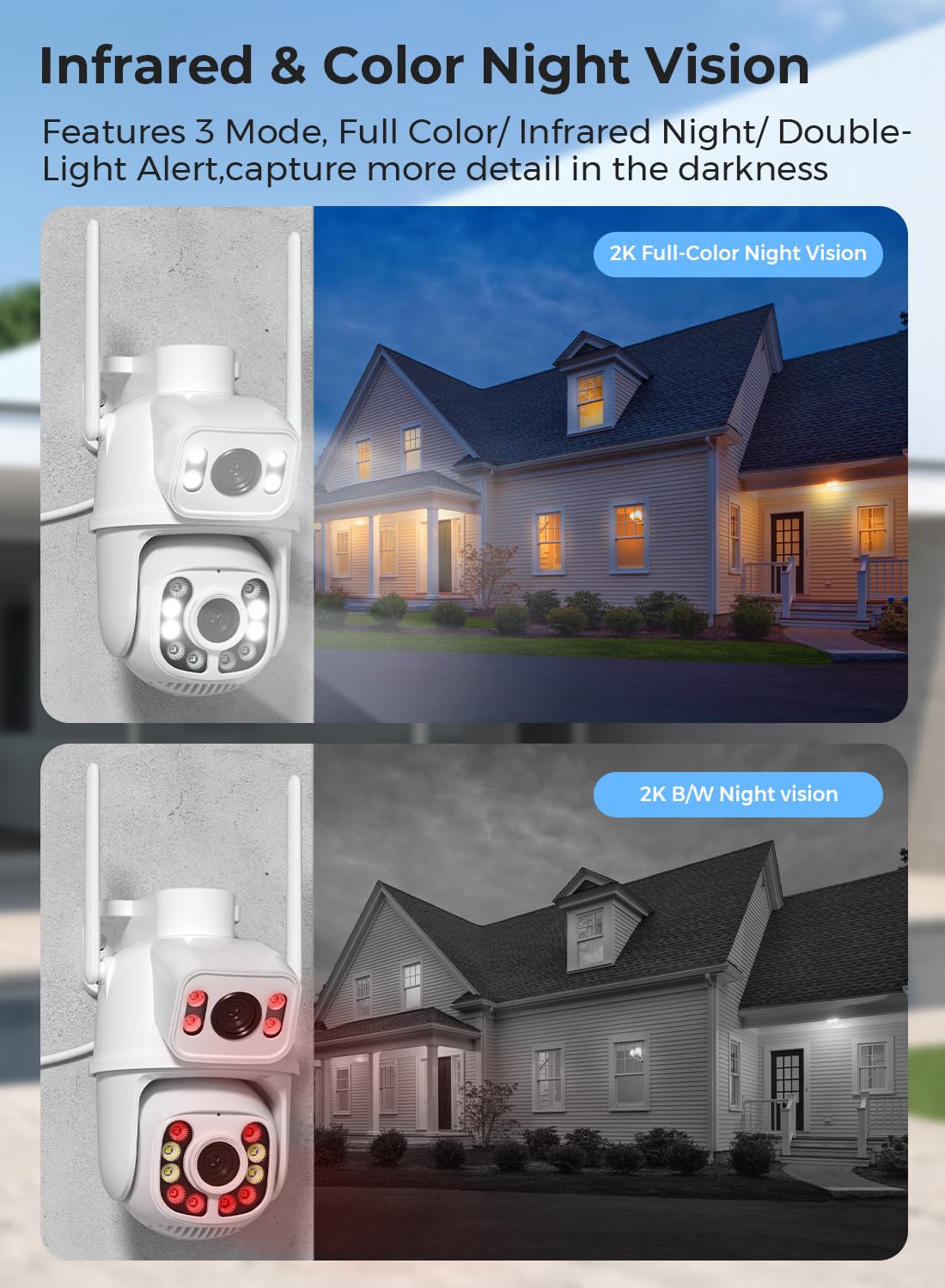
The ANBIUX A27 offers three distinct night vision modes to suit various lighting conditions:
- Full-Color Night Vision: Utilizes built-in white lights to provide full-color video even in complete darkness.
- Infrared Night Vision: Uses infrared LEDs for clear black and white video in low-light conditions without visible light.
- Smart (Dual-Light) Mode: The camera operates in infrared mode by default and automatically switches to full-color mode when motion is detected, illuminating the area.
Two-Way Audio
The integrated microphone and speaker enable two-way communication. You can speak through the camera to visitors or deter intruders directly from your smartphone.

24/7 Recording
The camera supports continuous recording, allowing you to review footage at any time.
- Storage Options: Footage can be stored on a local Micro SD card (not included, up to 128GB) or via cloud storage services (subscription may be required).
- Accessing Recordings: View recorded video directly through the iCSee app.

Maintenance
- Lens Cleaning: Regularly clean the camera lenses with a soft, dry cloth to ensure clear image quality. Avoid abrasive cleaners.
- Firmware Updates: Check the iCSee app periodically for firmware updates to ensure optimal performance and security.
- Power Supply: Ensure the power cable is securely connected and free from damage.
- Wi-Fi Connection: Verify a stable Wi-Fi connection for uninterrupted operation.
- Physical Inspection: Periodically inspect the camera's mounting and housing for any signs of wear or damage, especially after severe weather.

Troubleshooting
| Problem | Possible Cause | Solution |
|---|---|---|
| Camera not connecting to Wi-Fi | Incorrect Wi-Fi password; 5GHz Wi-Fi network used; camera too far from router; weak signal. |
|
| No image or black screen in app | Camera not powered on; network issue; app glitch. |
|
| Motion detection alerts not received | App notifications disabled; motion detection sensitivity too low; detection zone not set correctly. |
|
| Poor night vision quality | Dirty lens; external light interference; incorrect night vision mode. |
|
Specifications
| Feature | Detail |
|---|---|
| Model | A27 |
| Mobile Application | iCSee |
| Material | ABS Plastic |
| Usage Environment | Outdoor/Indoor |
| Viewing Angle (Pan/Tilt) | 355° Pan / 90° Tilt |
| Video Encoding | H.265/25fps |
| Effective Still Resolution | 6 MP (Dual 3MP lenses) |
| Video Capture Resolution | 2048p (2K) |
| Night Vision Range | 20-30 meters (65 feet) |
| Operating Temperature | -10°C to 55°C (14°F to 131°F) |
| Input Power | 100-240V |
| Continuous Voltage | 12V/0.5A |
| Power Consumption | 6W (Max) |
| Alert Method | APP Notification |
| Compatibility | Android/iOS, Alexa, Blue Iris, iSPY, Zone Minder, Security Spy, VLC, NVR |
| Wireless Communication | Wi-Fi (2.4GHz only), Bluetooth, ONVIF, RTSP |
| Water Resistance Level | IP66 |
| Storage Options | Micro SD Card (up to 128GB), Cloud Storage |
| Digital Zoom | 5x |
Warranty and Support
For warranty information and technical support, please refer to the official ANBIUX website or contact their customer service directly. The user manual included in the package may also contain specific warranty details.
For further assistance, please visit the ANBIUX support page or contact their customer service.