
1. Introduction
Thank you for choosing the Hon&Guan 100mm Bathroom Extractor Fan. This manual provides essential information for the safe installation, operation, and maintenance of your new fan. Please read it thoroughly before use and retain it for future reference.
This multifunction bathroom fan is designed to automatically ventilate and eliminate humidity and odors, featuring an LED light, humidity sensor, delay timer, and interval function for optimal air quality in bathrooms, showers, and toilets. It utilizes a shaded pole motor for efficient and quiet operation.
2. Safety Instructions
Always follow basic safety precautions when using electrical appliances to reduce the risk of fire, electric shock, and injury.
- Ensure the power supply matches the fan's specifications (220-240 V/50 Hz).
- Installation must be performed by a qualified electrician and comply with local wiring regulations.
- Disconnect power before installation, maintenance, or cleaning.
- Do not operate the fan with a damaged cord or plug.
- Do not insert fingers or foreign objects into the fan grille.
- This appliance is not intended for use by persons (including children) with reduced physical, sensory or mental capabilities, or lack of experience and knowledge, unless they have been given supervision or instruction concerning use of the appliance by a person responsible for their safety.
- Children should be supervised to ensure that they do not play with the appliance.
- The fan is rated IP45, making it suitable for damp environments like bathrooms, but it should not be submerged in water.
- Remove the protective film from the back before installation.
3. Package Contents
Verify that all components are present and undamaged upon unpacking.
- Hon&Guan 100mm Bathroom Extractor Fan
- User Manual (this document)
- Mounting Screws and Wall Plugs (typically included, verify with packaging)

Image: Front view of the Hon&Guan 100mm Bathroom Extractor Fan, showing its white grille and compact design.
4. Installation & Setup
This fan is designed for wall mounting. Professional installation is recommended.
4.1 Pre-Installation Checklist
- Ensure power is disconnected at the main circuit breaker.
- Confirm the mounting location is suitable and has adequate space for the fan and ducting.
- Verify the wall material can support the fan's weight.
- Remove the protective film from the back of the fan.
4.2 Mounting the Fan
- Mark the desired mounting position on the wall.
- Drill holes for the mounting screws, ensuring they match the fan's mounting points.
- Insert wall plugs into the drilled holes.
- Secure the fan to the wall using the provided screws.
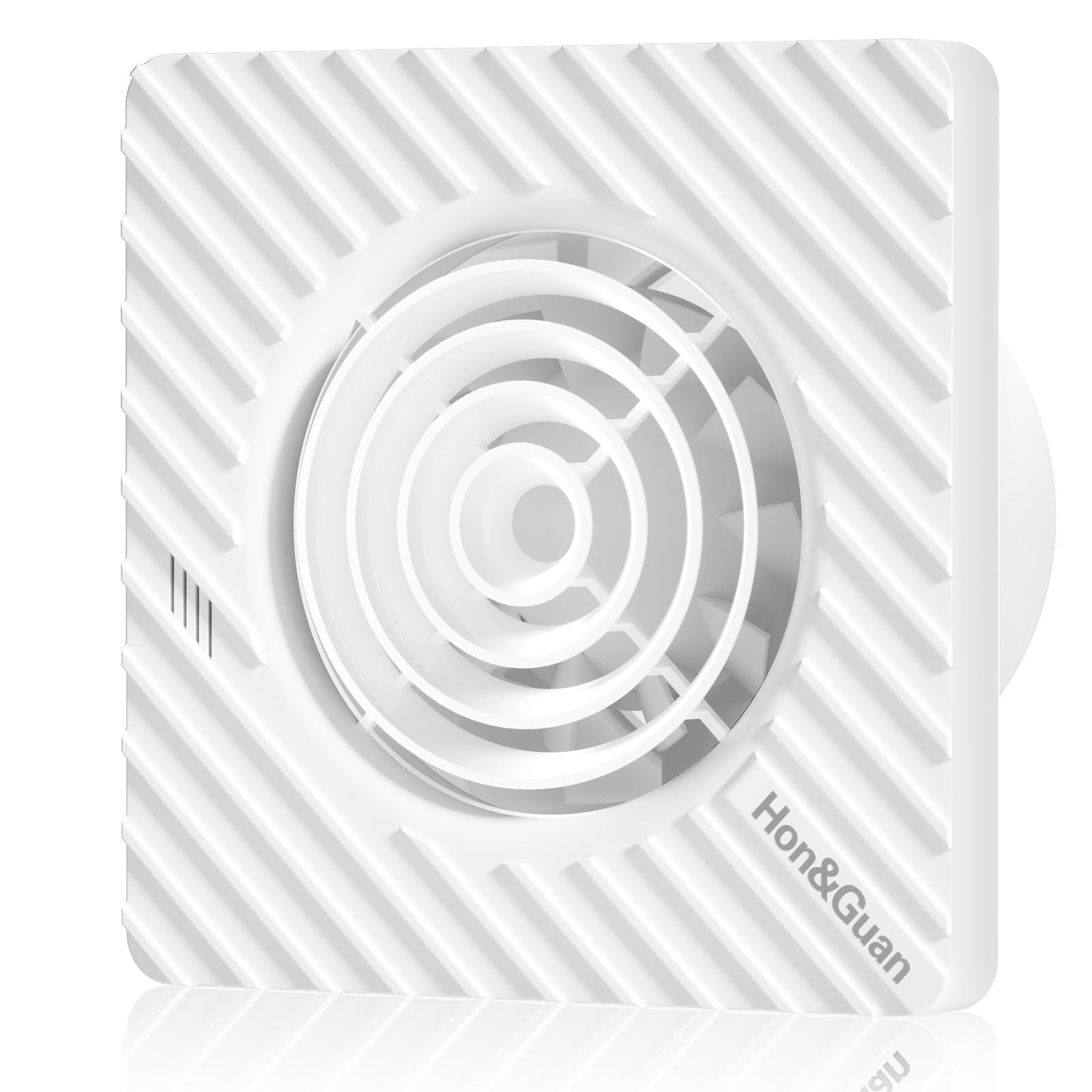
Image: Technical diagram illustrating the dimensions of the fan, including front and side views with measurements in millimeters (e.g., 158mm width, 102mm duct diameter).
4.3 Electrical Connection
Connect the fan to the electrical supply according to the wiring diagram provided in the packaging (if applicable) and local electrical codes. This typically involves connecting Live, Neutral, and Switched Live wires.
4.4 Initial Power-Up
Once installed and wired, restore power at the circuit breaker. The fan should enter standby mode or activate based on its current settings.
5. Operating Instructions
The Hon&Guan bathroom fan features automatic operation based on humidity, a delay timer, and an interval function.
5.1 Automatic Humidity Sensor Operation
The fan automatically activates when the humidity level in the room reaches a preset threshold and switches off when the humidity drops below this value.
- Humidity Levels: Adjustable to 60%, 70%, 80%, or 90%.
- Setting: Refer to the internal dip switches or control panel (if present) for adjustment.

Image: Graphic showing how the fan activates when humidity reaches a set level (e.g., 80%) to extract moisture, with different humidity sensor levels (60%, 70%, 80%, 90%) and an indicator for fresh air.
5.2 Delay Timer Function
The delay timer allows the fan to continue running for a set period after the humidity level has dropped below the threshold or after the light switch (if connected) is turned off.
- Delay Settings: 1 minute, 5 minutes, 15 minutes, or 30 minutes.
- Default: 1 minute.
- Adjustment: Adjust via internal dip switches or control panel.
5.3 Interval Time Function
The interval function allows the fan to switch on automatically for a set operating time at regular intervals, ensuring continuous air circulation even when humidity levels are low.
- Standard Operating Time: 1 hour.
- Interval Settings: 4 hours, 8 hours, 12 hours, or 24 hours.
- Default: 4 hours.
- Adjustment: Adjust via internal dip switches or control panel.

Image: Visual representation of the fan's key features: adjustable humidity sensor (60%-90%), delay function (1-30 minutes), and interval function (4-24 hours).
6. Maintenance
Regular cleaning and maintenance will ensure optimal performance and longevity of your fan.
6.1 Cleaning the Fan
- Disconnect Power: Always turn off the power supply to the fan at the main circuit breaker before cleaning.
- Clean Exterior: Wipe the exterior of the fan with a soft, damp cloth. Do not use abrasive cleaners, solvents, or harsh chemicals.
- Clean Grille: Carefully remove any dust or debris from the fan grille using a soft brush or vacuum cleaner attachment.
- Internal Cleaning: For deeper cleaning of internal components, it is recommended to consult a qualified technician.
- Restore Power: Once cleaning is complete and the fan is dry, restore power.
6.2 Inspection
Periodically inspect the fan for any signs of damage, loose connections, or unusual noises. If any issues are detected, disconnect power and contact support.
7. Troubleshooting
If you encounter problems with your Hon&Guan bathroom fan, refer to the following common issues and solutions:
| Problem | Possible Cause | Solution |
|---|---|---|
| Fan does not turn on. | No power supply. Incorrect wiring. Humidity level not met. | Check circuit breaker and power connection. Verify wiring with a qualified electrician. Increase humidity or manually test the fan if possible. |
| Fan runs continuously. | Humidity sensor setting too low. Delay timer set too long. Interval function active. | Adjust humidity sensor to a higher percentage. Reduce delay timer setting. Check interval function settings. |
| Fan is noisy. | Obstruction in fan blades. Loose mounting. Motor issue. | Disconnect power and check for obstructions. Clean blades. Ensure fan is securely mounted. If noise persists, contact support. |
| Poor ventilation. | Blocked ducting. Fan blades dirty. Fan too small for room size. | Check and clear ducting. Clean fan blades. Ensure fan specifications match room requirements. |
If the problem persists after attempting these solutions, please contact Hon&Guan customer support.
8. Specifications
| Feature | Detail |
|---|---|
| Model Number | SPZ04NPD03 |
| Brand | Hon&Guan |
| Diameter | 102 mm ± 3 mm |
| Power | 9.7 W |
| Airflow Volume | 95 m³/h |
| Rotation Speed | 2200 rpm |
| Voltage | 220-240 V / 50 Hz |
| Noise Level | 32 dB |
| Material | ABS front panel, Copper wire motor |
| IP Rating | IP45 (Waterproof) |
| Dimensions (L x W x H) | 16 x 11 x 17 cm |
| Weight | 670 g |
| Special Features | Humidity Sensor, Delay Timer, Interval Function, LED Light |

Image: A visual representation highlighting the fan's quiet operation at 32 dB, suitable for a comfortable night's sleep.
9. Warranty & Support
Hon&Guan products are manufactured to high-quality standards. For warranty information, please refer to the documentation included with your purchase or visit the official Hon&Guan website.
If you have any questions, require technical assistance, or need to report an issue, please contact the Hon&Guan support team. Contact details can typically be found on the product packaging or the official brand website.
- Quality Commitment: 365 days (as per product features).
- Support Response: Within 12 hours (as per product features).