Introduction
This manual provides detailed instructions for the installation, operation, and maintenance of your GoHawk RD88-S Bluetooth Motorcycle Speakers. Please read this manual thoroughly before use to ensure proper function and longevity of your device.
Package Contents
Verify that all items listed below are included in your package:
- 1 x Soundbar
- 1 x Wired Control
- 1 x Power Cord
- 1 x Antenna
- 1 x AUX Cable
- 2 x Mounting Clamp
- 1 x Screw Set
- 1 x User's Manual

Setup & Installation
1. Mounting the Soundbar
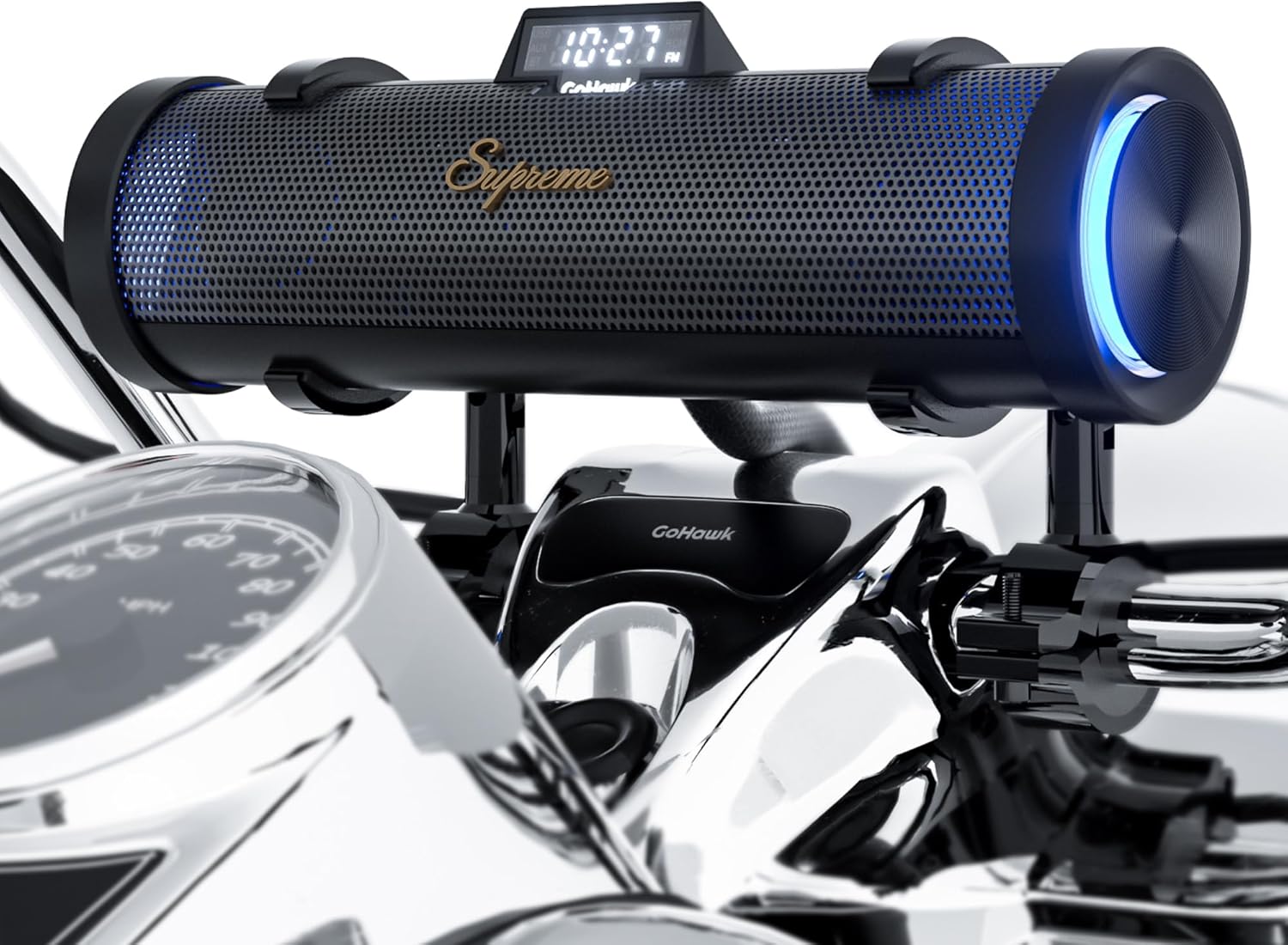
- Prepare Clamps: Insert the provided rubber inserts into the mounting clamps to protect your handlebars from scratches.
- Attach Clamps: Securely wrap the clamps around your motorcycle's handlebars and tighten them. The clamps are universal and adjustable to fit various handlebar sizes and angles.
- Position Soundbar: Place the soundbar onto the secured clamps. Adjust the pivot to achieve the desired sound direction.
2. Power Connection
Connect the included SAE power cord to your motorcycle's battery. Ensure the red wire connects to the positive terminal and the black wire to the negative terminal.

3. Wired Remote Control Installation
Mount the wired remote control in an easily accessible location on your handlebars. Plug the remote's cable into the designated port on the soundbar.

4. Optional External Speakers (Sold Separately)
If you have purchased additional external speakers, mount them on your handlebars similar to the soundbar. Connect them to the RCA output ports on the back of the soundbar for an expanded audio experience.

Installation Video
Operating Instructions
1. Power On/Off
Press and hold the power button on the wired remote for approximately 3 seconds to turn the unit on or off. The LCD display will illuminate upon power-on.
2. Bluetooth Pairing
- Ensure the soundbar is powered on.
- On your smartphone or other Bluetooth-enabled device, navigate to the Bluetooth settings.
- Search for "GOHAWK" in the list of available devices and select it to pair.
- Once connected, you can stream audio wirelessly from your device.
3. FM Radio Operation
- Ensure the FM antenna is securely plugged into the soundbar.
- To auto-scan and save available FM stations, press and hold the Play/Pause button on the wired remote. The unit will scan for a minute or two.
- Use the Next/Previous track buttons to cycle through saved stations.
4. USB Playback
Insert a USB drive containing audio files into the USB port. Press the power button once to switch to USB mode. The unit will automatically begin playing music from the drive.
5. AUX Input
Connect an external audio device using the 3.5mm AUX cable to the AUX input port on the soundbar. The unit will automatically switch to AUX mode.
6. LED Light Control
To change the LED color (blue or white) or effect (breathing or static), press and hold the Volume Down button on the wired remote.
Specifications
| Feature | Detail |
|---|---|
| Model Name | RD88-S |
| Input Voltage | 12 Volts |
| Speaker Type | 4x Tweeters and 2x Woofers |
| Speaker Maximum Output Power | 300 Watts |
| Frequency Response | 20 KHz |
| Impedance | 4 Ohms |
| Signal-to-Noise Ratio | 80 dB |
| Wireless Communication Technology | Bluetooth 5.0 |
| Bluetooth Range | 15 Meters (49 Feet) |
| Water Resistance Level | IP56 Waterproof |
| Product Dimensions | 2.5"D x 8.25"W x 2.5"H (Soundbar) |
| Item Weight | 4 Pounds |
| Material | Aluminum, Metal, Plastic |
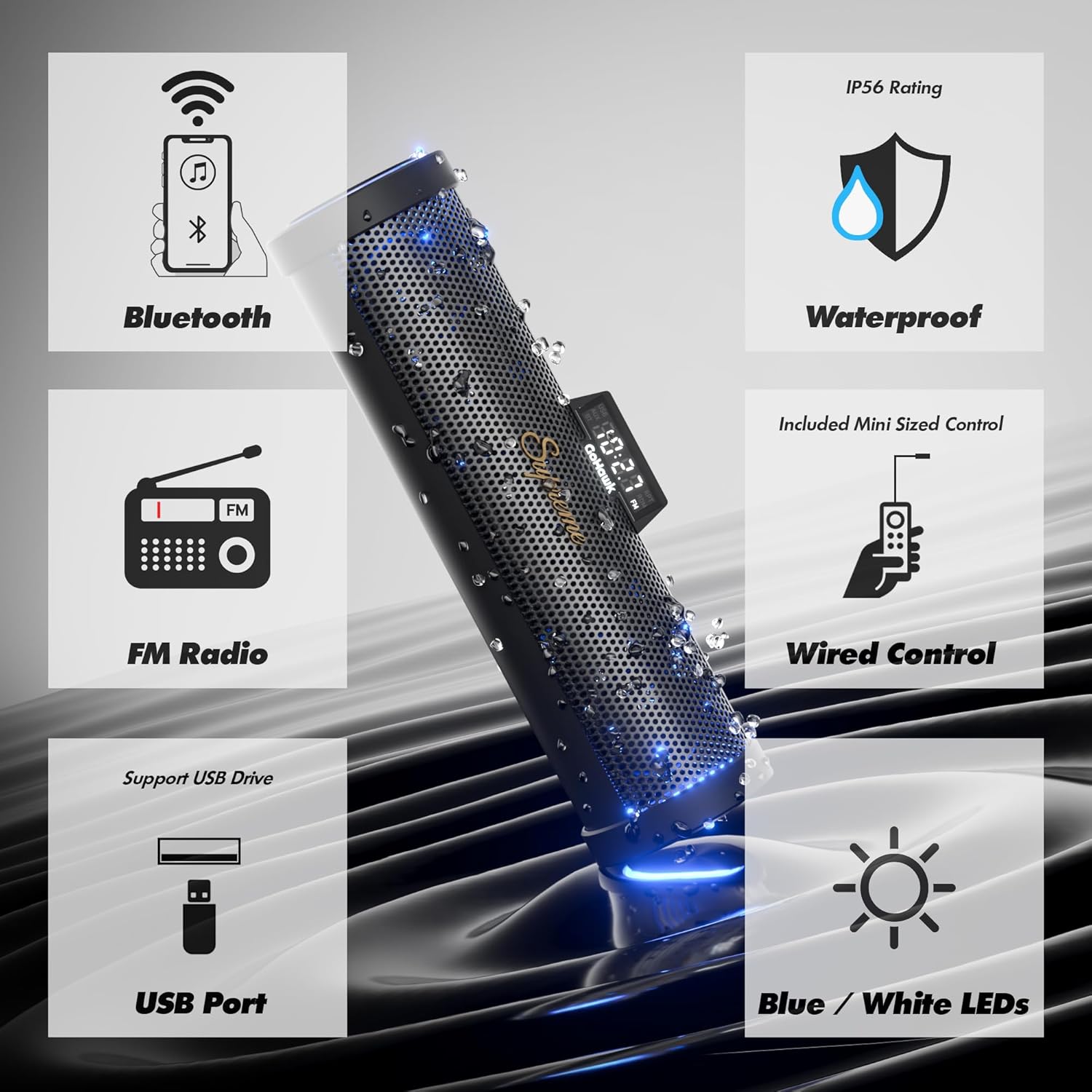
| Special Features | FM Radio, LED Light, USB Port, Waterproof |
Maintenance
- Cleaning: Use a soft, damp cloth to clean the speaker surface. Avoid abrasive cleaners or solvents that may damage the finish.
- Waterproofing: The RD88-S is IP56 waterproof. While designed to resist rain and splashes, avoid submerging the unit in water. Ensure all port covers are securely closed when not in use.
- Cable Management: Regularly check all cables and connections for wear or damage. Secure loose cables to prevent interference with motorcycle operation.
Troubleshooting
| Problem | Possible Solution |
|---|---|
| No power | Check battery connections (red to positive, black to negative). Ensure the power cord is securely connected to the soundbar. Verify the motorcycle battery has sufficient charge. |
| No Bluetooth connection | Ensure the soundbar is in Bluetooth mode. Turn off and on your device's Bluetooth. Forget "GOHAWK" from your device's Bluetooth list and re-pair. Ensure your device is within the 15-meter range. |
| Poor FM radio reception | Ensure the FM antenna is fully extended and properly positioned. Perform an auto-scan for stations again. Move to an area with better signal strength. |
| No sound from USB | Ensure the USB drive is properly inserted. Verify the soundbar is in USB mode. Check that the audio files on the USB drive are in a compatible format. |
| Wired remote not responding | Check the connection of the wired remote to the soundbar. Ensure the soundbar is powered on. |
Warranty & Support
The GoHawk RD88-S Bluetooth Motorcycle Speakers come with a Limited Warranty. For specific terms and conditions, please refer to the warranty card included in your package or visit the official GoHawk website.
For technical support, troubleshooting assistance, or warranty claims, please contact GoHawk customer service through the contact information provided in your user manual or on the official GoHawk website.
Manufacturer: GoHawk


