
1. Introduction
Thank you for choosing the TCL 65PF650K 65-inch 4K Ultra HD Smart LED Fire TV. This manual provides essential information for the safe and efficient operation of your new television. Please read it thoroughly before use and retain it for future reference.
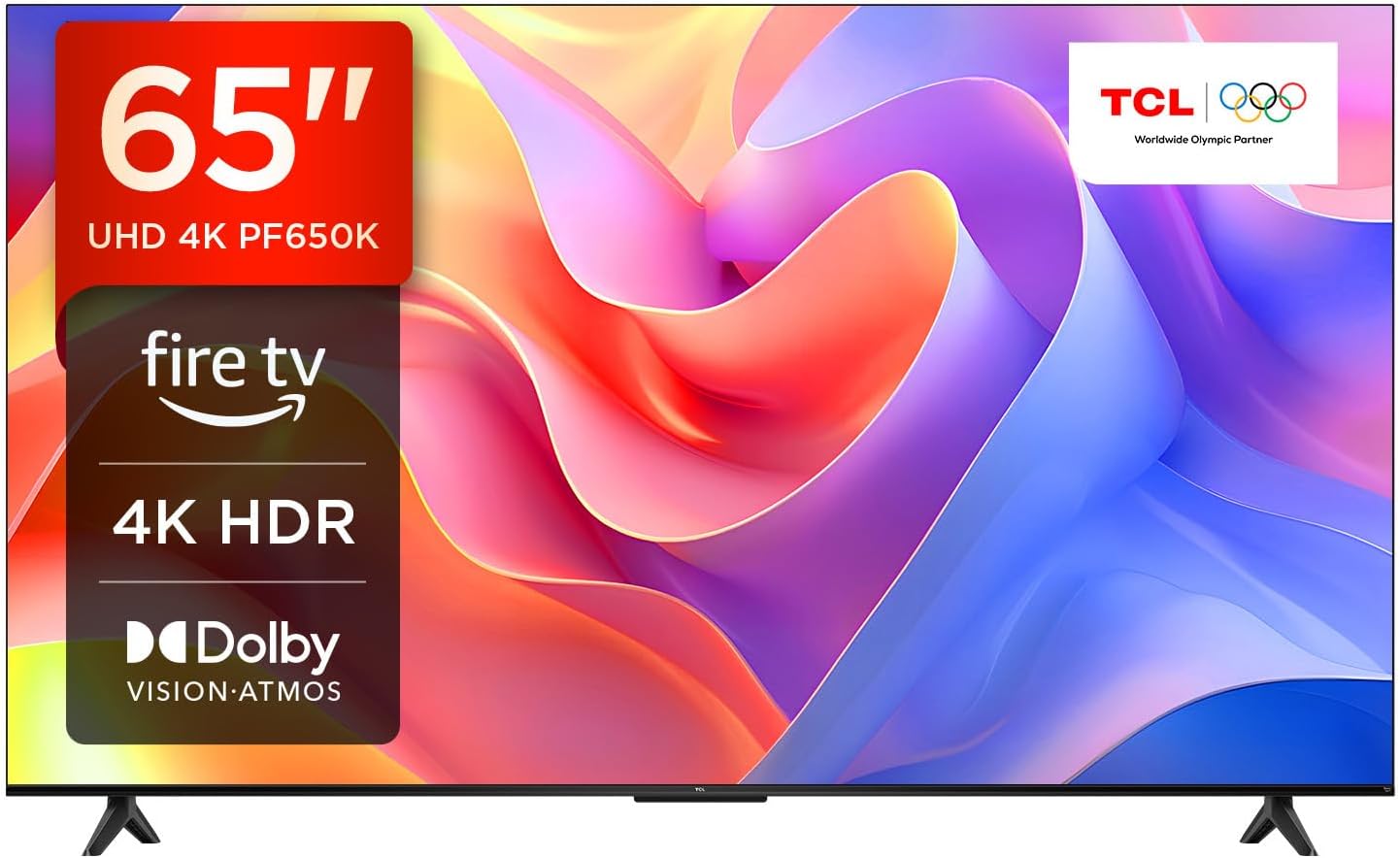
Image: The TCL 65PF650K 65-inch TV, showcasing its sleek design and key features like 4K UHD, Fire TV, 4K HDR, Dolby Vision, and Dolby Atmos.
2. What's in the Box
Carefully unpack your television and ensure all items are present:
- TCL 65PF650K Television Unit
- TV Stand (2 pieces)
- Power Cable
- Voice Remote with Alexa
- Batteries for Remote Control
- User Manual (this document)
3. Setup
3.1 Physical Installation
Your TCL TV can be placed on its included stand or wall-mounted (wall mount sold separately). The TV is lightweight, making installation easier.
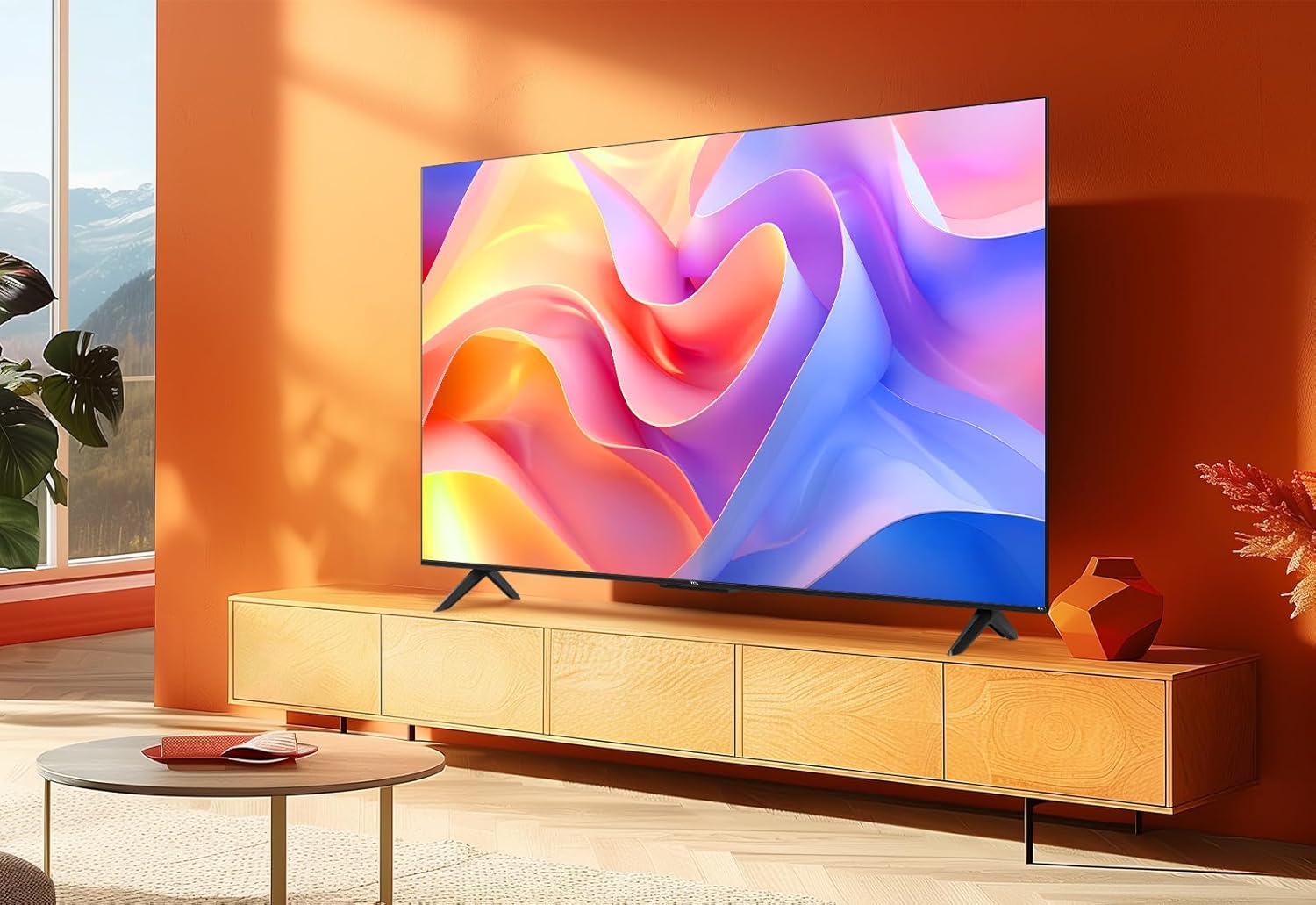
Image: The TCL TV positioned on its stand within a modern living room setting.
3.2 Initial Power On and Account Setup
After connecting the power cable, press the power button on the remote. Follow the on-screen instructions to connect to your Wi-Fi network and sign in to your Amazon account. An Amazon account is required to access Fire TV features.
3.3 Connectivity
The TCL 65PF650K offers various connectivity options:
- HDMI: 3 ports for connecting external devices like game consoles, Blu-ray players, or soundbars. Supports ALLM & eARC.
- USB: 1 port for media playback from USB drives.
- Ethernet (LAN): For wired internet connection.
- Wi-Fi: Built-in dual-band Wi-Fi for wireless internet access.
- Bluetooth: For connecting wireless headphones or other Bluetooth devices.
- Optical: Digital audio output.
- AV Input: For older analog devices.
- Headphone: 3.5mm audio output.
- CI Slot: For Conditional Access Modules (CAMs).

Image: A detailed diagram illustrating the various input and output ports available on the back of the TCL TV, including HDMI, USB, LAN, and audio connections.
4. Operating Your TV
4.1 Fire TV Interface
The Fire TV interface provides a centralized hub for all your entertainment. Navigate using the remote control to access streaming apps, live TV, and personalized recommendations.

Image: The Fire TV home screen displaying a wide array of popular streaming service applications, highlighting the integrated entertainment experience.
4.2 Alexa Voice Control
Your TV comes with Alexa built-in. Press the Alexa button on your voice remote and speak commands to find content, adjust settings, or control compatible smart home devices.

Image: A user interacting with the TV using the Alexa voice remote, demonstrating the ease of voice control for content discovery and TV functions.
4.3 Casting and Screen Mirroring
Easily cast content from your mobile devices or computer to your TCL TV:
- Airplay 2: Share videos, photos, and music from Apple devices.
- Miracast: Screen mirror your Android mobile, tablet, or Windows PC wirelessly.

Image: A visual representation of a mobile device wirelessly casting its screen content onto the larger TCL TV display, illustrating Miracast and Airplay 2 functionality.
4.4 Personalization and User Profiles
Customize your viewing experience with user profiles. Each member of your household can create a profile to get personalized recommendations and manage their watchlist.

Image: The Fire TV user profile selection screen, showing multiple user avatars, indicating the TV's personalization features.
4.5 Smart Home Integration
Connect compatible smart home devices to your Fire TV. Control lights, adjust temperature, and view picture-in-picture camera feeds directly from your TV.

Image: A demonstration of smart home integration, with a Ring video doorbell feed appearing as a picture-in-picture overlay on the TV screen.
5. Key Features
5.1 Display Technology: 4K HDR, Dolby Vision, Micro Dimming
Experience stunning visuals with enhanced contrast, colors, and details.
- 4K HDR: Reproduces light and dark shades with precise colors and dazzling detail.
- Dolby Vision: Transforms your TV experience with dramatic imaging, incredible brightness, color, contrast, and detail.
- Micro Dimming: Analyzes the TV picture in thousands of separate zones to adapt brightness, significantly improving picture quality, especially in dark scenes.

Image: A side-by-side comparison demonstrating the enhanced contrast, colors, and details provided by HDR technology compared to a standard image.

Image: A visual comparison highlighting the brighter brights, deeper darks, and wider color range achieved with Dolby Vision technology.

Image: A split-screen view demonstrating how Micro Dimming enhances contrast and picture quality, especially in darker areas, compared to a display without it.
5.2 Audio Technology: Dolby Atmos
Immersive, moving audio flows all around you. Dolby Atmos realistically captures the movement of every object and performs 360° surround sound, creating a truly cinematic experience.

Image: A visual representation of Dolby Atmos sound flowing around a viewer, illustrating the immersive 360-degree audio experience.
5.3 Gaming Features
Optimize your gaming experience with dedicated features:
- ALLM (Auto Low Latency Mode): Allows the TV to automatically switch into game mode for a super fast TV game input lag below 15 ms.
- HDMI with ALLM & eARC: Ensures compatibility with the latest game consoles.

Image: A graphic demonstrating ALLM (Auto Low Latency Mode) and its benefits for gaming, showing reduced input lag.

Image: A dynamic image showcasing a racing game, emphasizing the optimized gaming experience when playing in Dolby Vision.
5.4 Picture Modes
Select from various picture modes to suit your content:
- Game Mode: Reduces input lag for responsive gaming.
- Movie Mode: Optimizes picture settings for cinematic viewing.
- Natural Mode: Provides a balanced and natural color reproduction.

Image: Examples of different picture modes: Game Mode for vibrant gaming scenes, Movie Mode for cinematic viewing, and Natural Mode for balanced colors.
6. Maintenance
- Cleaning: Use a soft, dry cloth to clean the screen and TV body. For stubborn marks, lightly dampen the cloth with water. Avoid harsh chemicals.
- Software Updates: Ensure your TV is connected to the internet to receive automatic software updates, which improve performance and add new features.
- Ventilation: Ensure adequate ventilation around the TV to prevent overheating. Do not block ventilation openings.
7. Troubleshooting
If you encounter issues with your TV, refer to the following common solutions:
| Problem | Possible Cause / Solution |
|---|---|
| No Power | Check power cable connection. Ensure power outlet is working. |
| No Picture / Poor Picture Quality | Check input source. Verify cable connections (HDMI, antenna). Adjust picture settings. Ensure 4K content is being played for optimal resolution. |
| No Sound / Poor Sound Quality | Check volume level. Ensure Mute is off. Check audio output settings. If using external audio, verify connections. |
| Remote Control Not Working | Replace batteries. Ensure no obstructions between remote and TV. Re-pair remote if necessary. |
| Wi-Fi Connectivity Issues | Restart your router. Ensure TV is within Wi-Fi range. Re-enter Wi-Fi password. |
| Lagging / Slow Performance | Close unused apps. Restart the TV. Ensure sufficient internet speed for streaming. |
8. Specifications
Detailed technical specifications for the TCL 65PF650K:
| Parameter | Value |
|---|---|
| Model Number | 65PF650K |
| Screen Size | 65 Inches (166 cm visible diagonal) |
| Resolution | 4K (3840 x 2160 pixels) |
| Display Technology | LED |
| Refresh Rate | 60 Hz |
| Product Dimensions (with stand) | 144.5W x 30D x 87.8H cm |
| Weight | 12.4 kg |
| Connectivity | Bluetooth, Wi-Fi, USB, Ethernet, HDMI (x3) |
| Aspect Ratio | 16:9 |
| Energy Efficiency Class (SDR) | F (90 kWh/1000h) |
| Energy Efficiency Class (HDR) | G (128 kWh/1000h) |
| Country of Origin | China |

Image: A diagram illustrating the precise dimensions of the TCL 65PF650K TV, including screen size, thickness, and stand measurements, alongside the remote control.

Image: The energy efficiency label for the TCL 65PF650K, showing its energy class F rating and power consumption details. For more details, visit EPREL Database.

Image: The official Product Information Sheet providing detailed regulatory and technical data for the TCL 65PF650K. For more details, visit EPREL Database.
9. Warranty and Support
TCL provides a minimum guaranteed product support period of 8 years and a minimum duration of the general guarantee offered by the supplier of 2 years from the date of end of the placement on the market.
For technical support or warranty claims, please contact TCL customer service. Refer to the contact information provided in your product packaging or visit the official TCL website.
Manufacturer: TCL
Website: www.tcl.com


