
Sevenine DY1134X-5B/42
Sevenine 42 Inch Black Flush Mount Ceiling Fan with Lights and Remote
Model: DY1134X-5B/42
Introduction
Thank you for choosing the Sevenine 42 Inch Black Flush Mount Ceiling Fan. This manual provides essential information for the safe installation, efficient operation, and proper maintenance of your new ceiling fan. Please read all instructions carefully before beginning installation or use.
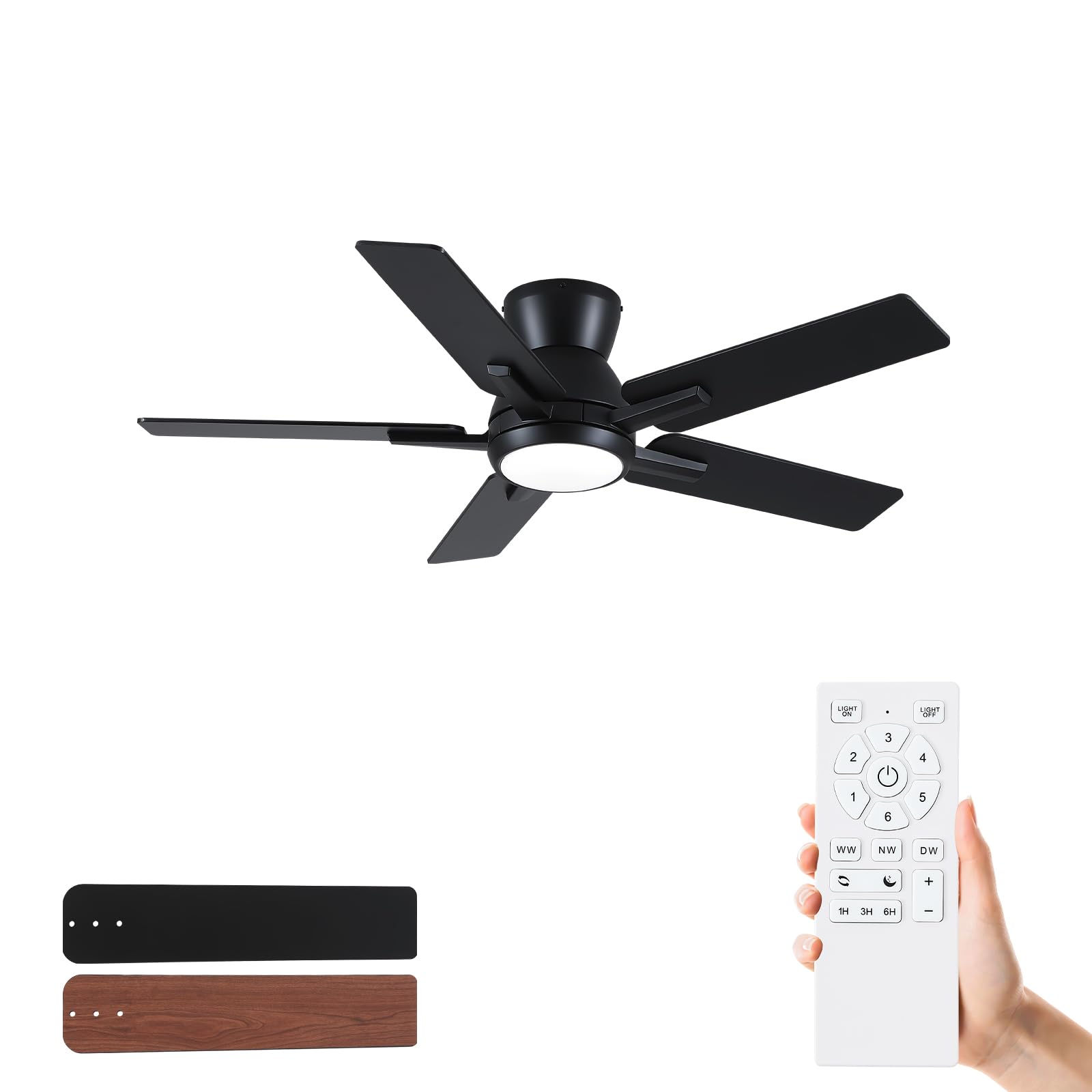
Image: The Sevenine 42 Inch Black Flush Mount Ceiling Fan, showcasing its modern design and flush mounting. This fan is designed for spaces requiring efficient air circulation and integrated lighting.
Safety Information
To reduce the risk of electric shock, fire, or personal injury, always follow these basic safety precautions:
- Read all instructions: Ensure you understand all instructions before installation and operation.
- Electrical Safety: Disconnect power at the main circuit breaker or fuse box before beginning installation or performing any maintenance. Ensure all electrical connections comply with local codes and ordinances.
- Qualified Electrician: Installation should be performed by a qualified electrician if you are not familiar with electrical wiring.
- Mounting Structure: The mounting structure must be capable of supporting the weight of the fan (approximately 11.4 pounds) and its operational forces.
- Blade Clearance: Ensure there is adequate clearance from the fan blades to any obstacles, walls, or furniture.
- ETL Certified: This product is ETL certified, indicating compliance with North American safety standards.
- Indoor Use: This fan is designed for indoor use and covered outdoor areas. It is not waterproof and should not be exposed to direct water.
Setup and Installation
This section outlines the general steps for installing your Sevenine flush mount ceiling fan. A complete installation kit is included. For detailed visual guidance, refer to the provided installation videos.
- Preparation: Turn off power at the circuit breaker. Clear the installation area.
- Mounting Bracket: Secure the mounting bracket to a ceiling joist or an outlet box rated for ceiling fan support.
- Wiring: Connect the fan's electrical wires to the household wiring according to the wiring diagram in the detailed instructions. Ensure all connections are secure.
- Assemble Fan Body: Attach the fan motor housing to the mounting bracket.
- Blade Attachment: Secure the five fan blades to the motor. The blades feature a dual-color finish (black/wood grain) allowing for aesthetic customization.
- Light Kit Installation: Install the LED light kit and diffuser cover.
- Power On: Restore power and test the fan and light functions using the remote control.

Image: This diagram illustrates the fan's 42-inch diameter and 9.2-inch height, its 4000 CFM maximum airflow, indoor wet rating, and flush mount installation type.
Operating Instructions
Your Sevenine ceiling fan is controlled by a remote control, offering convenient access to all functions.
Remote Control Functions
- Fan On/Off: Powers the fan on or off.
- Fan Speed Control: Adjusts fan speed through 6 levels.
- Levels 1-2: Soft airflow
- Levels 3-4: Natural airflow
- Levels 5-6: Powerful airflow
- Reversible Function: Changes the direction of blade rotation for seasonal use.
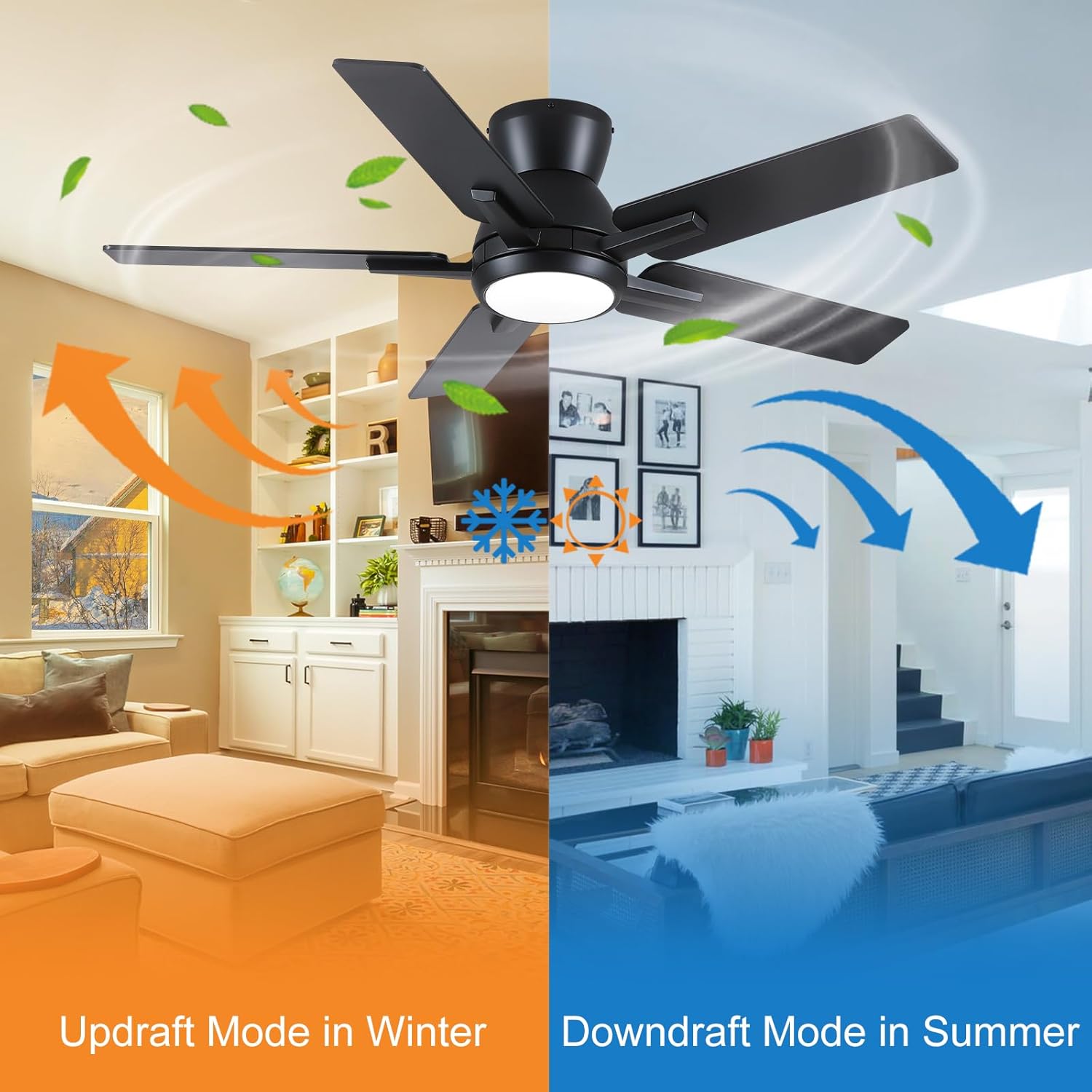
Image: Illustration of the fan's reversible function, demonstrating upward airflow for winter heat distribution and downward airflow for summer cooling.
- Summer Mode (Downdraft): Blades rotate counter-clockwise, pushing cool air down.
- Winter Mode (Updraft): Blades rotate clockwise, drawing cool air up and circulating warm air trapped near the ceiling.
- Light On/Off: Turns the integrated LED light on or off.
- Color Temperature Adjustment (3CCT): Cycles through three color temperatures:
- 3000K (Warm White)
- 4500K (Natural White)
- 6000K (Cool White)
- Brightness Adjustment (Dimmable): Adjusts light brightness from 20% to 100%.

Image: Visual representation of the fan's lighting capabilities, including three distinct color temperatures (Warm White, Natural White, Daylight) and a stepless dimming range from 20% to 100% brightness.
- Timer Function: Sets the fan to turn off automatically after 1, 3, or 6 hours.
Memory Function
The fan features an auto-memory function. If the power is interrupted for more than 10 seconds and then restored, the fan will recall and apply the last used settings for fan speed, light brightness, and color temperature. This function does not activate for quick power cycles under 10 seconds.
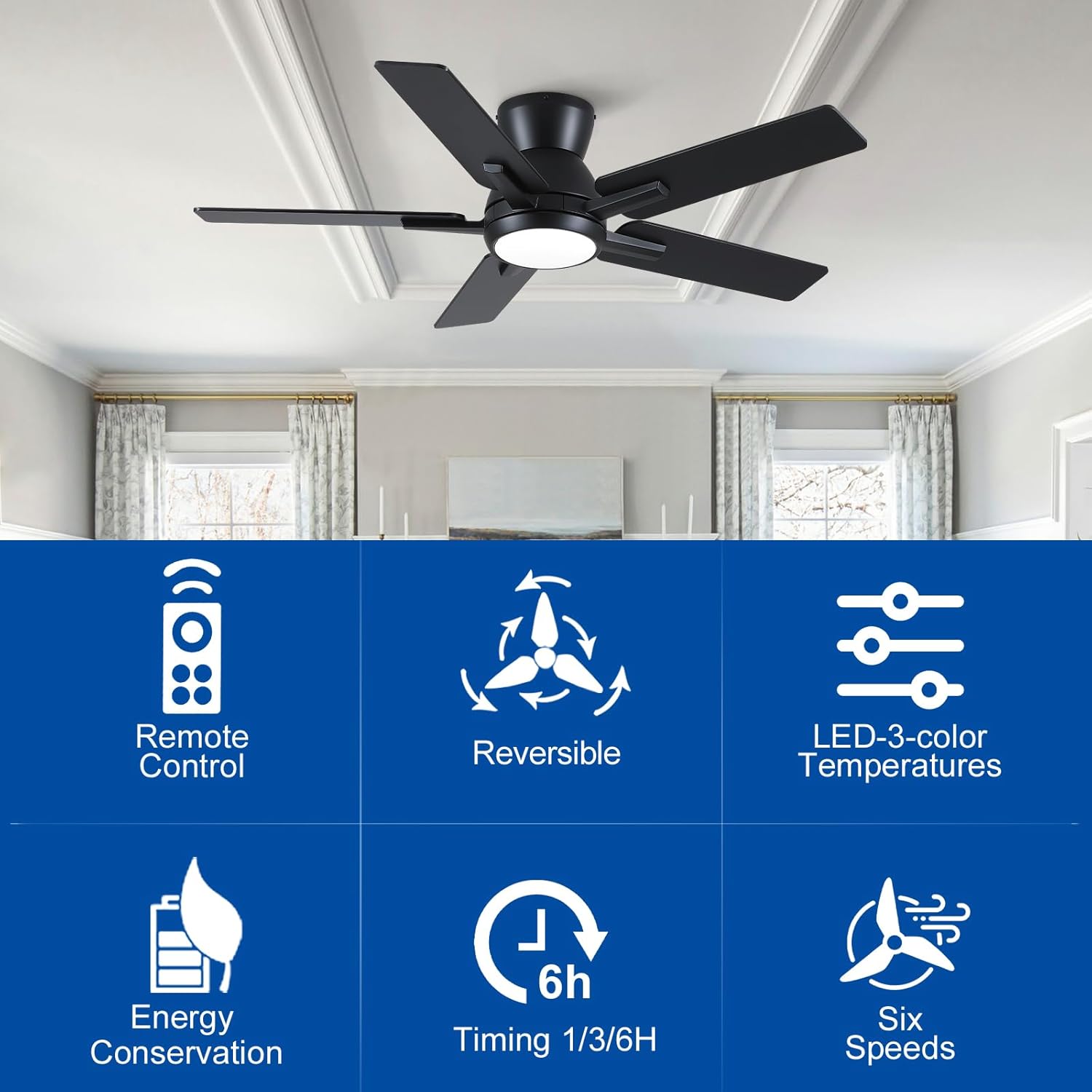
Image: A summary of key features including remote control, reversible motor, LED 3-color temperature lighting, energy conservation, timer functions, and six fan speeds.
Maintenance
Regular maintenance ensures optimal performance and longevity of your ceiling fan.
- Cleaning: Periodically clean the fan blades and motor housing with a soft, damp cloth. Do not use abrasive cleaners or solvents.
- Blade Inspection: Check blade screws for tightness annually. Loose blades can cause wobbling and noise.
- Light Source: The integrated LED light source is designed for long life and typically does not require replacement.
- Remote Battery: Replace the remote control battery when its range decreases or it stops responding.
Troubleshooting
If you experience issues with your fan, consult the following common troubleshooting steps:
- Fan Does Not Start:
- Check that the power is turned on at the circuit breaker.
- Ensure all electrical connections are secure.
- Verify the remote control battery is functional and correctly inserted.
- Light Does Not Work:
- Confirm the light switch on the remote is pressed.
- Check electrical connections to the light kit.
- Fan Wobbles:
- Ensure all blade screws are tightened.
- Verify the mounting bracket is securely fastened to the ceiling.
- Check that blades are not bent or damaged.
- Excessive Noise:
- Confirm all screws are tight.
- Ensure the fan is not touching any obstacles.
- The DC motor operates quietly (32 dB). If noise is unusual, contact support.

Image: A visual representation of the fan's low noise level, indicating it operates at approximately 35 dB, comparable to a quiet environment, suitable for bedrooms.
Specifications
| Feature | Detail |
|---|---|
| Brand | Sevenine |
| Model Number | DY1134X-5B/42 |
| Size | 42 Inches |
| Color | Flush Mount-black |
| Product Dimensions (D x W x H) | 106.7D x 106.7W x 23.6H Centimetres |
| Item Weight | 11.4 Pounds |
| Motor Type | Brushless DC Motor |
| Number of Blades | 5 |
| Air Flow Capacity | 3057 Cubic Feet Per Minute (CFM) average, 4000 CFM max |
| Number of Speeds | 6 |
| Noise Level | 32 Decibels |
| Wattage | 24 watts |
| Voltage | 120 Volts |
| Light Type | Integrated LED |
| Color Temperatures | 3000K (Warm White), 4500K (Natural White), 6000K (Cool White) |
| Dimmable | Yes (20%-100% stepless) |
| Mounting Type | Flush Mount |
| Control Method | Remote Control |
| Special Features | Adjustable Speed, Dimmable LED, Remote Controlled, Reversible DC Motor, Timer (1/3/6 hours), Memory Function |
| Material Type | Engineered Wood Blades, Metal Housing, Copper Motor |
| Certification | ETL Certified |
| Indoor/Outdoor Usage | Indoor, Covered Outdoor (Not waterproof) |
Warranty and Support
Sevenine provides the following assurance for your product:
- Warranty: All Sevenine ceiling fans come with a 1-year hassle-free replacement warranty.
- Customer Support: For any issues or inquiries during your purchase or use, our 24/7 customer service team guarantees responses within 24 hours. Please refer to your purchase documentation for contact details.
Ask a question about this manual
Ask about setup, troubleshooting, compatibility, parts, safety, or missing instructions. Manuals+ will review the question and use this page’s manual context to help answer it.