
1. Introduction
This manual provides essential information for the installation, operation, and maintenance of your DNLK High Strength Rubber V Drive Belt, designed as a replacement for MASTERCRAFT 55-5915-4 and 5559154 Drill Presses. This premium quality drive belt ensures optimal performance and durability for your power tools.
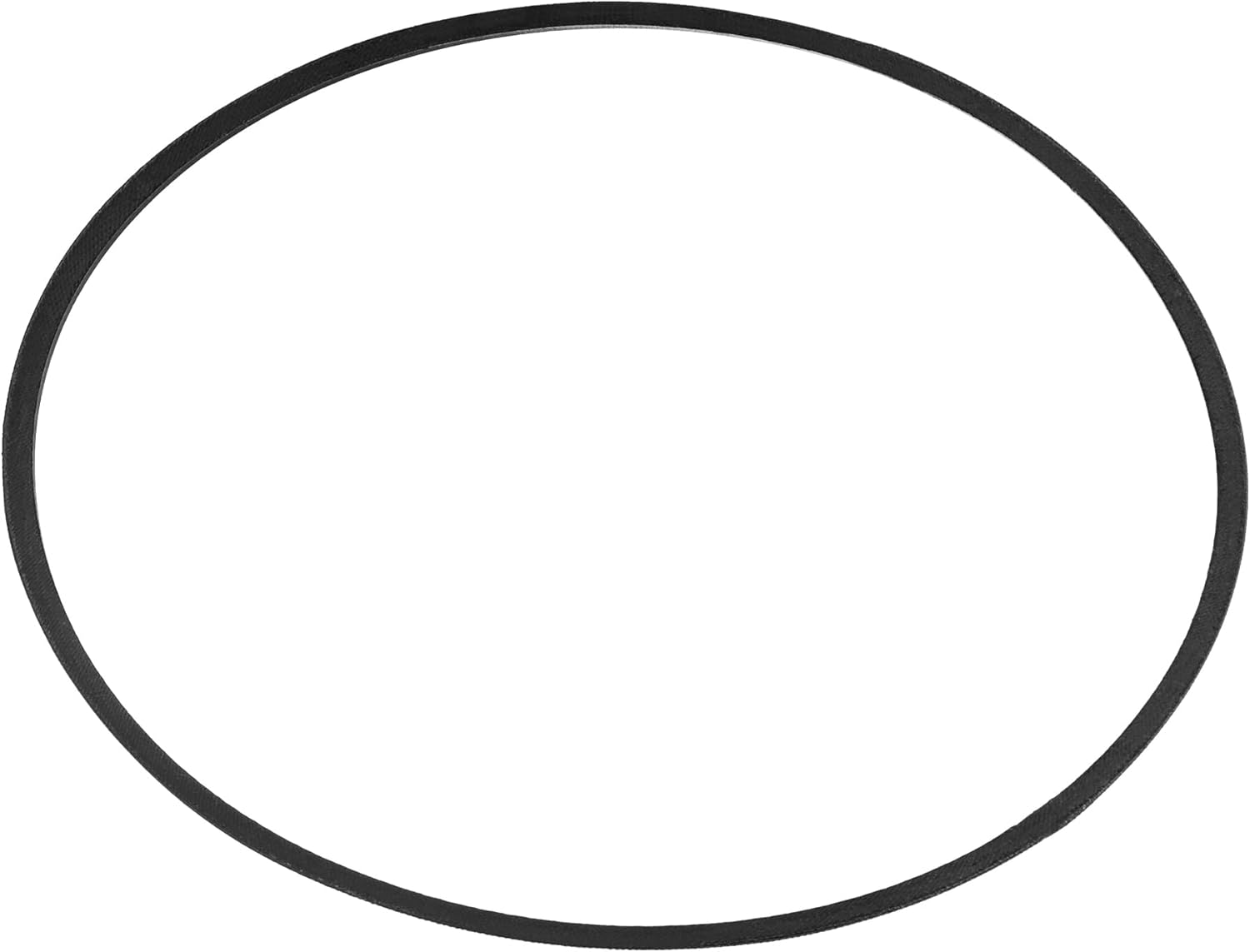
Image 1.1: The DNLK High Strength Rubber V Drive Belt, designed for drill presses.
2. Safety Information
Always prioritize safety when working with power tools. Read and understand the original drill press manual before attempting any maintenance or part replacement. Failure to do so may result in serious injury or damage to equipment.
- Disconnect Power: Always unplug the drill press from the power source before inspecting, installing, or replacing the drive belt.
- Wear Protective Gear: Use appropriate personal protective equipment (PPE), such as safety glasses and gloves, when working with machinery.
- Inspect Components: Before installation, inspect the belt and pulleys for any damage or wear. Replace any damaged components.
- Proper Tension: Ensure the new belt is installed with the correct tension as specified by the drill press manufacturer. Over-tensioning can damage the belt and bearings; under-tensioning can cause slippage.
- Clear Work Area: Keep the work area clean and free of obstructions.
3. Compatibility
This DNLK drive belt is specifically designed as a direct replacement for the following drill press models:
- MASTERCRAFT 55-5915-4
- MASTERCRAFT 5559154
Verify your drill press model number before purchasing and installing to ensure proper fit and function.
4. Setup and Installation
Follow these steps to replace the drive belt on your drill press. Refer to your drill press's original manual for specific instructions regarding access to the belt compartment.
- Disconnect Power: Ensure the drill press is unplugged from the electrical outlet.
- Access Belt Compartment: Open the belt housing cover, typically located at the top of the drill press head.
- Loosen Motor Mount (if applicable): Some drill presses require loosening the motor mounting bolts to relieve tension on the old belt.
- Remove Old Belt: Carefully remove the old drive belt from the pulleys. Note its orientation if it's a multi-ribbed belt.
- Install New Belt: Place the new DNLK drive belt onto the pulleys. Ensure it is seated correctly in all grooves.
- Adjust Belt Tension: Adjust the motor position (if previously loosened) to achieve the correct belt tension. The belt should be taut but not overly tight. A common test is to press on the longest span of the belt; it should deflect slightly (usually about 1/2 inch or 12mm). Refer to your drill press manual for precise tensioning specifications.
- Secure Components: Tighten any loosened motor mounting bolts and close the belt housing cover securely.
- Test Operation: Plug in the drill press and briefly run it at a low speed to ensure the belt operates smoothly without slipping or excessive noise.
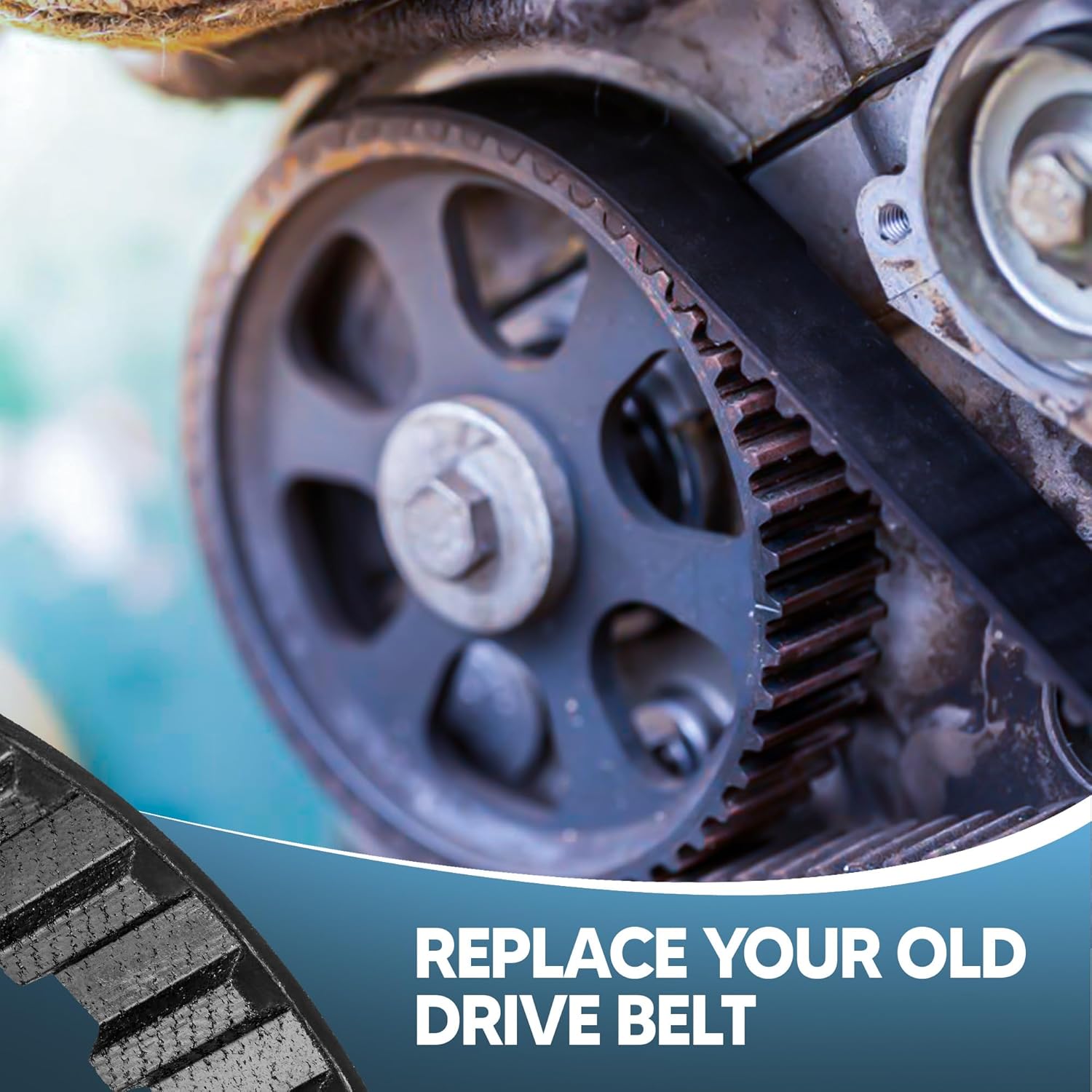
Image 4.1: Illustration of replacing an old drive belt with a new one on a drill press.
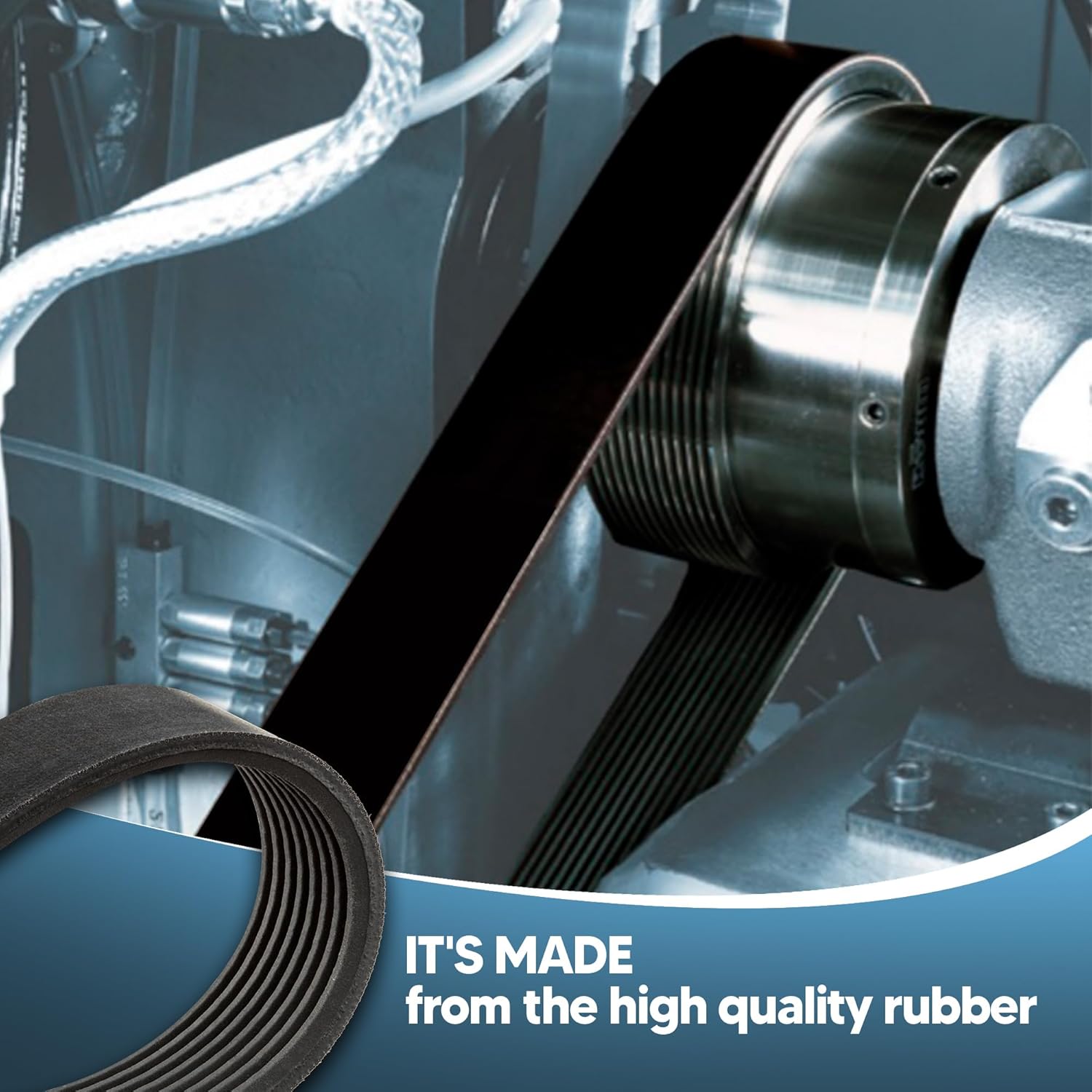
Image 4.2: The DNLK drive belt made from high-quality rubber, installed on a machine's pulley system.
5. Operation Considerations
Once the new DNLK drive belt is installed, the drill press should operate with improved efficiency and reduced vibration. This belt is engineered to deliver consistent power transfer, ensuring smooth and reliable operation.
- Listen for Abnormal Noises: During initial operation, listen for any squealing, grinding, or flapping sounds, which may indicate improper tension or alignment.
- Monitor Performance: Observe the drill press's performance. If there is any noticeable power loss or inconsistent speed, re-check the belt tension and alignment.
6. Maintenance
Regular maintenance of your drive belt will extend its lifespan and ensure optimal performance of your drill press.
- Periodic Inspection: Periodically inspect the belt for signs of wear, cracking, fraying, or glazing. Replace the belt if any significant wear is observed.
- Check Tension: Re-check belt tension regularly, especially after the first few hours of operation, as new belts can sometimes stretch slightly.
- Keep Clean: Keep the belt and pulleys free from dust, debris, oil, and grease. Clean with a dry cloth or brush. Do not use solvents that could degrade the rubber.
- Avoid Overloading: Do not overload the drill press, as this can put excessive strain on the drive belt and lead to premature wear.
7. Troubleshooting
| Problem | Possible Cause | Solution |
|---|---|---|
| Belt Squealing/Slipping | Insufficient tension, glazed belt, oil/grease on belt/pulleys. | Adjust tension, clean belt/pulleys, replace belt if glazed. |
| Excessive Vibration/Noise | Improper belt alignment, worn pulleys, damaged belt. | Check alignment, inspect pulleys for wear, replace belt. |
| Premature Belt Wear | Over-tensioning, misaligned pulleys, excessive load, contaminated environment. | Adjust tension, align pulleys, reduce load, keep area clean. |
8. Specifications
| Attribute | Detail |
|---|---|
| Product Name | Drill Press Drive Belt |
| Brand | DNLK |
| Model Number (Part Number) | 6985472134604 |
| Compatible Models | MASTERCRAFT 55-5915-4, 5559154 |
| Material | High Strength Rubber |
| Type | V Drive Belt |
9. Warranty and Support
For information regarding warranty coverage or technical support for your DNLK Drill Press Drive Belt, please refer to the seller's return policy or contact the seller directly through the platform where the purchase was made. Specific warranty details are not provided in this manual.
For general inquiries or to explore other DNLK products, you may visit the DNLK Store on Amazon.