
Introduction
This manual provides comprehensive instructions for the DGT North American Chess Clock and Game Timer, 2024 Edition. Please read this manual thoroughly before use to ensure proper operation and to maximize the lifespan of your device.
Product Components
The DGT North American Chess Clock includes the following main components:
- Main Clock Unit with LCD Display
- Lever Buttons (for player turns)
- Control Buttons (for settings and navigation)
- Battery Compartment (located on the underside)
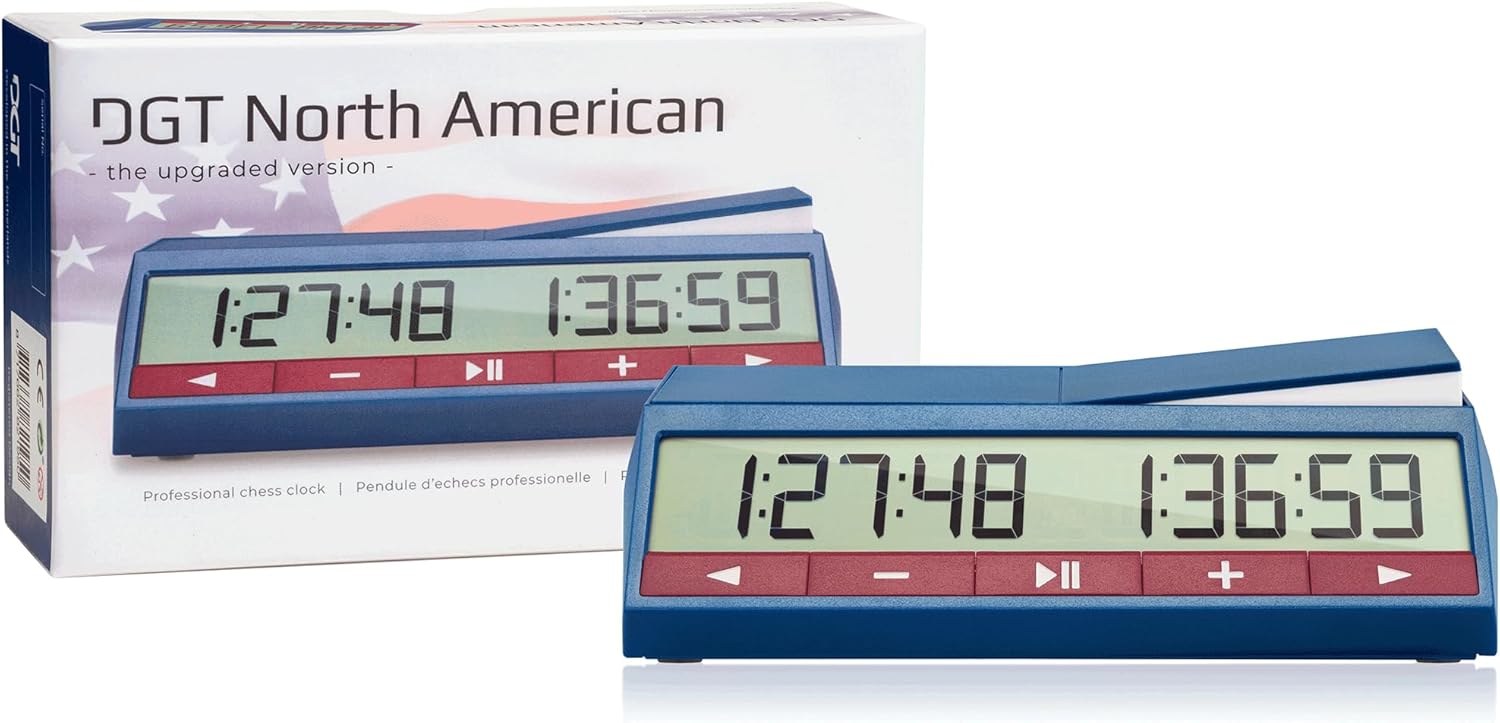
Image: The DGT North American Chess Clock, 2024 Edition, showing the main unit and its packaging.
Setup
1. Battery Installation
The DGT North American Chess Clock requires 1 Lithium Metal battery (included). To install or replace batteries:
- Locate the battery compartment on the underside of the clock.
- Open the battery compartment cover.
- Insert the battery, ensuring correct polarity (+/-).
- Close the battery compartment cover securely.
2. Initial Power On
To power on the clock, locate the ON/OFF switch on the underside. Slide the switch to the 'ON' position. The display will illuminate.

Image: The underside of the DGT North American Chess Clock, showing the ON/OFF switch, serial number, and control buttons.
Operating Instructions
1. Setting Time Controls
The DGT North American offers 30 preset options and manual programming. Refer to the underside diagram for a quick overview of common settings.
- Select Preset: Use the control buttons (usually arrow keys) to navigate through the 30 preset time control options.
- Confirm Selection: Press the left arrow button during or after selection to confirm the game settings.
- Manual Setting: For custom time controls, select the "Manual setting" option and follow the on-screen prompts to adjust hours, minutes, and seconds, as well as delay/increment settings.
2. Game Play
- Starting the Game: Once time controls are set, press the Start/Pause button (usually a play/pause icon) to begin the game.
- Player Turns: After making a move, press your side's lever button to stop your clock and start your opponent's clock.
- Pausing the Game: Press the Start/Pause button to temporarily halt the game. Press again to resume.
3. Special Features
- Forced Period Transition: If active, the period transitions based on the number of times the lever has been pressed. This option can be activated during setup.
- Arbiter Quick Time Penalty: To add one minute of penalty time quickly, press the right arrow button when the clock is paused.
- Contrast Settings: The clock features 16 contrast settings for optimal display visibility in various lighting conditions. Adjust via the settings menu.
- Sound Alert: An optional sound alert can be enabled to warn of time trouble.
- Move Counter: The move counter can be turned on or off in any option. To view the move count during play, press the '+' button.
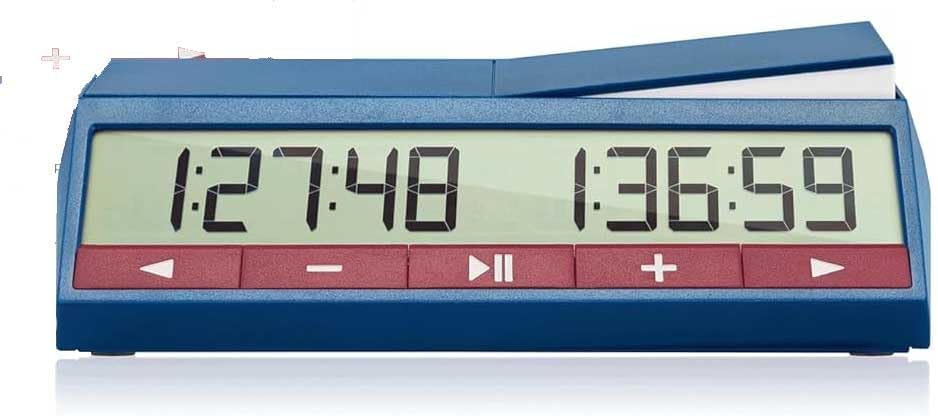
Image: Close-up of the DGT North American Chess Clock display, showing active time for both players.
Maintenance
- Cleaning: Wipe the clock with a soft, dry cloth. Do not use abrasive cleaners or solvents.
- Battery Care: Replace batteries when the low battery signal appears. Remove batteries if the clock will not be used for an extended period to prevent leakage.
- Storage: Store the clock in a cool, dry place away from direct sunlight and extreme temperatures.
Troubleshooting
| Problem | Solution |
|---|---|
| Clock does not turn on. | Check battery installation and ensure the ON/OFF switch is in the 'ON' position. Replace batteries if necessary. |
| Display is dim or unreadable. | Adjust the contrast settings via the clock's menu. Ensure batteries are not low. |
| Buttons are unresponsive. | Ensure the clock is not in a locked mode. Try turning the clock off and on again (soft reset). |
| Time controls are incorrect. | Re-enter the desired time control settings, confirming each step. Use the option confirmation function. |
Specifications
- Model: DGT North American (2024 Edition)
- Dimensions: 7.5 x 4 x 0.1 inches
- Weight: 1 pound
- Power: 1 Lithium Metal battery (included)
- Display: Large LCD, showing hours, minutes, and seconds from the first move.
- Time Modes: 30 preset options, including Fischer Increment, Bronstein Delay, Simple Delay. Manual programming available.
- Special Features: Forced period transition, arbiter quick time penalty, option confirmation, 16 contrast settings, sound alert option.
Warranty and Support
The DGT North American Chess Clock comes with a 2-year warranty against manufacturing defects. For warranty claims or technical support, please contact ChessCentral customer service through their official website or the retailer where the product was purchased.
Manufacturer: DGT
Brand: ChessCentral
Helpful Videos
Chess Advice for Beginners
Video: This video from ChessCentral offers general advice for chess beginners, covering topics like reviewing games and seeking help from stronger players. While not directly about the clock, it provides context for its use in improving chess skills.
Blitz Chess Tips
Video: This ChessCentral video provides three tips for playing blitz chess, including learning unusual openings, playing early gambits, and time management. These strategies are directly relevant to using a chess clock effectively in fast-paced games.
Avoid Common Chess Mistakes
Video: This ChessCentral video highlights three common chess mistakes to avoid: moving too quickly, ignoring opponent's threats, and neglecting pawn structure. Understanding these can help players utilize their DGT chess clock more strategically.