
Introduction
Thank you for choosing the Richgv Remote Control Tyrannosaurus Rex. This interactive toy provides a realistic dinosaur experience with lifelike movements, sound effects, mist spraying, and LED lights. Please read this manual carefully to ensure proper assembly, operation, and maintenance for a safe and enjoyable experience.
What's in the Box?
- 1 x Tyrannosaurus Rex (Size: 14.37*5.51*7.48 inches)
- 1 x Remote Control
- 1 x Screwdriver
- 1 x USB-C Charging Cable
- 1 x Mini Water Bottle
- 1 x User Manual (This document)
Setup Instructions
- Install the Legs: Push the front legs into the slots until they click firmly into place.
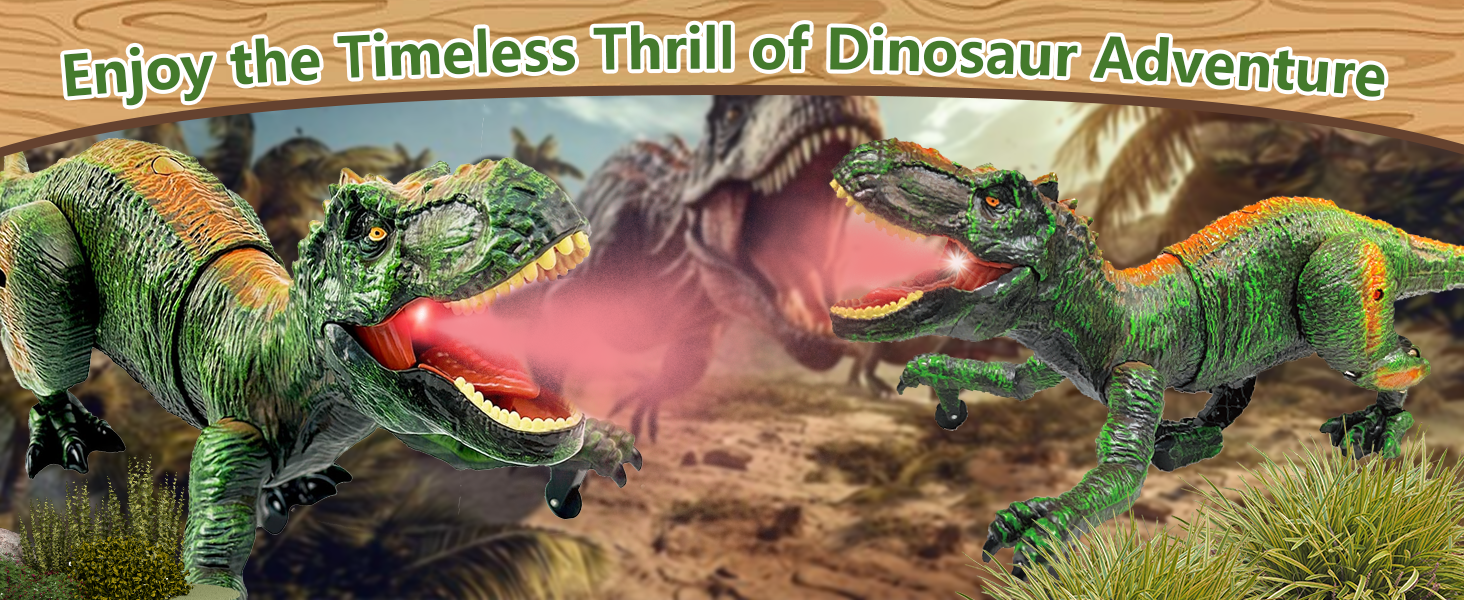
Image: Step 1 - Installing the dinosaur's legs by pushing them into the designated slots until they click.
- Attach the Tail: Align the tail slot and push firmly until it clicks into place.
Image: Step 2 - Attaching the dinosaur's tail by aligning and pushing it into the slot until it locks.
- Fill with Water (for Mist Spray): Use the included mini water bottle to fill the water reservoir located on the dinosaur's head. This enables the mist spray feature.

Image: Filling the dinosaur's head with water using the mini water bottle to activate the mist spray function.
- Insert Remote Control Batteries: The remote control requires 2 AA batteries (not included). Use the provided screwdriver to open the battery compartment and insert the batteries, then close the compartment.
Image: Step 4 - Inserting 2 AA batteries into the remote control's battery compartment.
- Charge the Dinosaur: The Tyrannosaurus Rex has a built-in rechargeable battery. Use the included USB-C charging cable to power the device. A full charge provides over 3 hours of playtime.

Image: The dinosaur features a rechargeable battery and a USB-C charging port for convenient power.
Operating Instructions
The remote control allows for various functions to bring your dinosaur to life.
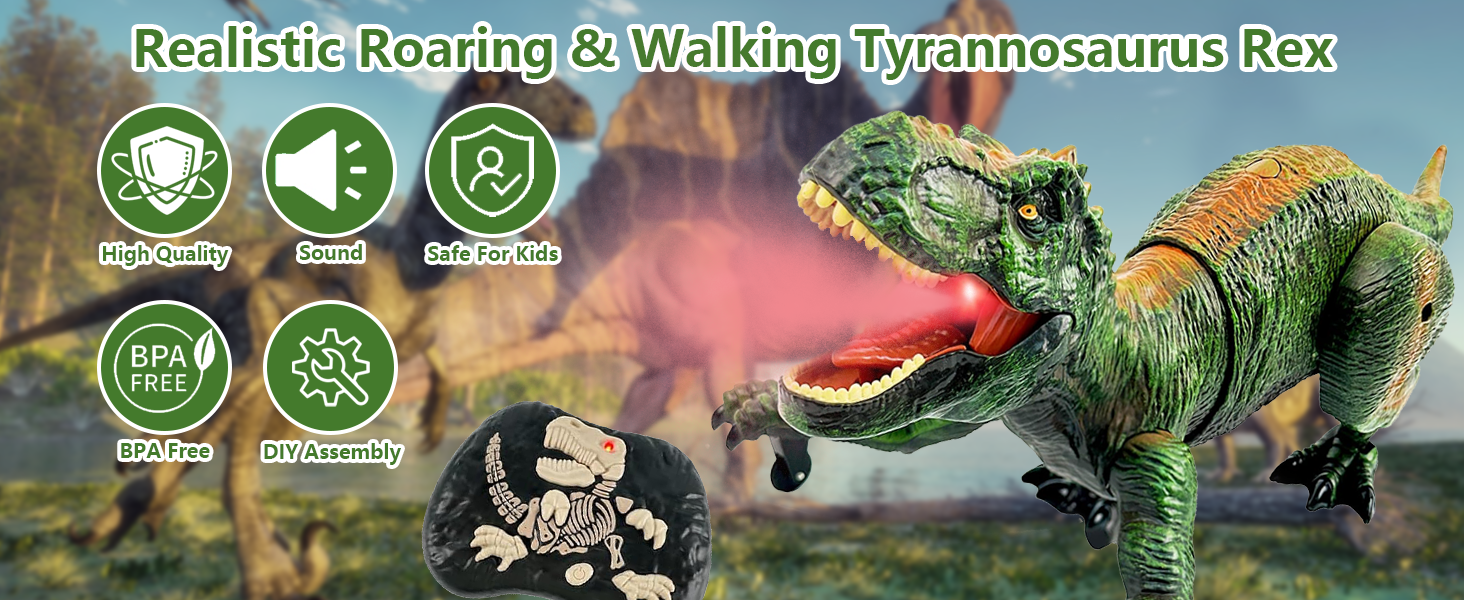
Image: The remote control features buttons for automatic demonstration, spray/roaring/light, forward, reverse, turn left, turn right, and power switch.
- Power On/Off: Use the switch button on the remote control to turn the dinosaur on or off.
- Movement: Use the directional buttons (forward, backward, turn left, turn right) to control the dinosaur's movement.
- Mist Spray & Roar: Press the "Spray/Roaring/Light" button to activate the glowing mist spray effect from the dinosaur's mouth, accompanied by realistic roaring sounds.
Video: A Richgv T-Rex dinosaur toy demonstrates its mist spray, light, and roar features, showcasing its realistic movements and sounds. This video highlights the interactive elements of the toy.
- LED Lights: The dinosaur features LED lights that illuminate its mouth when roaring or spraying mist.
- Auto Demo: Press the "Automatic Demonstration" button to trigger a sequence of actions, including wagging its tail, roaring, and moving in different directions.
- Laser Chasing (if applicable): Some models feature a laser pointer on the remote that the dinosaur can follow. Point the laser in the desired direction and the dinosaur will track it.
Video: A remote control Tyrannosaurus Rex dinosaur toy demonstrates its movement and laser-chasing capabilities on a green, mossy terrain. The video shows the dinosaur responding to remote commands.
Maintenance
- Cleaning: Wipe the dinosaur and remote control with a soft, dry cloth. Do not immerse in water.
- Storage: Store the toy in a cool, dry place away from direct sunlight when not in use.
- Battery Care: Ensure the dinosaur's built-in battery is charged regularly for optimal performance. Remove AA batteries from the remote control if storing for extended periods.
Troubleshooting
| Problem | Solution |
|---|---|
| Dinosaur does not move. |
|
| Mist spray is not working. |
|
| Remote control not responding. |
|
Specifications
- Model Number: RS054
- Product Dimensions: 14.37 x 5.51 x 7.48 inches
- Item Weight: 1.48 pounds
- Manufacturer Recommended Age: 6 - 12 years
- Dinosaur Battery: 1 Lithium Ion battery (included, rechargeable)
- Remote Control Battery: 2 AA batteries (not included)
- Playtime: Over 3 hours on a single charge (dinosaur)
Warranty and Support
For any questions, concerns, or warranty information, please contact Richgv customer support through the retailer's platform or visit the official Richgv store online. Please retain your purchase receipt for warranty claims.
For more information, visit the Richgv Store.