
Boult Z20
Boult Audio UFO Truly Wireless Earbuds User Manual
Model: Z20
Introduction
Welcome to the user manual for your new Boult Audio UFO Truly Wireless Earbuds. These earbuds are designed to provide an immersive audio experience with advanced features for music, gaming, and calls. Please read this manual carefully to ensure proper setup, operation, and maintenance of your device.

Image: Boult Audio UFO Truly Wireless Earbuds and their charging case in White Opal color.
Key Features
- 13mm Rich Bass Audio Drivers: Experience powerful and clear audio with deep bass.
- 45ms Low Latency Gaming: Enjoy a seamless and responsive gaming experience with minimal audio delay.
- 48 Hours Total Playtime: Extended battery life for prolonged listening sessions.
- Built-in Boult Amp App Support: Customize settings and personalize your audio experience.
- 4 Mics Environmental Noise Cancellation (ENC): Ensures clear call quality by reducing background noise.
- Breathing LEDs: Unique LED lighting for an enhanced gaming aesthetic.
- Bluetooth 5.3: Stable and efficient wireless connectivity with fast pairing.
- Customizable Touch Controls: Manage music, calls, and modes with intuitive touch gestures.

Image: A collage showcasing key features including Bluetooth 5.3, 48 hours playtime, 13mm drivers, 45ms low latency, Quad Mic ENC, and Mode Sync LEDs.
Package Contents
Please check the box for the following items:
- Boult Audio UFO Truly Wireless Earbuds (Left and Right)
- Charging Case
- USB Charging Cable
- User Manual
- Additional Eartips (various sizes)
Initial Setup
Charging the Earbuds and Case
Before first use, fully charge the earbuds and the charging case.
- Place the earbuds into the charging case, ensuring they are correctly seated.
- Connect the USB charging cable to the charging port on the case and plug the other end into a compatible USB power source.
- The LED indicators on the case will show the charging status. Once fully charged, the indicators will change or turn off.

Image: Illustration of the earbuds and case with battery life indicators, showing 48 hours battery life and 120 hours standby time.
Pairing with Your Device
The earbuds feature fast pairing with Blink & Pair™ tech for quick connection.
- Open the charging case. The earbuds will automatically enter pairing mode.
- On your device (smartphone, tablet, etc.), enable Bluetooth.
- Search for available Bluetooth devices and select "Boult Audio UFO" from the list.
- Once connected, you will hear a confirmation tone, and the earbuds' LED indicators will change.

Image: Depiction of the earbuds with a graphic indicating stable Bluetooth 5.3 connectivity and fast pairing technology.
Video: An official overview of the Boult Audio UFO Wireless Earbuds, highlighting their features and design.
Operating Your Earbuds
Touch Controls
The Boult Audio UFO earbuds feature intuitive touch controls for easy management of your audio and calls.
| Action | Function |
|---|---|
| Single Tap | Play/Pause, Receive Calls |
| Double Tap | Next/Back Track, Call Receive |
| Triple Tap | Volume Down/Volume Up |
| Four Taps | Activate Combat Mode (Gaming Mode) |

Image: A visual guide to the touch controls on the Boult Audio UFO earbuds, detailing single, double, triple, and four-tap functions.
Using the Boult Amp App
Maximize your audio experience by downloading the Boult Amp App. The app allows you to customize touch controls, personalize your music with 6 built-in EQ modes, and view device details.

Image: Screenshot of the Boult Amp App interface, showing options to customize touch controls and personalize music with EQ modes.
Voice Assistant
Activate your device's voice assistant (e.g., Google Assistant, Siri) by long-pressing the touch control area on either earbud. This allows for hands-free control and quick access to information.

Image: Illustration showing how to activate voice assistance on the earbuds by long-pressing the touch area.
Audio Performance
Supreme Bass Surge with 13mm Drivers
The Boult Audio UFO earbuds are equipped with 13mm drivers and BoomX™ technology, delivering a supreme bass surge for a rich and powerful audio experience across all genres.
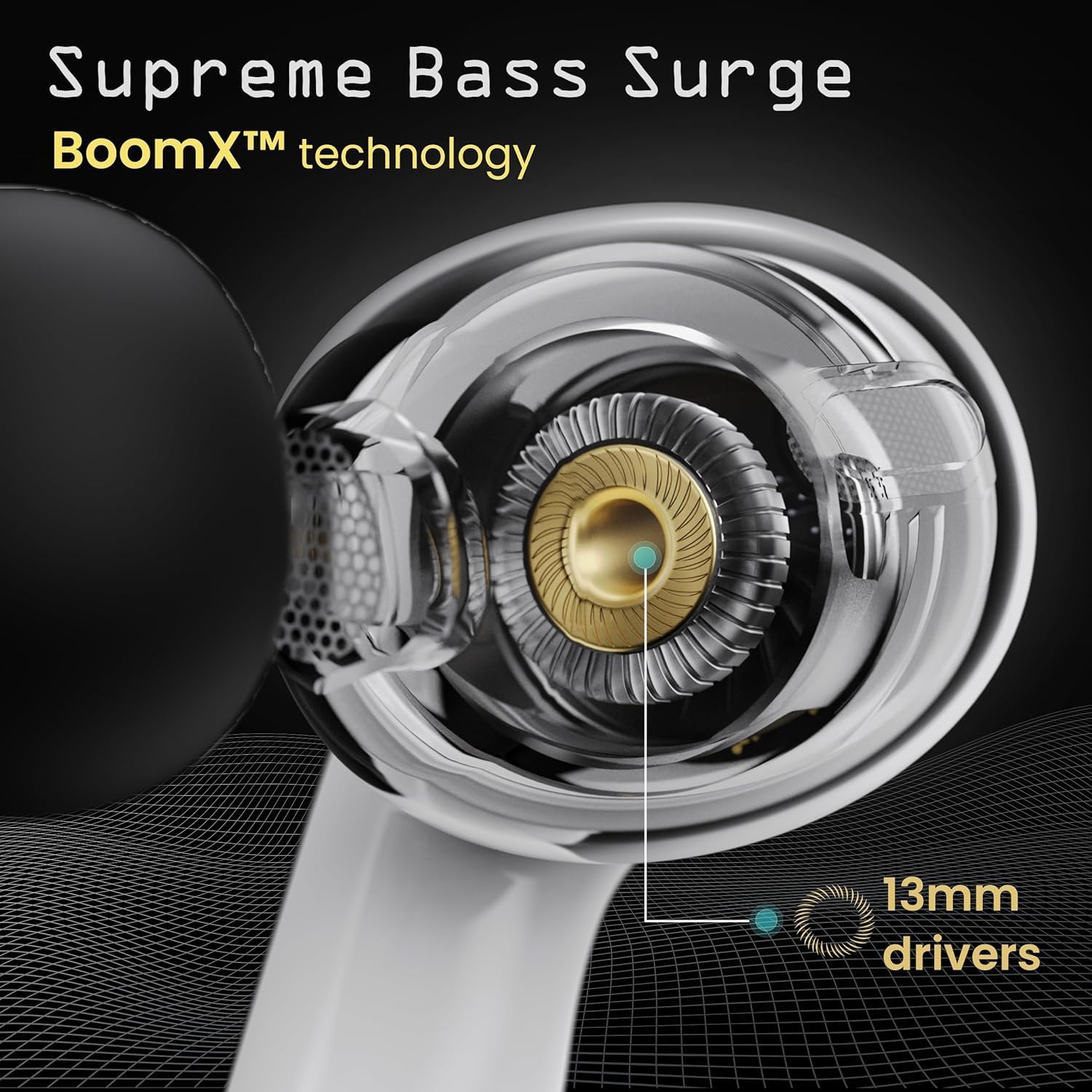
Image: Close-up view of the 13mm audio driver within the earbud, highlighting the BoomX™ technology for enhanced bass.
AI-powered Clarity and Call Quality
Experience HD call clarity with the integrated Quad Mic AI-ENC (Environmental Noise Cancellation) and Zen™ mode. This technology ensures your voice is crystal clear during calls, even in noisy environments, by effectively filtering out background distractions.
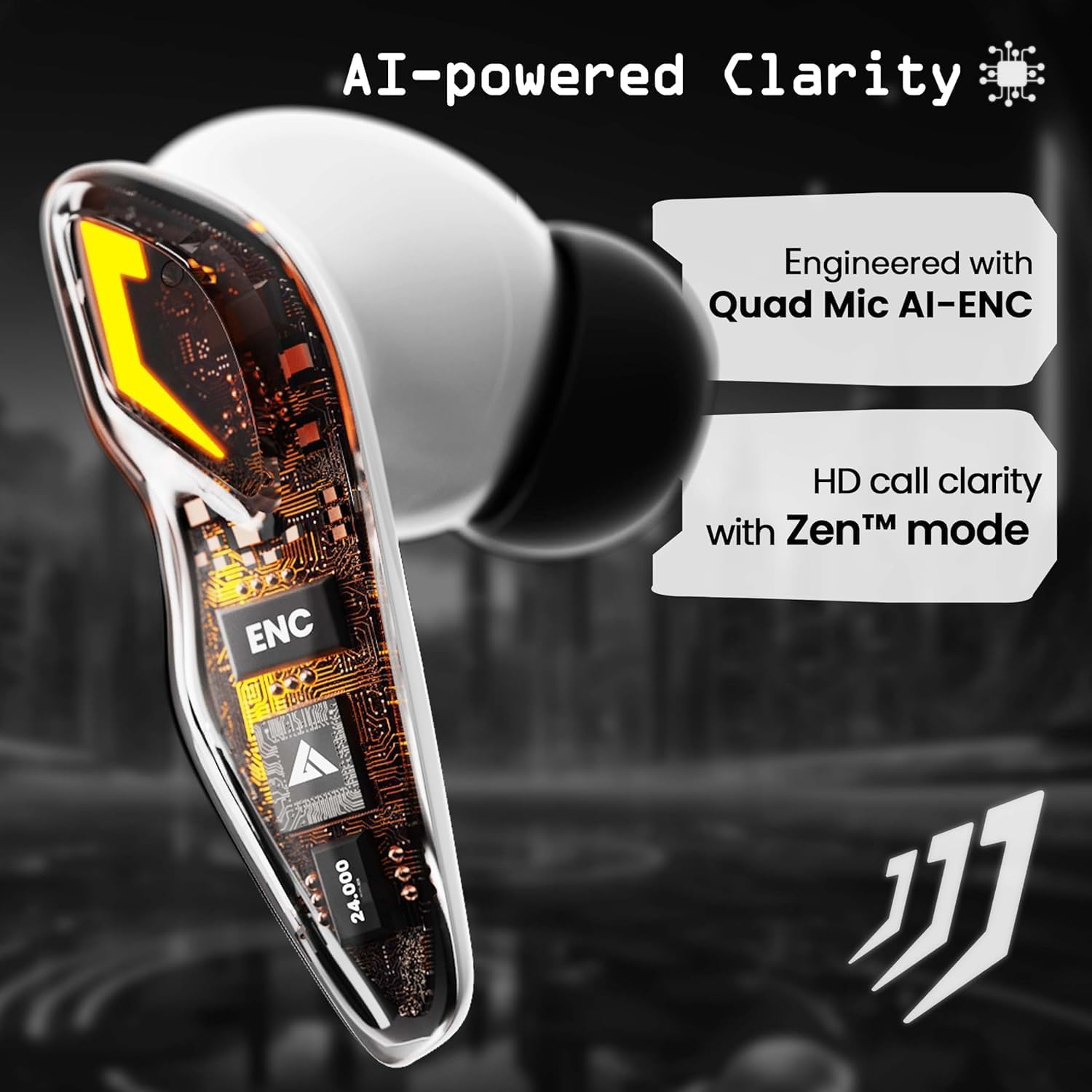
Image: Detailed view of the earbud's internal components, emphasizing the Quad Mic AI-ENC and Zen™ mode for clear communication.
Care and Maintenance
- Cleaning: Regularly clean the earbuds and charging case with a soft, dry, lint-free cloth. Do not use abrasive cleaners or solvents.
- Storage: When not in use, store the earbuds in their charging case to protect them and keep them charged.
- Avoid Water: While designed for daily use, avoid submerging the earbuds in water or exposing them to excessive moisture.
- Temperature: Do not expose the earbuds to extreme temperatures (hot or cold) as this can affect battery life and performance.
Troubleshooting
| Problem | Possible Solution |
|---|---|
| Earbuds not pairing | Ensure earbuds are charged. Turn off and on Bluetooth on your device. Forget the device in Bluetooth settings and re-pair. |
| No sound from one earbud | Place both earbuds back in the case, close it, then open again. Check device's audio balance settings. |
| Charging case not charging | Check the USB cable and power adapter. Ensure the charging port is clean and free of debris. |
| Low volume | Adjust volume on both earbuds and your connected device. Ensure eartips provide a good seal. |
| Intermittent connection | Ensure you are within the 10-meter wireless range. Avoid obstacles between earbuds and device. Reduce interference from other wireless devices. |
Technical Specifications
| Feature | Specification |
|---|---|
| Model Number | Z20 |
| Audio Driver Size | 13 Millimeters |
| Audio Latency | 45 Milliseconds |
| Battery Life | 48 Hours (Total Playtime) |
| Bluetooth Range | 10 Meters |
| Wireless Communication Technology | Bluetooth 5.3 |
| Noise Control | Environmental Noise Cancellation (ENC) |
| Recommended Uses | Music, Gaming, Calling |
| Control Type | Voice Control, Touch Control |
| Manufacturer | Boult |
Warranty and Support
For information regarding warranty coverage, technical support, or service inquiries, please refer to the warranty card included in your product packaging or visit the official Boult Audio website. You may also contact the seller directly for assistance.
Related documentsZ20


Ask a question about this manual
Ask about setup, troubleshooting, compatibility, parts, safety, or missing instructions. Manuals+ will review the question and use this page’s manual context to help answer it.