
Introduction
This manual provides detailed instructions for the installation, operation, and maintenance of your eMjollRay 110dB Wireless E-Bike Alarm. Designed to enhance the security of your bicycle, e-bike, motorcycle, or other compatible vehicles, this alarm features adjustable volume, IP65 waterproofing, and convenient remote control functionality. Please read this manual thoroughly before use to ensure proper function and safety.
What's in the Box
- Bike Alarm x 1
- Remote Control x 1
- Charging Cable x 1
- Manual x 1
- Installation Tools x 1
Product Overview
The eMjollRay alarm system consists of a main alarm unit and a wireless remote control. The alarm unit is designed for secure mounting on your vehicle, providing a loud deterrent against theft. The remote control allows for convenient arming, disarming, and other functions.
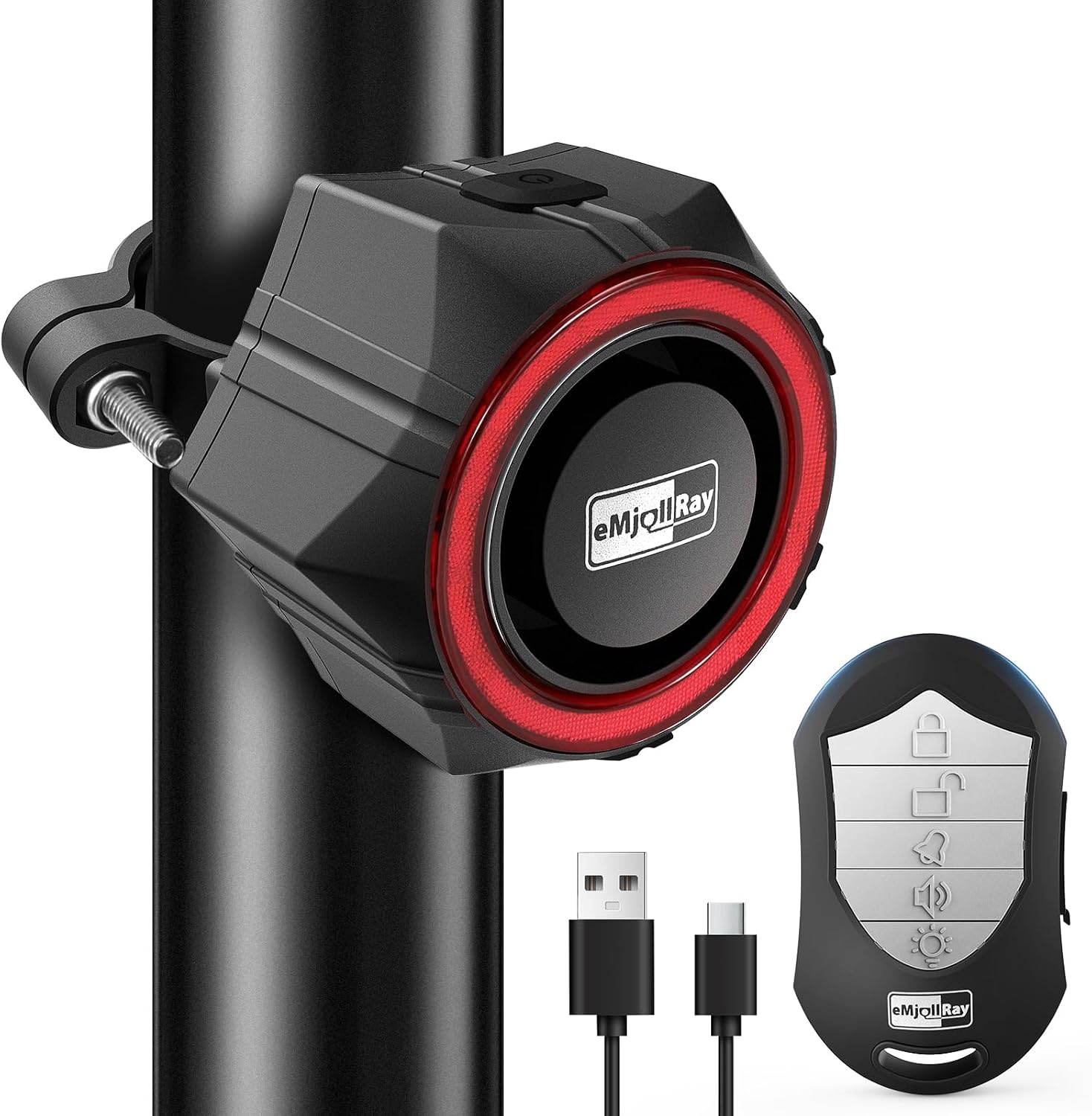
Image: The eMjollRay bike alarm unit and its accompanying remote control, charging cable, and installation tools.

Image: The eMjollRay bike alarm unit securely mounted on the seat post of a bicycle, demonstrating its compact design.
This versatile alarm is suitable for various applications, including bicycles, e-bikes, motorcycles, scooters, trailers, golf carts, and can even be used in backpacks, warehouses, shops, and offices.

Image: A collage showing the eMjollRay alarm being used on a motorcycle, e-bike, door, electric scooter, and bicycle, highlighting its multi-functional design.
Installation
The eMjollRay alarm is designed for easy installation using the provided aluminum alloy fixing clip or double-sided adhesive tape.
- Fix the anti-loosening nut first.
- Rotate the bracket into the back of the host until it locks, then screw it on to fix it.
- Place 2 silicone pads on the two-part bracket, aligning the contours on the silicone pad with the grooves on the inside of the brackets.
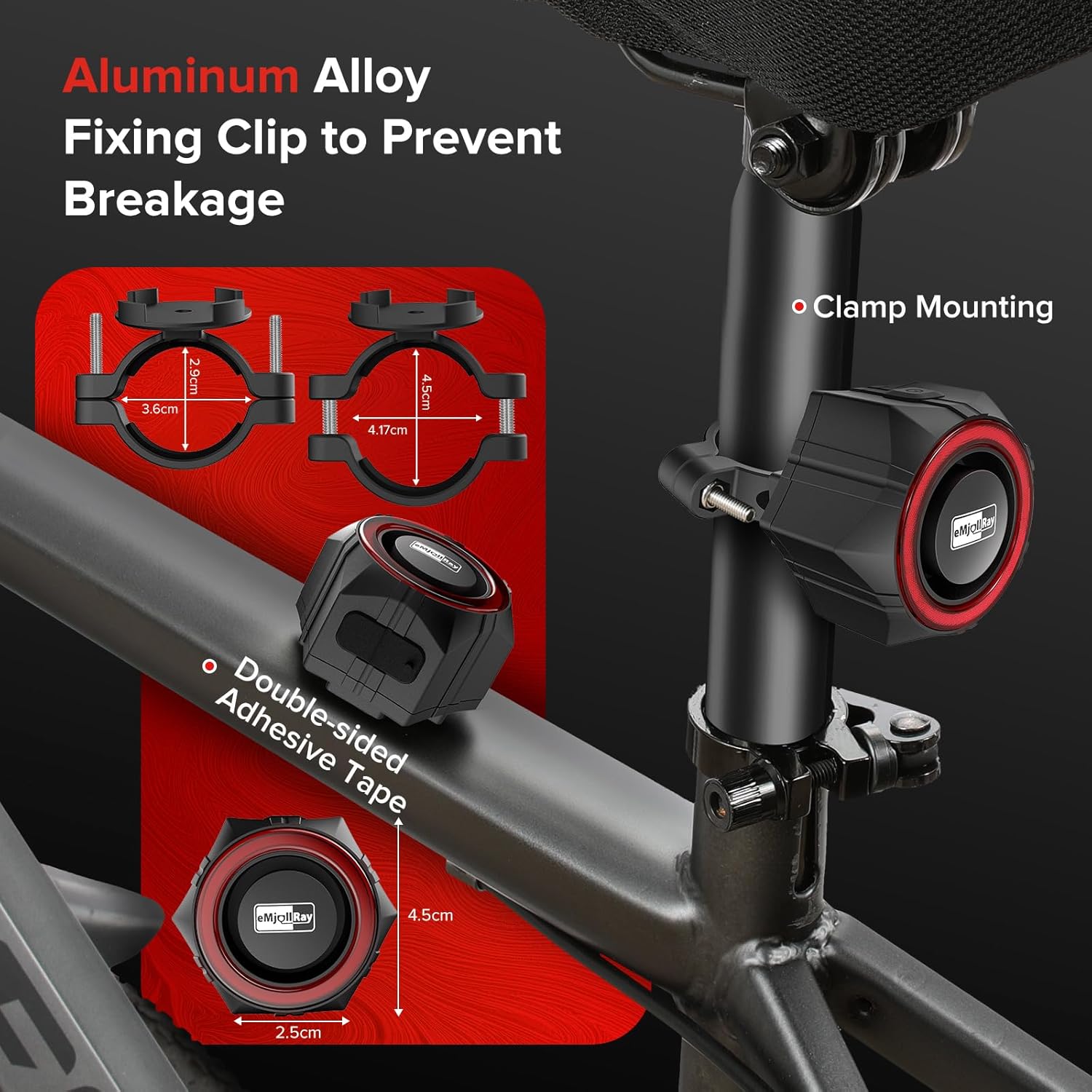
Image: A visual guide illustrating the three-step installation process for mounting the eMjollRay alarm unit using the clamp.

Image: Close-up view of the aluminum alloy fixing clip and double-sided adhesive tape, showing dimensions and various mounting positions on a bicycle and scooter.
Video: An official seller video demonstrating the installation process of the eMjollRay bike alarm on a bicycle, along with its operational features.
Operation
Arming and Disarming
Use the wireless remote control for convenient arming and disarming of the alarm. Press the lock button to arm the alarm, and the unlock button to disarm it. The alarm provides audible feedback for both actions.

Image: A graphic highlighting the remote control's features, including one-button locking/unlocking, parking reminder, 5-level volume control, night light, and long battery life.
Volume Adjustment
The alarm features 5 levels of volume adjustment, allowing you to customize the loudness from a warning tweet to a full 110dB alarm. This ensures the alarm is effective without being excessively loud for all situations.
Sensitivity Settings
The motion sensor alarm has adjustable sensitivity settings. This allows you to fine-tune how easily the alarm is triggered by movement, reducing false alarms while maintaining effective security.
Vehicle Search Function
The remote control includes a vehicle search function to help you easily locate your vehicle in crowded parking lots by triggering a distinct sound from the alarm unit.
Video: An official seller video demonstrating the alarm's high sensitivity and 110dB high volume alarm when triggered, and the remote control's volume adjustment feature.
Maintenance and Care
Charging
Both the alarm unit and the remote control are rechargeable. Use the provided charging cable to recharge them when the battery is low. Ensure regular charging to maintain optimal performance.
Water Resistance
The alarm unit meets IP65 waterproof standards, ensuring normal operation even in rainy conditions or during vehicle washing. This makes it suitable for outdoor use in various weather conditions.
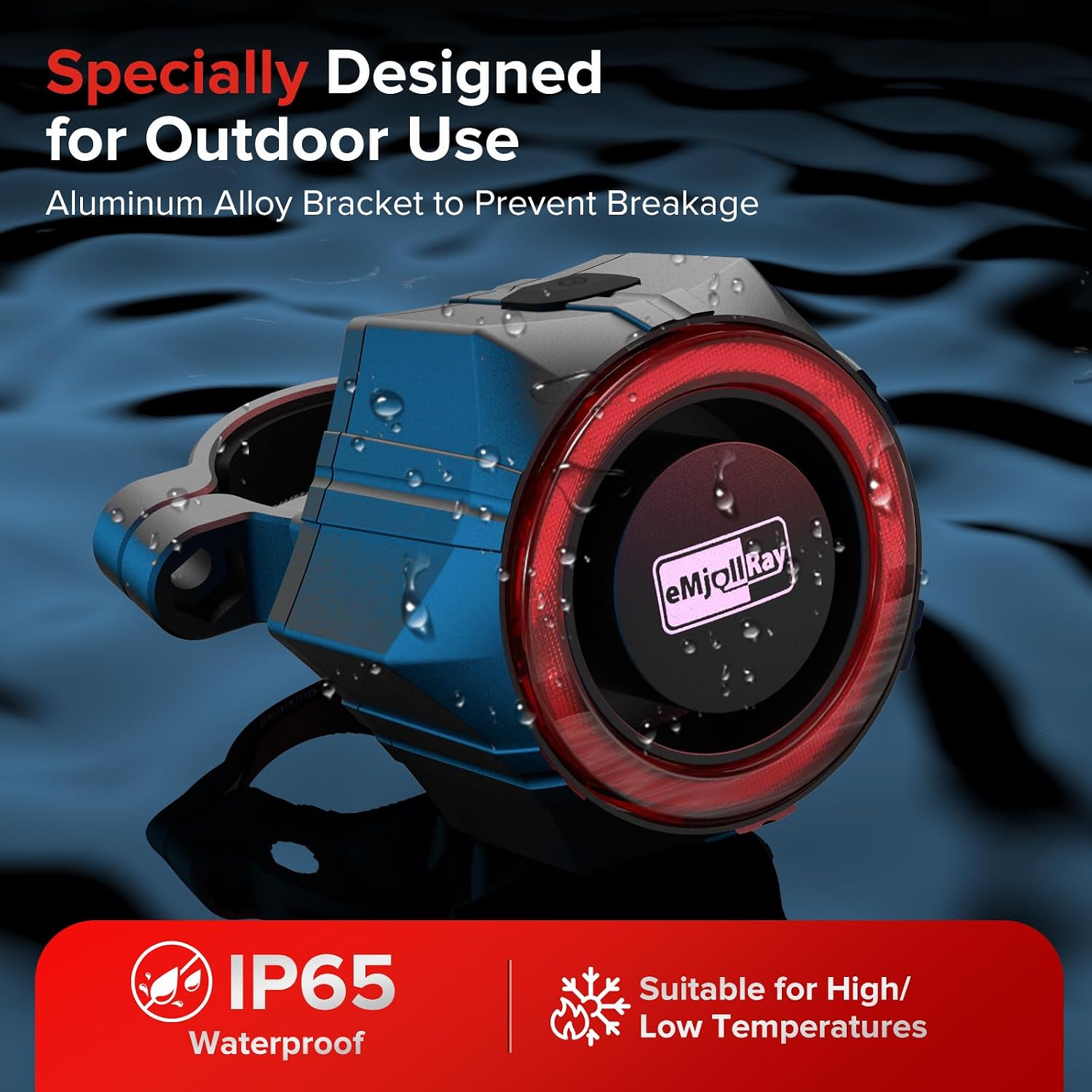
Image: The eMjollRay alarm unit with a visual indicator of its IP65 waterproof rating, submerged in water to demonstrate its durability.

Image: A cyclist riding in the rain and snow, with the eMjollRay alarm unit highlighted, emphasizing its IP65 waterproof rating and suitability for high/low temperatures.
Troubleshooting
- Alarm not responding to remote: Ensure both the alarm unit and remote control are charged. Check the distance between the remote and the alarm; the effective range is 15-50 meters.
- Alarm triggers too easily/not easily enough: Adjust the motion sensitivity settings using the remote control.
- Low battery indicator: The alarm will emit a periodic beep when the battery is low. Recharge the unit promptly to avoid complete discharge.
- Alarm sound is too quiet/loud: Use the 5-level volume adjustment feature on the remote control to set the desired volume.
Specifications
| Feature | Specification |
|---|---|
| Item Weight | 6.6 ounces |
| Product Dimensions | 2.76 x 1.97 x 2.36 inches |
| Item Model Number | TS-BJQ01 |
| Batteries | 1 A batteries required (included) |
| Wireless Remote | Yes |
| Compatible Devices | Bike, Motorcycle, Bicycle, Ebikes, Moto, Ebike, Bicicletas, Bikes, Scooter |
| Maximum Range | 25 Meters |
| Noise Level | 110 Decibels |
| Remote Control Included? | Yes |
Safety Information
- Do not expose the alarm unit or remote control to extreme temperatures or direct sunlight for prolonged periods.
- Keep out of reach of children.
- Ensure the alarm is securely mounted to prevent it from falling off during use.
- Avoid disassembling the device, as this may void the warranty and cause damage.
- Dispose of batteries according to local regulations.
Contact and Support
For any questions, technical support, or warranty inquiries, please contact eMjollRay customer service through the platform where you purchased the product. Please have your model number (TS-BJQ01) and purchase details ready.