
1. Introduction
Thank you for purchasing the JALOKEE 25 Keys Kids Digital Piano Keyboard. This manual provides essential information for safe operation, setup, and maintenance of your new musical instrument. Please read it thoroughly before use and retain it for future reference.
2. Safety Information
- Adult Supervision: Always ensure children are supervised while playing to prevent accidents.
- Battery Safety: This product requires 3xAA batteries (not included). Ensure correct polarity when inserting batteries. Do not mix old and new batteries, or different types of batteries. Remove batteries if the product is not used for extended periods.
- Choking Hazard: Keep small parts, such as battery covers or stickers, away from young children to avoid choking hazards.
- Product Care: Do not expose the piano to water, excessive moisture, or extreme temperatures. Avoid dropping or subjecting the piano to strong impacts.
- Cleaning: Use a soft, dry cloth for cleaning. Do not use liquid cleaners or abrasive materials.
3. Package Contents
Please check that all items are present in the package:
- JALOKEE 25 Keys Digital Piano Keyboard
- Color-illustrated Songbook
- Color-coded Keyboard Stickers
4. Product Overview
The JALOKEE 25 Keys Digital Piano Keyboard is designed to introduce children to music. It features a durable wooden construction and electronically tuned sounds for a quality musical experience.
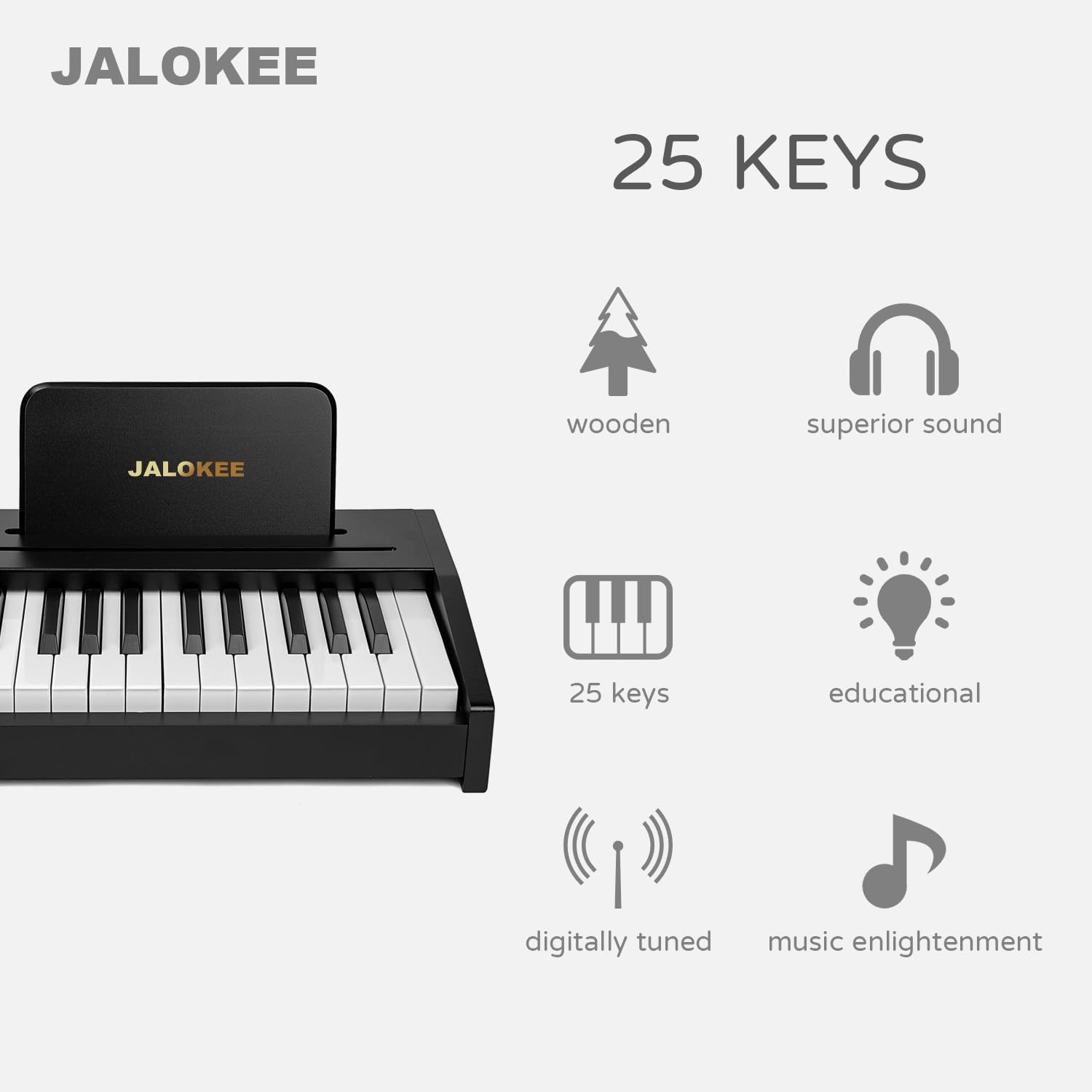
Image: The JALOKEE 25 Keys Digital Piano Keyboard highlighting its features: wooden construction, superior sound, 25 keys, educational design, digitally tuned, and promoting music enlightenment.
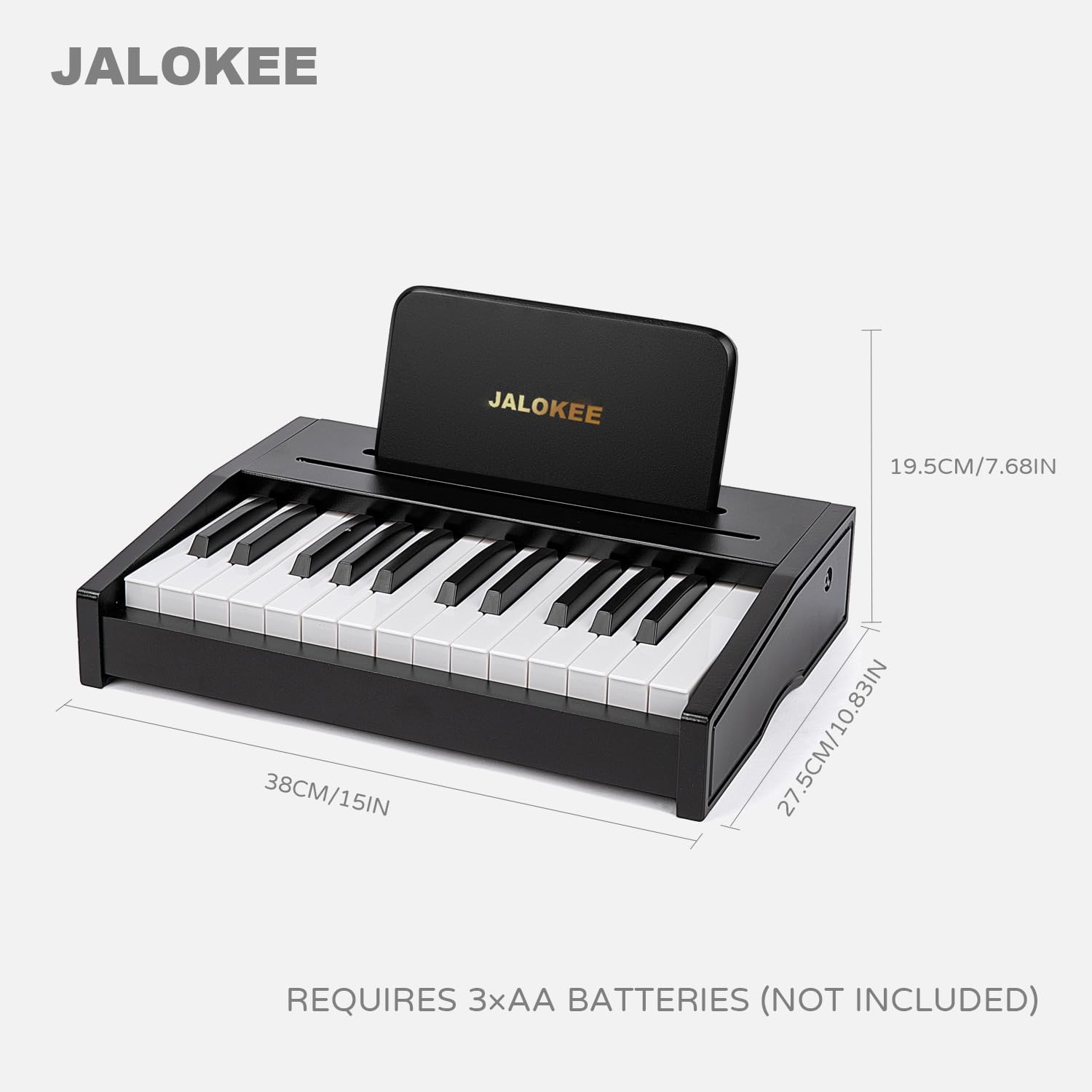
Image: The JALOKEE 25 Keys Digital Piano Keyboard showing its dimensions (38cm/15in width, 27.5cm/10.83in depth, 19.5cm/7.68in height) and indicating it requires 3xAA batteries (not included).
5. Setup
5.1 Battery Installation
- Locate the battery compartment on the underside of the piano.
- Using a screwdriver, open the battery compartment cover.
- Insert 3xAA batteries, ensuring correct polarity (+/-).
- Replace the battery compartment cover and secure it with the screw.
5.2 Applying Keyboard Stickers
The included color-coded keyboard stickers can assist beginners in learning notes.
- Carefully peel each sticker from its backing.
- Align and apply the stickers to the corresponding keys as shown in the diagram or songbook.
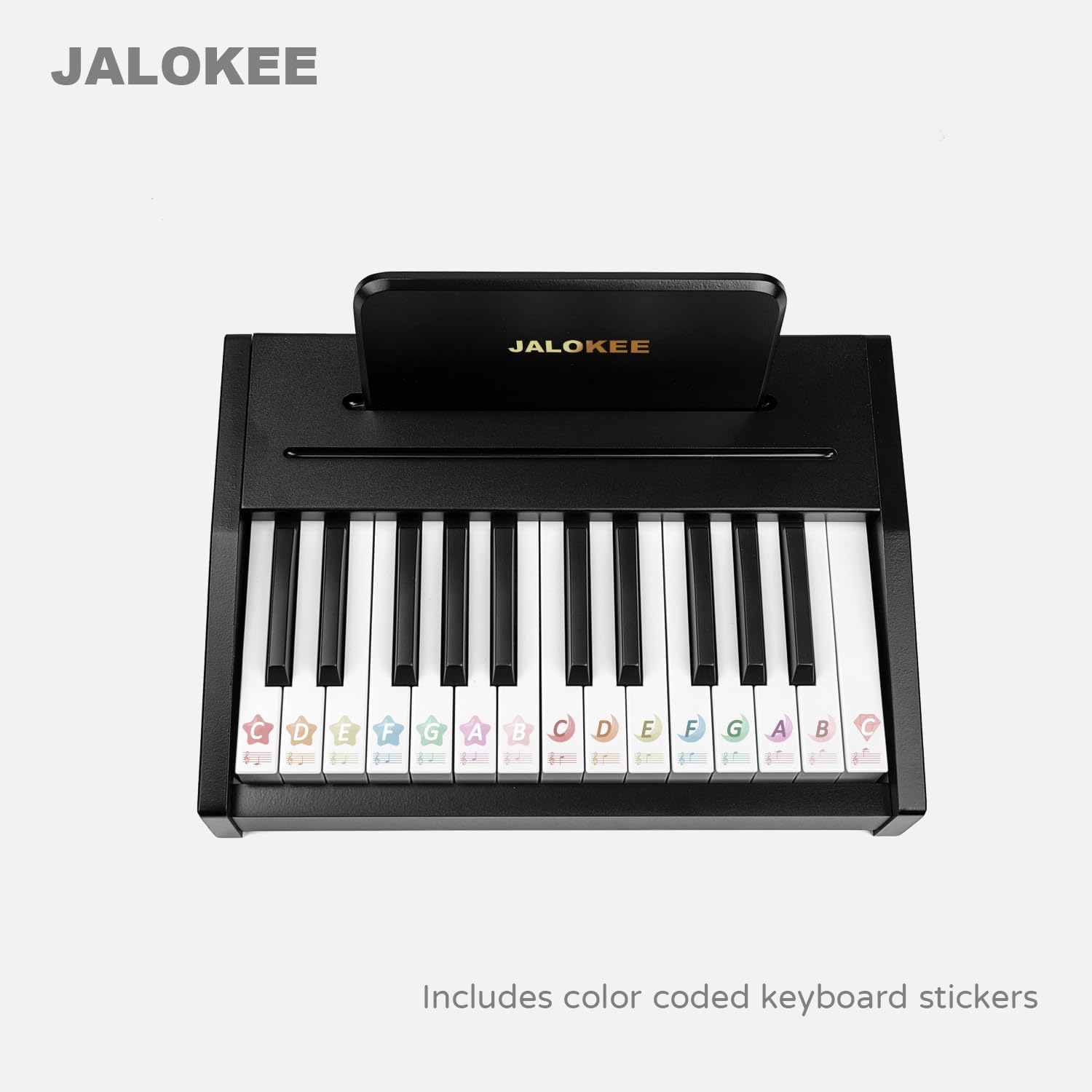
Image: The JALOKEE 25 Keys Digital Piano Keyboard with color-coded stickers applied to the keys, showing musical notes and letters.
5.3 Using the Songbook
The piano includes a color-illustrated songbook with English lyrics to guide musical exploration.
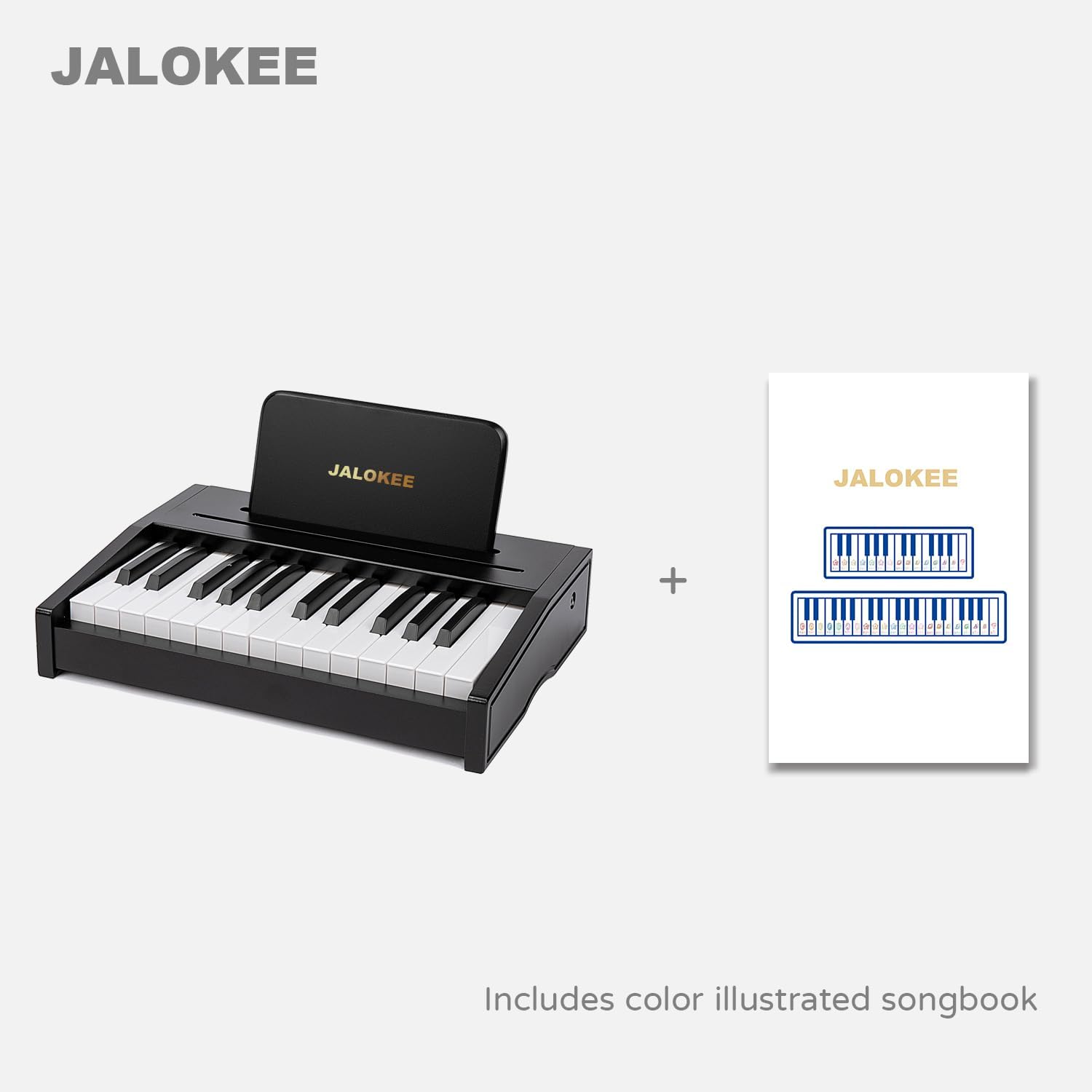
Image: The JALOKEE 25 Keys Digital Piano Keyboard shown alongside its included color-illustrated songbook.
6. Operating Instructions
6.1 Power On/Off
Locate the power switch, typically on the side or back of the piano. Slide the switch to the 'ON' position to power on the instrument. Slide it to 'OFF' when not in use to conserve battery life.
6.2 Playing the Piano
Simply press the keys to produce sounds. Experiment with different keys to create melodies.
6.3 Adjusting Volume
To adjust the volume:
- Press and hold down the two leftmost keys simultaneously.
- While holding these keys, press the two rightmost keys to increase the volume.
- Release the leftmost keys when the desired volume level is reached.
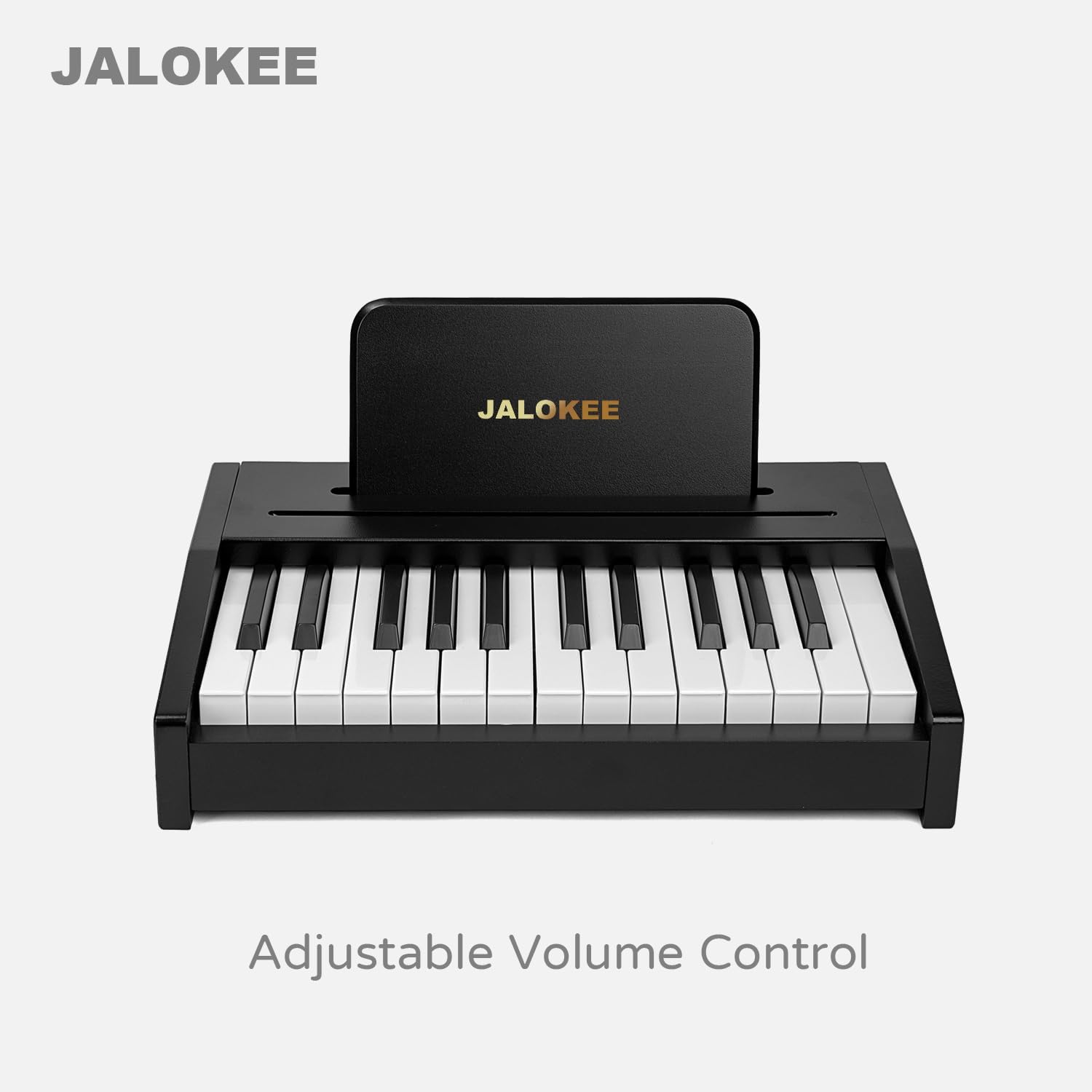
Image: The JALOKEE 25 Keys Digital Piano Keyboard, indicating its adjustable volume control feature.
7. Maintenance
- Cleaning: Wipe the piano surface with a soft, dry cloth. Do not use harsh chemicals or abrasive cleaners.
- Storage: Store the piano in a cool, dry place away from direct sunlight and extreme temperatures.
- Battery Replacement: Replace batteries when sound quality diminishes or the piano stops functioning. Always replace all batteries at once.
8. Troubleshooting
| Problem | Possible Cause | Solution |
|---|---|---|
| No sound | Piano is off; Low or dead batteries; Volume too low. | Ensure power switch is ON; Replace batteries; Increase volume. |
| Keys not responding | Low batteries; Internal malfunction. | Replace batteries. If problem persists, contact customer support. |
| Distorted sound | Low batteries; Speaker obstruction. | Replace batteries; Ensure speaker area is clear. |
9. Specifications
- Brand: JALOKEE
- Model Name: SLW2502G
- Number of Keys: 25
- Color: Black
- Item Weight: 3.57 Kilograms
- Item Dimensions: 10.83 x 14.96 x 3.54 inches
- Power Source: 3xAA Batteries (Not Included)
- Skill Level: Beginner
- Special Feature: Portable
10. Product Demonstration
Video: A demonstration of the JALOKEE 25 Keys Digital Piano Keyboard, showcasing its design and sound. This video is provided by ZIPPY TOYS, the seller.
11. Warranty & Support
This product comes with a 1-month manufacturer warranty. For warranty claims, technical support, or any questions not covered in this manual, please contact the seller or manufacturer directly through your purchase platform.
Please retain your proof of purchase for warranty purposes.