
Govee H6810
Govee Outdoor Net Lights User Manual
Model: H6810
Introduction
Thank you for choosing Govee Outdoor Net Lights. This manual provides essential information for the safe and effective use of your new smart lighting product. Please read it thoroughly before installation and operation, and retain it for future reference.
The Govee Outdoor Net Lights are designed to bring vibrant, customizable lighting to your outdoor spaces. With RGBIC technology, DIY functions, and smart control options, you can create unique light displays for any occasion.

Image: Govee Outdoor Net Lights product packaging and the net lights themselves.
What's Included
Verify that all components are present in the package:
- 1 x Net Light
- 1 x Power Adapter
- 1 x User Manual
- 1 x Service Card
- 3 x Ground Insertion stakes
- Several Zip Ties
- Several PVC Coated Binding Wires
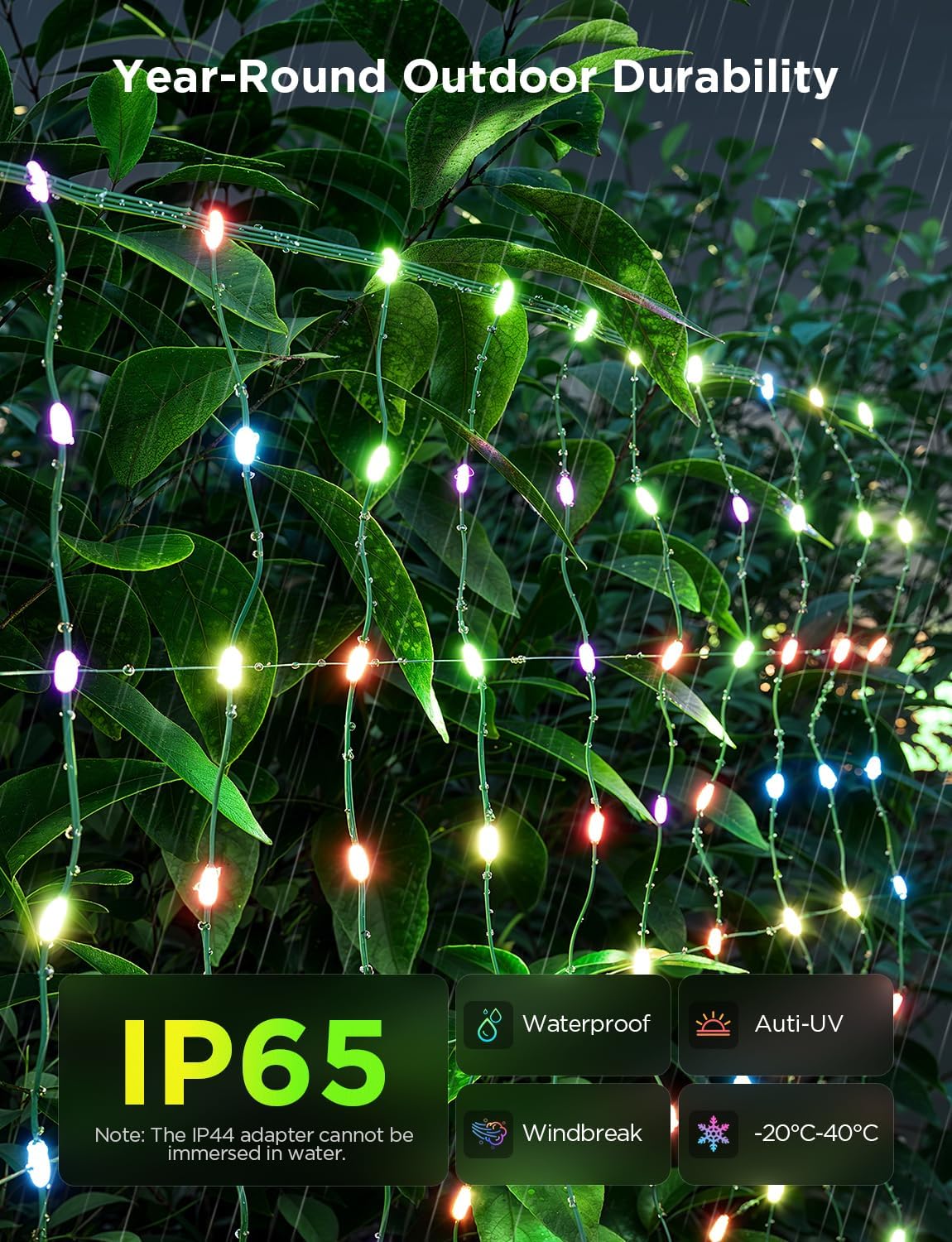
Image: A visual representation of all items included in the Govee Outdoor Net Lights package.
Setup and Installation
Follow these steps to set up your Govee Outdoor Net Lights:
- Unpack: Carefully remove the net lights and all accessories from the packaging.
- Placement: Lay the mesh net light onto your desired outdoor surface, such as a bush, shrubbery, or other area in your yard, garden, lawn, or patio. Ensure the lights are spread evenly.
- Secure: Use the provided zip ties or PVC coated binding wires to fasten the net light securely to the surface. For ground installation, use the ground insertion stakes.
- Power Connection: Plug the 13ft-long power cable into the power adapter. Connect the power adapter to a suitable outdoor power outlet.
- App Download: Download the Govee Home App from the App Store (iOS) or Google Play Store (Android).
- Pairing: Open the Govee Home App, create an account or log in, and follow the in-app instructions to pair your net lights. Ensure Bluetooth and Wi-Fi are enabled on your device.
For a visual guide on installation, please refer to the video below:
Video: Official Govee US guide on how to install Govee Outdoor Net Lights.

Image: Govee Net Lights illuminating a house and bushes, demonstrating personalized outdoor lighting decor.
Operating Instructions
Your Govee Outdoor Net Lights offer a variety of control methods and lighting effects:
Govee Home App Control
The Govee Home App is the primary control interface for your net lights, offering comprehensive features:
- Scene Modes: Choose from 64 pre-set scene modes to instantly change the ambiance.
- RGBIC Lighting: Select from 16 million colors and control each LED light bead independently for multi-color displays.
- DIY Mode: Create your own custom lighting effects by uploading pictures or GIFs, or by drawing patterns. The high pixel density (7cm between beads) ensures detailed rendering.
- AI Light Show: Utilize the Govee AI Lighting Bot to generate unique lighting effects based on your text prompts or uploaded images.
- Music Modes: Synchronize your lights with music for dynamic displays.
- Scheduling: Set schedules for your lights to turn on/off or change modes automatically.

Image: Govee Net Lights showcasing a dynamic DIY pattern on a bush, illustrating the unlimited possibilities of the DIY mode.
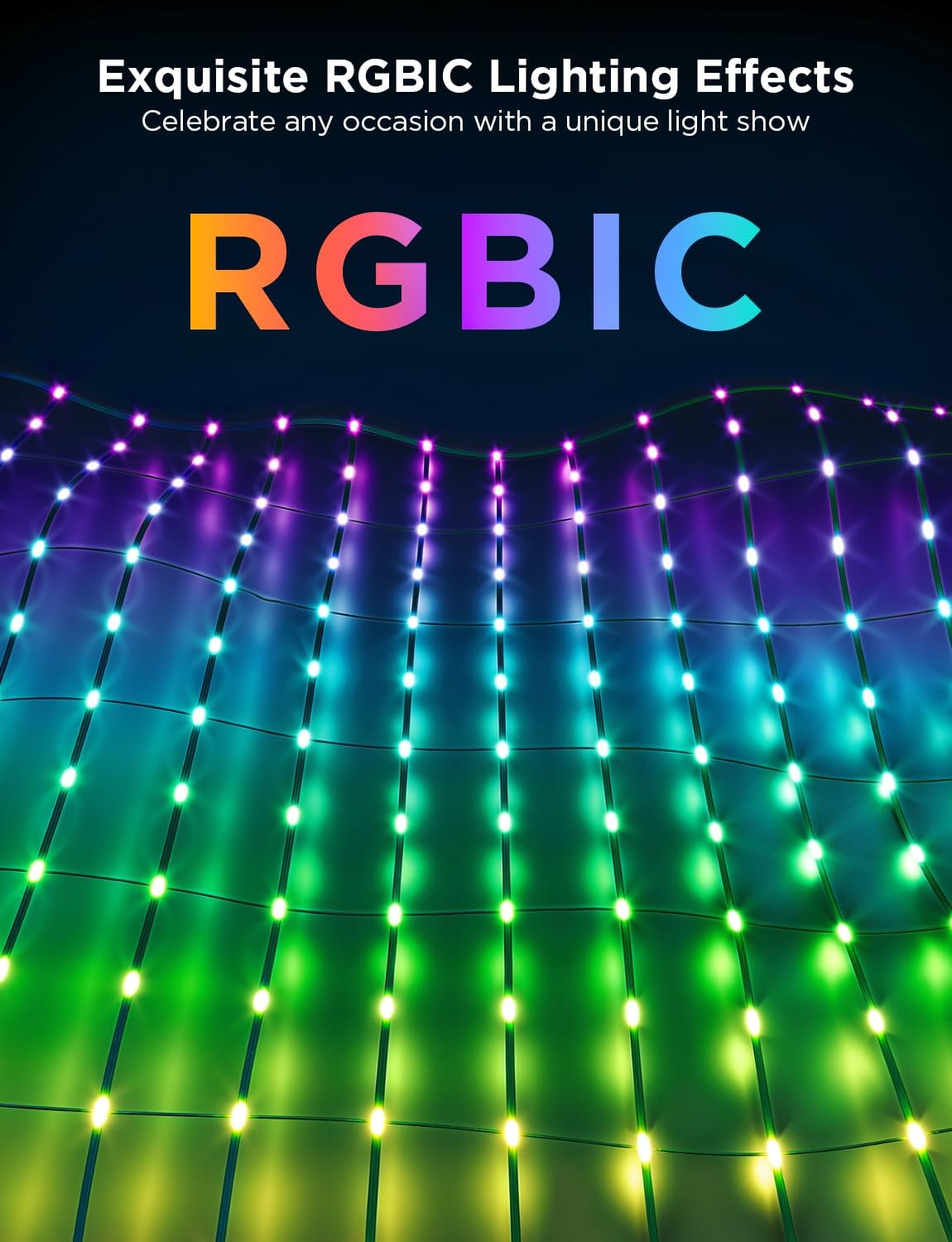
Image: A close-up view of the Govee RGBIC Net Lights, highlighting their ability to display multiple colors simultaneously for exquisite lighting effects.

Image: A person using the Govee AI Lighting Bot on a smartphone to generate custom lighting effects for the net lights.
Voice Control
The Govee Outdoor Net Lights are compatible with Amazon Alexa and Google Assistant, allowing for hands-free control of colors and modes.
- Connect: Link your Govee account with Alexa or Google Assistant through their respective apps.
- Commands: Use voice commands such as "Alexa, turn on the Outdoor Net Lights" or "Hey Google, change net lights to red."
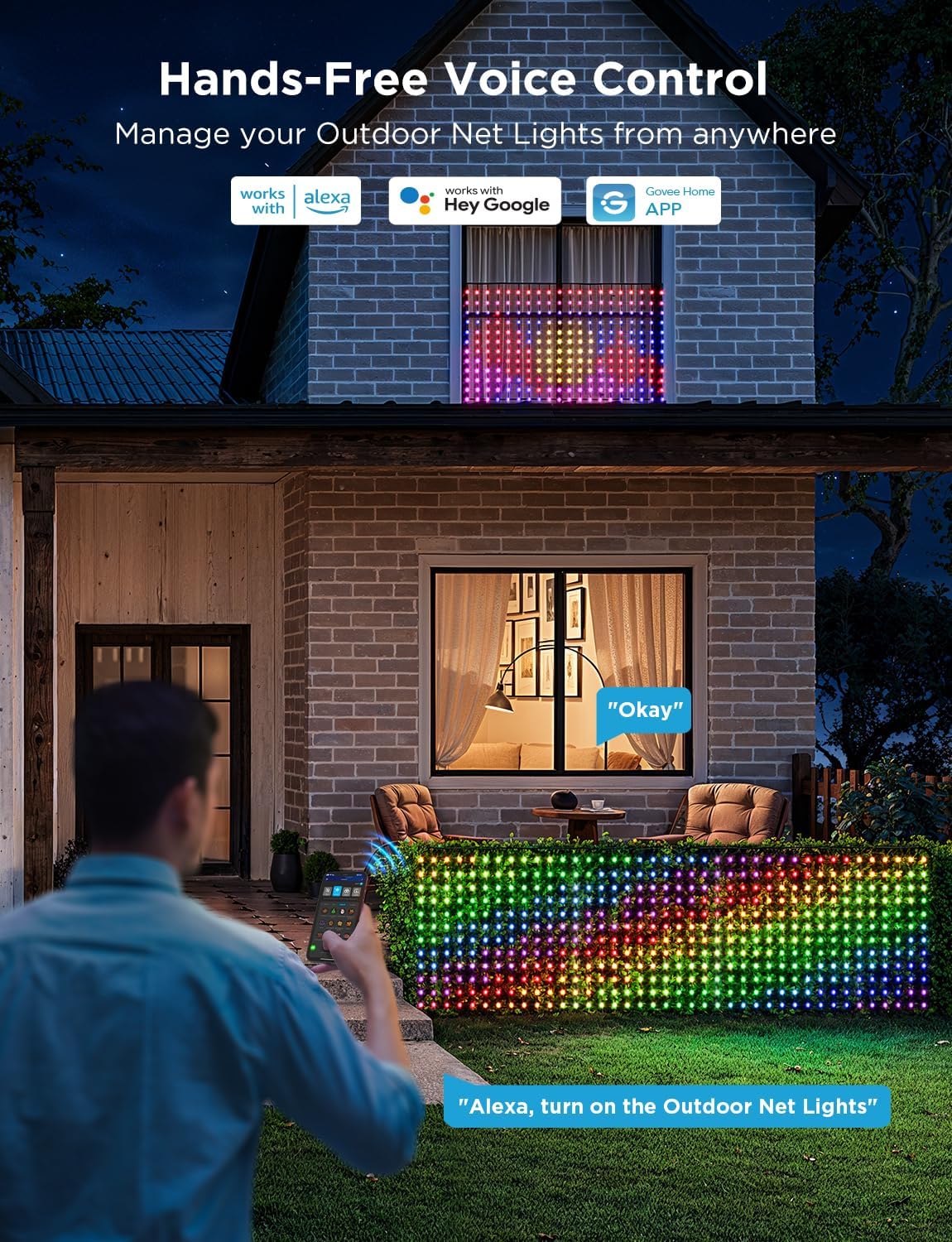
Image: A person using voice commands to control the Govee Net Lights, demonstrating hands-free operation.
See the RGBIC and DIY functions in action:
Video: Official Govee US video showcasing the RGBIC and DIY functions of the Govee Christmas Net Lights.
Maintenance
To ensure the longevity and optimal performance of your Govee Outdoor Net Lights, follow these maintenance guidelines:
- Cleaning: Gently wipe the lights and wires with a soft, damp cloth. Do not use harsh chemicals or abrasive cleaners.
- Weather Resistance: The net lights are IP65 waterproof and designed for outdoor use in various weather conditions. However, the IP44 adapter is not waterproof and cannot be immersed in water. Ensure the adapter is protected from direct exposure to heavy rain or standing water.
- Temperature Range: The lights are designed to operate within a temperature range of -20°C to 40°C.
- Storage: If storing the lights for an extended period, ensure they are clean and dry. Store them in a cool, dry place away from direct sunlight.
- Cable Inspection: Periodically inspect the cables for any signs of damage, fraying, or wear. Replace if necessary.
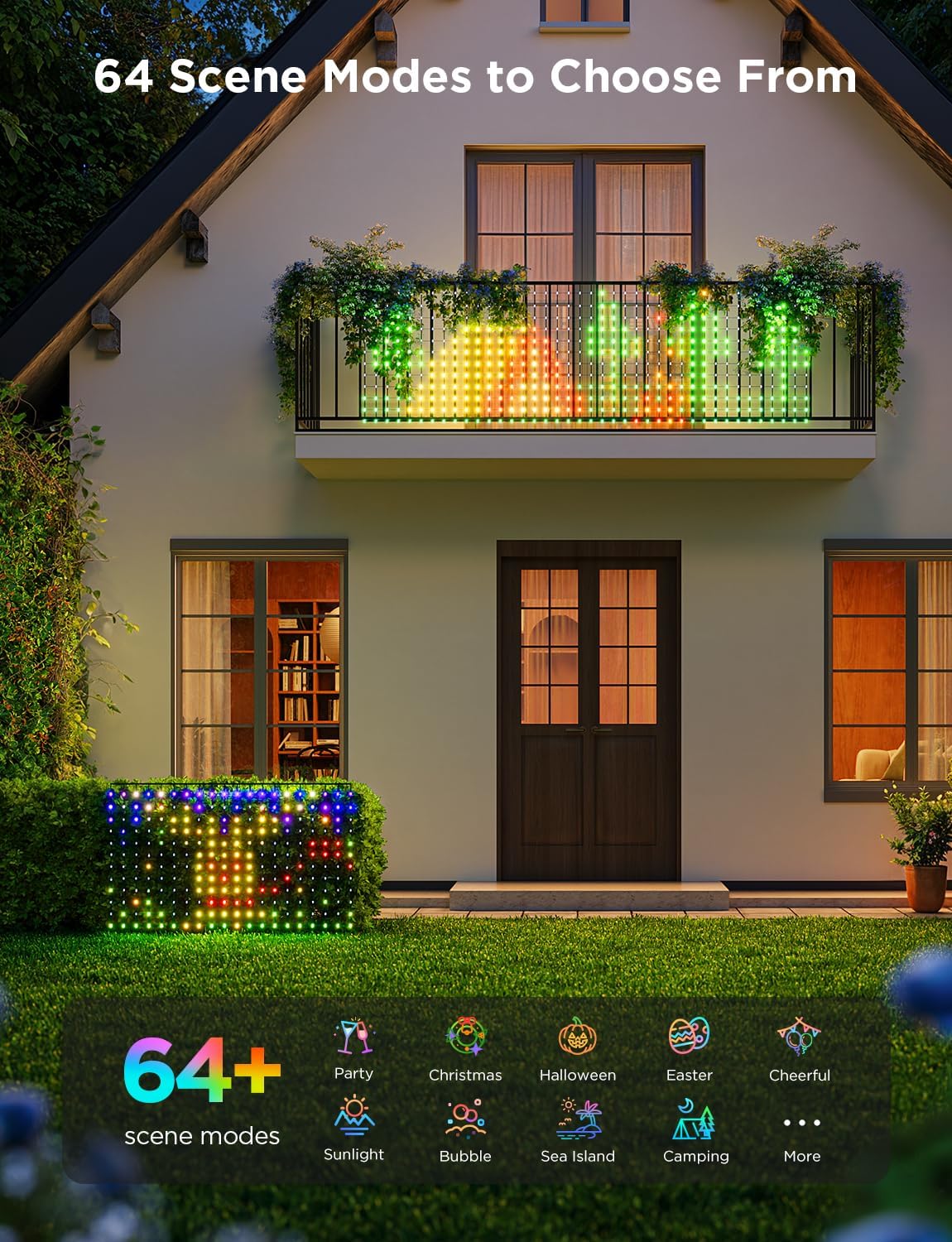
Image: Govee Net Lights on a bush during rainy weather, demonstrating their IP65 waterproof rating and year-round outdoor durability.
Troubleshooting
If you encounter issues with your Govee Outdoor Net Lights, refer to the following common problems and solutions:
| Problem | Possible Cause | Solution |
|---|---|---|
| Lights do not turn on. | No power, loose connection, faulty adapter. | Check power outlet, ensure all connections are secure. Test with another outlet. |
| Lights are not connecting to the Govee Home App. | Bluetooth/Wi-Fi off, incorrect pairing steps, app glitch. | Ensure Bluetooth and Wi-Fi are enabled. Restart the app and try pairing again. Reset the lights if necessary (refer to app for specific reset instructions). |
| Some LEDs display incorrect colors or do not light up. | Individual LED malfunction, software issue. | Restart the lights by unplugging and replugging. Update the firmware via the Govee Home App. If the issue persists, contact Govee support. |
| Music sync is slow or unresponsive. | Microphone too far from sound source, interference. | Ensure the sound source (e.g., phone microphone) is close to the lights. Reduce background noise. |
| Cannot attach additional sets. | Product design limitation. | This smart net light is unable to attach additional sets. Each net light operates independently. |
If the problem persists after trying these solutions, please contact Govee customer support.
Specifications
| Feature | Detail |
|---|---|
| Model Number | H6810 |
| Dimensions | 2.8 x 4.7ft (Net Light) |
| LEDs | 240 |
| Light Source Type | LED |
| Light Color | Multicolor (RGBIC) |
| Power Source | Corded Electric |
| Wattage | 5 watts |
| Water Resistance Level | IP65 (Net Light), IP44 (Adapter) |
| Control Method | App, Voice (Alexa, Google Assistant) |
| Connectivity Technology | Wi-Fi, Bluetooth |
| Operating Temperature | -20°C to 40°C |
| Material | Plastic |
| Item Weight | 1.98 pounds |
Warranty and Support
Govee provides a limited warranty for its products. Please refer to the included Service Card for specific warranty terms and conditions. For technical support, product inquiries, or warranty claims, please contact Govee customer service through the Govee Home App or visit the official Govee website.
You can also find additional information and support resources, including the full User Manual in PDF format, by visiting the Govee Store on Amazon:
Optional protection plans are available for purchase to extend coverage beyond the standard warranty period:
- 3-Year Protection Plan
- 4-Year Protection Plan
- Complete Protect (monthly plan covering eligible purchases)
Ask a question about this manual
Ask about setup, troubleshooting, compatibility, parts, safety, or missing instructions. Manuals+ will review the question and use this page’s manual context to help answer it.