
1. Introduction
Welcome to the user manual for your new Yunseity D6 64MP 4K Digital Point and Shoot Camera. This camera is designed to capture high-quality photos and videos with ease, offering a range of features including a 64MP triple lens system, 4K video recording, a 3-inch touch screen, and multimedia capabilities. Please read this manual thoroughly to understand the camera's functions and ensure optimal performance.
2. Product Features

Image: Yunseity D6 camera highlighting key features like 3-inch touch screen, night vision flash, recording, movie game, music playback, OTG transfer, and triple lens.
- HD Picture Quality: Features a 64MP triple lens system (CCD prime, CMOS telephoto, CCD wide-angle) for delicate and colorful images and videos.
- Full Touch Screen: Equipped with a 3-inch organic light-emitting diode (OLED) full touch screen for intuitive navigation and filter switching.
- Quick Data Transfer (OTG): Supports direct photo and video transfer to smartphones via OTG connection for easy sharing.
- Lock Screen Shooting: Capture photos, record sound, and video even when the screen is off.
- Long Battery Life: Integrated 3600mAh high-capacity battery, supporting various charging methods.
- Multimedia Functions: Includes a music player, voice recorder, and alarm clock.
- Night Vision & Flash: Infrared night vision lamp and built-in flash for improved low-light performance.
3. Setup
3.1. Charging the Battery
Before first use, fully charge the camera's internal 3600mAh battery. Connect the camera to a power source using the provided USB cable. The charging indicator light will show the charging status. A full charge typically takes several hours.
3.2. Inserting a Memory Card
The camera requires a microSD card (not included) to store photos and videos. Locate the memory card slot, usually on the side or bottom of the camera. Insert the microSD card with the gold contacts facing down until it clicks into place. Ensure the camera is powered off before inserting or removing the card.
3.3. Powering On/Off
Press and hold the power button (usually located on the top or side) for a few seconds to turn the camera on or off. The screen will illuminate upon startup.
4. Operating Instructions
4.1. Basic Photography
To take a photo, ensure the camera is in photo mode. Frame your shot using the 3-inch touch screen. Press the shutter button (typically on the top of the camera) halfway to focus, then press fully to capture the image.
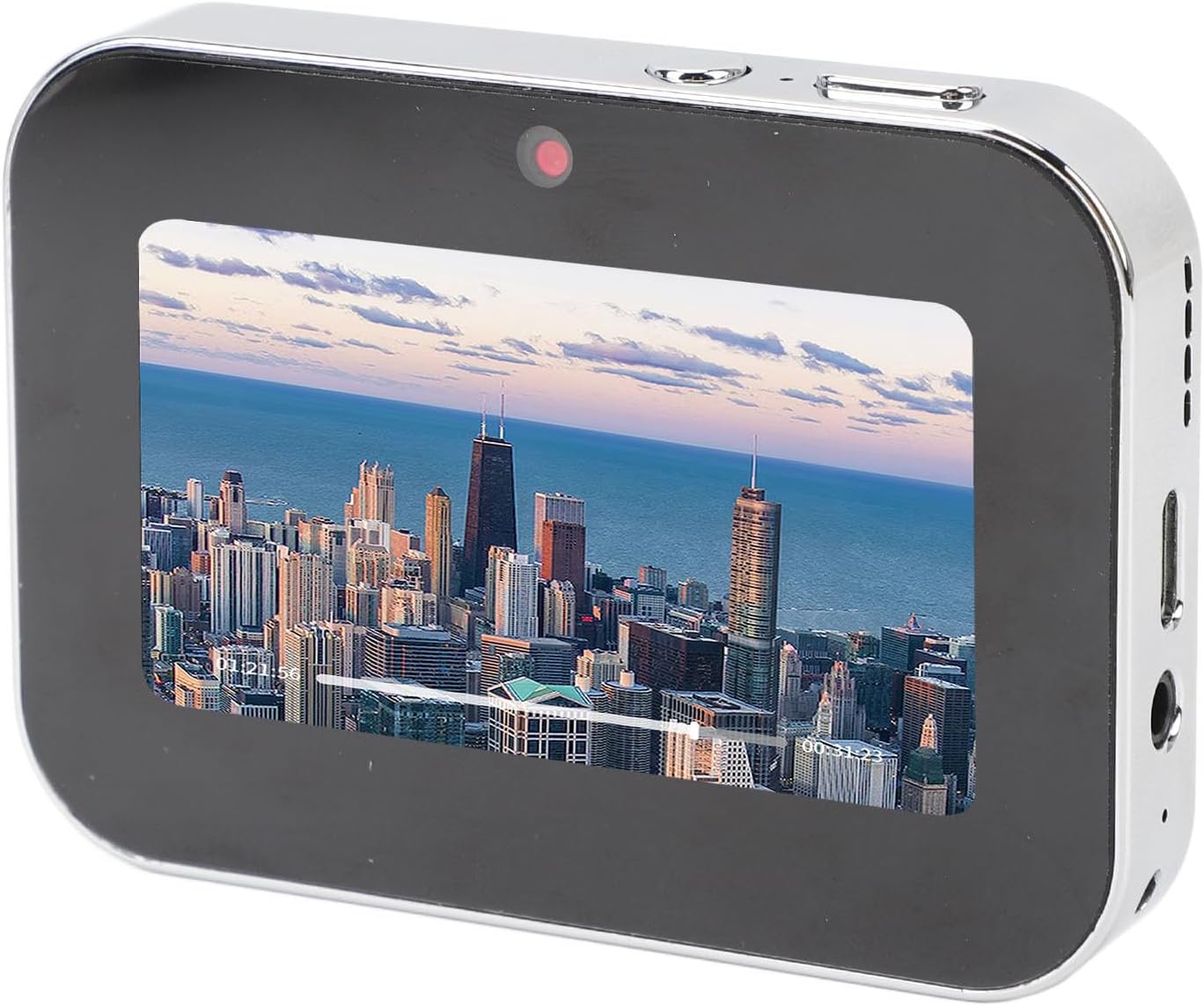
Image: The Yunseity D6 camera showing a vibrant city skyline on its touch screen, ready for photography.
4.2. Video Recording
Switch the camera to video mode. Press the record button (often marked with a red dot) to start recording. Press it again to stop. The camera supports 4K video recording at 60 frames per second.
4.3. Using the Triple Lens System

Image: A detailed diagram illustrating the 64MP Triple Lens system, including CCD Main Camera, CMOS Telephoto Lens, and CCD Wide-Angle Lens.
- CCD Main Camera: Features autofocus, macro depth of field, and 16x zoom for versatile shooting.
- CMOS Telephoto Lens: Offers 10x telephoto and 16x near and far zoom for capturing distant subjects.
- CCD Wide-Angle Lens: Provides a 120-degree wide-angle view, ideal for selfies and expansive landscapes.
The camera automatically utilizes the appropriate lens for optimal image quality. You can also use the 16X touch zoom feature by pinching or spreading on the touch screen.

Image: The Yunseity D6 camera screen showing a finger gesture for 16X touch zoom, illustrating how to magnify the view.
4.4. Night Vision and Flash
For low-light conditions, activate the infrared night vision lamp or the built-in flash. These features enhance lighting, allowing for clearer and brighter captures in dark environments.
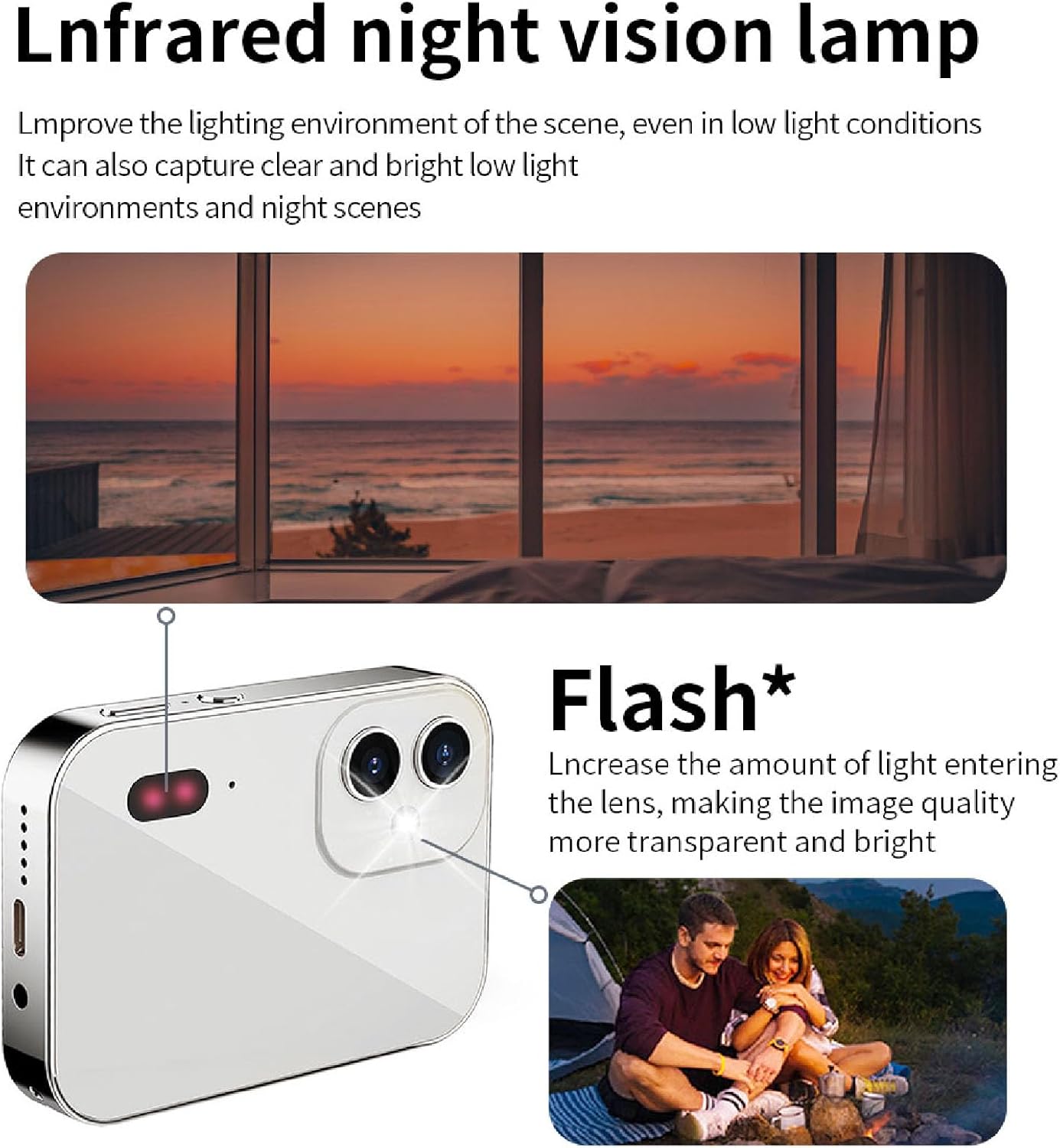
Image: The Yunseity D6 camera highlighting the infrared night vision lamp and flash, demonstrating their use in low-light scenarios.
4.5. Using Filters and Color Modes
On the shooting interface, swipe the screen left or right to switch between various filters and color modes. This allows for creative adjustments to your photos and videos.

Image: The Yunseity D6 camera screen displaying various filter options, illustrating the filter switching function.
4.6. OTG Connection for Data Transfer
Connect the camera to your smartphone using an OTG cable (sold separately) to quickly view, save, and share your photos and videos directly from the camera to your phone. This eliminates the need for a computer for quick transfers.

Image: A visual representation of the Yunseity D6 camera wirelessly connecting to a smartphone, symbolizing OTG data transfer.
4.7. Lock Screen Shooting
To capture moments discreetly or conserve battery, press the designated lock screen key. You can still take photos, record sound, and video even when the screen is off, ensuring you don't miss a shot.
4.8. Multimedia Functions
- Music Player: Access the music player function to listen to audio files stored on your memory card. Connect headphones via the 3.5mm jack for private listening.
- Voice Recorder: Use the built-in voice recorder to capture audio notes or conversations. Simply tap to record.
- Alarm Clock: Set alarms directly on the camera for reminders or wake-up calls.
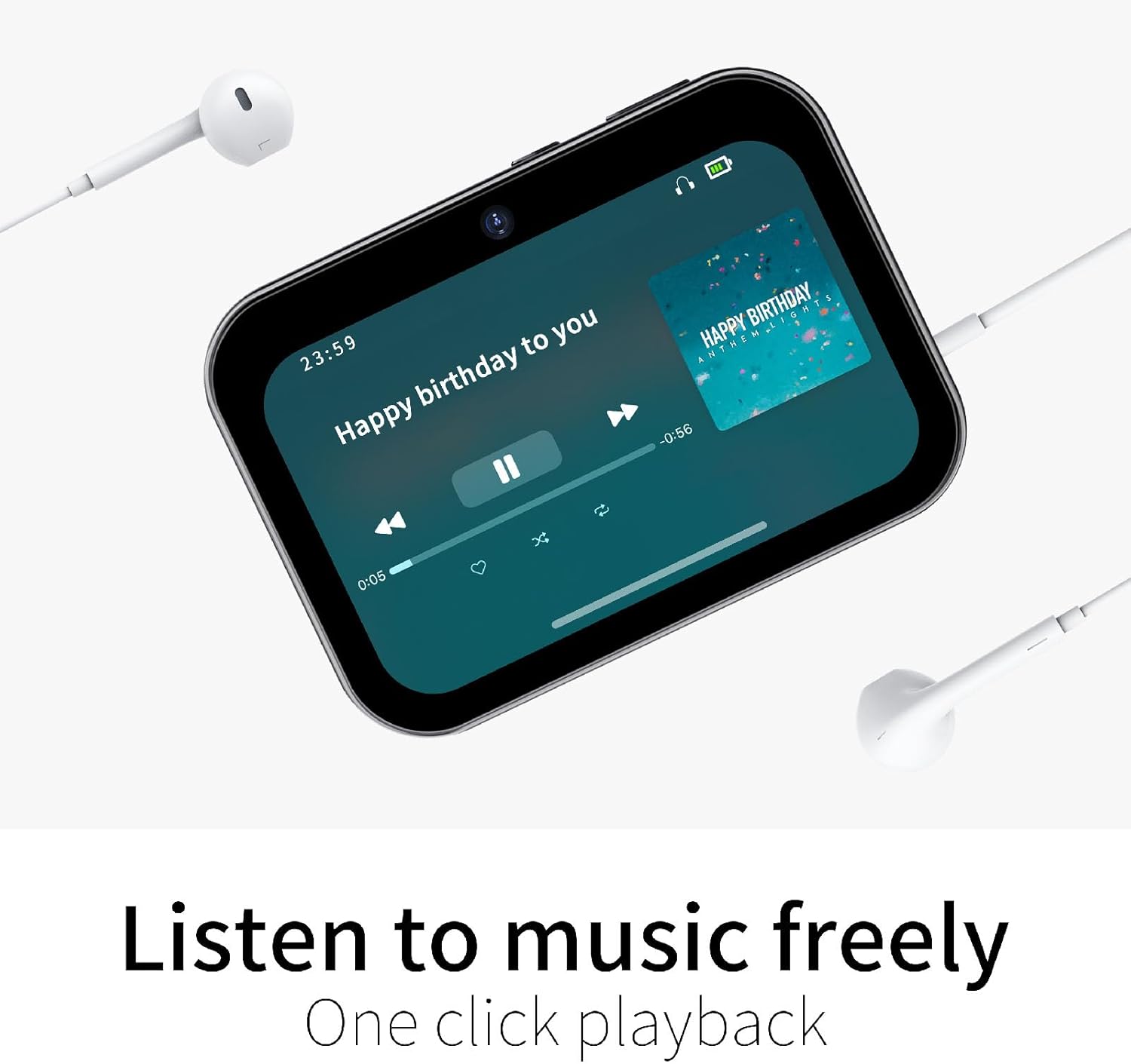
Image: The Yunseity D6 camera screen showing a music playback interface with headphones connected, indicating its music player functionality.

Image: The Yunseity D6 camera screen showing a voice recording interface with a waveform, indicating its lossless recording capability.

Image: The Yunseity D6 camera screen displaying an alarm clock interface, showing the time and alarm settings.
5. Maintenance
- Cleaning: Use a soft, dry cloth to clean the camera body. For the lens and screen, use a specialized lens cleaning cloth and solution. Avoid abrasive materials.
- Storage: Store the camera in a cool, dry place away from direct sunlight and extreme temperatures. Remove the battery if storing for extended periods.
- Battery Care: Avoid fully discharging the battery frequently. Charge it regularly to maintain battery health.
- Firmware Updates: Check the manufacturer's website periodically for any available firmware updates to ensure optimal performance and new features.
6. Troubleshooting
| Problem | Possible Cause | Solution |
|---|---|---|
| Camera does not power on. | Low battery; faulty battery; power button issue. | Charge the battery fully. Ensure the battery is correctly inserted. If problem persists, contact support. |
| Cannot take photos/videos. | No memory card; memory card full; memory card error. | Insert a memory card. Delete unnecessary files or replace the card. Format the card (this will erase all data). |
| Images are blurry. | Lens dirty; insufficient light; camera shake; incorrect focus. | Clean the lens. Use flash or shoot in brighter conditions. Hold the camera steady. Ensure autofocus is engaged. |
| Touch screen unresponsive. | Temporary software glitch; screen protector interference. | Restart the camera. Ensure screen is clean and dry. Remove any thick screen protectors. |
| OTG connection not working. | Incorrect cable; phone not OTG compatible; software issue. | Ensure you are using a compatible OTG cable. Verify your phone supports OTG. Restart both devices. |
7. Specifications
- Model: D6
- Image Sensor: 64MP (CCD prime, CMOS telephoto, CCD wide-angle)
- Video Resolution: Up to 4K
- Screen: 3-inch OLED Touch Screen
- Battery: 3600mAh High Capacity
- Storage: Supports MicroSD card (not included)
- Connectivity: OTG (On-The-Go)
- Special Features: Built-in Flash, Infrared Night Vision, Music Player, Voice Recorder, Alarm Clock, Lock Screen Shooting.
- Item Weight: 9 ounces
- Package Dimensions: 3.94 x 3.15 x 2.36 inches
8. Warranty and Support
Your Yunseity D6 camera comes with a standard manufacturer's warranty. Please refer to the warranty card included in your product packaging for specific terms and conditions. For technical support, troubleshooting assistance, or warranty claims, please contact Yunseity customer service through the retailer where you purchased the product or visit the official Yunseity website.
Online Support: Visit the Yunseity Store on Amazon