
AQUVII DM01
AQUVII DM01 Cordless Robotic Pool Vacuum Instruction Manual
Model: DM01 | Brand: AQUVII
Introduction
Thank you for choosing the AQUVII DM01 Cordless Robotic Pool Vacuum. This manual provides essential information for the safe and efficient operation, maintenance, and troubleshooting of your new pool cleaner. Please read it thoroughly before first use and retain it for future reference.
Important Safety Information
Always follow basic safety precautions when using electrical appliances. This device is designed for cleaning flat-bottom swimming pools. Do not operate the unit out of water. Ensure the charging port is securely covered with the silicone plug before submerging. Keep children and pets away from the pool area during operation.
Package Contents
Your AQUVII DM01 package should include the following items:
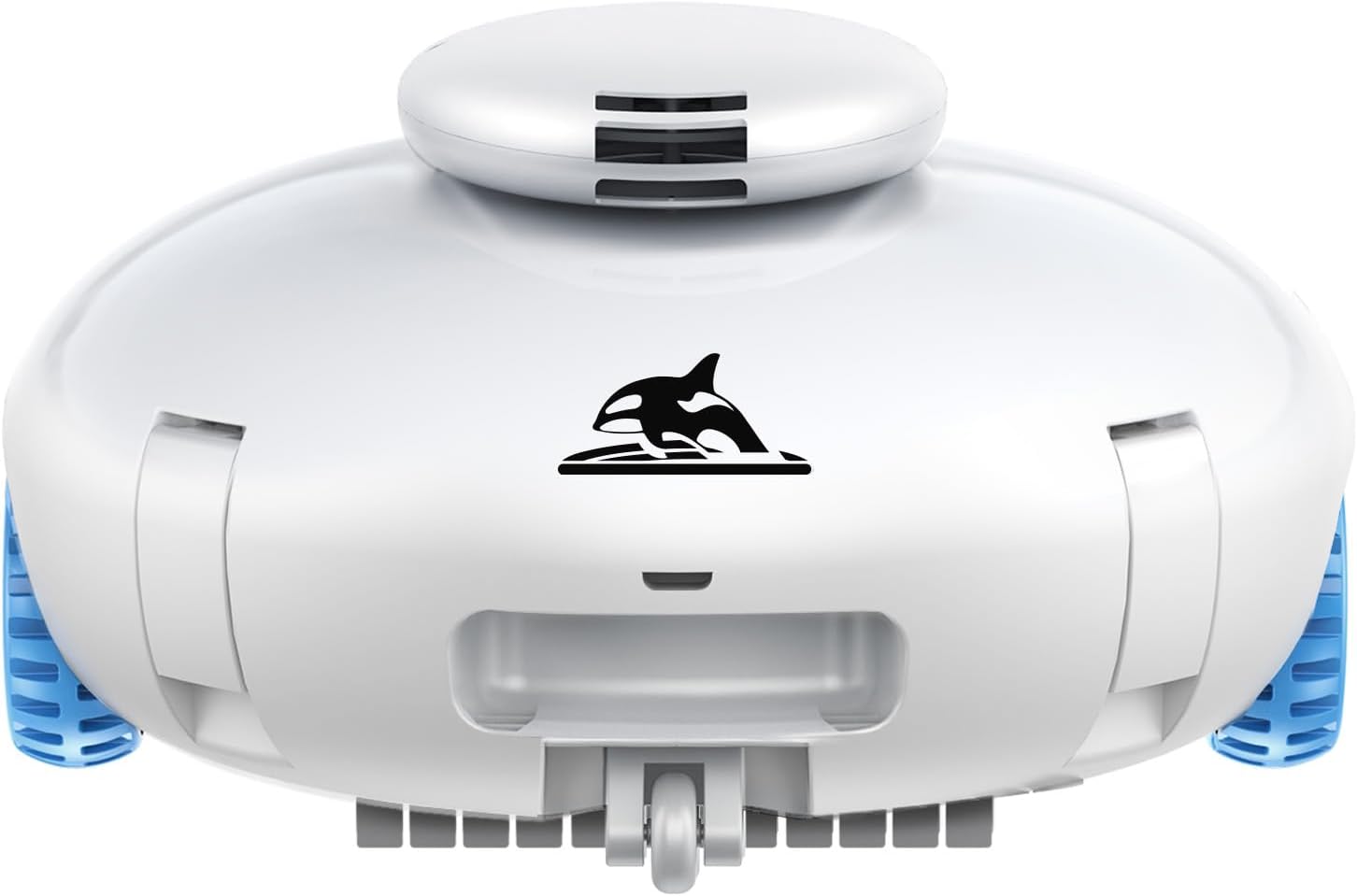
- AQUVII DM01 Cordless Robotic Pool Vacuum
- Charging Adapter
- User Manual
- Silicone Charging Port Cover
Specifications
| Feature | Detail |
|---|---|
| Brand | AQUVII |
| Model Name | DM01 Pool Vacuum |
| Material | Plastic |
| Color | White |
| Product Dimensions | 12.6"L x 12.6"W x 7"H |
| Power Source | Battery Powered |
| Battery Capacity | 7500mAh |
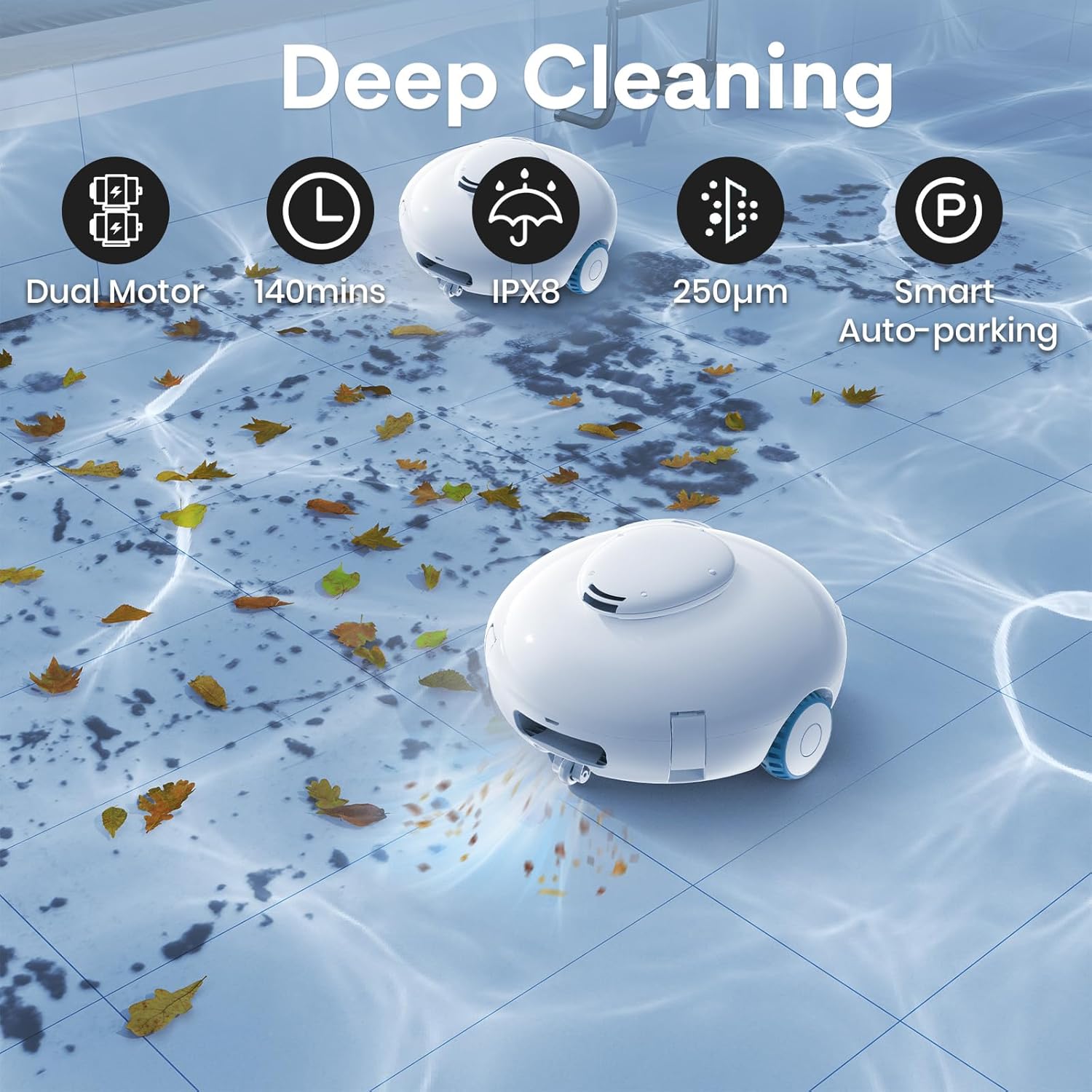
| Runtime | Up to 140 minutes |
| Charging Time | 3 Hours |
| Suction Power | Up to 20 Gpm / 85L/Min |
| Noise Level | < 35 dB |
| Control Method | App (implied from input, though feature bullets say one-click) |
| Weight | 3.97 Kilograms |
Setup Instructions
- Initial Charging: Fully charge the robotic pool cleaner before its first use. The charging time is approximately 3 hours. An LED indicator will show the current power status.
- Charging Plug Protection: Before submerging the unit in water, ensure the charging plug is securely covered with the provided silicone protective cover. This prevents water ingress and potential damage.
- Water-Sensing Design: The robot is equipped with a water-sensing mechanism. It will only begin operation once it detects it is fully submerged in water.

Operating Instructions
- One-Click Start: With the charging port securely covered and the unit fully charged, simply press the one-button operation to initiate the cleaning cycle.
- Placement in Pool: Gently place the robotic cleaner into your flat-bottom pool. Ensure it is fully submerged for the water-sensing mechanism to activate.
- Automatic Cleaning: The robot will autonomously navigate and clean the pool floor for up to 140 minutes on a full charge, utilizing its dual high-efficiency motors for strong suction.
- Quiet Operation: The cleaner operates at a low noise level of less than 35 dB, ensuring a peaceful environment while it works.
- Self-Parking Feature: When the battery is low or the cleaning cycle is complete, the robotic pool vacuum will automatically park itself at the edge of the pool for easy retrieval.

Video 1: AQUVII Robot Pool Vacuum Overview. This video demonstrates the robotic pool vacuum in action, highlighting its features and ease of use.
Video 2: AQUVII Robotic Pool Cleaner Battery and Runtime. This video showcases the 7500mAh battery and 140-minute runtime of the AQUVII robotic pool cleaner.
Maintenance
- Post-Use Cleaning: After each use, clean the filter element and filter to maintain optimal cleaning performance.
- Filter Maintenance: If the filter becomes full during use, clean it promptly.
- Filter Replacement: If the filter's performance declines over time, contact the supplier or visit the official flagship shop to purchase a new filter.
- Winter Storage: If storing the vacuum for an extended period (e.g., over winter), recharge it every three months to prolong battery lifespan.


Troubleshooting
If your AQUVII DM01 is not functioning as expected, consider the following:
- Unit not starting: Ensure the unit is fully charged and the charging port is sealed. Verify it is fully submerged in water to activate the water-sensing mechanism.
- Reduced suction: Check and clean the filter element and filter. A clogged filter can significantly reduce suction power.
- Unit not moving correctly: Ensure the pool bottom is flat, as this robot is designed for flat-bottom pools. Check for any obstructions in the wheels or suction area.
- Battery not holding charge: Ensure the charging adapter is correctly connected. For long-term storage, remember to recharge the unit every three months.
Warranty and Support
The AQUVII DM01 Cordless Robotic Pool Vacuum comes with a one-year warranty. For any questions, concerns, or warranty claims, please contact customer support via email at after-service@amzsupport.shop. Please provide your product model and purchase details for efficient service.
Ask a question about this manual
Ask about setup, troubleshooting, compatibility, parts, safety, or missing instructions. Manuals+ will review the question and use this page’s manual context to help answer it.