
Introduction
Thank you for choosing the OHOM Ui 3 Self-Heating Mug Set. This manual provides essential information for the safe and efficient use of your new self-heating mug and charging pad. Please read these instructions thoroughly before use and retain them for future reference.
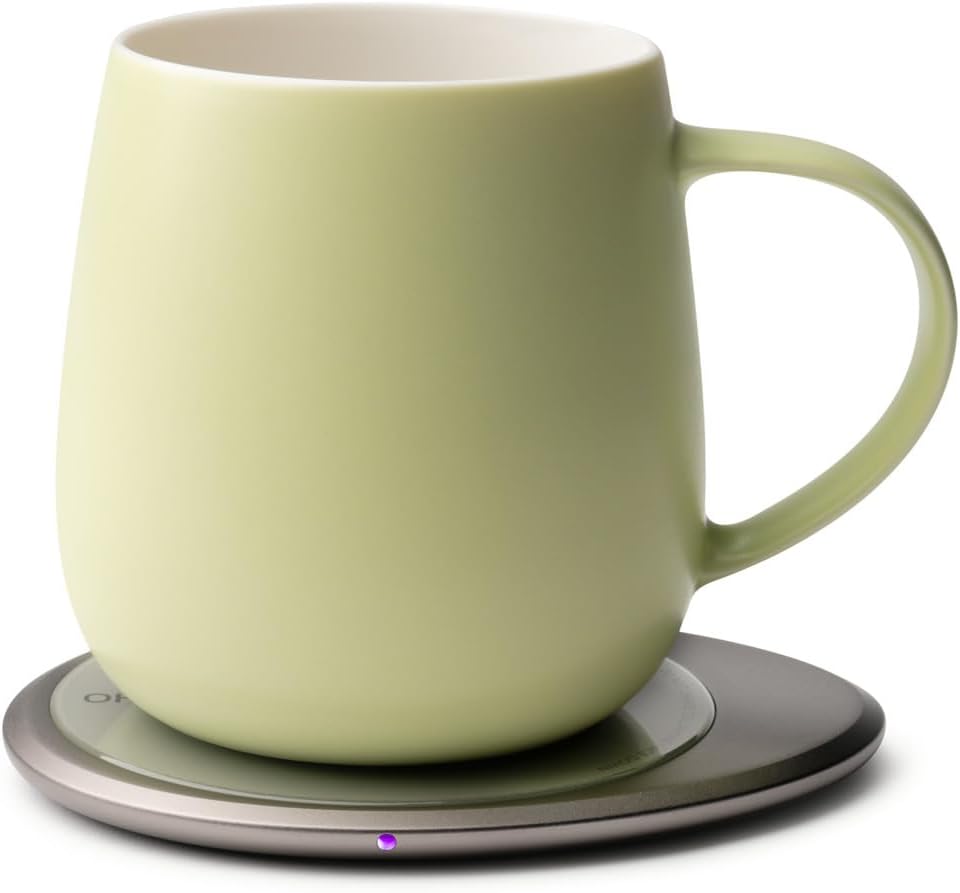
The OHOM Ui 3 Self-Heating Mug Set, featuring a ceramic mug in Verde Green placed on its inductive charging pad.
Product Overview
The OHOM Ui 3 Self-Heating Mug Set is designed to maintain your beverage at an optimal temperature, offering convenience and modern functionality.
- Self-Heating Smart Mug Technology: Maintains your drink at 130°F / 55°C using advanced electromagnetic (inductive) heating. Operates without an internal battery, ensuring consistent warmth without overheating.
- Wireless Heating & Charging Pad: The OHOM Pad wirelessly heats the mug and automatically powers off after one hour of inactivity.
- Wireless Charging for Phone & AirPods: The OHOM Pad also functions as a fast-charging pad for compatible smartphones and AirPods.
- Handcrafted Ceramic Design: Each 12 fl oz (355 mL) mug is made from premium ceramic, offering natural heat retention and dishwasher-safe durability. Ergonomically balanced for comfort.
- Complete Set: Includes the Ui 3 Mug with lid, OHOM Pad, power adapter, and USB-C cable.
Setup
- Unpack Components: Carefully remove the Ui 3 Mug, OHOM Pad, power adapter, and USB-C cable from the packaging.
- Connect Power: Connect the USB-C cable to the OHOM Pad and then connect the power adapter to a standard wall outlet.
- Initial Placement: Place the Ui 3 Mug onto the center of the OHOM Pad. Ensure the mug is empty and dry before first use.

The OHOM Pad, which serves as both a mug warmer and a wireless charger.
Operating Instructions
Self-Heating Mug Function
- Fill Mug: Pour your hot beverage into the Ui 3 Mug.
- Place on Pad: Position the mug centrally on the OHOM Pad. The inductive heating will automatically activate to maintain the beverage temperature at 130°F / 55°C.
- Automatic Shut-off: The OHOM Pad will automatically turn off after one hour of continuous heating to prevent overheating.
- Using the Lid: For optimal heat retention, place the included lid on the mug when not actively drinking.
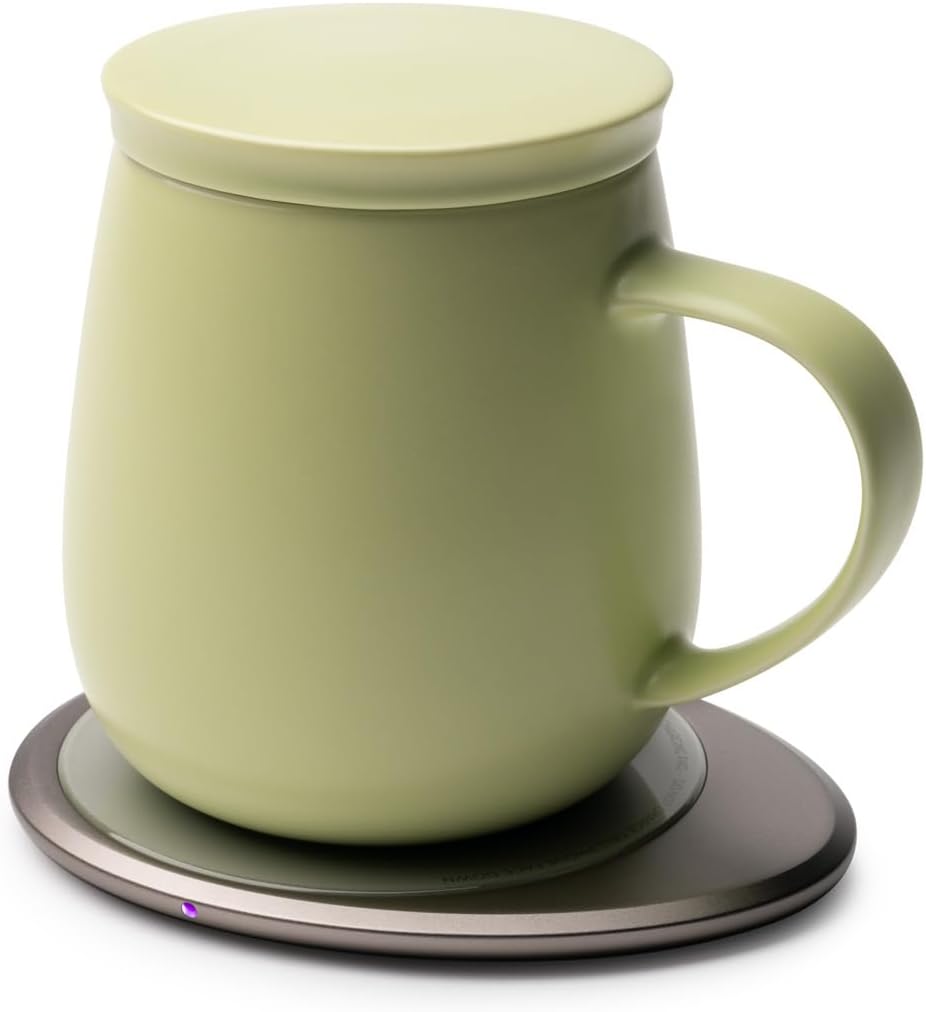
The Ui 3 Mug with its lid, ensuring optimal heat retention.
Wireless Charging for Devices
- Ensure Pad is Powered: Confirm the OHOM Pad is connected to a power source.
- Place Device: Place your compatible smartphone or AirPods case directly onto the center of the OHOM Pad. The device should begin charging wirelessly.
- Check Charging Indicator: Verify that your device displays a charging indicator.
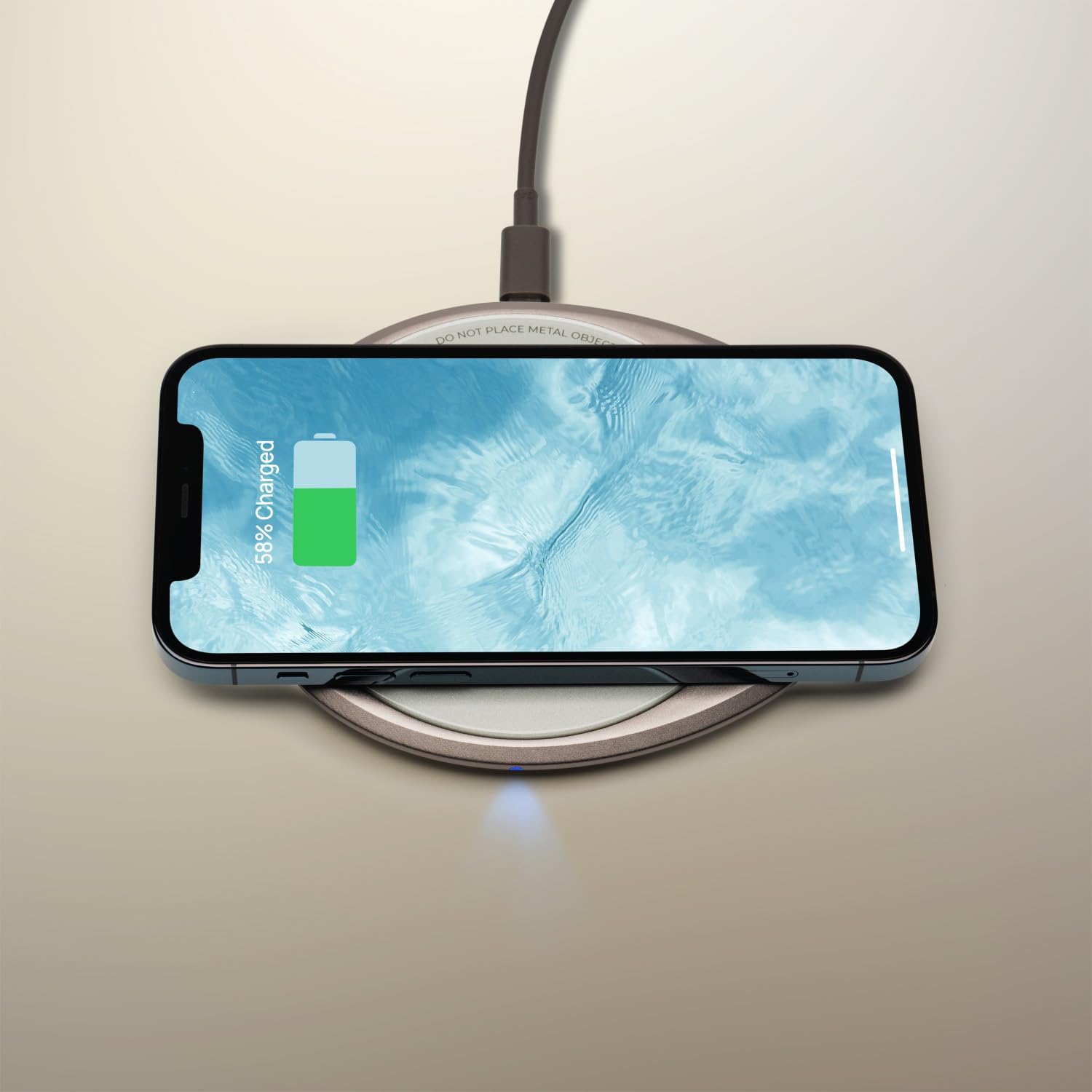
A smartphone charging wirelessly on the OHOM Pad.
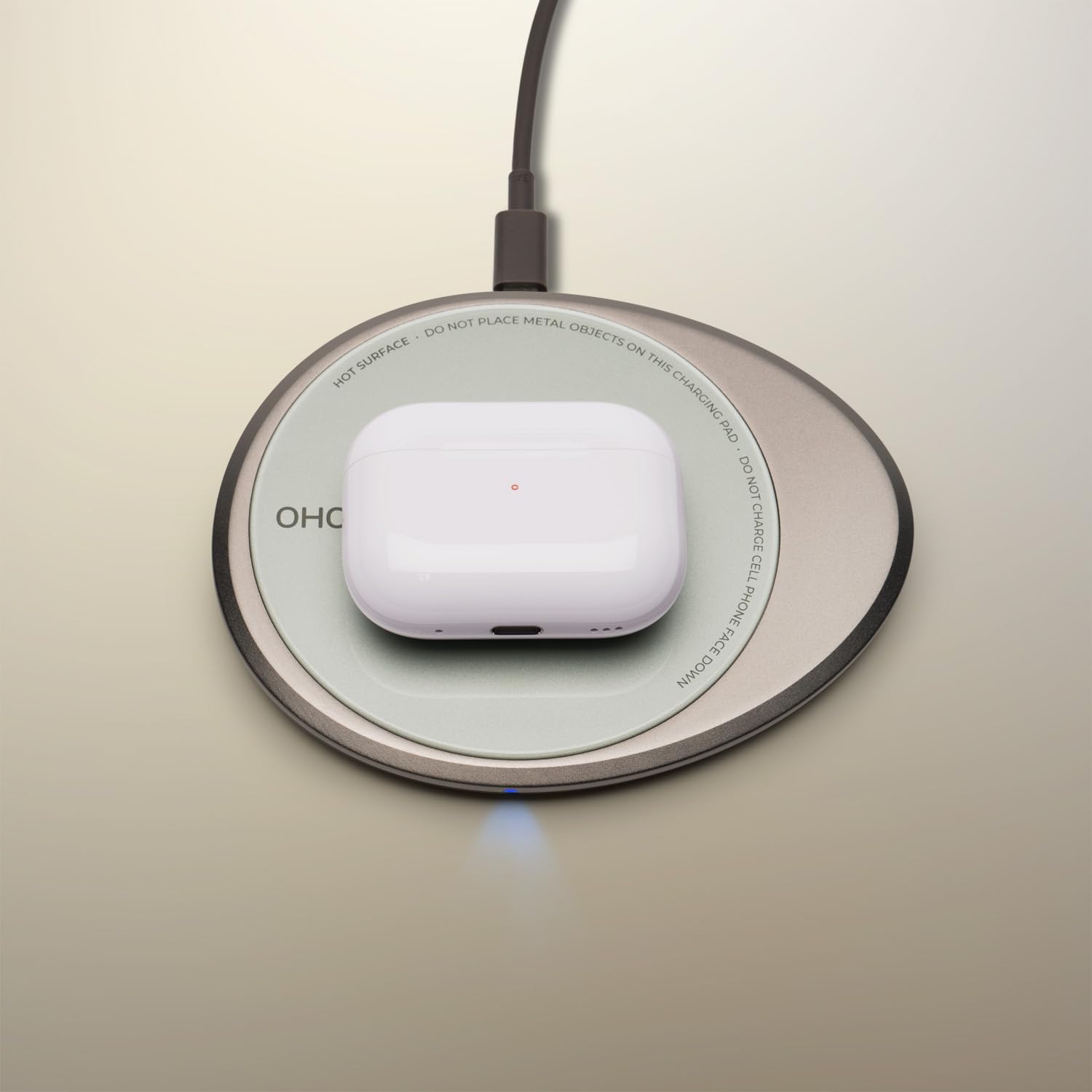
An AirPods case charging wirelessly on the OHOM Pad.
Video: Demonstrating the 'Ui Everlasting Warmth' feature of the OHOM mug set, showing the mug maintaining beverage temperature.
Video: A short clip titled 'Sip in Style: Coffee with the Ui 3', showcasing the mug's design and use.
Maintenance
Cleaning the Ui 3 Mug
- Dishwasher Safe: The ceramic Ui 3 Mug is safe for cleaning in a dishwasher.
- Hand Wash Lid: The mug lid should be hand washed with mild soap and water.
- Avoid Microwave: Do not place the Ui 3 Mug in a microwave.
Cleaning the OHOM Pad
- Hand Wash Only: The OHOM Pad is not dishwasher safe. Clean it by hand with a damp cloth.
- Dry Thoroughly: Ensure the OHOM Pad is completely dry before reconnecting it to power.

The handcrafted ceramic design of the mug, emphasizing its quality and care requirements.
Troubleshooting
- Mug Not Heating:
- Ensure the OHOM Pad is properly plugged into a working power outlet.
- Verify the mug is placed centrally on the OHOM Pad.
- Confirm there is liquid in the mug; the heating function requires liquid presence.
- Device Not Charging on Pad:
- Check that the OHOM Pad is powered on.
- Ensure your device is wirelessly charging compatible.
- Reposition your device on the center of the pad to ensure proper alignment.
Specifications
| Capacity | 12 Fluid Ounces (355 mL) |
| Voltage | 5 Volts |
| Maximum Temperature | 130 Degrees Fahrenheit (55 Degrees Celsius) |
| Material | Ceramic |
| Product Dimensions | 4.5 x 4.5 x 3.75 inches |
| Item Weight | 2.31 pounds (1.05 Kilograms) |
| Model Number | MGS03VG |
| UPC | 850049707206 |
Warranty and Support
For warranty information or product support, please contact OHOM directly. Refer to the product packaging or the official OHOM website for the most current contact details and warranty terms.