
Samsung QN75Q70DAFXZA
Samsung 75-Inch Class QLED 4K Q70D Series Smart TV User Manual
Model: QN75Q70DAFXZA | Brand: Samsung
1. Product Overview
The Samsung 75-Inch Class QLED 4K Q70D Series Smart TV is designed to deliver an immersive viewing and gaming experience. It combines advanced display technologies with smart features to provide vibrant colors, sharp details, and dynamic sound. This TV is ideal for both casual viewing and dedicated gaming, offering seamless integration with your smart home ecosystem.
Key Features:
- Dual LED: Provides natural, realistic picture and accurate contrast that adapts automatically to content.
- 100% Color Volume with Quantum Dot: Transforms light into over a billion beautiful shades for breathtaking color accuracy.
- Quantum HDR: Delivers a wide range of color, contrast, and detail for optimized imagery.
- Motion Xcelerator 120Hz: Ensures smooth action with exceptional motion enhancements for crisp visuals at 120 frames per second.
- Quantum Processor 4K with AI Upscaling: Powers 4K HDR picture and sound, upscaling content to 4K resolution.
- Object Tracking Sound Lite: Creates 3D surround sound that follows on-screen movement using virtual top channel audio.
- Samsung Tizen OS: A smart TV platform for streaming shows, playing games, and accessing various apps and services.
- Pantone Validated: Ensures industry-leading color accuracy for true-to-life images.
- Eye Comfort Mode: Automatically adjusts blue light based on time of day for comfortable viewing.
- Gaming Hub: Centralizes gaming, allowing streaming of favorite games without a console (requires high-speed internet and subscriptions).

Figure 1.1: Samsung 75-Inch Class QLED 4K Q70D Series Smart TV.
Video 1.1: Q70D Product Overview. This video provides a brief overview of the key features and design of the Samsung Q70D Series TV.
2. What's in the Box
Upon unboxing your Samsung Q70D Series TV, you should find the following components:
- TV Unit
- Power Cable
- User Manual
- SolarCell Remote™ TM2360E

Figure 2.1: Diagram showing the contents of the TV box, including the TV, power cable, user manual, and SolarCell remote. Also displays TV dimensions.
3. Setup
3.1 Unboxing and Placement
Carefully remove the TV from its packaging. It is recommended to have at least two people for larger TV sizes to prevent damage. Place the TV on a stable, flat surface or mount it on a wall using a compatible VESA wall mount (sold separately). Ensure adequate ventilation around the TV.
3.2 Connecting Peripherals
Connect your external devices such as cable boxes, gaming consoles, or soundbars to the appropriate ports on the back of the TV. The Q70D Series TV includes multiple HDMI ports (including eARC), USB ports, and a LAN port for wired internet connection.

Figure 3.1: Close-up view of the TV's back panel, showing various input ports including USB, HDMI (eARC), LAN, and Cable/Antenna connections.
3.3 Power Connection
Connect the power cable to the TV's power input and then plug it into a wall outlet. The TV is designed to operate on 110 Volts (AC).
4. Operating the TV
4.1 Initial Setup and Smart Features
Upon first power-on, the TV will guide you through the initial setup process, including network connection and Samsung Account login. A Samsung Account is required to access network-based smart services, streaming apps, and other smart features. Without an account, only external device connections and terrestrial/over-the-air TV (if applicable) are available.
4.2 Samsung Tizen OS
The Samsung Tizen OS provides a user-friendly interface for navigating content. You can easily access your favorite streaming services, live TV, and connected devices from the home screen. The Gaming Hub consolidates your gaming options, allowing you to stream games without a console (requires high-speed internet and compatible controller).
4.3 Remote Control
The included SolarCell Remote™ TM2360E offers intuitive control over your TV. It features dedicated buttons for popular streaming services and voice control capabilities.

Figure 4.1: The sleek SolarCell Remote for the Samsung Q70D Series TV, featuring dedicated app buttons and voice control.
4.4 Alexa Built-in
The TV comes with Alexa Built-in, allowing you to control your TV and compatible smart home devices using voice commands. You can search for content, adjust settings, and manage smart home devices directly from your TV.
Video 4.1: Alexa Built-in Smart Home. This video demonstrates how to use Alexa to control smart home devices and access features directly from your Samsung TV.
5. Picture and Sound Quality
5.1 Picture Enhancements
The Q70D Series TV utilizes Dual LED technology to provide natural and realistic picture quality with adaptive contrast. The 100% Color Volume with Quantum Dot ensures a billion shades of color, while Quantum HDR optimizes imagery for a wide range of contrast and detail. Motion Xcelerator 120Hz delivers smooth, crisp visuals, especially beneficial for fast-paced content like sports and action movies.
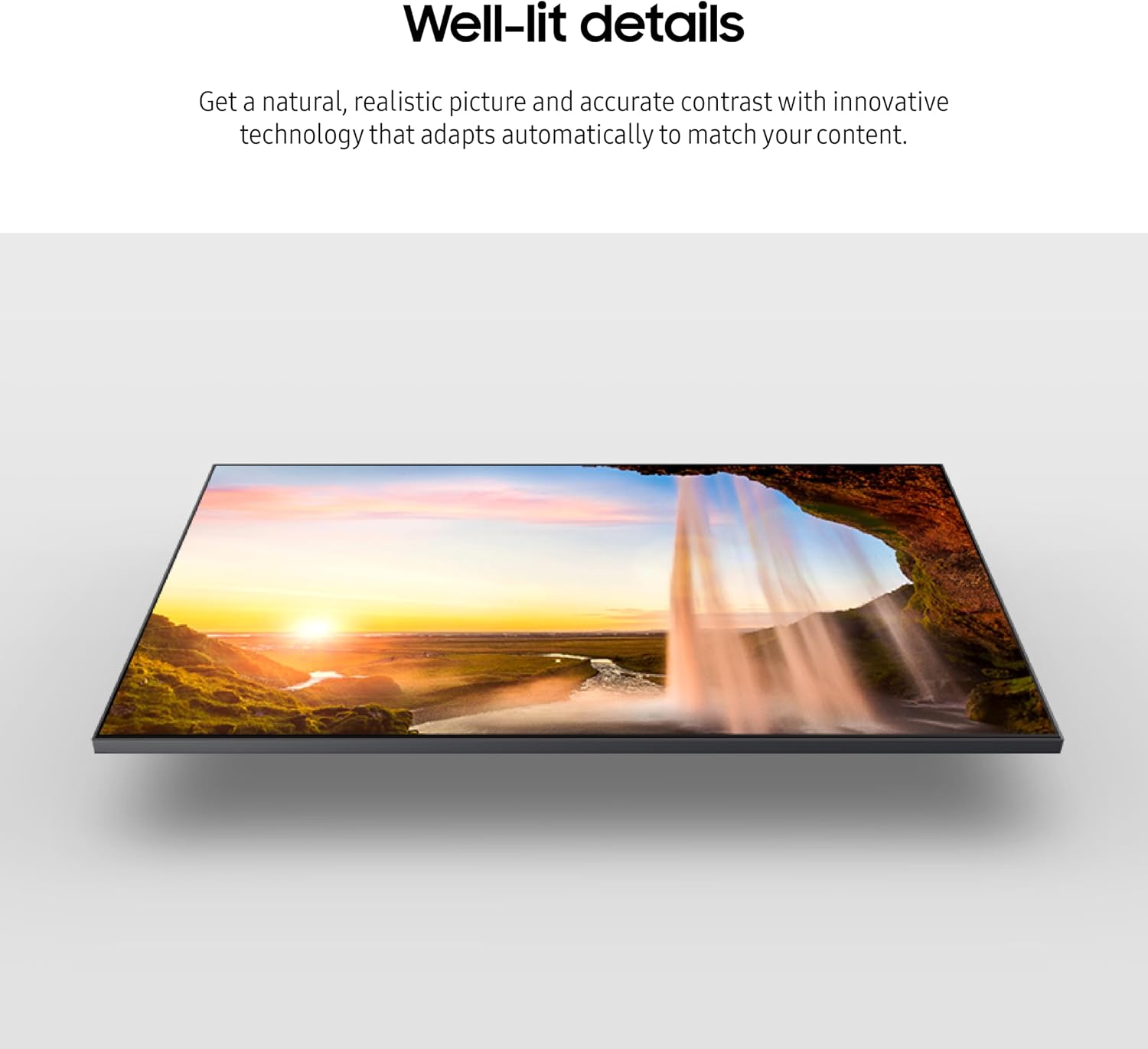
Figure 5.1: Image illustrating the TV's ability to produce well-lit details with natural and realistic picture quality.

Figure 5.2: Image showcasing the TV's true-to-life color reproduction, highlighting its 100% Color Volume with Quantum Dot technology.

Figure 5.3: Image demonstrating the TV's distinct contrast capabilities, optimizing imagery regardless of content.

Figure 5.4: Image depicting smooth motion, showcasing the Motion Xcelerator 120Hz technology for seamless visuals.
5.2 Sound Enhancements
Object Tracking Sound Lite provides 3D surround sound that dynamically follows the movement on screen, creating a more immersive audio experience. The TV's built-in speakers deliver clear and powerful sound.

Figure 5.5: Image illustrating the TV's incredible audio capabilities with 3D surround sound that follows on-screen movement.
6. Maintenance
6.1 Cleaning the TV
To clean the screen, gently wipe it with a soft, lint-free cloth. For stubborn marks, lightly dampen the cloth with water or a screen-specific cleaning solution. Avoid using harsh chemicals or abrasive materials. For the TV frame and stand, use a soft, dry cloth.
6.2 Software Updates
Ensure your TV's software is up to date for optimal performance and access to the latest features. You can usually check for and install updates through the TV's settings menu under 'Support' or 'Software Update'.
7. Troubleshooting
7.1 No Power
- Check if the power cable is securely connected to both the TV and the wall outlet.
- Ensure the wall outlet is functioning by plugging in another device.
- Try a different power outlet.
7.2 No Picture or Distorted Picture
- Verify that the correct input source is selected (e.g., HDMI 1, TV).
- Check all cable connections between the TV and external devices.
- Restart connected devices and the TV.
- Adjust picture settings (brightness, contrast, sharpness) in the TV menu.
7.3 No Sound or Low Sound
- Increase the TV volume and check if mute is activated.
- Verify audio output settings (e.g., TV speakers, external sound system).
- Check audio cables for external sound systems.
7.4 Remote Control Not Working
- Ensure the remote is charged (SolarCell Remote) or replace batteries if applicable.
- Point the remote directly at the TV's remote sensor.
- Remove any obstacles between the remote and the TV.
8. Specifications
| Feature | Value |
|---|---|
| Brand Name | Samsung |
| Item Weight | 74.8 pounds |
| Product Dimensions | 13.9 x 66 x 40.4 inches |
| Item Model Number | QN75Q70DAFXZA |
| Output Wattage | 20 Watts |
| Color Name | Black |
| Special Features | Built-In Speaker |
| Speaker Type | Built-In |
| Standing Screen Display Size | 75 Inches |
| Aspect Ratio | 16:9 |
| Voltage | 110 Volts (AC) |
| Display Technology | QLED |
| Resolution | 4K |
| Refresh Rate | 120 Hz |
| Connectivity Technology | Bluetooth, Wi-Fi, HDMI |
9. Warranty and Support
Your Samsung Q70D Series Smart TV comes with a limited manufacturer's warranty. Please refer to the warranty card included in your product packaging for specific terms and conditions. For technical support, troubleshooting assistance, or warranty claims, please contact Samsung Customer Service through their official website or support hotline.
Online resources, including FAQs and digital manuals, are also available on the Samsung support website.