
1. Introduction
The AEK CYBER BS-03 SoundBar is designed to enhance the audio quality of your television, computer, or other multimedia devices. This soundbar offers versatile connectivity options including Bluetooth, USB, Optical, and AUX, providing a powerful 40W audio experience for your indoor spaces.
2. Package Contents
Please verify that all items are present in the package:
- AEK CYBER BS-03 SoundBar
- Remote Control
- Power Cable
3. Product Overview
The BS-03 SoundBar features a sleek design suitable for various home entertainment setups. It includes a front panel with basic controls and an LED display. The rear panel houses multiple input ports for diverse connectivity.
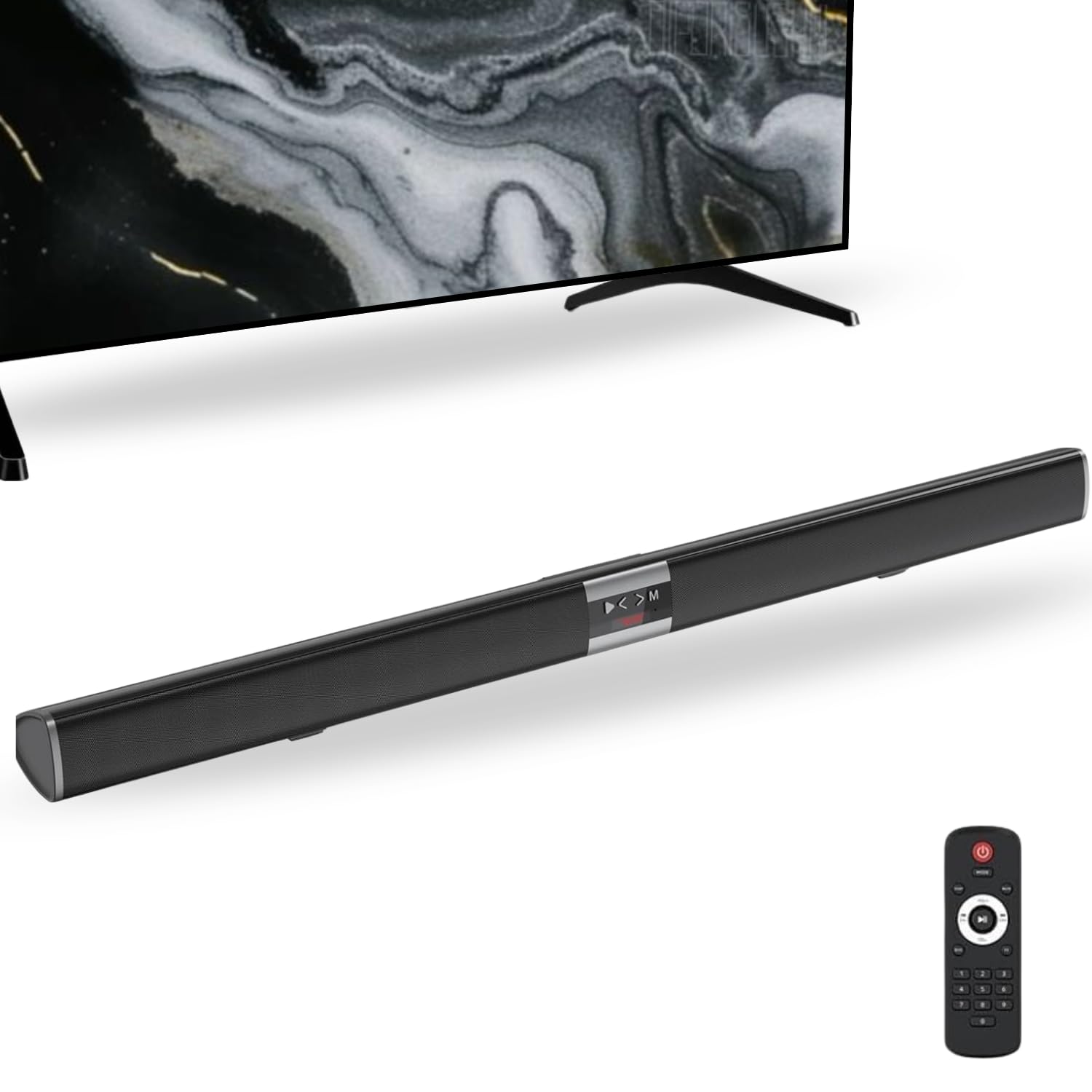
Image 3.1: Front view of the AEK CYBER BS-03 SoundBar.

Image 3.2: Rear view of the SoundBar showing the various input ports (USB, Optical, AUX, Power).
4. Setup Instructions
4.1 Placement
The soundbar can be placed on a flat surface such as a TV stand or shelf, or it can be wall-mounted. Ensure the soundbar is positioned centrally in front of your TV for optimal sound distribution.

Image 4.1: Example of soundbar placement and approximate dimensions (98 x 7 x 8 cm).
4.2 Power Connection
- Connect the provided power cable to the power input port on the back of the soundbar.
- Plug the other end of the power cable into a standard electrical outlet.
- The soundbar will power on or enter standby mode.
5. Operating Instructions
5.1 Power On/Off
Press the power button on the soundbar or the remote control to turn the unit on or off.
5.2 Input Selection
Press the 'Mode' or 'Input' button on the soundbar or remote control to cycle through available input sources: Bluetooth (BT), USB, Optical, and AUX.

Image 5.1: The soundbar supports multiple playback methods, including Bluetooth, USB, and AUX.
5.3 Bluetooth Connection
- Turn on the soundbar and select Bluetooth mode. The LED display will show 'BT' and flash, indicating it's in pairing mode.
- On your device (e.g., smartphone, tablet, TV), enable Bluetooth and search for available devices.
- Select 'BS-03' from the list of devices.
- Once paired, the soundbar will indicate a successful connection, and the 'BT' indicator will stop flashing.

Image 5.2: Connecting a mobile device to the soundbar via Bluetooth.
5.4 USB Playback
- Insert a USB flash drive containing audio files into the USB port on the soundbar.
- Select USB mode using the 'Mode' button.
- The soundbar will automatically begin playing audio files from the USB drive. Use the remote control for playback functions (play/pause, skip tracks).
5.5 Optical Connection
- Connect an optical audio cable (not included) from your TV's optical output to the OPTICAL input on the soundbar.
- Select Optical mode using the 'Mode' button.
- Ensure your TV's audio output settings are configured to 'Optical' or 'PCM'.
5.6 AUX Connection
- Connect a 3.5mm audio cable (not included) from your device's audio output to the AUX input on the soundbar.
- Select AUX mode using the 'Mode' button.
5.7 Remote Control Functions
The included remote control allows for convenient operation of the soundbar from a distance. Functions typically include:
- Power On/Off
- Volume Up/Down
- Mute
- Input/Mode Selection
- Play/Pause (for Bluetooth/USB)
- Previous/Next Track (for Bluetooth/USB)
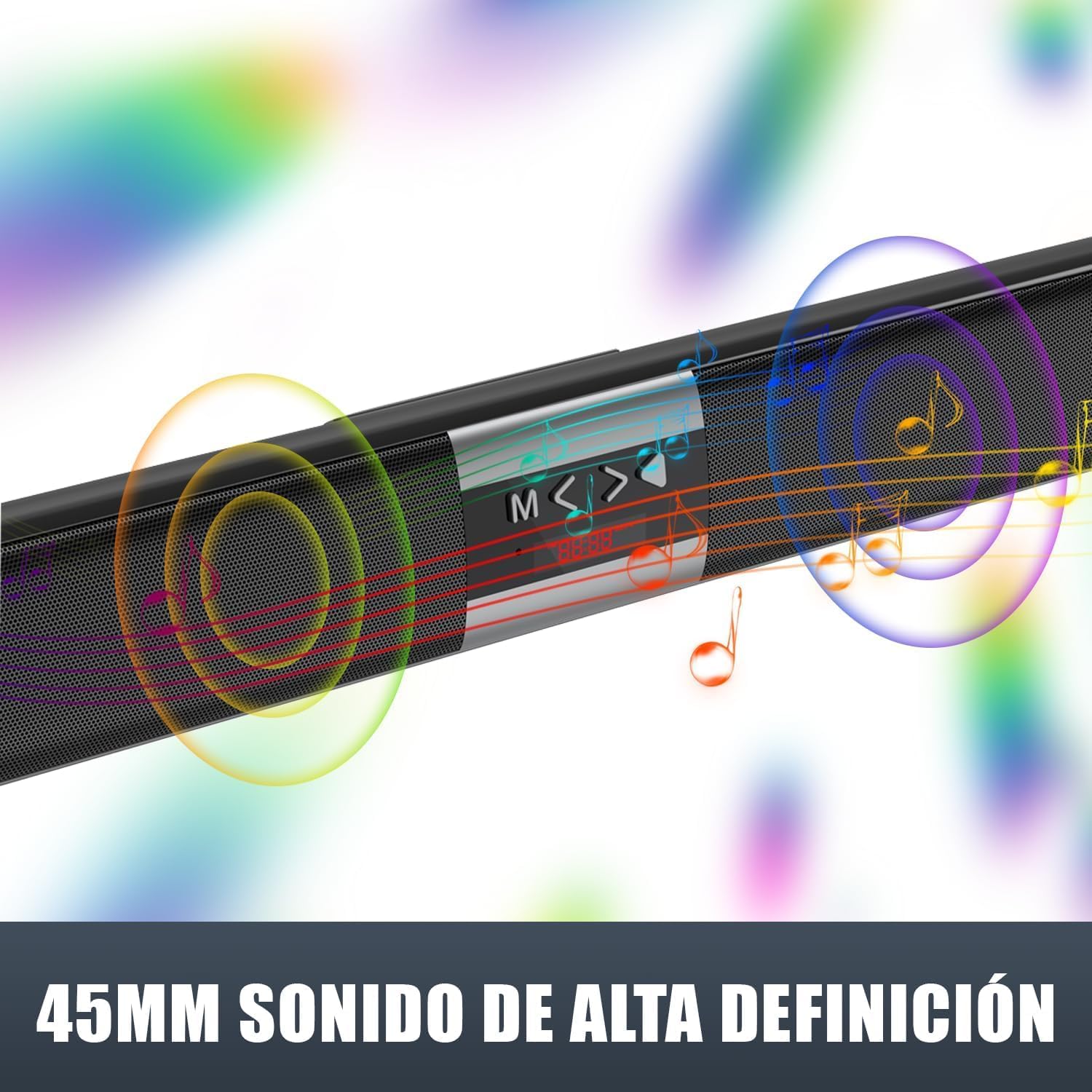
Image 5.3: The remote control for the BS-03 SoundBar.
6. Maintenance
6.1 Cleaning
To clean the soundbar, use a soft, dry cloth. Do not use liquid cleaners or abrasive materials, as they may damage the surface.
6.2 Storage
When not in use for extended periods, store the soundbar in a cool, dry place away from direct sunlight and extreme temperatures.
7. Troubleshooting
If you encounter issues with your AEK CYBER BS-03 SoundBar, please refer to the following common problems and solutions:
| Problem | Possible Cause | Solution |
|---|---|---|
| No power | Power cable not connected; Power outlet not working | Ensure power cable is securely connected to both the soundbar and a working power outlet. |
| No sound | Incorrect input source selected; Volume too low; Cable connection issue; TV audio settings incorrect | Verify the correct input source is selected. Increase volume. Check all audio cables are securely connected. For Optical connection, ensure TV audio output is set to 'Optical' or 'PCM'. |
| Bluetooth pairing fails | Soundbar not in pairing mode; Device too far; Interference; Device already paired to another unit | Ensure soundbar is in Bluetooth pairing mode (flashing 'BT'). Move device closer to the soundbar. Disconnect other Bluetooth devices. Try restarting both the soundbar and your device. |
| Cannot connect to certain TV models | TV compatibility issues; Specific TV audio output settings | Consult your TV's manual for specific audio output settings and compatibility with external sound systems. Try different connection methods (Optical, AUX) if one fails. Ensure TV firmware is up to date. |
8. Technical Specifications
| Feature | Specification |
|---|---|
| Brand | AEK CYBER |
| Model | BS-03 |
| Speaker Maximum Output Power | 40 Watts |
| Frequency Response | 100-20KHz |
| Connectivity Technology | Bluetooth, USB, Optical, AUX |
| Audio Output Mode | Surround |
| Speaker Type | Soundbar |
| Controller Type | Remote Control |
| Power Source | Corded Electric |
| Compatible Devices | Television, Bluetooth Devices |
| Item Dimensions (L x D x H) | 98 x 7 x 8 cm (approximate) |
| GTIN (Global Trade Item Number) | 07500938019110 |
9. Warranty Information
This product comes with a Limited Warranty. Please refer to the warranty card included in your package or contact customer support for specific terms and conditions.
10. Customer Support
For further assistance, technical support, or warranty claims, please contact AEK CYBER customer service through the retailer where the product was purchased or visit the official AEK CYBER website for contact information.