
1. Introduction
This manual provides essential information for the setup, operation, maintenance, and troubleshooting of your Philips Ambilight La Xtra 55PML9019 Smart TV. Please read this guide thoroughly before using your television to ensure proper functionality and safety. The Philips Ambilight La Xtra 55PML9019 features a 55-inch 4K Quantum Dot MiniLED display, powered by the P5 Picture Engine, running on Titan OS, and supporting Dolby Vision and Dolby Atmos for an immersive viewing experience.
2. Setup
2.1. Unboxing and Package Contents
Carefully unpack your television and check that all components are present. The package should contain the following items:
- Philips Ambilight La Xtra 55PML9019 Television
- Power Cable
- Remote Control with 2 AAA batteries
- Quick Start Guide and Legal/Safety Information Booklet
- Table Stand
Image: Contents of the Philips Ambilight TV box. This image displays the television, remote control, power cable, and table stand, along with a diagram showing the TV's dimensions.
2.2. Physical Installation and Placement
Before installation, ensure the TV is placed on a stable, flat surface or securely mounted to a wall. The television dimensions are approximately 123.1 cm (width) x 78 cm (height) x 27 cm (depth with stand), and it weighs 15.5 kg. When attaching the table stand, align the stand with the designated slots on the bottom of the TV and secure it with the provided screws. Refer to the Quick Start Guide for detailed assembly instructions.

Image: Recommended viewing distance. This image illustrates a person watching the TV from an optimal distance, with a chart indicating recommended distances for 55-inch (201 cm), 65-inch (238 cm), 75-inch (274 cm), and 85-inch (282 cm) screens.
2.3. Connecting Devices
Your Philips Ambilight TV offers various connectivity options. Connect your external devices such as set-top boxes, gaming consoles, and sound systems to the appropriate ports. Ensure all cables are securely connected.
- HDMI: Four HDMI ports are available, including one with ARC/eARC support for audio return channel functionality.
- USB: Two USB ports (USB 1: 5.0V===500mA, USB 2: 5.0V===900mA) for media playback or connecting USB devices.
- Ethernet (LAN): For wired network connection.
- Wi-Fi: For wireless network connection.
- Bluetooth: For connecting wireless accessories like headphones or game controllers.
- Satellite & TV Antenna: For receiving broadcast signals.
- Audio Out: For connecting external audio systems.

Image: TV Connection Ports. This diagram shows the location of various ports on the side and bottom of the television, including Common Interface, USB (2 ports), HDMI (4 ports, one with ARC/eARC), Satellite, TV Antenna, Audio Out, and Network (Ethernet).
3. Operating Your TV
3.1. Initial Power-On and Configuration
After connecting the power cable and all necessary devices, press the power button on the remote control. The TV will guide you through the initial setup process, which typically includes selecting your language, connecting to a network (Wi-Fi or Ethernet), and scanning for TV channels.
3.2. Ambilight Features
The unique Ambilight technology projects a halo of light from the back of the TV onto the surrounding wall, matching the colors and intensity of the on-screen content. This feature enhances immersion and makes the screen appear larger.

Image: Ambilight in Action. This image shows the Philips Ambilight TV mounted on a wall, projecting dynamic colored light onto the wall behind it, creating an immersive viewing experience.

Image: Rear View of Ambilight TV. This image highlights the integrated LED strips on the back of the Philips Ambilight TV, which project light onto the wall to enhance the viewing experience.
3.3. Picture and Sound Quality
The TV incorporates advanced technologies for superior audiovisual performance:
- P5 AI Perfect Picture Engine: This engine optimizes picture quality, delivering vibrant colors, natural skin tones, sharp contrast, and smooth motion.
- Quantum Dot MiniLED Technology: Provides bolder colors, sharper whites, and deeper blacks, resulting in a crisp, detailed image with ultra-defined contrast.
- Dolby Vision and Dolby Atmos: Experience cinematic image quality with Dolby Vision and immersive, three-dimensional sound with Dolby Atmos, placing you in the center of the action.
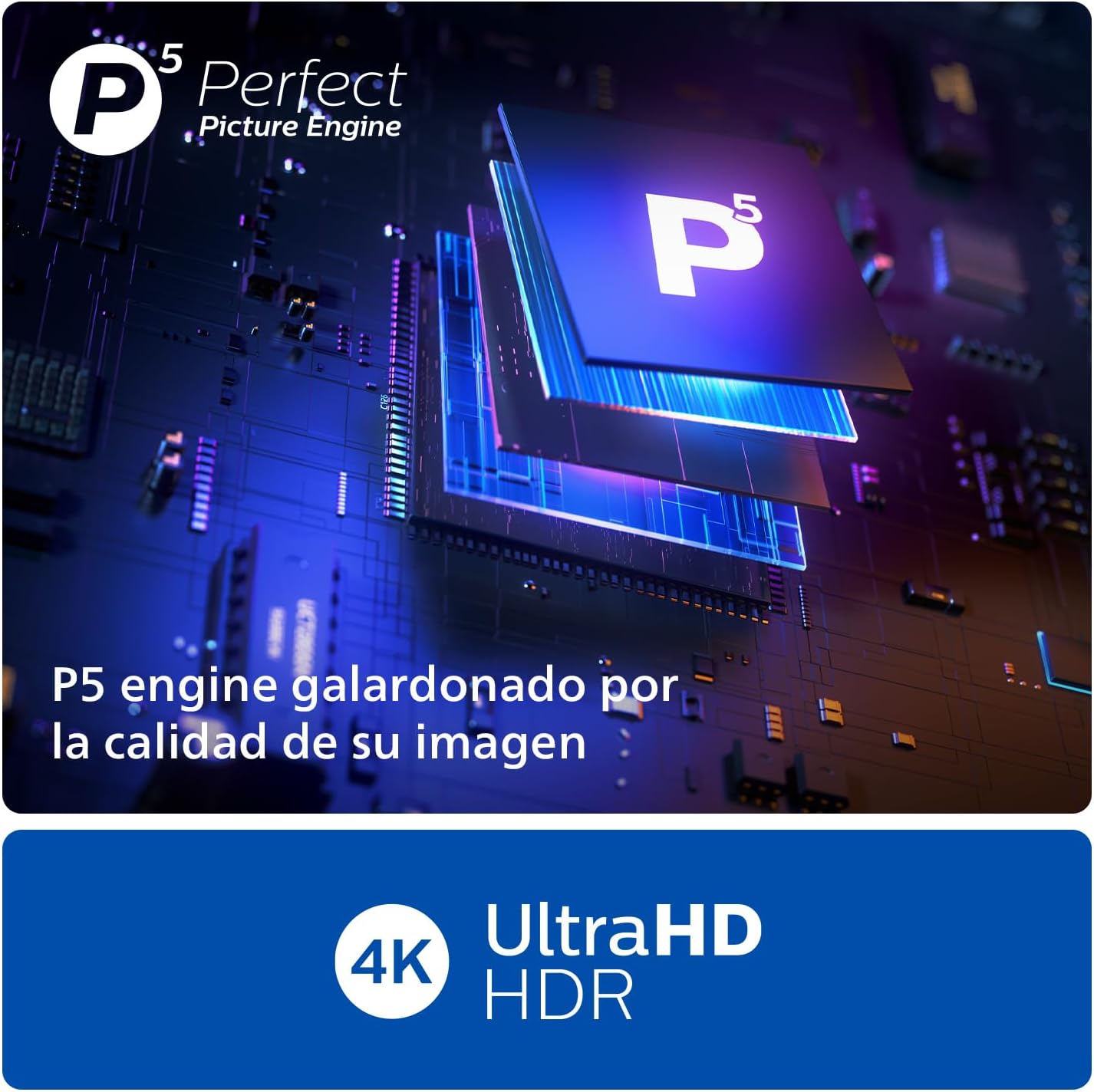
Image: P5 AI Perfect Picture Engine. This image shows a close-up of the P5 Picture Engine chip, emphasizing its role in image processing and quality enhancement.
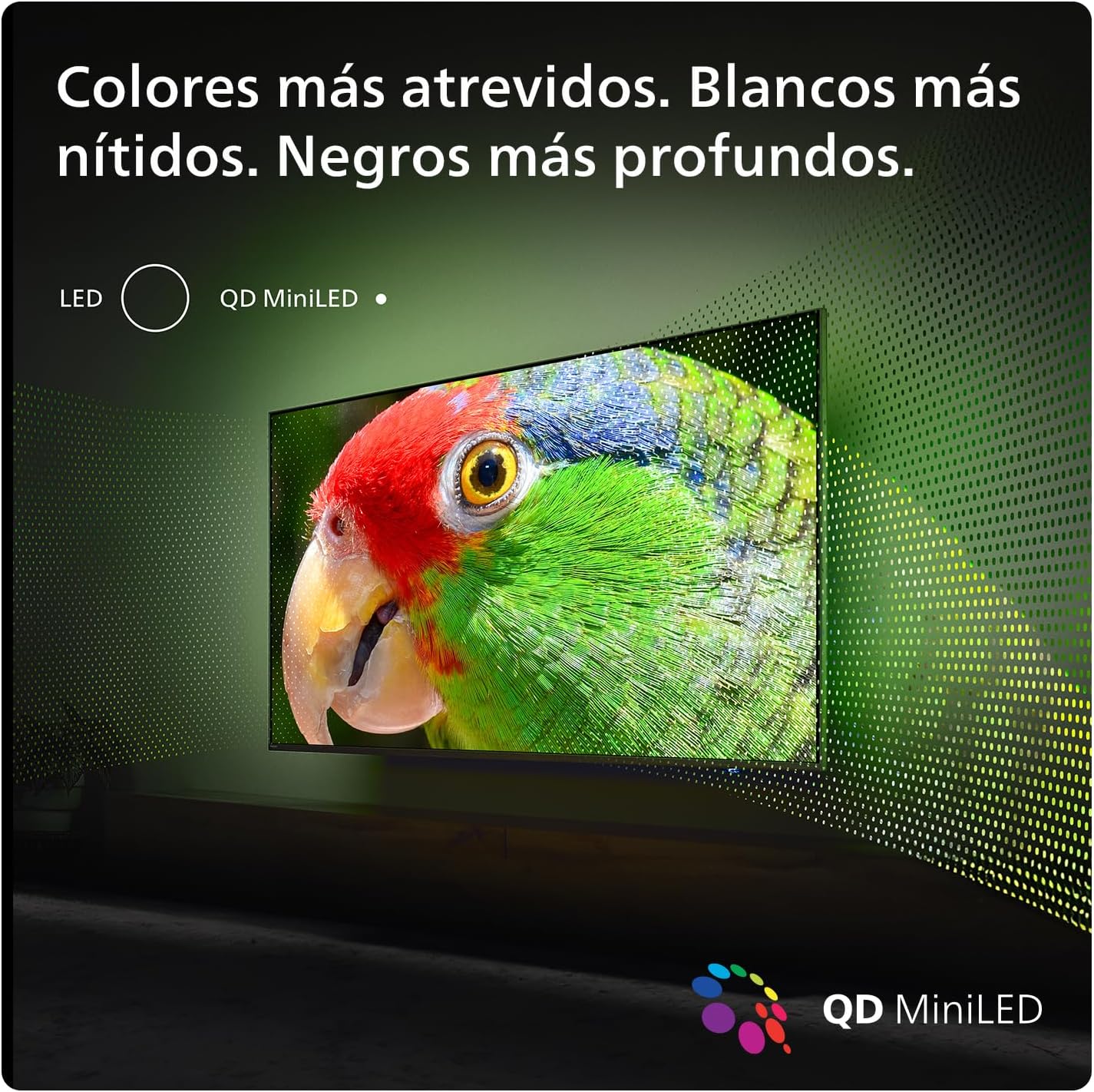
Image: Quantum Dot MiniLED Technology. This image visually represents the Quantum Dot MiniLED technology, showcasing its ability to produce bold, vivid colors and deep contrast.
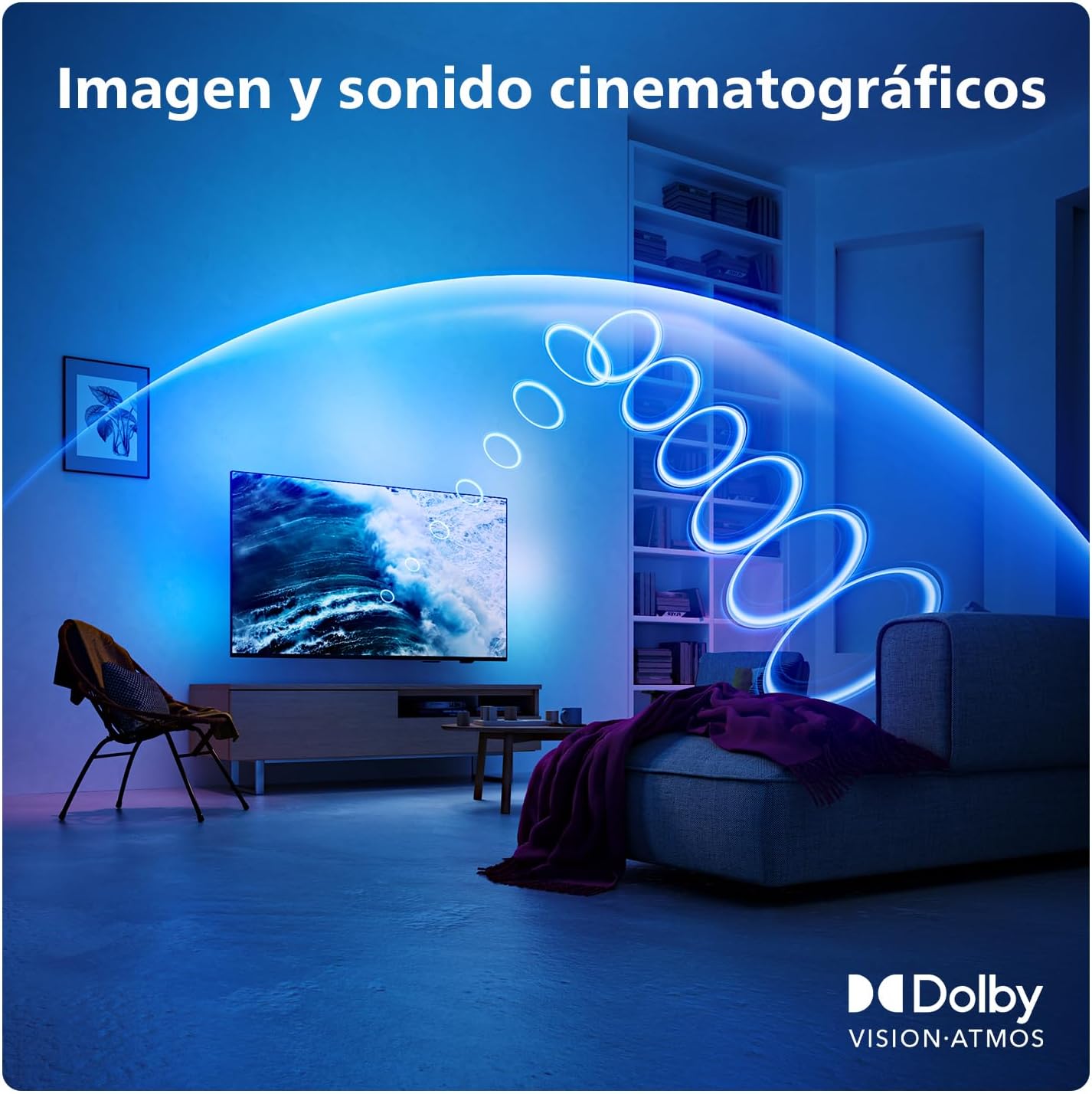
Image: Dolby Vision and Dolby Atmos. This image depicts a living room with the TV displaying a scene, accompanied by visual representations of sound waves emanating from the screen, illustrating the immersive audio experience of Dolby Atmos.
3.4. Smart TV Features (Titan OS)
The television operates on the Titan OS platform, providing easy access to your favorite streaming services and content. The home screen allows you to quickly find series, explore categories, and receive suggestions from various streaming providers.

Image: Titan OS Interface. This image displays the Philips TV's home screen powered by Titan OS, featuring icons for popular streaming services like Prime Video, Netflix, YouTube, Rakuten TV, Disney+, and DAZN.
3.5. Voice Control
The TV supports intelligent voice control. You can use the remote control with built-in Alexa for voice commands, or integrate the TV with Google Assistant-compatible devices for hands-free control.

Image: Voice Control. This image shows a hand holding the Philips TV remote control, with a graphic representing voice commands being spoken towards the remote, indicating its voice control capabilities with Alexa built-in.
3.6. Gaming Features
For gamers, the TV offers an ultra-low input latency and a native refresh rate of 120Hz (up to 144Hz via HDMI VRR for PC gaming). It is compatible with AMD FreeSync Premium, ensuring fluid gameplay and extraordinary graphics.

Image: Gaming Experience. This image shows a gaming scene on the Philips TV, with a game controller in the foreground, highlighting the TV's low input latency and high refresh rate (up to 144Hz) for an enhanced gaming experience.
4. Maintenance
4.1. Cleaning the TV
To clean the screen, gently wipe it with a soft, lint-free cloth. For stubborn marks, slightly dampen the cloth with water or a screen cleaner specifically designed for televisions. Avoid using harsh chemicals or abrasive materials. For the casing, use a soft, dry cloth.
4.2. Remote Control Battery Replacement
The remote control uses 2 AAA batteries. When the remote control's performance diminishes, replace both batteries with new ones, ensuring correct polarity. Dispose of used batteries responsibly.
5. Troubleshooting
If you encounter issues with your TV, refer to the following common solutions:
- No Power: Ensure the power cable is securely plugged into both the TV and a working power outlet. Check if the power indicator light on the TV is on.
- No Picture/Sound: Verify that the correct input source is selected. Check all cable connections (HDMI, antenna, etc.) for looseness. Try restarting the TV and any connected devices.
- Network Connection Issues: For Wi-Fi, ensure your router is on and within range. For Ethernet, check the cable connection. Try restarting your router and the TV.
- Remote Control Not Working: Check the batteries and replace them if necessary. Ensure there are no obstructions between the remote and the TV's IR sensor.
For more detailed troubleshooting, consult the full user manual available on the Philips support website or the included legal and safety information booklet.
6. Specifications
| Feature | Specification |
|---|---|
| Model Number | 55PML9019/12 |
| Screen Size | 55 Inches / 140 cm |
| Display Technology | Mini LED, Quantum Dot |
| Resolution | 4K (3840 x 2160) |
| Refresh Rate | 120 Hz (up to 144Hz VRR) |
| Picture Engine | P5 AI Perfect Picture Engine |
| HDR Support | Dolby Vision, HDR10+ |
| Audio Technology | Dolby Atmos |
| Operating System | Titan OS |
| Connectivity | Wi-Fi, Bluetooth, Ethernet, 4x HDMI (1x eARC), 2x USB |
| Special Features | Ambilight, Integrated Speaker, Gaming Mode, Smart Voice Recognition (Alexa built-in, Google Assistant compatible) |
| Product Dimensions (with stand) | 123.1 cm (W) x 78 cm (H) x 27 cm (D) |
| Product Weight (with stand) | 15.5 kg |
| Energy Efficiency Class (SDR) | G |
| Energy Consumption (SDR) | 82 kWh/1000h |
| Energy Efficiency Class (HDR) | G |
| Energy Consumption (HDR) | 161 kWh/1000h |

Image: EU Energy Label. This image displays the energy efficiency label for the Philips 55PML9019/12 TV, indicating an 'G' energy class for both SDR and HDR content, with consumption values of 82 kWh/1000h for SDR and 161 kWh/1000h for HDR.
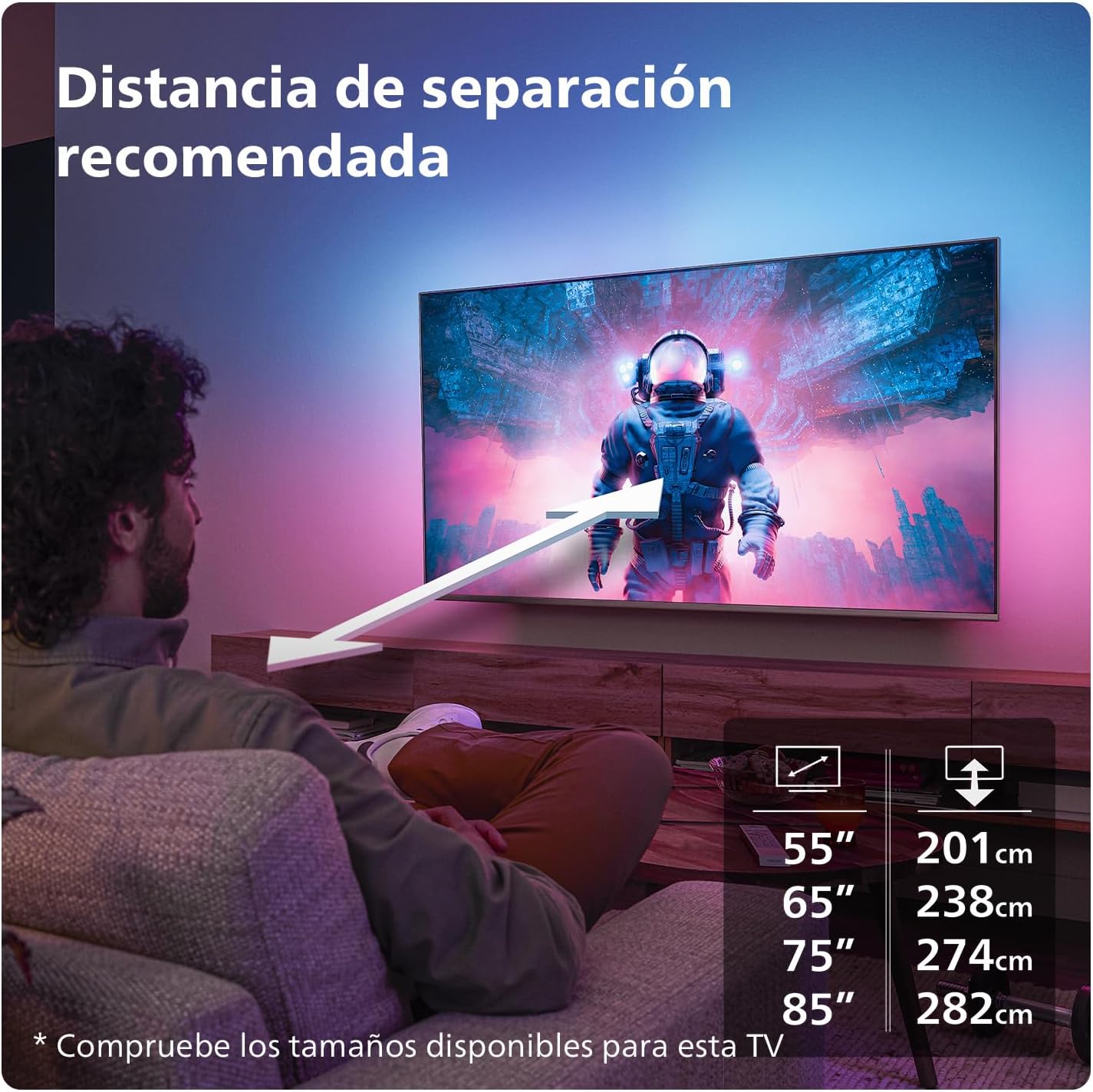
Image: Product Information Sheet. This image shows a detailed product information sheet for the Philips 55PML9019/12 TV, listing various technical specifications, energy ratings, and manufacturer details. For more information, visit the EPREL database.
7. Warranty and Support
Your Philips Ambilight TV is manufactured by TP Vision. For warranty information, technical support, and service inquiries, please refer to the legal and safety information booklet included in the box. You can also visit the official Philips support website for comprehensive assistance and updated information:


