1. Introduction
Thank you for choosing the OneBlis OB-RLT03 Red Light Lamp. This device is designed to provide targeted red light therapy for various body parts. Please read this manual thoroughly before use to ensure proper operation and safety. Keep this manual for future reference.
2. Important Safety Information
WARNING: Read all safety warnings and instructions before using this product. Failure to follow the warnings and instructions may result in electric shock, fire, or serious injury.
- Do not look directly into the LED lights during operation. Protective eyewear (goggles) is included and recommended for use.
- Keep the device away from water or damp environments. Do not use if wet.
- Do not use on broken, irritated, or infected skin. Consult a healthcare professional if you have any skin conditions.
- Keep out of reach of children and pets.
- Do not disassemble or modify the device. This will void the warranty.
- Unplug the device from the power outlet when not in use or before cleaning.
- If you experience any discomfort or adverse reactions, discontinue use immediately and consult a healthcare professional.
- Statements regarding dietary supplements have not been evaluated by the FDA and are not intended to diagnose, treat, cure, or prevent any disease or health condition. This device is not intended to diagnose, treat, cure, or prevent any disease.
3. Package Contents
Verify that all items listed below are included in your package:
- 1 x Red Light Lamp with Wired Controller (4 heads)
- 1 x Power Adapter
- 1 x Tripod Stand
- 1 x Connecting Rod
- 1 x User Manual (this document)
- 1 x Goggles

4. Setup Instructions
Follow these steps to assemble your OneBlis Red Light Lamp:
- Assemble the Tripod Stand: Extend the legs of the tripod stand to form a stable base. Ensure all legs are fully spread and locked into position.
- Attach the Connecting Rod: Screw the connecting rod onto the top of the tripod stand. Tighten securely.
- Mount the Lamp: Attach the main body of the red light lamp (with the four flexible arms) onto the top of the connecting rod. Ensure it is firmly attached.
- Adjust Height: Use the adjustable support bar on the tripod stand to set the desired height (15-63 inches). Secure the height adjustment lock.
- Position Lamp Heads: Adjust the 360° flexible arms to direct the four lamp heads as needed for your target area.
- Connect Power: Plug the power adapter into the wired controller of the lamp, then plug the adapter into a standard electrical outlet.
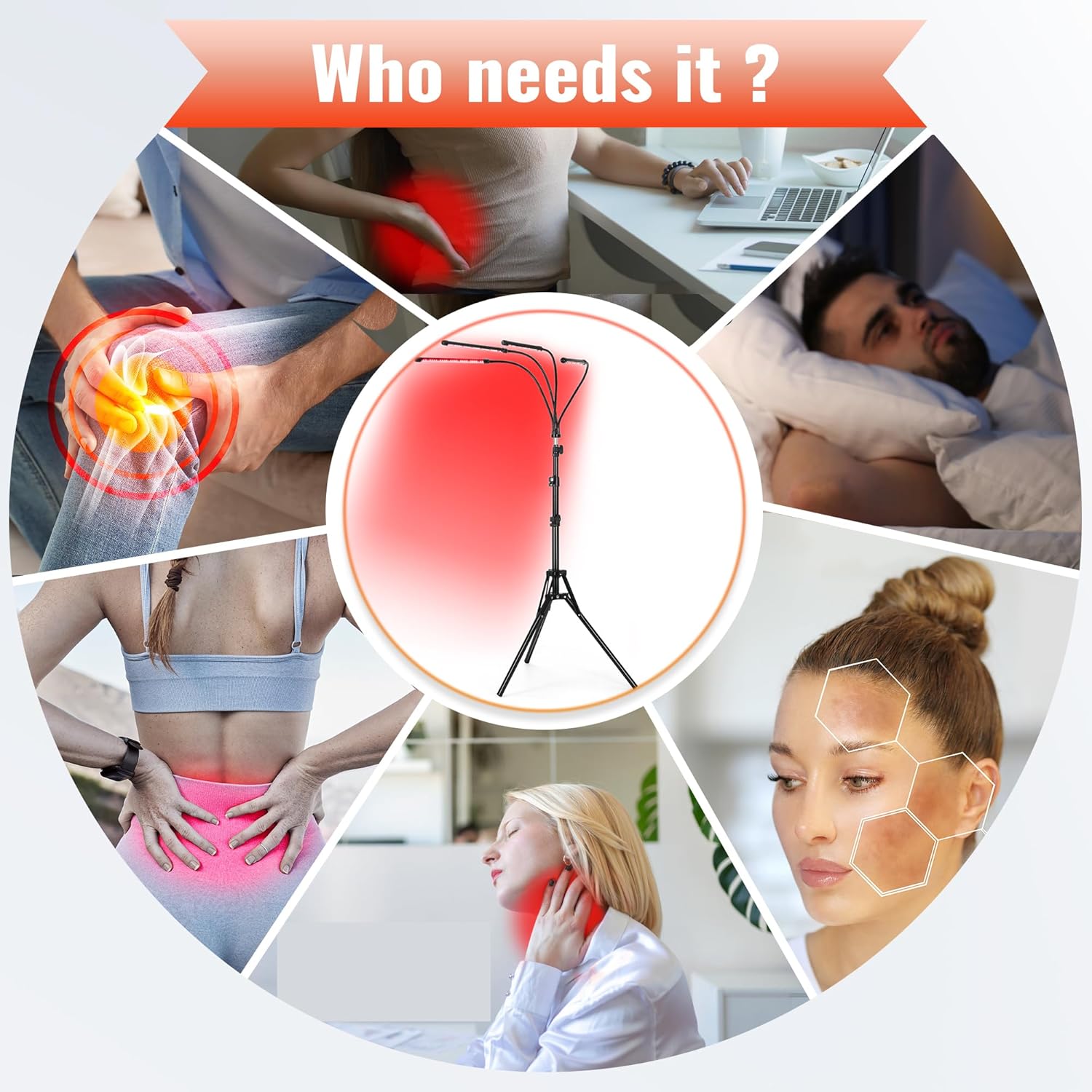
5. Operating Instructions
The OneBlis Red Light Lamp features a smart controller for easy operation.
5.1. Controller Functions
The wired controller allows you to manage the device settings:
- Power Button: Press to turn the device ON/OFF.
- Mode Button: Cycle through 3 available modes (e.g., Red Light only, Near-Infrared only, or combined).
- Brightness Adjustment (P0-P4): Adjust the light intensity. P0 is the lowest, P4 is the highest.
- Timer Setting (5-30 minutes): Set the desired session duration in 5-minute increments. The device will automatically shut off after the set time.
5.2. Usage Guidelines
- Wear Goggles: Always wear the provided protective goggles before turning on the device to protect your eyes from direct light exposure.
- Position the Lamp: Adjust the flexible arms to direct the red light towards the desired area of your face or body. Maintain a comfortable distance from the light source.
- Select Mode: Press the Mode button to choose between the available light modes (e.g., 660nm Red Light, 850nm Near-Infrared Light, or both).
- Set Brightness: Use the brightness adjustment buttons to select an intensity level from P0 to P4.
- Set Timer: Use the timer buttons to set your session duration (e.g., 5, 10, 15, 20, 25, or 30 minutes).
- Start Session: Press the Power button to begin your red light therapy session.
- End Session: The device will automatically turn off after the set time. You can also manually turn it off by pressing the Power button.


6. Maintenance
Proper care ensures the longevity and performance of your device.
- Cleaning: Ensure the device is unplugged before cleaning. Use a soft, dry cloth to wipe the lamp heads and stand. Do not use abrasive cleaners, solvents, or immerse the device in water.
- Storage: Store the device in a cool, dry place away from direct sunlight and moisture when not in use.
- Inspection: Periodically check the power cord and connections for any signs of damage. If any damage is found, discontinue use and contact customer support.
7. Troubleshooting
If you encounter issues with your OneBlis Red Light Lamp, refer to the following table:
| Problem | Possible Cause | Solution |
|---|---|---|
| Device does not turn on. |
|
|
| Lights are dim or flickering. |
|
|
| Controller buttons are unresponsive. |
|
|
8. Specifications
- Model: OB-RLT03
- LEDs: 120 individual chips (30 per head x 4 heads)
- Wavelengths: Dual wavelengths (e.g., 660nm Red Light, 850nm Near-Infrared Light)
- Modes: 3 selectable modes
- Brightness Settings: P0-P4
- Timer Settings: 5-30 minutes (in 5-minute increments)
- Adjustable Height: 15-63 inches
- Lamp Head Rotation: 360° flexible arms
- Package Dimensions: 16.77 x 5.94 x 4.09 inches
- Weight: 3.57 Pounds
- Manufacturer: OneBlis
9. Warranty and Customer Support
OneBlis products are manufactured to high-quality standards. For warranty information or technical support, please contact our customer service team.
Contact Information: Please refer to the contact details provided on the product packaging or the official OneBlis website for the most up-to-date support information.
Note: This manual does not contain specific warranty periods or contact details as these may vary. Always refer to the official product documentation or manufacturer's website for precise warranty terms and support channels.