
Hilighting GC767
Hilighting LED Light Kit Instruction Manual
Model: GC767 - For LEGO Ollivander & Madam Malkin's Robes Building Set (76439)
1. Introduction
This manual provides detailed instructions for the installation and operation of the Hilighting LED Light Kit, Model GC767. This kit is specifically designed to enhance the LEGO Ollivander & Madam Malkin's Robes Building Set (LEGO Set 76439) by adding integrated lighting. Please read these instructions carefully before beginning installation to ensure proper setup and functionality. Note: The LEGO building set is not included with this light kit.
2. Package Contents
Before starting, please verify that all components listed below are present in your package. If any parts are missing or damaged, please contact Hilighting customer support.

Image: Hilighting LED Light Kit package contents.
This image displays the various components included in the light kit package. You can see the main box, a USB power cable, an AAA battery case, several light strips, connecting cables, a socket expansion board, and a printed instruction manual.
- USB Power Cable
- AAA Battery Case (Batteries not included)
- Light Strips / Individual LEDs
- Connecting Cables
- Socket Expansion Board
- Instruction Manual (Printed)
3. Setup and Installation
The Hilighting LED Light Kit is designed for easy installation. Follow the steps outlined in the included printed instruction manual for specific placement of lights within your LEGO model. General steps are provided below:
- Prepare Your LEGO Model: Ensure your LEGO Ollivander & Madam Malkin's Robes Building Set (76439) is fully assembled or disassembled to the point where light installation is accessible.
- Identify Light Placement: Refer to the detailed diagrams in the printed instruction manual to determine where each light strip or individual LED should be placed within the LEGO structure.
- Connect Components: Carefully connect the light strips and individual LEDs to the socket expansion board using the provided connecting cables. Ensure connections are secure but do not force them.
- Integrate Lights: Route the cables neatly and integrate the lights into your LEGO model as per the instructions. This may involve carefully lifting or removing certain LEGO bricks to hide wires and secure lights.
- Connect Power Source: Choose your preferred power method:
- USB Power: Connect the USB power cable to the socket expansion board and then to a 5V USB power adapter (not included) or a USB power bank.
- AAA Battery Case: Insert 3 AAA batteries (not included) into the AAA battery case. Connect the battery case to the socket expansion board.
- Test Lights: Once all connections are made and the power source is connected, activate the power to test if all lights are functioning correctly.
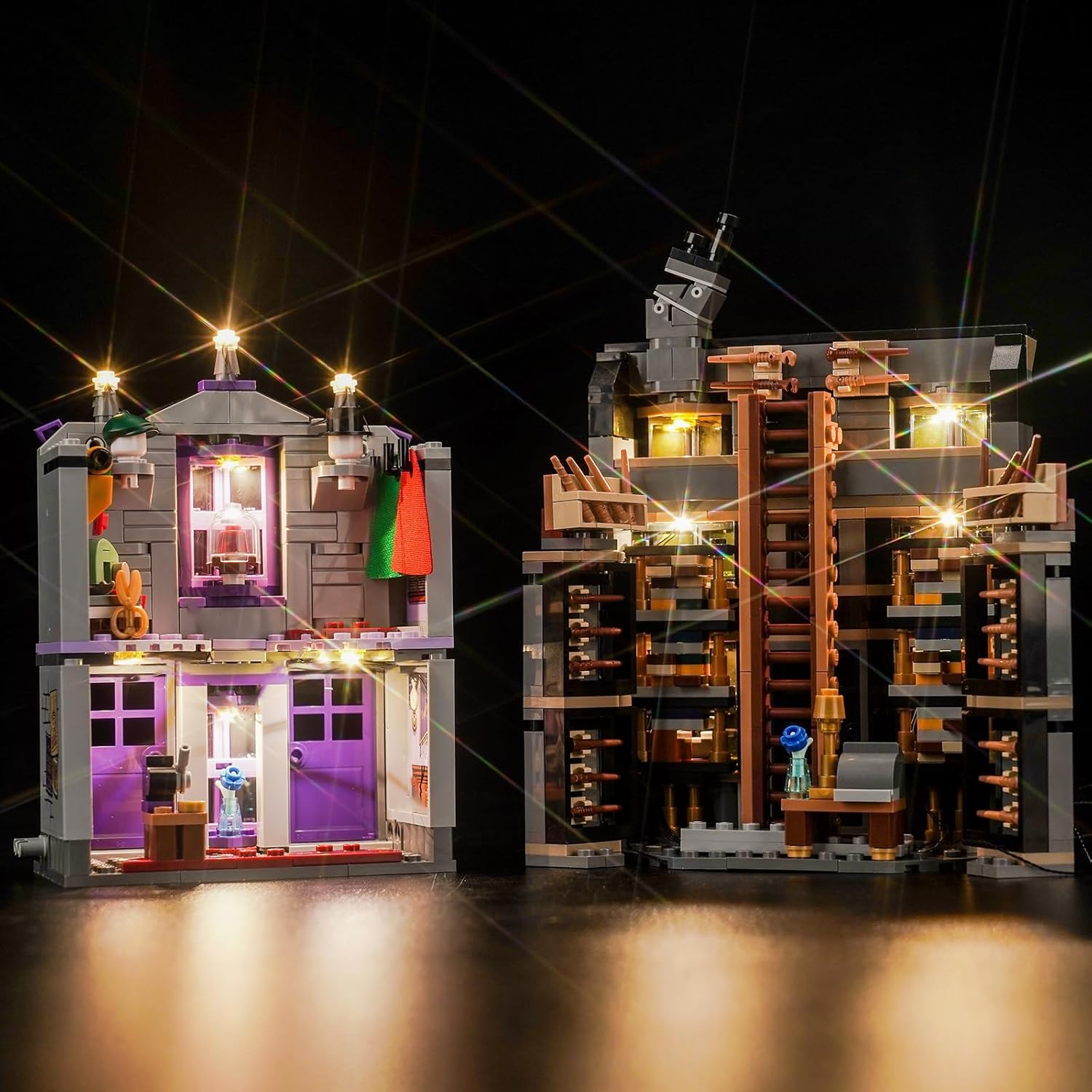
Image: Completed LEGO set with Hilighting LED Light Kit installed.
This image illustrates the LEGO Ollivander & Madam Malkin's Robes Building Set after the Hilighting LED Light Kit has been successfully installed, demonstrating the vibrant illumination of both sections of the model.
4. Operating Instructions
Once the Hilighting LED Light Kit is fully installed and connected to a power source, operation is straightforward:
- Power On/Off: If using the AAA battery case, use the switch on the case to turn the lights on or off. If using a USB power source, the lights will typically turn on when power is supplied and turn off when power is disconnected.
- Light Modes: The kit features both ordinary light and a seven-color self-flashing light option. The specific method to switch between these modes will be detailed in your printed instruction manual, usually via a small button or sequence of power cycles.
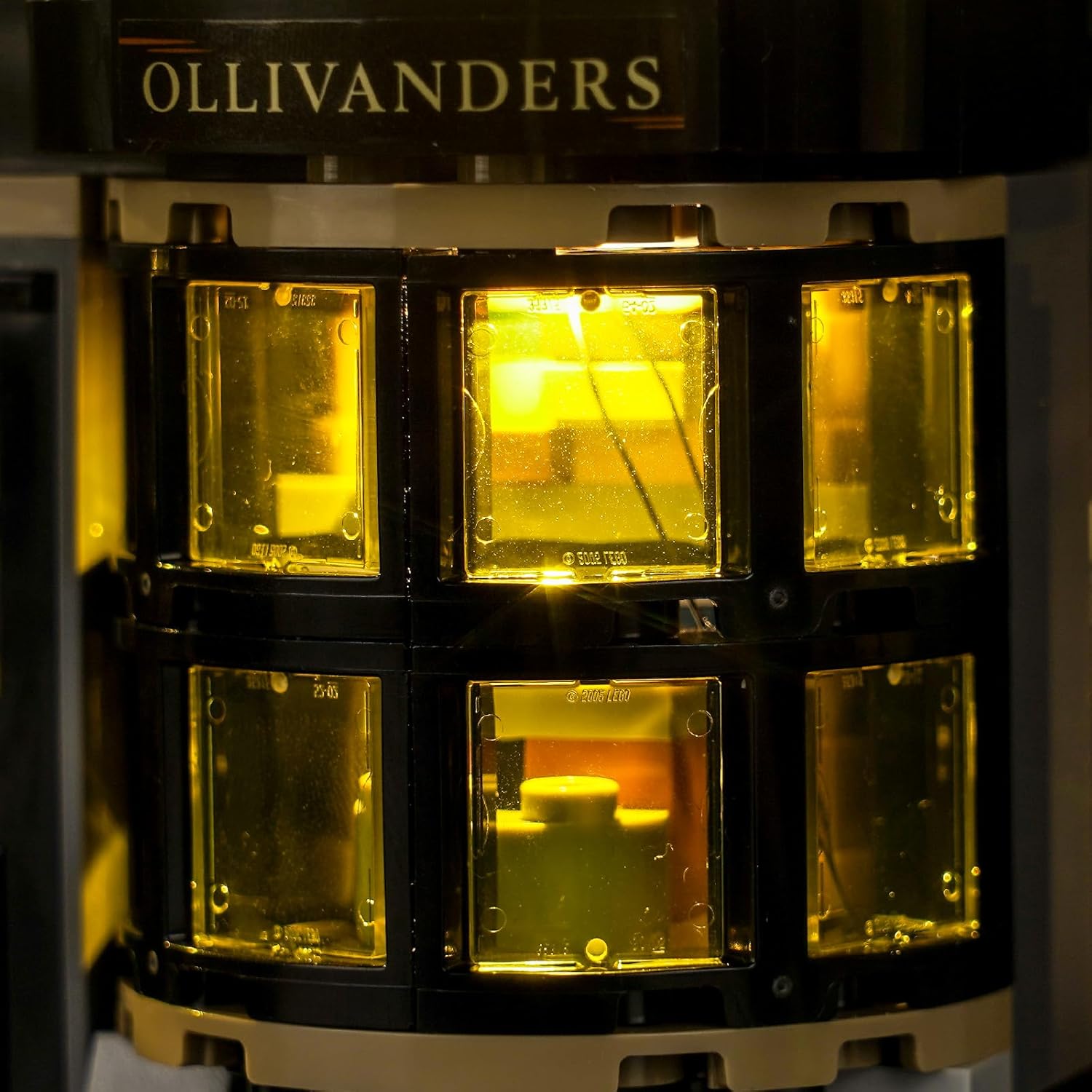
Image: Close-up of Ollivanders section with lights.
This image provides a detailed view of the Ollivanders section of the LEGO model, highlighting the warm, inviting glow provided by the installed LED lights.
5. Maintenance
To ensure the longevity and optimal performance of your Hilighting LED Light Kit, follow these simple maintenance guidelines:
- Cleaning: Gently dust the lights and cables with a soft, dry cloth. Avoid using liquid cleaners directly on the electrical components.
- Battery Replacement: If using the AAA battery case, replace all batteries when the lights dim or stop working. Ensure correct polarity when inserting new batteries.
- Storage: If disassembling your LEGO model or storing the light kit for an extended period, disconnect the power source and store components in a dry, cool place away from direct sunlight.
- Cable Care: Avoid sharp bends or excessive pulling on the cables to prevent damage.
6. Troubleshooting
If you encounter any issues with your Hilighting LED Light Kit, please refer to the following troubleshooting tips:
| Problem | Possible Cause | Solution |
|---|---|---|
| Lights do not turn on. |
|
|
| Lights are dim or flickering. |
|
|
| Some lights are not working. |
|
|
If these steps do not resolve the issue, please contact Hilighting customer support for further assistance.
7. Specifications
- Model: GC767
- Brand: Hilighting
- Compatible LEGO Set: Ollivander & Madam Malkin's Robes Building Set (76439)
- Material: Plastic
- Light Source Type: LED
- Power Source: DC adapter (via USB cable or AAA Battery Case)
- Voltage: 3-5V
- Bulb Features: Ordinary light, Seven-color self-flashing light
- Batteries Required: Yes, 3x AAA (for battery case, not included)
- Item Weight: Approximately 5.6 ounces (158 grams)
- Package Dimensions: Approximately 4.5 x 3.5 x 1 inches (11.4 x 8.9 x 2.5 cm)
8. Warranty and Support
Hilight team is committed to providing high-quality products and customer satisfaction. We offer:
- Lifetime Worry-Free Tech Support: Our dedicated support team is available to assist you with any questions or concerns you may have regarding your LED light kit.
- Warranty Information: Please refer to the product packaging or contact Hilighting customer service for specific warranty details regarding defects or malfunctions.
For technical assistance or warranty claims, please contact Hilighting customer support through the retailer where the product was purchased or visit the official Hilighting website for contact information.