
Sicodo CC672
Sicodo Bluetooth Speaker User Manual
Model: CC672
1. Introduction
Thank you for choosing the Sicodo Bluetooth Speaker. This portable wireless speaker is designed to deliver powerful stereo sound with vibrant RGB multi-color rhythm lights, making it ideal for both indoor and outdoor use. It features advanced Bluetooth V5.3 technology for stable connections, IPX7 waterproofing for durability, and a long-lasting battery for extended playtime.
This manual provides detailed instructions on how to set up, operate, and maintain your speaker to ensure optimal performance and longevity.
What's in the Box:
- 1 x Sicodo Bluetooth Speaker
- 1 x Type-C Charging Cable
- 1 x User Manual

Image: The Sicodo Bluetooth Speaker, showcasing its robust design and water resistance with water splashing around it.
2. Safety Instructions
Please read all safety instructions carefully before using the product. Failure to follow these instructions may result in electric shock, fire, or other injuries.
- Do not disassemble, repair, or modify the speaker. This may cause damage, electric shock, or fire.
- Do not expose the speaker to extreme temperatures (hot or cold) or high humidity.
- Keep the speaker away from heat sources, direct sunlight, and flammable materials.
- Ensure the charging port is dry before connecting the charging cable.
- Use only the provided Type-C charging cable or a certified equivalent.
- Do not immerse the speaker in water for extended periods, despite its IPX7 rating. The IPX7 rating indicates protection against immersion in water up to 1 meter for up to 30 minutes.
- Keep out of reach of children.
- Clean the speaker with a soft, dry cloth. Do not use corrosive cleaners or aerosols.
3. Product Features
- 16W Pure Monster Sound: Experience powerful and clear audio with rich bass, mids, and highs, providing a dynamic sound experience.
- 360° Surround Sound: Designed to deliver immersive sound, similar to a live concert performance, even at maximum volume.

Image: An exploded view of the speaker illustrating its 360-degree stereo sound architecture.
- Vibrant RGB Multi-Color Rhythm Lights: Features 15 LED lamp beads offering 7 light colors and 6 light modes. The lights sync with the music beat, creating a dynamic visual experience.

Image: The speaker showcasing its colorful lighting effects, including single-color gradient, 7-color gradient, rotation, symmetry, and sync modes.
- IPX7 Waterproof Rating: This speaker is sweat and weather-resistant, designed to withstand immersion in water up to 1 meter for 30 minutes, making it suitable for outdoor activities.
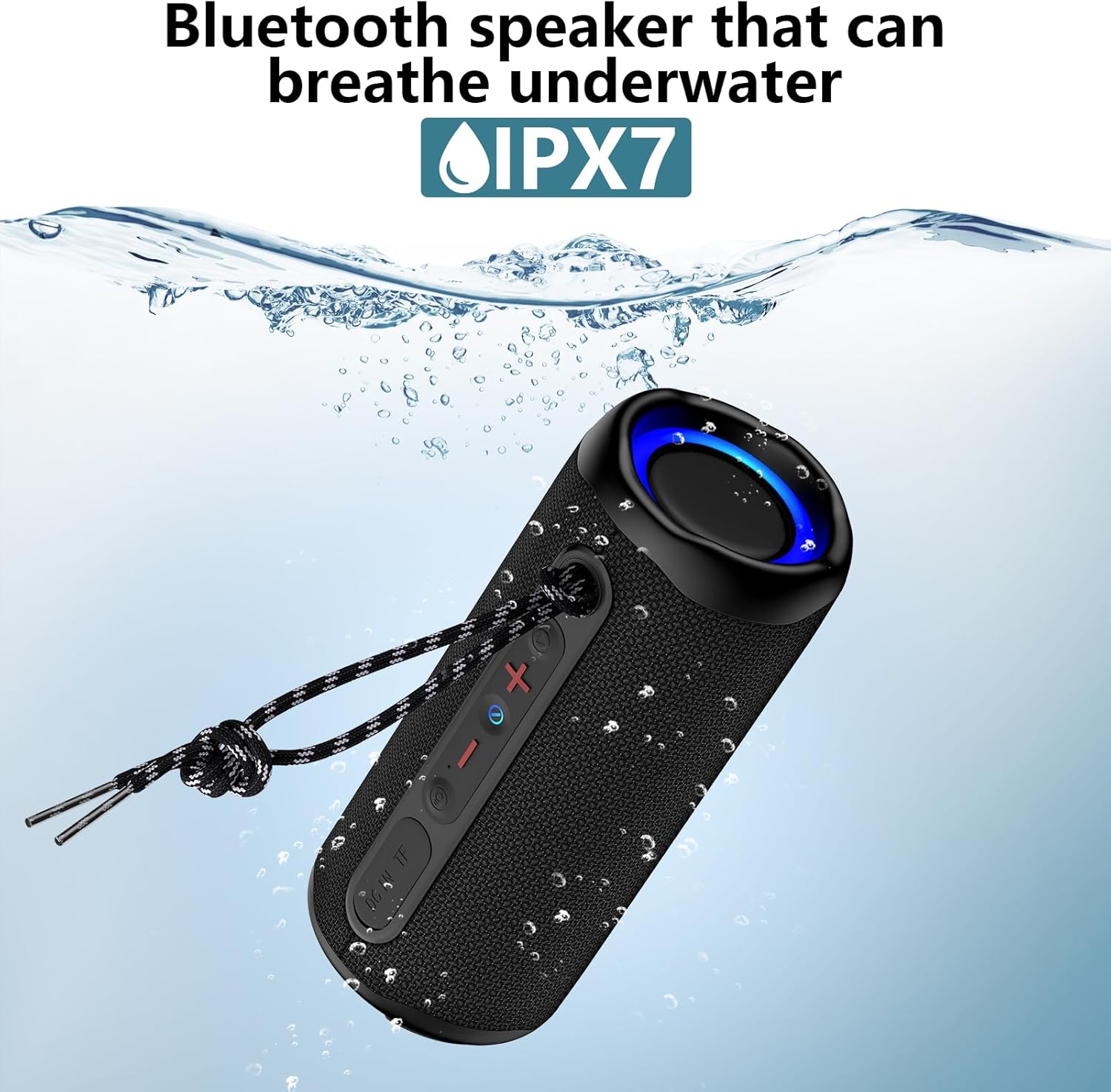
Image: The speaker submerged in water, illustrating its IPX7 waterproof design.
- 24-Hour Playtime: Equipped with a large capacity battery, providing up to 24 hours of music playback on a single charge. (Note: Playtime varies according to volume level and audio content.)

Image: The speaker in an outdoor environment, symbolizing its extended battery life for continuous enjoyment.
- True Wireless Stereo (TWS) Pairing: Connect two Sicodo speakers wirelessly for an enhanced stereo sound experience, creating a more realistic soundstage with up to 32W of surround sound.
- Built-In Microphone: Features a noise-canceling and echo-filtering microphone for clear hands-free calls, allowing you to stay connected while on the go.
- Compact and Portable Design: Small size with a detachable lanyard for easy portability, perfect for carrying your music wherever you go.
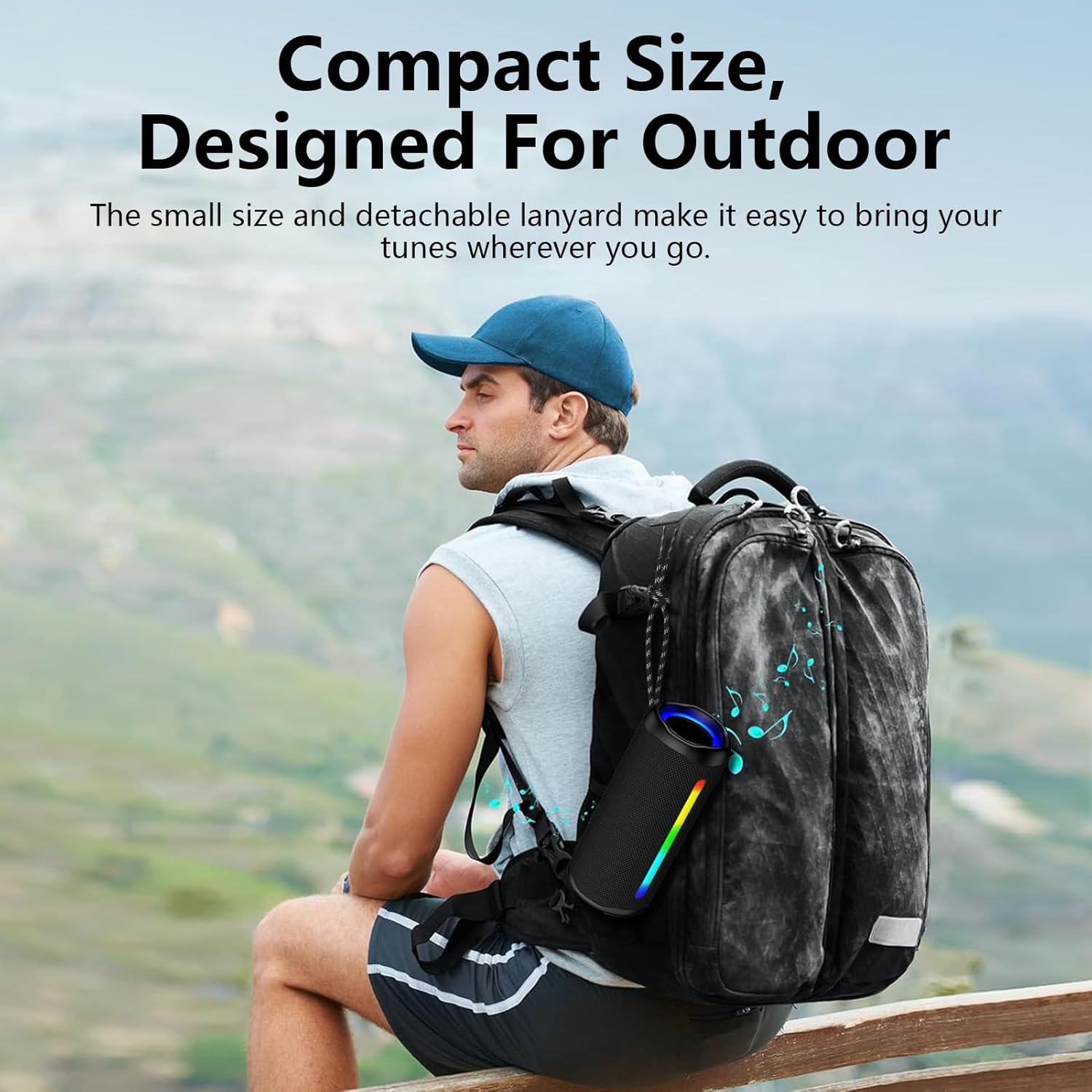
Image: The speaker attached to a backpack, highlighting its compact size and portability for outdoor adventures.
4. Setup Guide
4.1 Charging the Speaker
Before first use, fully charge the speaker. The charging port is a Type-C port located on the side of the speaker.
- Connect the provided Type-C charging cable to the speaker's charging port.
- Connect the other end of the cable to a USB power adapter (not included) or a computer's USB port.
- The charging indicator light will illuminate during charging and turn off when fully charged.
4.2 Powering On/Off

Image: A close-up view of the speaker's control panel, indicating the location and function of each button and port.
- Power On: Long press the Power button (indicated by a circle with a vertical line) for 2-3 seconds until you hear a power-on prompt and the indicator light turns on.
- Power Off: Long press the Power button again for 2-3 seconds until you hear a power-off prompt and the indicator light turns off.
4.3 Bluetooth Pairing
The speaker will automatically enter Bluetooth pairing mode when powered on for the first time or if no device is connected.
- Ensure the speaker is powered on and in pairing mode (the Bluetooth indicator light will flash).
- Enable Bluetooth on your device (smartphone, tablet, computer).
- Search for "Sicodo CC672" (or similar name) in your device's Bluetooth list.
- Select "Sicodo CC672" to connect. Once connected, you will hear a confirmation sound, and the Bluetooth indicator light will stop flashing and remain solid.
- If prompted for a password, enter "0000".
4.4 True Wireless Stereo (TWS) Pairing
To pair two Sicodo CC672 speakers for TWS stereo sound:
- Ensure both speakers are powered on and not connected to any Bluetooth device.
- On one speaker (this will be the primary speaker), short press the Light Mode / TWS Pairing button (indicated by a light bulb icon).
- The speakers will automatically search for each other and pair. You will hear a confirmation sound once TWS pairing is successful.
- Now, connect your device to the primary speaker via Bluetooth as described in section 4.3. Both speakers will play audio simultaneously.
5. Operating Instructions
Refer to the control panel diagram in Section 4.2 for button locations.
5.1 Button Functions:
- Power Button (circle with vertical line):
- Long Press: Power ON/OFF.
- Short Press: Activate Voice Assistant (Siri, Google Assistant).
- Play/Pause Button (play/pause icon):
- Short Press: Play/Pause music.
- Short Press (during call): Answer/End call.
- Long Press (during call): Reject call.
- Double Press: Switch Bluetooth mode (if other modes are available, e.g., TF card).
- Volume Up (+) Button:
- Short Press: Increase volume.
- Long Press: Next track.
- Volume Down (-) Button:
- Short Press: Decrease volume.
- Long Press: Previous track.
- Light Mode / TWS Pairing Button (light bulb icon):
- Short Press: Cycle through light modes (7 colors, 6 modes).
- Long Press: Initiate TWS pairing (see Section 4.4).
- Double Press: Reset speaker (if needed for troubleshooting).
5.2 Hands-Free Calling
When connected to your smartphone via Bluetooth, you can use the speaker for hands-free calls:
- Answer Call: Short press the Play/Pause button.
- End Call: Short press the Play/Pause button during a call.
- Reject Call: Long press the Play/Pause button when an incoming call rings.
5.3 Memory Card Playback (TF Card)
The speaker supports playback from a TF (MicroSD) card. Insert a TF card with audio files into the designated slot. The speaker will automatically switch to TF card mode and begin playback. Use the Play/Pause and Volume buttons to control playback.
6. Maintenance
Proper care and maintenance will ensure the longevity of your Sicodo Bluetooth Speaker.
- Cleaning: Wipe the speaker with a soft, dry, lint-free cloth. Do not use abrasive cleaners, alcohol, benzene, or other chemical solvents, as they may damage the surface or internal components.
- Storage: When not in use for extended periods, store the speaker in a cool, dry place, away from direct sunlight and extreme temperatures.
- Battery Care: To preserve battery life, charge the speaker at least once every three months if not used regularly. Avoid fully discharging the battery frequently.
- Water Exposure: After exposure to water, ensure the speaker is thoroughly dried before charging. Do not charge if the charging port is wet.
7. Troubleshooting
If you encounter issues with your speaker, please refer to the following common problems and solutions:
| Problem | Possible Cause | Solution |
|---|---|---|
| Speaker does not power on. | Low battery; Power button not pressed correctly. | Charge the speaker fully. Long press the Power button for 2-3 seconds. |
| Cannot pair with Bluetooth device. | Speaker not in pairing mode; Device Bluetooth off; Too far from speaker; Previously connected device. | Ensure speaker is in pairing mode (flashing light). Turn on Bluetooth on your device. Move device closer. Disconnect from other devices or forget speaker in device's Bluetooth settings and re-pair. |
| No sound or low volume. | Volume too low on speaker or device; Speaker not connected. | Increase volume on both speaker and connected device. Ensure speaker is successfully paired. |
| Lights are not working or stuck. | Light mode off; Software glitch. | Short press the Light Mode button to cycle through modes. Double press the Light Mode button to reset the speaker. |
| TWS pairing failed. | Speakers already connected to other devices; Incorrect pairing procedure. | Ensure both speakers are disconnected from all devices. Follow TWS pairing steps in Section 4.4 carefully. |
If the problem persists after trying these solutions, please contact customer support.
8. Specifications
| Feature | Detail |
|---|---|
| Brand | Sicodo |
| Model Number | CC672 |
| Wireless Communication Technology | Bluetooth V5.3 |
| Audio Output Mode | Stereo, Surround |
| Power Source | Battery Powered |
| Water Resistance Level | IPX7 Waterproof |
| Battery Life | Up to 24 Hours (varies by volume/content) |
| Product Dimensions | 7.87 x 2.81 x 2.76 inches |
| Specific Uses | Indoor and Outdoor Activities |
| Light Modes | 7 light colors, 6 light modes, RGB Multi-Colors Rhythm Lights |
| Microphone | Built-in (noise-canceling, echo-filtering) |
| TWS Pairing | Supported |
9. Warranty & Support
9.1 Limited Warranty
This Sicodo product comes with a Limited Warranty. The warranty covers manufacturing defects in materials and workmanship under normal use. It does not cover damage caused by misuse, accident, unauthorized modification, or external causes.
Please retain your proof of purchase for warranty claims.
9.2 Customer Support
For technical support, warranty inquiries, or any questions regarding your Sicodo Bluetooth Speaker, please contact our customer support team.
You can typically find contact information on the product packaging, the official Sicodo website, or through your point of purchase.
For more information, visit the Sicodo Store on Amazon.
Ask a question about this manual
Ask about setup, troubleshooting, compatibility, parts, safety, or missing instructions. Manuals+ will review the question and use this page’s manual context to help answer it.