
1. Important Safety Information
Please read all instructions carefully before installation and use. Retain this manual for future reference.
- WARNING: Ensure proper mounting to prevent the mirror from falling.
- Handle the mirror with care to avoid breakage.
- Keep all electrical components away from direct water sources.
- Professional installation is recommended for electrical wiring.
- This mirror is not suitable for children's rooms or play areas.
2. Product Overview
The Wisfor LED Bluetooth Bathroom Mirror combines modern design with advanced functionality, featuring integrated LED lighting, a Bluetooth speaker, a smart screen display, and a demister pad.
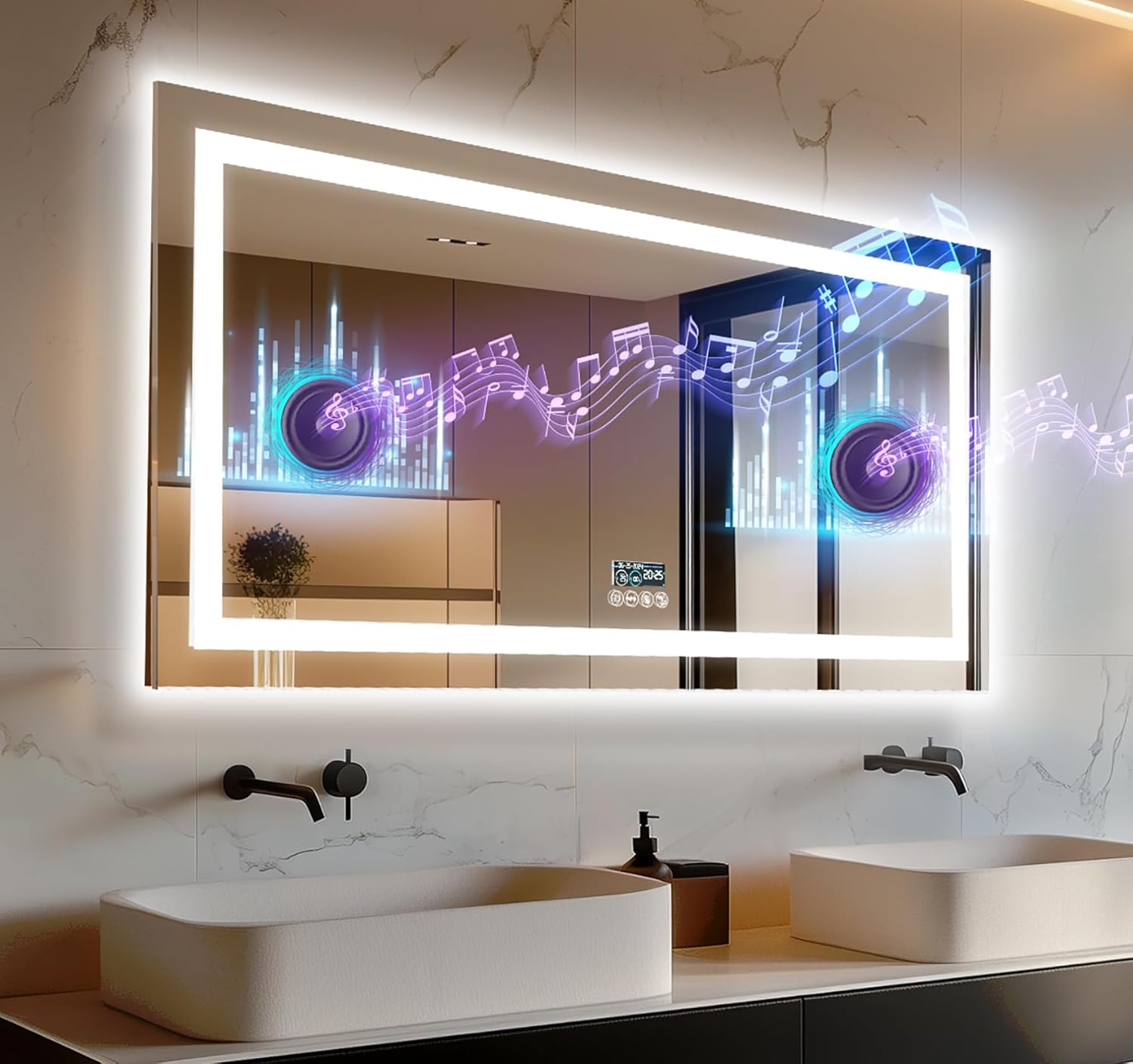
Figure 1: Wisfor LED Bluetooth Bathroom Mirror in a modern bathroom setting.
Key Features:
- Dual Dimmable LED Lighting: Front light and backlit with 3 color temperatures (3000K, 4500K, 6000K).
- Integrated Bluetooth Speaker: 360° surround sound for audio streaming.
- Smart Screen Display: Shows real-time, date, and temperature.
- Demister Pad: Anti-fog function for clear reflection.
- Memory Function: Retains last light settings.
- IP56 Rated: Protected against dust and water splashes.
- High-Definition Mirror: 5mm thick copper-free, antioxidant, shatter-proof glass with CRI > 95.
3. Installation Guide
The Wisfor LED Bluetooth Bathroom Mirror is designed for horizontal wall mounting. The back frame provides secure attachment to most wall types.
Mounting Options:
- Plug-in: The mirror comes with a plug for direct connection to an electrical outlet. This allows for testing before permanent installation.
- Hardwire: The mirror supports hardwiring to a wall switch. Professional electrician installation is recommended for this method.
Installation Steps:
- Prepare the Wall: Ensure the mounting surface is clean, dry, and capable of supporting the mirror's weight (13.4 kg).
- Mark Mounting Points: Use the provided template or measure the distance between the hanging points on the back of the mirror. Mark these points accurately on the wall.
- Drill Holes: Drill holes at the marked points suitable for your wall type and mounting hardware (not included, typically).
- Install Anchors/Screws: Insert wall anchors if necessary, then install screws, leaving a small portion exposed for hanging.
- Connect Electrical Wiring: If hardwiring, ensure power is off at the circuit breaker. Connect the mirror's wiring to the household electrical supply according to local electrical codes. If using the plug, ensure the outlet is accessible.
- Hang the Mirror: Carefully lift the mirror and align the hanging slots on the back frame with the screws on the wall. Gently lower the mirror until it is securely seated.
- Test Functionality: Restore power and test all mirror functions (lights, demister, Bluetooth).
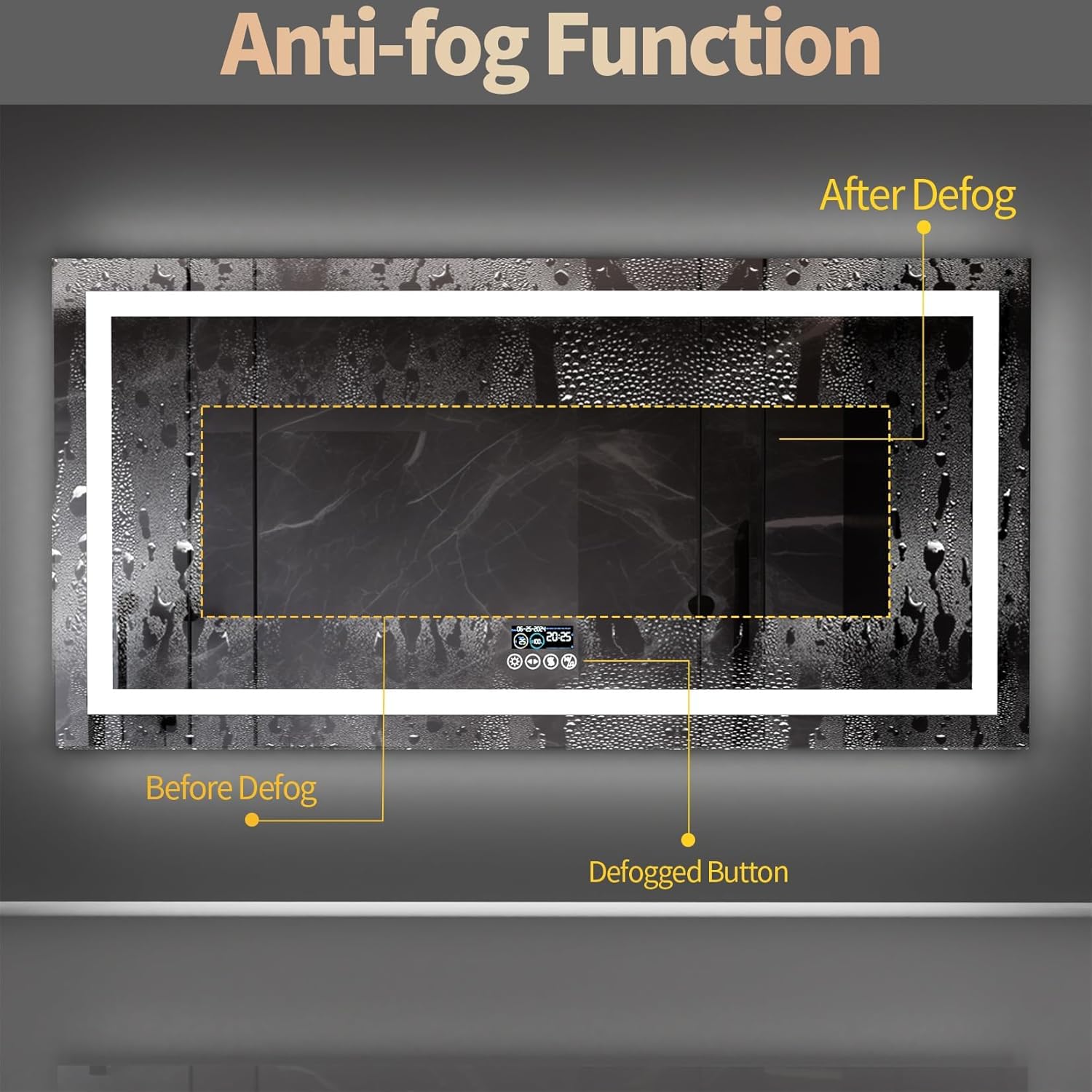
Figure 2: Installation diagram with dimensions and back panel details.
4. Operating Instructions
The mirror features smart touch sensors for easy control of its various functions.

Figure 3: Smart screen and touch controls overview.
4.1 LED Lighting Control
- Power On/Off: Tap the power icon on the mirror's touch panel to turn the lights on or off.
- Brightness Adjustment: Long press the brightness control icon to adjust the light intensity. The brightness will cycle through its range. Release when the desired brightness is reached.
- Color Temperature Change: Tap the color temperature icon to cycle through the three available lighting colors: 3000K (warm white), 4500K (neutral white), and 6000K (cool white).
- Memory Function: The mirror will remember your last used brightness and color temperature settings when powered on again.

Figure 4: Smart touch sensor for light control.
4.2 Bluetooth Speaker Operation
The mirror features two built-in NdFeb speakers for 360° surround sound audio.
- Activate Bluetooth: Long press the Bluetooth icon on the mirror's touch panel. The Bluetooth logo will appear on the digital display, indicating it's ready for pairing.
- Pair with Device: On your smartphone or other Bluetooth-enabled device, search for available Bluetooth devices and select the mirror (e.g., "Wisfor Mirror").
- Play Audio: Once paired, you can stream audio from your device to the mirror's speakers.
- Control Playback: Use the touch buttons on the mirror to pause/play audio or skip tracks.
This video illustrates how to connect your device via Bluetooth and control music playback directly from the mirror's touch interface, including pausing and skipping tracks.

Figure 5: Illustration of the customized NdFeb speakers for enhanced sound.
4.3 Demister Pad (Anti-Fog)
The built-in demister pad prevents fogging on the mirror surface, ensuring a clear reflection even in steamy conditions.
- Activate Demister: Tap the anti-fog icon on the mirror's touch panel to activate the demister.
- The demister typically clears fog within 3-4 minutes.
- It is recommended to turn on the demister before taking a shower for optimal performance.
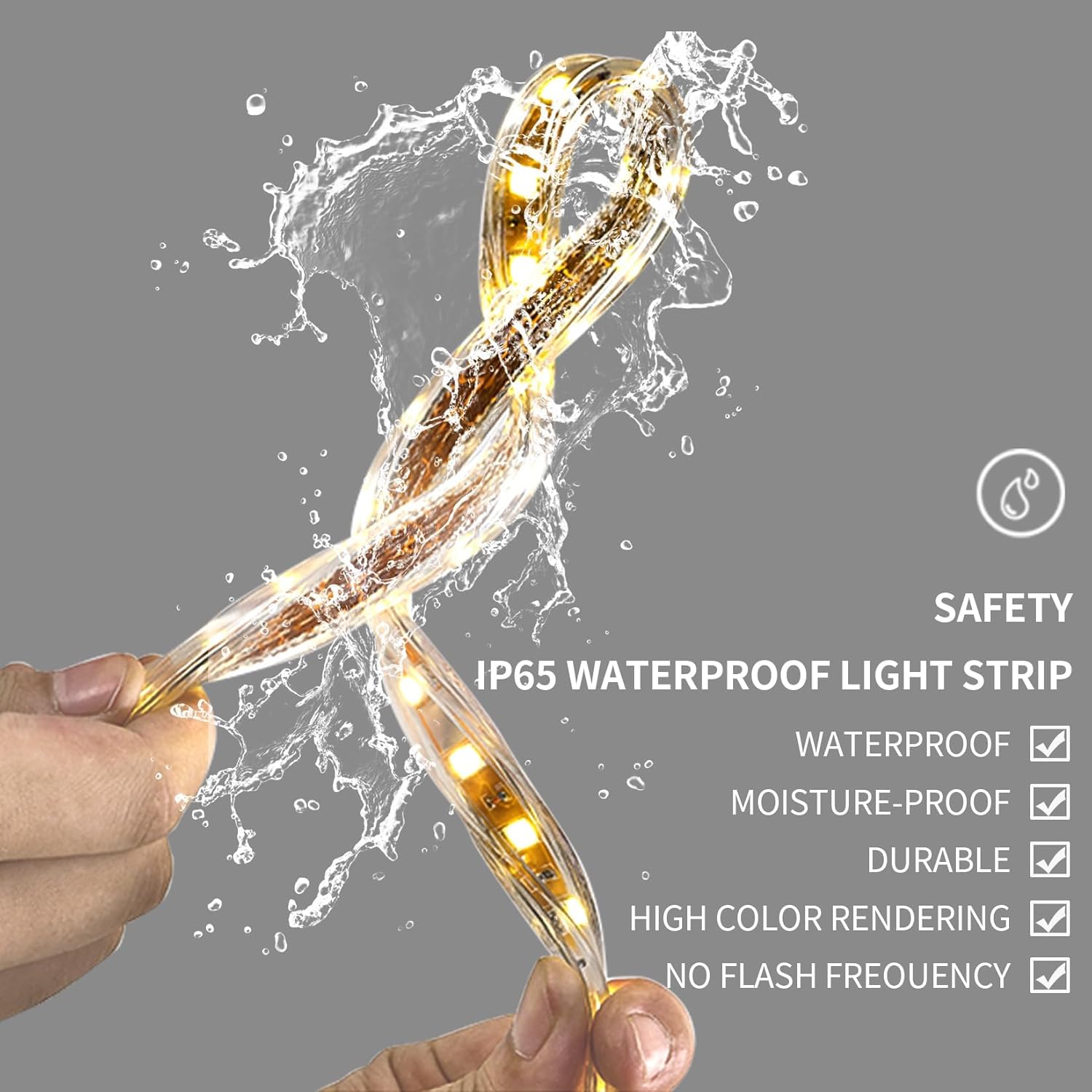
Figure 6: Anti-fog function in action.
4.4 Smart Screen Display
The integrated smart screen displays useful information such as the current time, date, and ambient temperature.
5. Maintenance
Proper maintenance ensures the longevity and optimal performance of your Wisfor LED Bluetooth Bathroom Mirror.
- Cleaning the Mirror Surface: Use a soft, lint-free cloth and a non-abrasive glass cleaner. Spray the cleaner onto the cloth, not directly onto the mirror, to avoid liquid seeping into electrical components.
- Cleaning the Frame: Wipe the aluminum frame with a soft, damp cloth. Avoid harsh chemicals.
- Electrical Components: The light strips are covered by a silicone tube, and inner components are protected by the back panel, contributing to the IP56 rating. Do not attempt to open or service electrical parts yourself.

Figure 7: IP65 waterproof light strip for enhanced durability and safety.
6. Troubleshooting
If you encounter any issues with your Wisfor LED Bluetooth Bathroom Mirror, please refer to the following common troubleshooting steps:
- No Power/Lights Not Working:
- Check if the power cord is securely plugged into the outlet or if the hardwired connection is secure.
- Verify that the circuit breaker for the bathroom is not tripped.
- Ensure the touch power button on the mirror is activated.
- Bluetooth Not Connecting:
- Ensure Bluetooth is enabled on your device and on the mirror (long press the Bluetooth icon).
- Make sure the mirror is not already paired with another device. Disconnect from other devices if necessary.
- Try restarting both your device and the mirror.
- Demister Not Working:
- Ensure the anti-fog icon is activated.
- Allow 3-4 minutes for the demister to heat up and clear the fog.
- Digital Display Issues:
- If the display is incorrect, ensure the mirror has a stable power supply.
- For persistent issues, contact customer support.
If these steps do not resolve the issue, please contact Wisfor customer support for further assistance.
7. Specifications
| Feature | Specification |
|---|---|
| Brand | Wisfor |
| Model Number | B0D62TGGDX |
| Dimensions (L x W) | 60L x 120W Centimetres (approx. 23.6L x 47.2W inches) |
| Material | Aluminum, Glass |
| Mirror Thickness | 5mm |
| Item Weight | 13.4 kg |
| Lighting Type | Front Light + Backlit LED |
| Color Temperatures | 3000K, 4500K, 6000K (Dimmable) |
| Color Rendering Index (CRI) | > 95 |
| Special Features | Built-In Bluetooth Speaker, Demister (Anti-Fog), Touch Sensor, Digital Display, Memory Function |
| IP Rating | IP56 |
| Mounting Type | Wall Mount (Horizontal) |
8. Warranty and Support
Wisfor is committed to providing high-quality products. While specific warranty details are not provided in this manual, we encourage you to retain your proof of purchase.
If you receive a broken or defective product, or require any assistance with installation or operation, please contact Wisfor customer service through the retailer where you purchased the mirror.